Form library
AV and IT survey forms
Site surveys, installation checks and commissioning forms for audio visual, network and IT installers. See every question, try the live form, then use it in SiteSurvey.
Most used
Start with the most used av and it forms
All av and it forms by type
Search by name or topic, or jump to a type. Open any form to see every question and try it live.
17 forms
AV, IT, Wi-Fi and CCTV site surveys 4
Pre-sale and pre-install surveys that capture rooms, containment, power, network points, coverage and camera positions so the quote and the design match the building.
- AV and IT
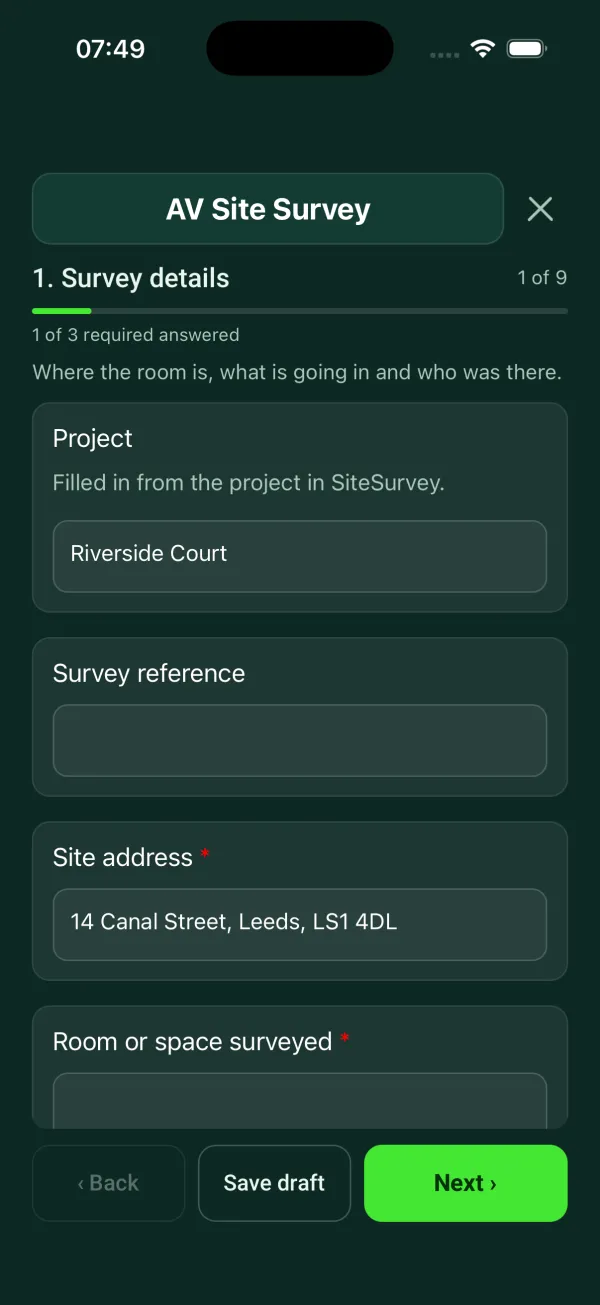
AV site survey template
Room survey for AV installs: dimensions, photos, power and data, ceiling and structure, equipment positions, access.
9 sections116 questionsPhotosSignaturesSee every question → - AV and IT
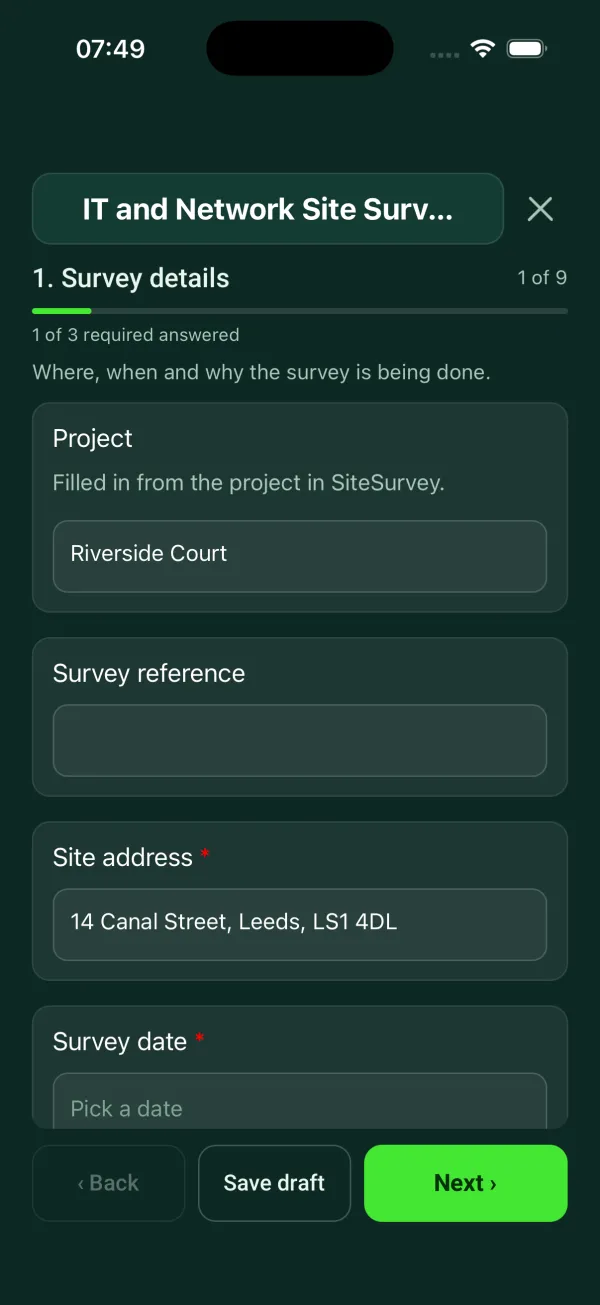
IT site survey checklist
Containment and cable routes, comms room and cabinet, power and cooling, existing and required outlets by area.
9 sections97 questionsPhotosSignaturesSee every question → - AV and IT
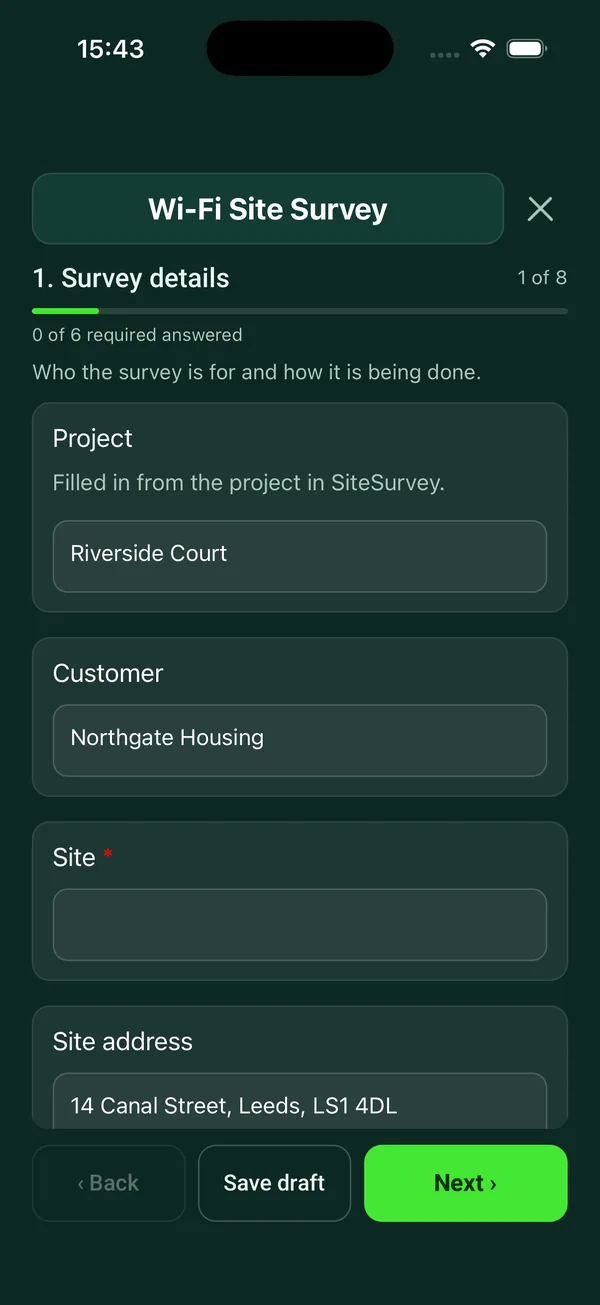
Wi-Fi site survey checklist
Wireless survey for a new or existing network: requirements, building, signal readings area by area, access point positions, cabling and PoE.
7 sections84 questionsPhotosSignaturesSee every question → - AV and IT
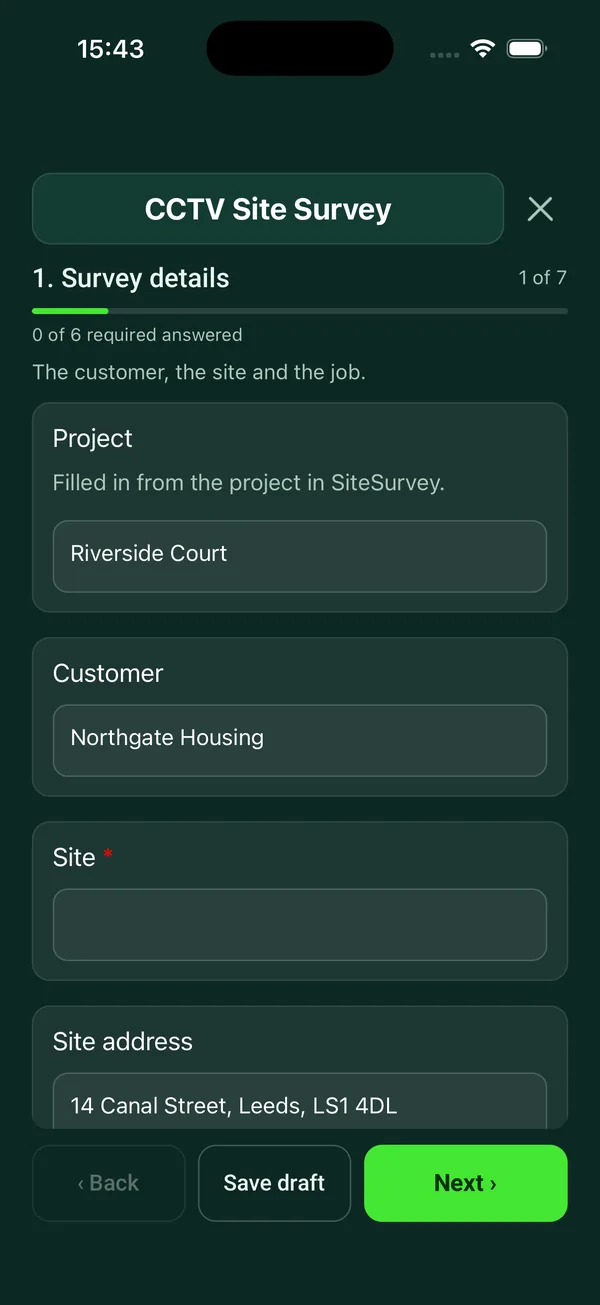
CCTV site survey checklist
Pre-installation CCTV survey: purpose and data protection, camera by camera positions and views, lighting, cabling, recorder and network.
7 sections72 questionsPhotosSignaturesSee every question →
Installation, cable testing and commissioning 3
Records made during and at the end of an install: display and bracket fixing checks, structured cabling test results and the commissioning sheet signed at handover.
- AV and IT
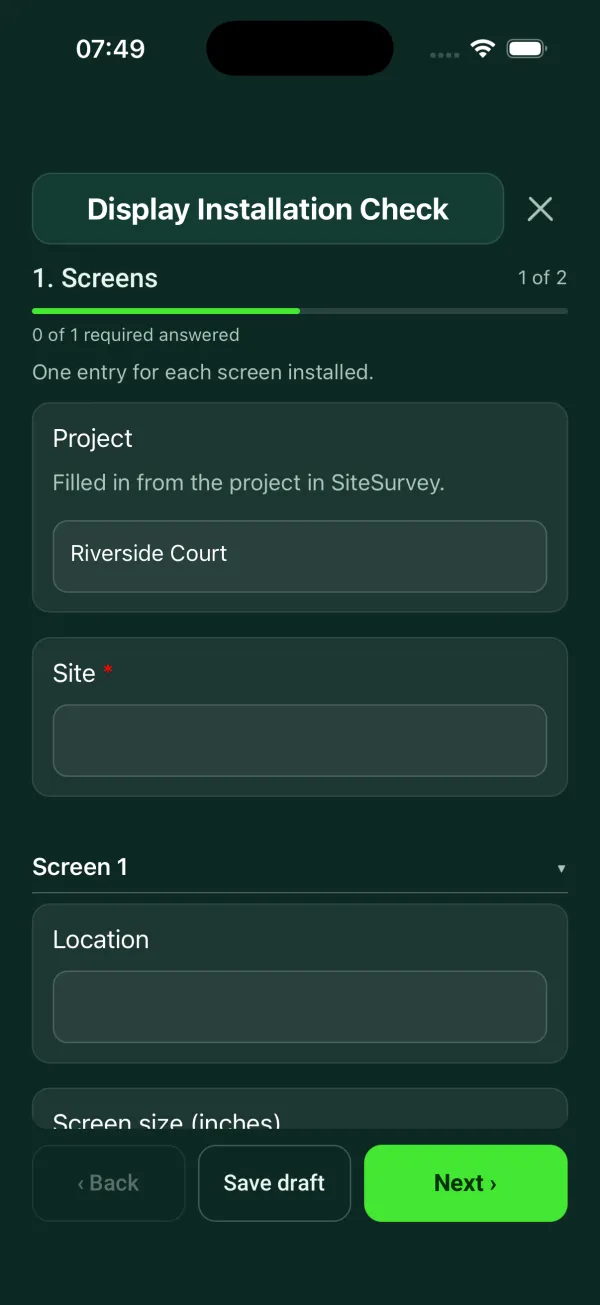
Display installation checklist
Per room and per screen: mount, weight against the mount rating, fixings, height to centre measured or from a photo against the agreed height, level, power and signal, picture test, photos and sign-off.
2 sections45 questionsPhotosSignaturesSee every question → - AV and IT
Cable test report template
A structured cabling test and handover record: cabling category, tester and calibration, permanent link or channel, links tested and passed, failures and retests, fibre results, labelling, drawings and warranty.
3 sections45 questionsPhotosSignaturesSee every question → - AV and IT
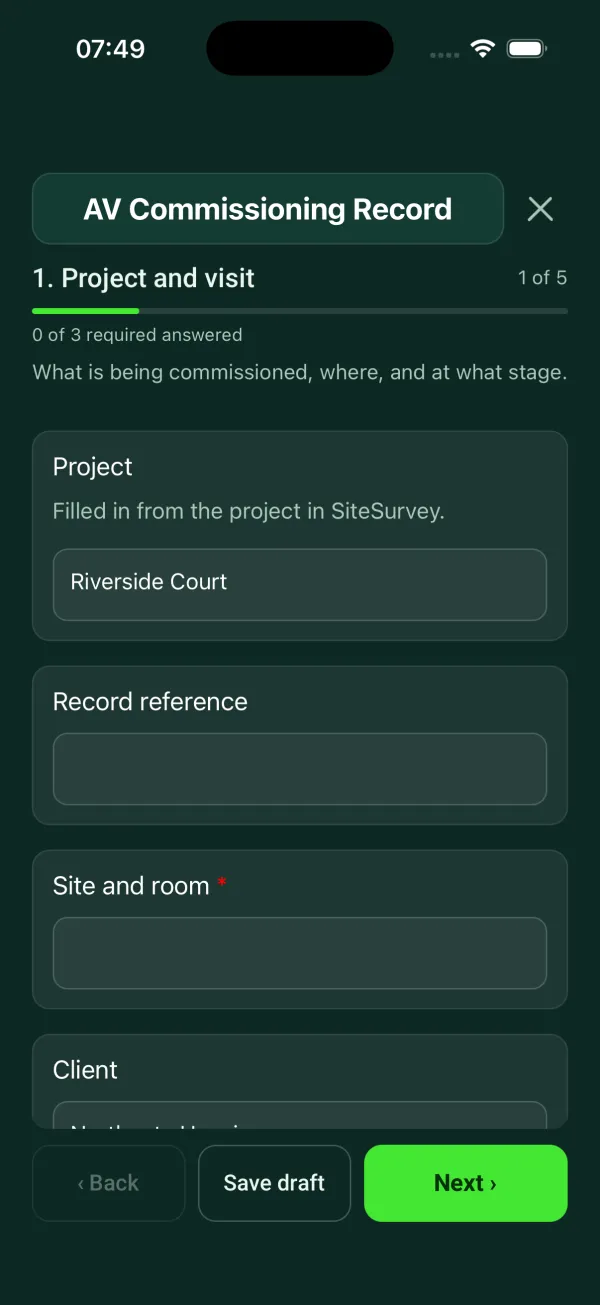
Commissioning sheet template
Commissioning and handover for AV and network installs: tests, equipment and photos, snags, documents and training.
8 sections126 questionsPhotosSignaturesSee every question →

AV, IT and CCTV maintenance 5
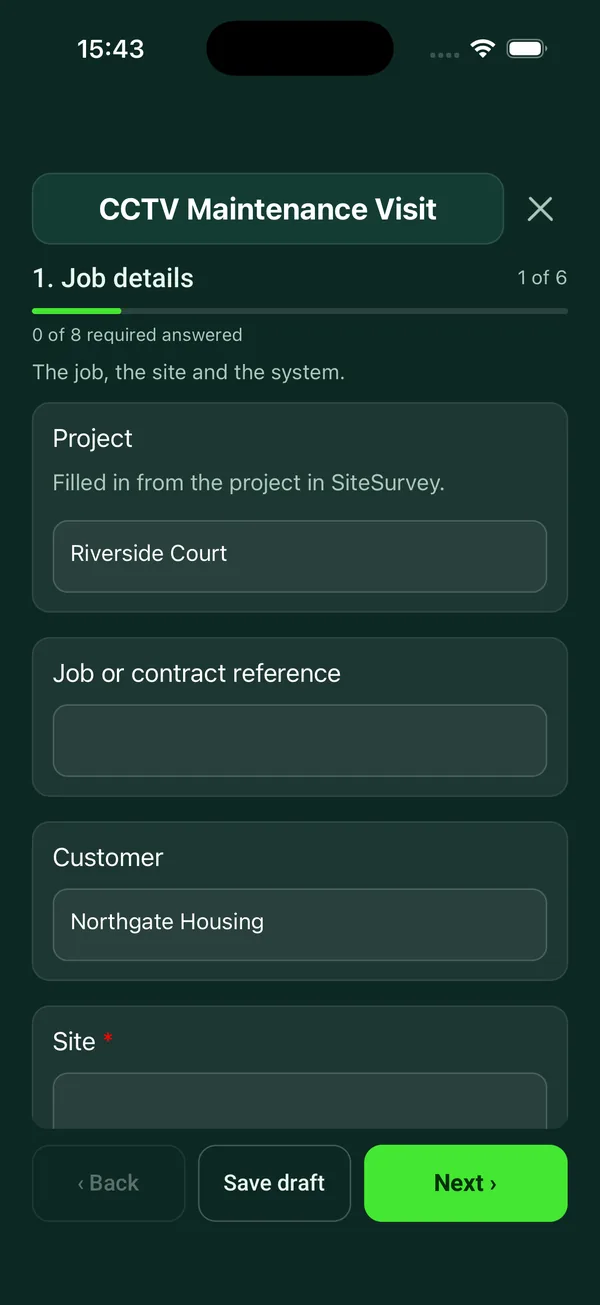
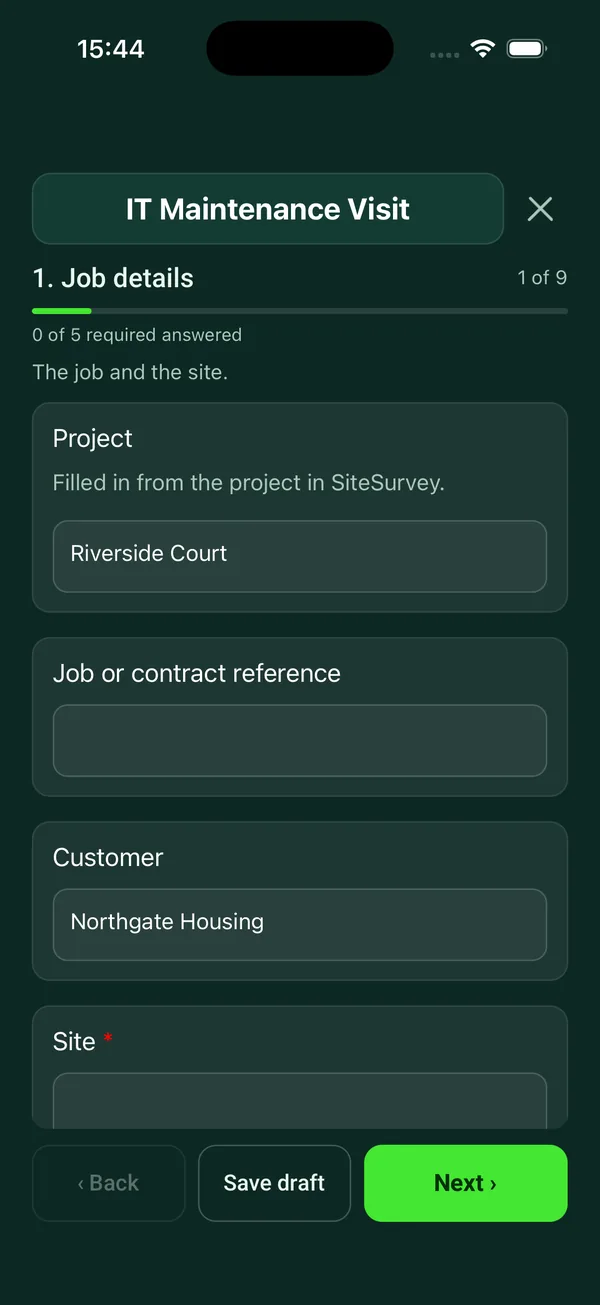
Planned maintenance visits and routine checks for meeting rooms, AV systems, CCTV, server rooms and racks, with faults and remedial work recorded per device.
- AV and IT
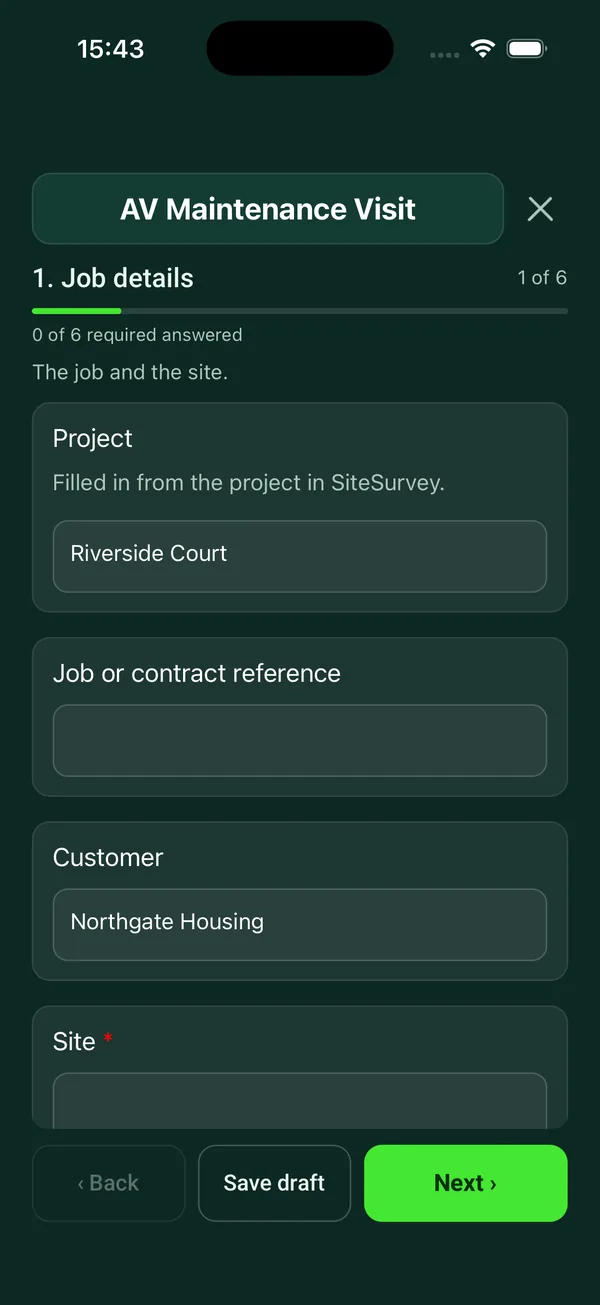
AV maintenance checklist
Preventive maintenance for meeting room and classroom AV: room by room display, audio, video call and control checks, defects and sign-off.
6 sections73 questionsPhotosSignaturesSee every question → - AV and IT
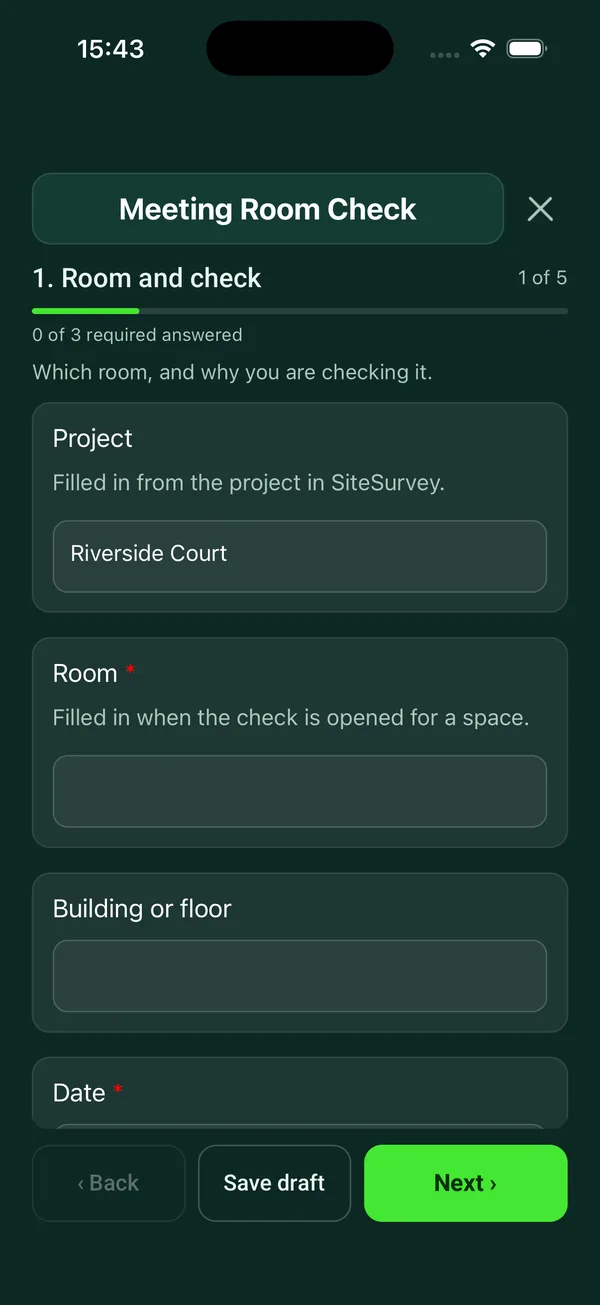
Meeting room checklist
Quick readiness check for a meeting or conference room: display, sharing, test call, audio, camera, room and furniture, with issues and photos.
5 sections39 questionsPhotosSignaturesSee every question → - AV and IT
CCTV maintenance checklist
Service visit for a CCTV system: recorder, storage and retention, date and time, camera by camera image checks, signs, defects and sign-off.
6 sections77 questionsPhotosSignaturesSee every question → - AV and IT
IT maintenance checklist
Routine IT maintenance visit: comms room, UPS runtime and battery age against the need, servers and storage, update age against 14 days, backups, speeds against the contract, PC checks, defects and sign-off.
9 sections98 questionsPhotosSignaturesSee every question → - AV and IT
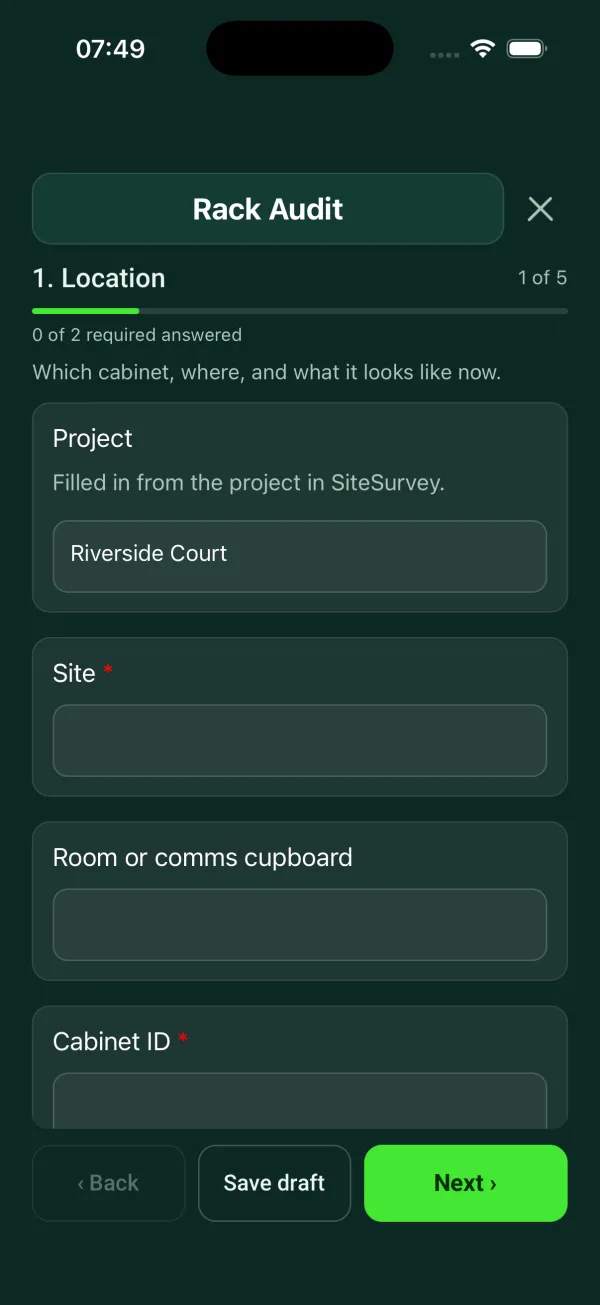
Rack audit checklist
Cabinet by cabinet audit: equipment by U position, power, cooling, labelling, cable management.
5 sections50 questionsPhotosSignaturesSee every question →
IT audits and cyber security 2
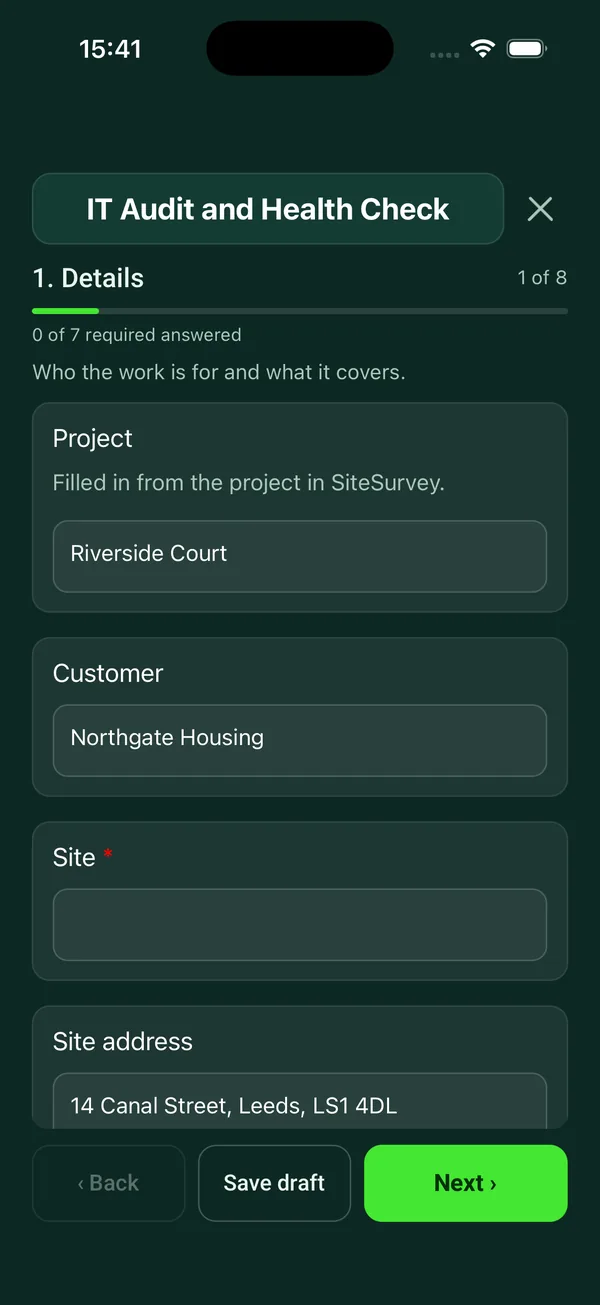
Audit the IT estate and its security controls against a recognised baseline such as Cyber Essentials or the NCSC 10 Steps.
- AV and IT
IT audit checklist
On-site IT audit for a small or mid-sized organisation: network and speeds against the contract, servers, devices, backup, accounts and security, a key controls score and rated findings.
8 sections86 questionsPhotosSignaturesSee every question → - AV and IT
IT security audit checklist
Security audit built around the five Cyber Essentials controls, plus backups, physical security and incident readiness, with rated findings.
9 sections105 questionsPhotosSignaturesSee every question →
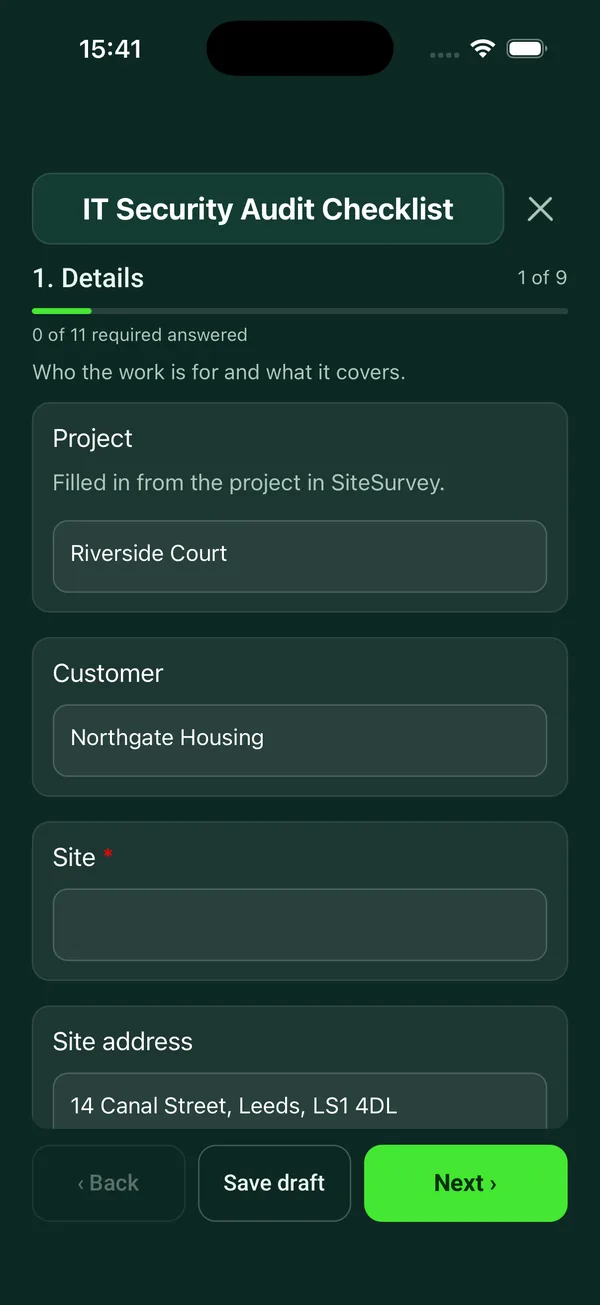
Asset registers, handover and secure disposal 3
Track every device from issue to disposal: the asset inventory, signed handover to staff and a data destruction certificate at end of life.
- AV and IT
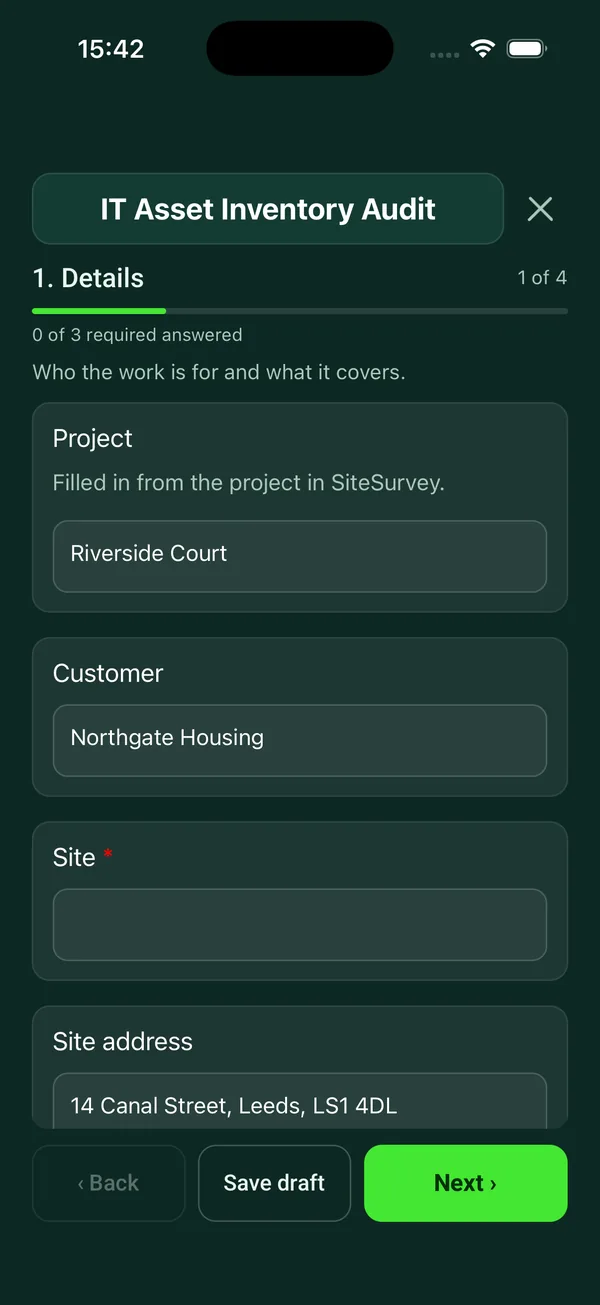
IT asset inventory template
Walk round audit of IT equipment by room: tag, make, model, serial, user, condition and support status for every device, checked against the register, with counts of what is missing, unsupported or due for replacement.
4 sections51 questionsPhotosSignaturesSee every question → - AV and IT
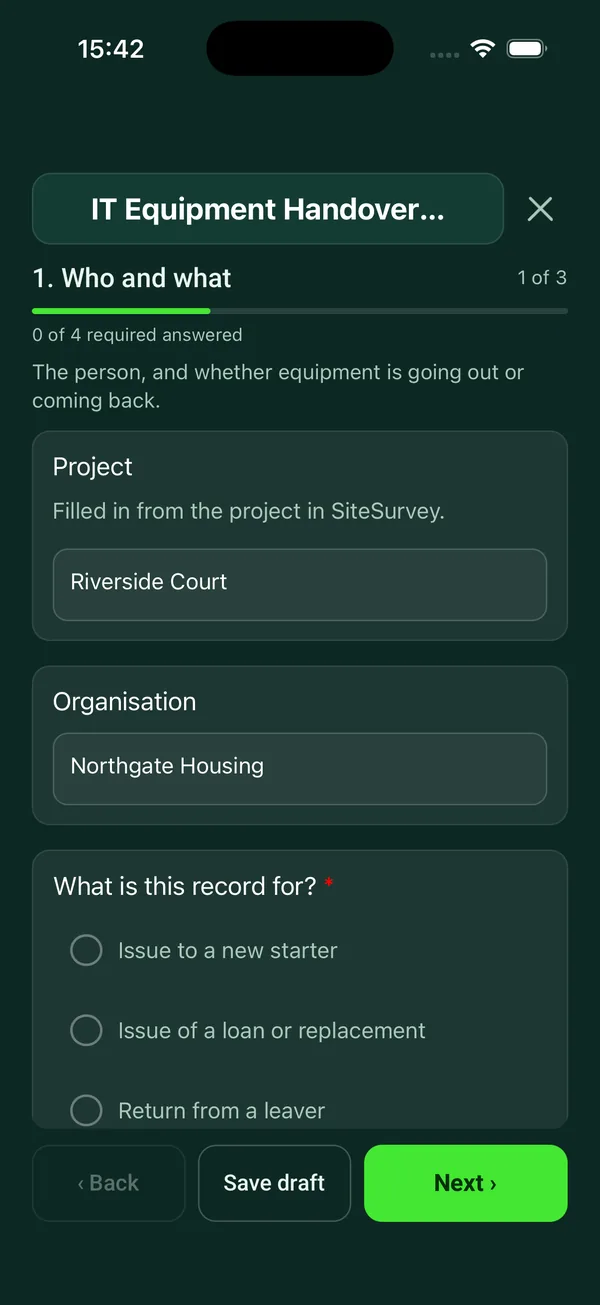
IT equipment handover form
Signed record of IT equipment issued to or returned by a member of staff: each item, serial number, condition, setup or leaver checks and both signatures.
5 sections38 questionsPhotosSignaturesSee every question → - AV and IT
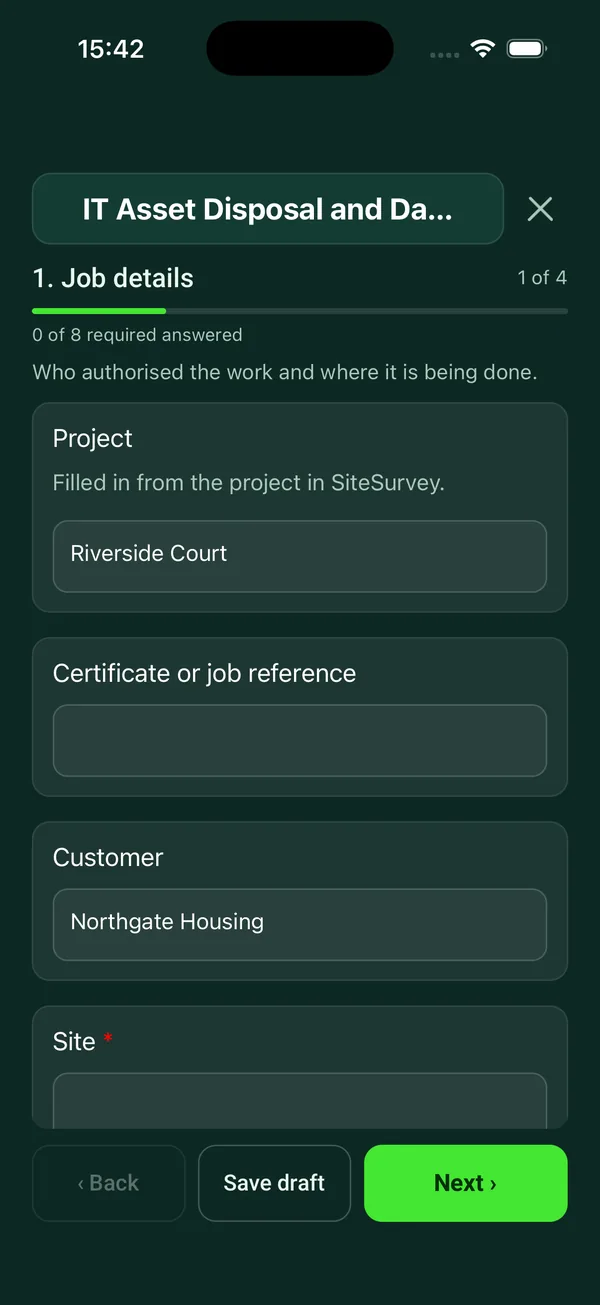
Data destruction certificate template
Record of IT equipment leaving service: each item and serial number, how its data was erased or destroyed, verification, waste transfer and signed certificate.
4 sections42 questionsPhotosSignaturesSee every question →
Guide
What is an AV and IT site survey?
An AV or IT site survey is the visit before a quote or an install where you record what is actually in the building: room sizes and layouts, wall construction and fixing surfaces, ceiling voids, existing containment and cable routes, power and data points, comms room space, network and internet connections, and anything that will slow the install, such as asbestos registers, access hours or listed building limits.
Most of the cost overruns on AV and IT jobs trace back to a survey that missed something: a plasterboard wall where a 75 inch display was quoted, no spare port on the switch, a ceiling that cannot take a projector, a cable route through a fire compartment wall. The AV site survey template and IT site survey checklist walk the surveyor room by room so the same questions are asked on every job, with photos and measurements attached to each answer. The Wi-Fi site survey checklist and CCTV site survey checklist add the coverage and camera position detail those designs need.
Which AV and IT checks are a legal requirement in the UK?
There is no single law for AV or IT installs, but several general duties apply to the work and to the systems once they are running:
- Electrical systems
- The Electricity at Work Regulations 1989 require electrical systems to be maintained so as to prevent danger, so far as is reasonably practicable. That covers racks, power distribution and the equipment you install.
- Portable appliances
- HSE is clear that the law does not require portable appliance testing every year. The frequency depends on the type of equipment and where it is used, and much office IT is low risk.
- Work at height
- Mounting displays, projectors, speakers and cameras is often work at height, which must be properly planned, supervised and carried out safely.
- Data security
- UK GDPR requires appropriate technical and organisational measures to keep personal data secure. That applies to the servers and devices you audit and to the data left on equipment at disposal.
- CCTV
- CCTV that captures identifiable people is processing personal data. Police and local authorities must have regard to the Surveillance Camera Code of Practice, and its principles are a sound basis for any system.
Sources: Electricity at Work Regulations 1989, regulation 4, HSE: Portable appliance testing FAQs, Work at Height Regulations 2005, regulation 4, UK GDPR, Article 32, Protection of Freedoms Act 2012, section 33 and GOV.UK: Surveillance camera code of practice.
Installation, cable testing and commissioning records
On install, the display installation checklist records the wall type, the bracket and fixings used and the load they are rated for, cable management and the final position. For fixings into concrete and masonry, BS 8539 is the code of practice for selecting and installing post-installed anchors, and the record should show the fixing matches the substrate you found, not the one you assumed.
Structured cabling is only proven once it is tested. A cable test report records the category or fibre type, the tester model and its calibration date, whether you tested the permanent link or the channel, each link's result and any failures with the retest. Clients and manufacturers offering a system warranty will usually want the tester's own results as well, so note where those files are kept.
The commissioning sheet brings it together at handover: each display, codec, microphone, speaker and access point tested, serial numbers, IP addresses, outstanding snags and the documents and passwords handed over, signed by the client. For snags and wider project handover, see construction and handover forms.
Source: BSI: BS 8539 Code of practice for post-installed anchors.
How often should AV, IT and CCTV systems be maintained?
No regulation sets a fixed interval for AV or IT maintenance; it comes from the manufacturer, the support contract and how critical the system is. These are the patterns most teams follow:
- Daily or before use
- Room checks in busy meeting and boardroom spaces: display, camera, microphones, room booking panel and a test call. The meeting room checklist is built for this.
- Quarterly or six monthly
- Planned AV visits under a support contract, covering firmware, cleaning filters and vents, audio levels and user faults, using the AV maintenance checklist.
- Per contract, often twice a year
- CCTV maintenance: camera image quality day and night, focus and field of view, housings and lenses cleaned, recorder health, retention period and time sync, recorded on the CCTV maintenance checklist.
- Monthly to annually
- Server room and network checks: UPS, backups, patching, temperatures and labelling, with the IT maintenance checklist and a rack audit of what is in each cabinet.
What an IT audit and security audit should cover
An IT audit looks at the estate as a whole: what hardware and software is in use, who supports it, licences, backups, documentation and the physical state of comms rooms. An IT security audit goes deeper on the controls that stop common attacks.
For UK organisations the practical baseline is Cyber Essentials, the government backed scheme built on 5 technical controls: firewalls, secure configuration, user access control, malware protection and security update management. A growing number of organisations ask their suppliers to hold it. The NCSC 10 Steps to Cyber Security takes a wider view, covering risk management, asset management, logging and monitoring and incident management, and the NCSC small business guide is a short starting point for smaller sites.
Record each finding against the control it relates to, with evidence (a screenshot of the patch level, a photo of an unlocked comms cabinet) and an owner. A finding without an owner and a date will be the same finding next year.
Sources: NCSC: Cyber Essentials overview, NCSC: 10 Steps to Cyber Security and NCSC: Small business guide.
Asset registers, handover and data destruction
An IT asset inventory is the record every other check depends on: make, model, serial number, asset tag, location, user, purchase and warranty dates and status. Asset management is one of the NCSC's 10 Steps for a reason, because you cannot patch or secure a device you do not know about.
When a laptop, phone or tablet is issued, the IT equipment handover form records the condition, accessories and serial number with the user's signature, and the same form works in reverse when they leave. At end of life, the data must be removed before the device is reused or disposed of. NCSC guidance on secure sanitisation explains when overwriting is enough and when media should be destroyed, and a data destruction certificate records which devices were sanitised or destroyed, by what method and by whom. Waste electrical equipment then has to go to an appropriate route under the WEEE rules.
Sources: NCSC: 10 Steps to Cyber Security, NCSC: Secure sanitisation and disposal of storage media, UK GDPR, Article 5 and GOV.UK: Regulations, waste electrical and electronic equipment.
Running surveys and commissioning on a phone or tablet
AV and IT engineers spend their day in ceiling voids, plant rooms and basements with no signal. SiteSurvey runs on iPhone, iPad and Android and works offline on site, so the surveyor can record each room, take photos and mark them up with annotation, add measurements, readings and notes, and collect the client's signature at handover. Each completed form becomes a branded PDF report you can send with the quote or the handover pack.
You can edit any form here to add your own rooms, equipment lists or test steps, or build your own in the form builder. Open any form page to see every question and try it live.
Facts checked by the SiteSurvey team, 27 October 2026.
AV and IT forms FAQs
What should an AV site survey include?
Room dimensions and layout, wall and ceiling construction for fixings, power and data positions, cable routes and containment, network connections, lighting and acoustics, and access or working hours. Photos of each wall and ceiling save a second visit.
Is PAT testing a legal requirement for IT equipment?
No. The law requires electrical equipment to be maintained so it is safe, but it does not require PAT testing or set an annual interval. HSE says the frequency should depend on the type of equipment and the environment it is used in.
Source: HSE: Portable appliance testing FAQs.
What is the difference between a permanent link and a channel test?
A permanent link test covers the fixed cable from the patch panel to the outlet, without patch leads. A channel test includes the patch leads at both ends, so it tests the full path a device will use.
What are the five Cyber Essentials controls?
Firewalls, secure configuration, user access control, malware protection and security update management. An IT security audit can check each of these before you apply for certification.
Source: NCSC: Cyber Essentials overview.
Do I need a certificate when IT equipment is wiped or destroyed?
No law names a certificate, but you must keep personal data secure up to and including disposal, so a record of which devices were sanitised, how and by whom is the evidence you will be asked for. NCSC guidance explains which sanitisation method suits each type of media.
Sources: UK GDPR, Article 32 and NCSC: Secure sanitisation and disposal of storage media.
Who needs to follow the Surveillance Camera Code of Practice?
Police and local authorities in England and Wales must have regard to it. Other CCTV operators are not bound by the code, but CCTV that records identifiable people still falls under data protection law.
Sources: Protection of Freedoms Act 2012, section 33 and GOV.UK: Surveillance camera code of practice.
Can I add my own equipment and test steps to these forms?
Yes. Every library form can be edited, so you can add your standard room types, kit lists, test steps or sign-off wording, or build a form from scratch in the form builder.
Other categories
Put these forms in your team's hands
Works on iPhone, iPad and Android, offline on site, with every completed form turned into a branded PDF report.
Start your trial →