Walk Cam Video inspections
Walk the site. Talk through it. The report writes itself.
Film a short clip at each point and say what you see. Your words become the written answer on the phone, with no typing on site. Follow a guided route, or Free Walk a whole building room by room. Works offline.
PlansPart of the SiteSurvey app, from £13 per user per month. Trial from £1.
How does Walk Cam work?
Walk Cam steps the inspector through an ordered list of inspection points. At each point they hold to record a short clip and speak, and on-device speech-to-text writes what they say as the answer. Free Walk is the freeform alternative: film a whole walk and file what you find under each space as you go. Every finished walk can be shared as a PDF or a public player link, and recording works fully offline.
Last updated 25 October 2026.
01 · Guided walk
One point, one clip, one answer.
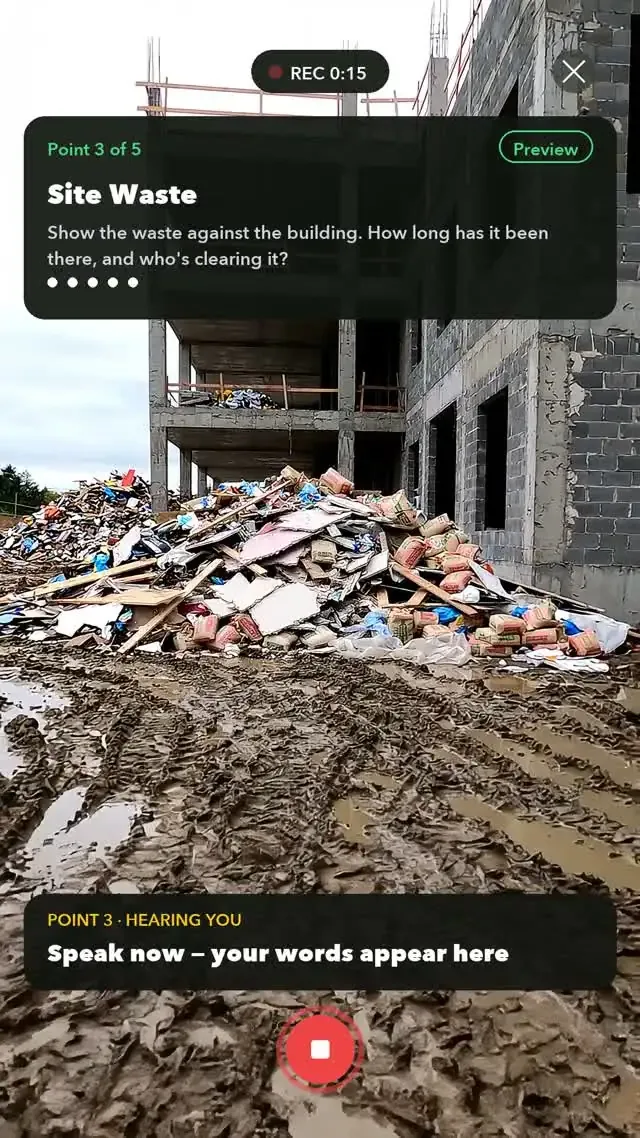
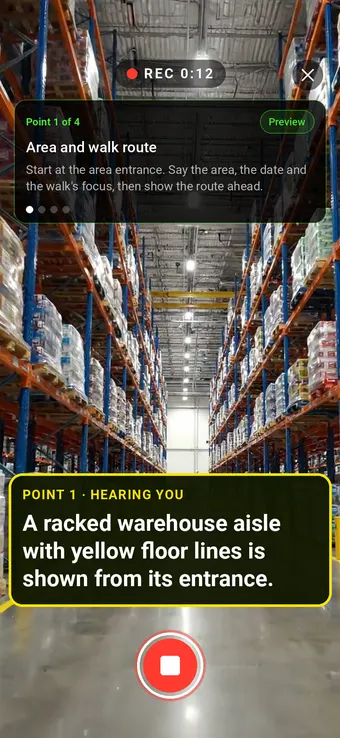
Walk Cam takes the inspector through the template point by point. Hold to record, say what you see, let go. On-device speech-to-text writes the answer, and the app moves to the next point.
- Same ground every time. The template sets the points and the order, so every inspection covers the same checks.
- Short, labelled clips. Each clip belongs to its point, not one long video nobody watches.
- Inside any form. Add a Walk Cam field to a form and the walk seals back into the form response.
- Go back and redo. Preview any point and re-record it: the new take replaces the old one.
- No signal needed. Recording, prompts and speech-to-text run on the phone; clips sync later.
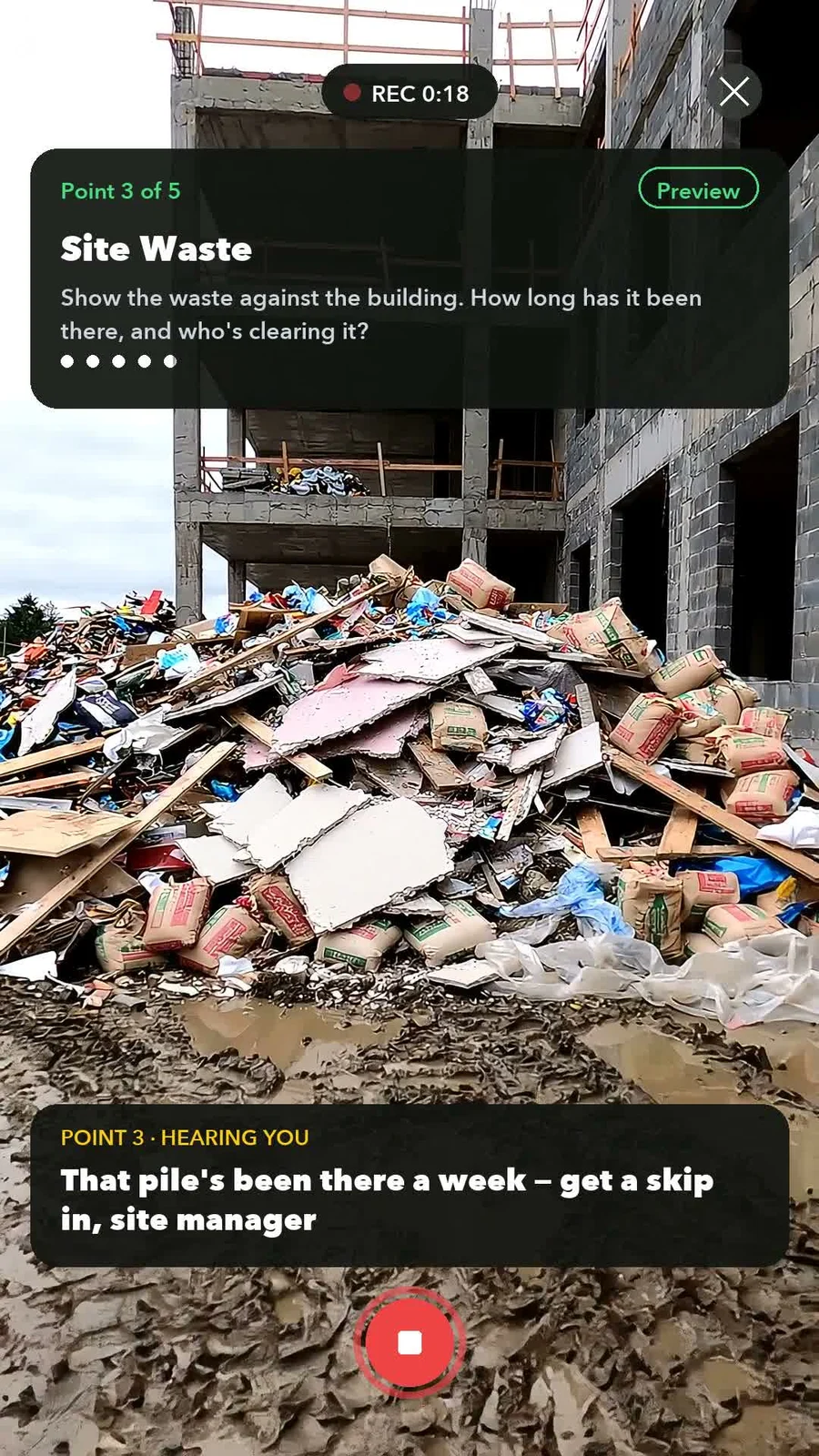
RecordLive captions as you speak
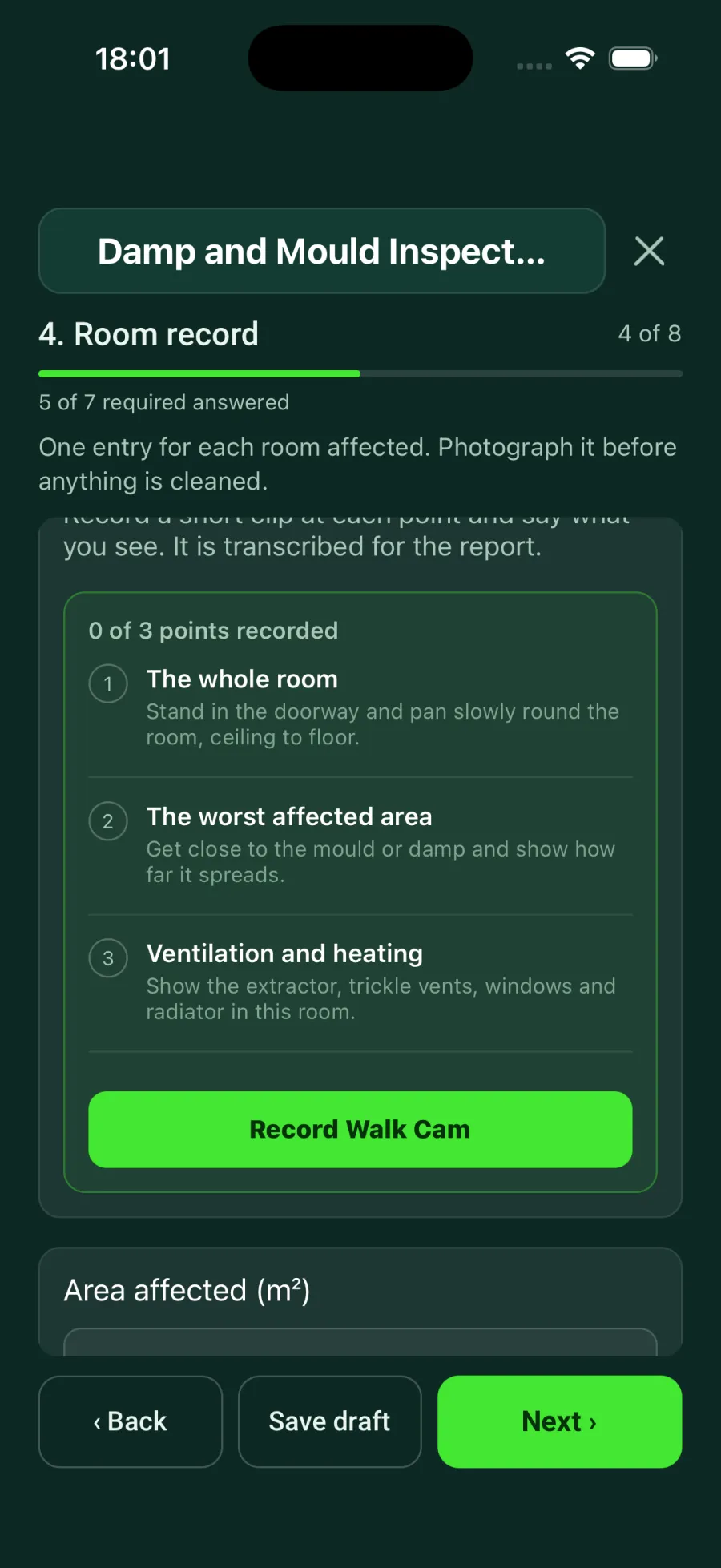
Inside a formPoints listed on the form
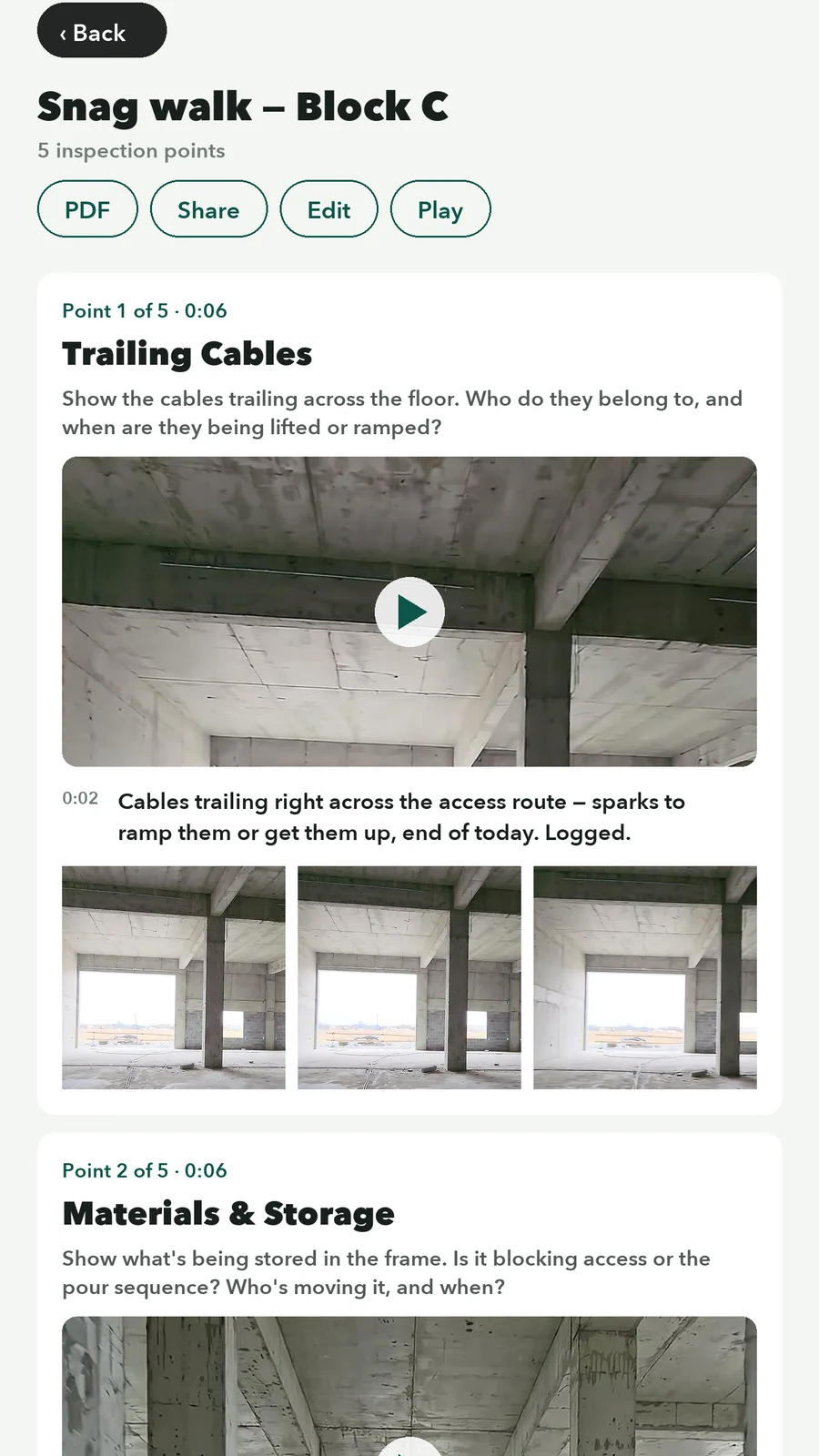
ReviewEdit, add stills, retake
02 · Free Walk
No checklist? Walk it freely, room by room.
Free Walk films the whole walk with no question list. Talk as you go, and everything you say and capture is filed under the space named on screen.
- Spaces as you walk in. Tap + New space, or say “Add new space, Meeting room 1”. Say “Back to Main lobby” to return to a room.
- Items with a description. Tap + Add item, say the name, then describe it: “Ceiling speaker. Grille hanging loose.”
- Room and item photos. Take photos without leaving the walk.
- Rooms & evidence. Afterwards, each space lists its photos, stills, items and notes. Play source jumps to that moment in the recording.
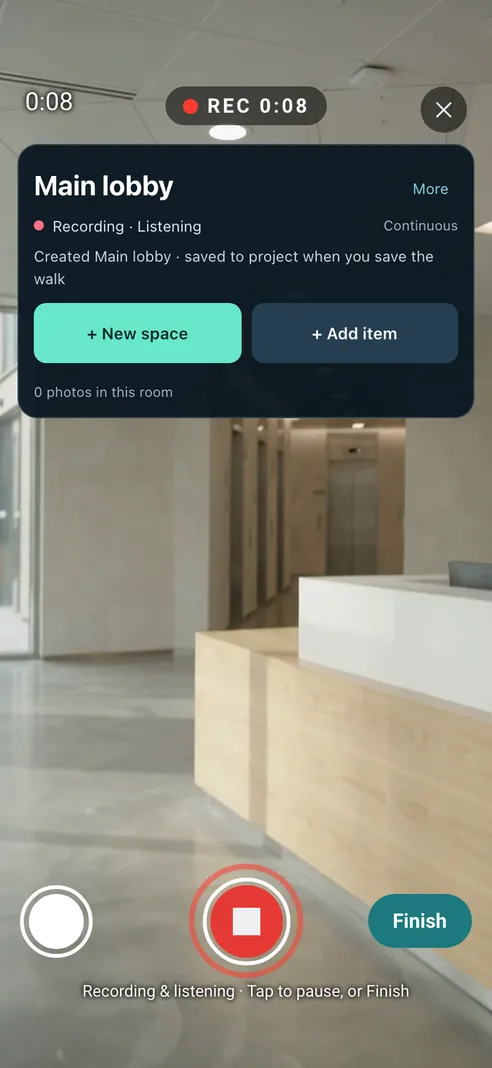
New space
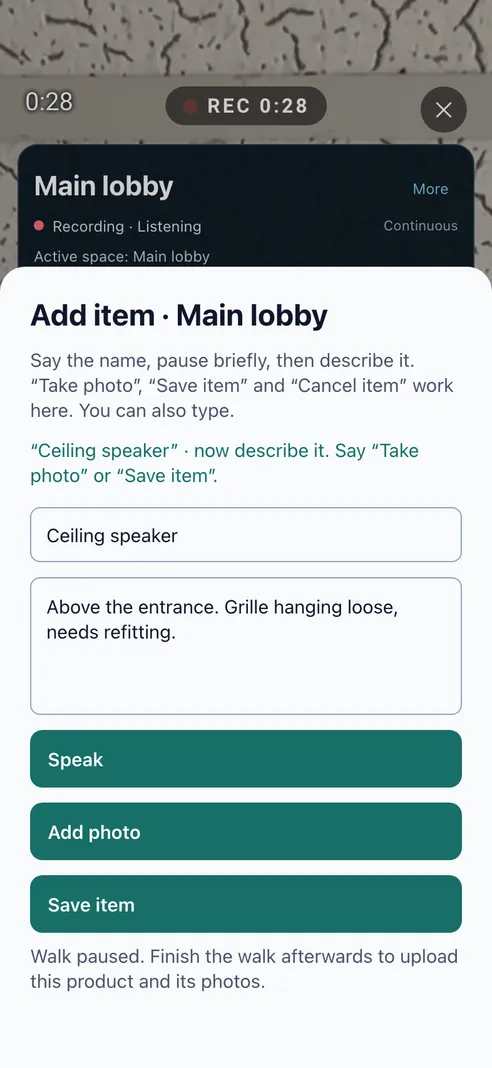
Add an item
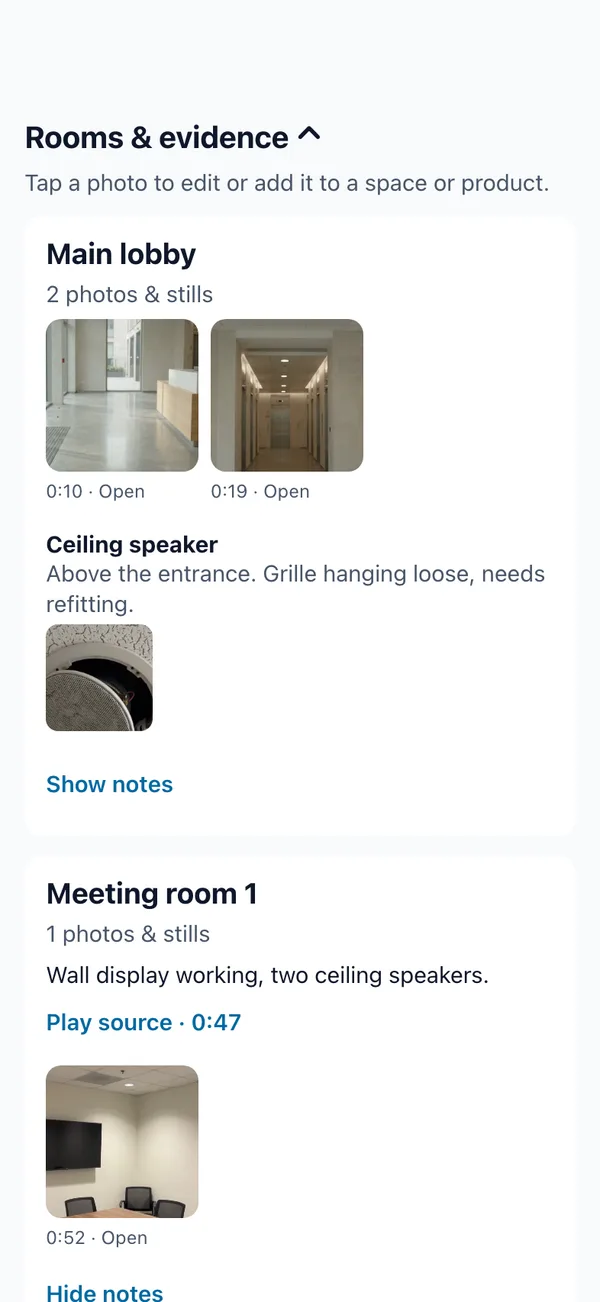
Rooms & evidence
Illustrative footage showing the app's Free Walk screens.
| Walk Cam (guided) | Free Walk | |
|---|---|---|
| Best for | Inspections with set points: fire doors, racking, ladders, handovers | Walking a whole building or site: first surveys, snagging, condition walks |
| Structure | A template of points in order, or numbered clips in a blank walk | No questions. You add spaces and items as you go |
| What you get | Each point with its clip, stills and transcribed answer | Each space with its photos, stills, items and spoken notes |
| AI inspector | Yes, on guided points with a brief (coming in the next app update) | No |
03 · AI inspector
A suggested verdict for every point. You decide.
Film a point of a guided walk. Six to ten seconds later the AI suggests pass, fail or cannot assess, with the defect boxed on a still from your clip. Accept, change or dismiss: only confirmed verdicts reach the report.
Coming in the next app updateIt is coming in the next SiteSurvey app update, in early access.
See the AI inspector →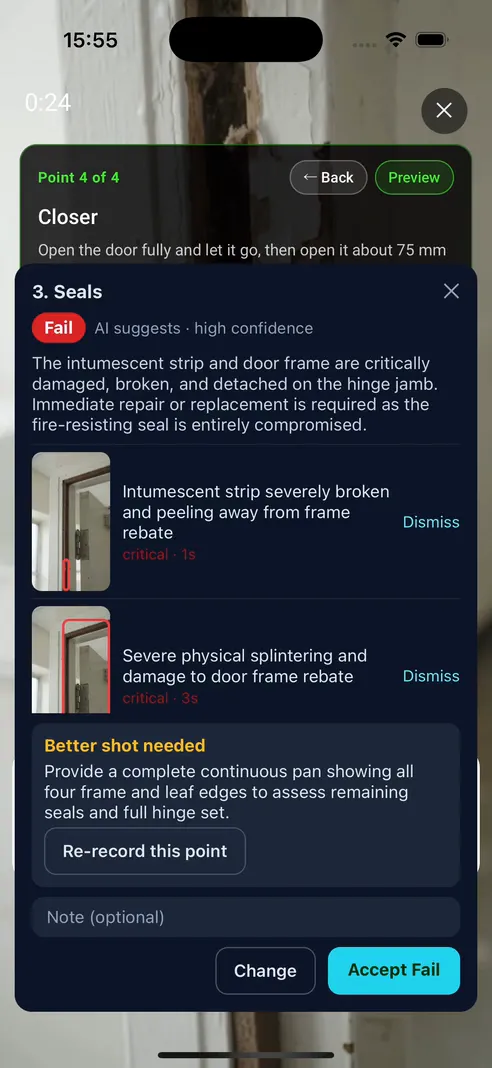
04 · Report and share
From site walk to shareable report in one pass.
Clips and transcripts sync to the project. Review the walk in the office, then share it as a PDF or a public player link.
- PDF from the app. Every point with its still frames and transcribed answer.
- Public player link. No login needed, with a chapter for each point. Add a password for sensitive sites.
- Stills when you want them. Grab a frame while a clip plays, or capture one automatically every few seconds.
- In the dashboard too. The project's Walks tab plays clips and edits transcripts on the web.
05 · Real routes
52 completed Walk Cam routes to start from.
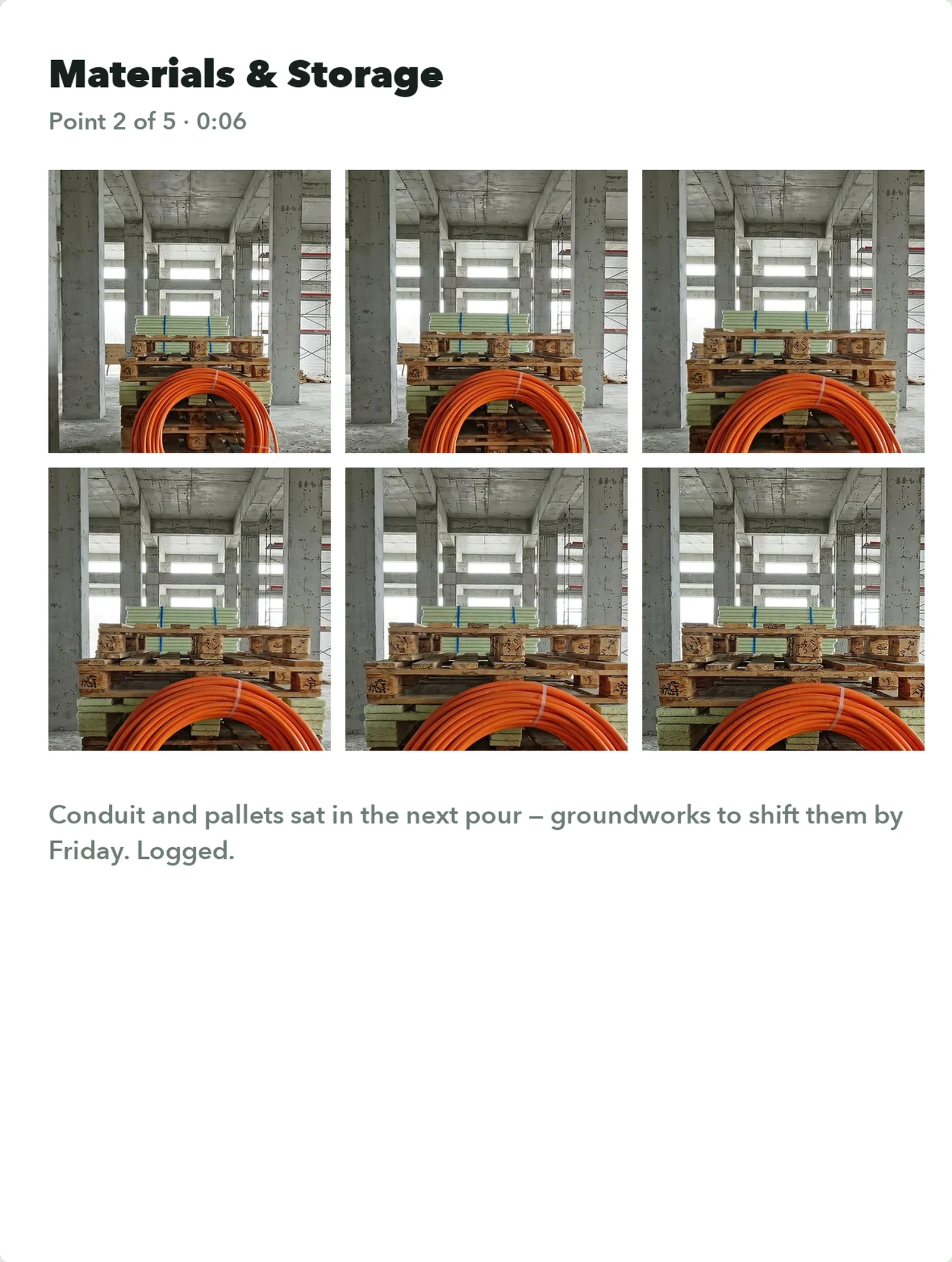
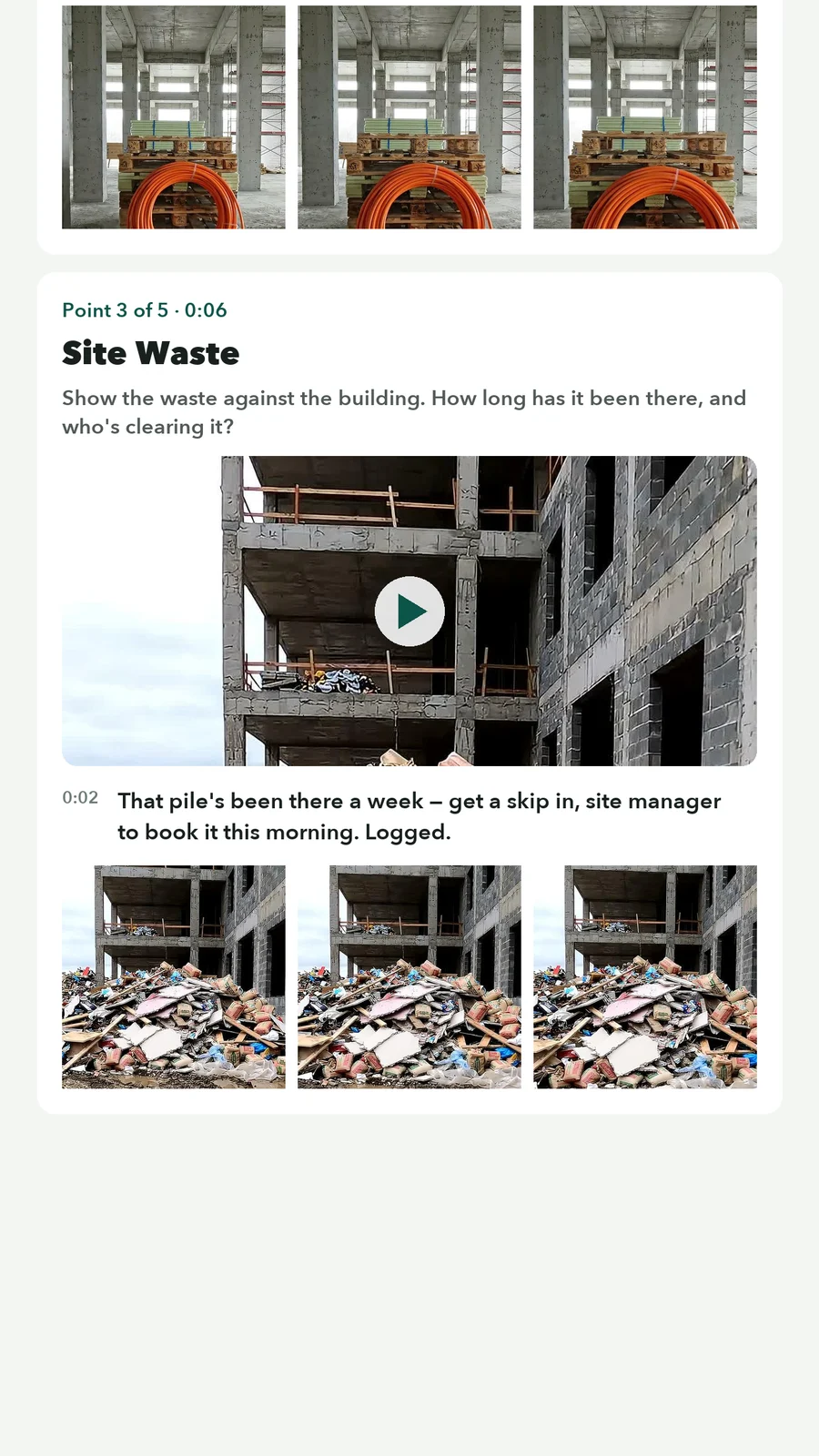
Each route has phone footage, the points to film, what to say at each one and a completed sample report. Here are a few.
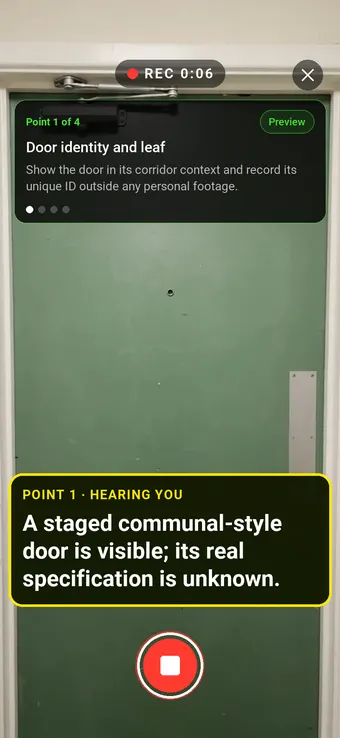
Fire door condition visual inspectionFire safety
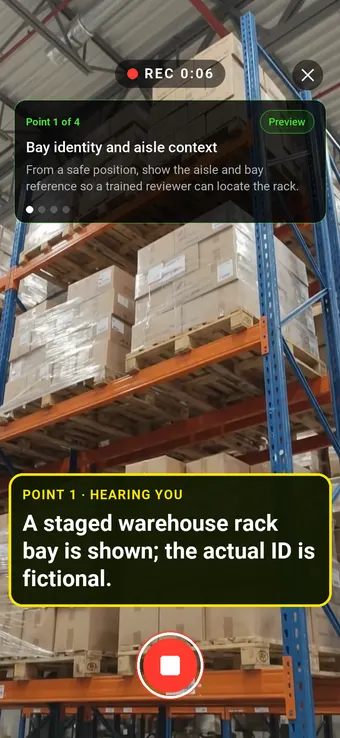
Racking damage visual inspectionWarehousing
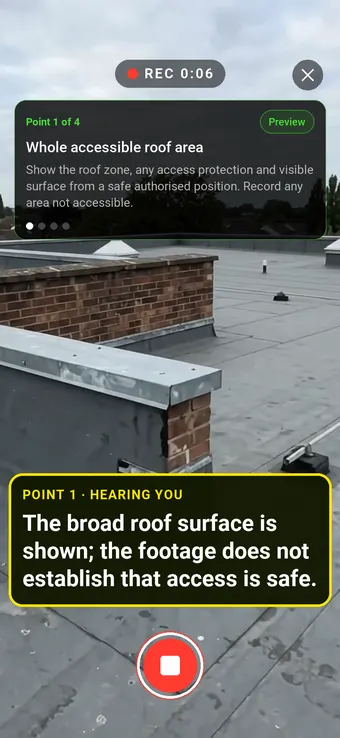
Flat roof condition visual inspectionProperty maintenance
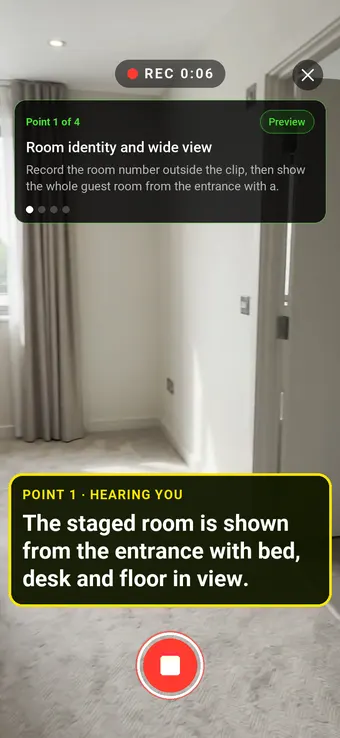
Hotel room visual inspectionHotels and accommodation
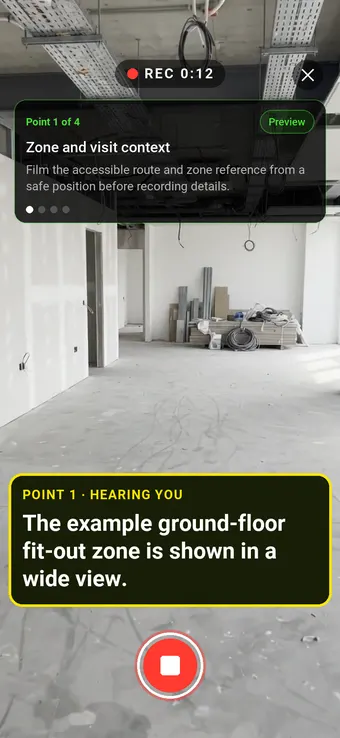
Construction progress visual inspectionConstruction and handover
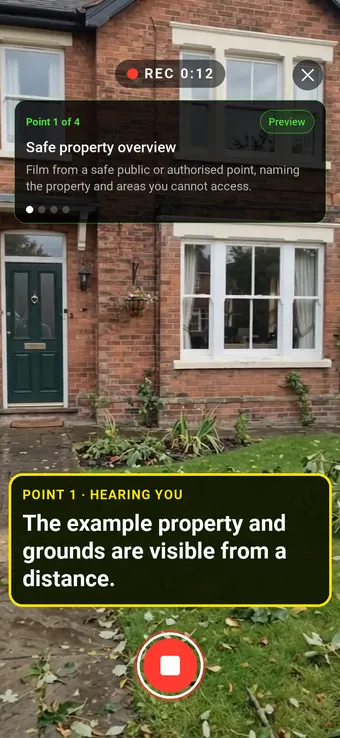
Storm damage visual inspectionProperty and grounds
Safety walk visual inspectionWorkplace safety
Escape-route visual walkthroughWorkplace fire safety
Walk Cam, at a glance
- What it is
- Video inspections in the SiteSurvey mobile app: a guided Walk Cam with one short clip and one transcribed answer per point, or a Free Walk filed by space.
- Who uses it
- Surveyors, inspectors, facilities and maintenance engineers, site managers and utility field teams.
- What it captures
- A video clip per point, live voice-to-text as the written answer, and still frames in the report. It can sit as a field inside any form.
- Works offline?
- Yes. Recording, prompts and speech-to-text run on the device, and clips sync when signal returns.
- Plan
- Part of the SiteSurvey app, priced per user from £13 per month. The pricing page does not list Walk Cam against a plan. Trial from £1, cancel any time.
- What it does not do
- It does not stream live video. Without the AI inspector, the inspector's words are the finding; with it (coming in the next app update), the AI suggests a verdict per guided point and the inspector confirms.
What is a guided video inspection?
A guided video inspection walks an inspector through an ordered template of inspection points on their phone. At each point the inspector holds one button to record a short video clip and speaks their observation, which live on-device speech-to-text turns into the written answer. The result is a complete checklist report, every question paired with its clip and transcript, with no typing on site.
Does Walk Cam work without an internet connection?
Yes. Recording, the on-screen prompts and live speech-to-text all run on the device, so a Walk Cam inspection works fully offline in basements, plant rooms and remote sites. Clips and transcripts sync to the project automatically when connectivity returns.
How is a Walk Cam report shared?
Every finished walk can be shared two ways straight from the app: as a professional PDF report with still frames and transcribed answers, or as a public player link that lets anyone watch the walk as a chaptered playlist of points, no login required, with optional password protection for sensitive sites.
Can Walk Cam be embedded in an existing form?
Yes. A Walk Cam inspection can be added as a field inside any SiteSurvey digital form. The guided points capture one clip and one transcribed answer each, and the finished inspection seals back into the form response alongside the rest of the captured data.
Can you re-record an inspection point before finishing?
Yes. Any point can be previewed and re-recorded before the walk is finished, the new take simply replaces the old one. Once the walk is sealed, the report, PDF and player link all use the final takes.
What is Free Walk?
Free Walk is the freeform way to film a walk in the SiteSurvey app, with no question list. You record as you walk and talk, add a space when you enter a room (tap + New space or say "Add new space, Meeting room 1"), add items with a name and description, and take room photos. Everything you say and capture is filed under the space named on screen. Afterwards, Rooms & evidence lists each space with its photos, stills, items and spoken notes, and Play source jumps to that moment in the recording.
Should I use Walk Cam or Free Walk?
Use Walk Cam when the inspection has set points to cover in order, such as a fire door or a racking check: the template guides you and every point gets its own clip and answer, and the AI inspector can check guided points. Use Free Walk to walk a whole building or site at your own pace and file what you find room by room, such as a first survey or a snagging walk.
What is the best video inspection app?
The best video inspection app is the one that fits how your inspections are run. For walking a site, a building or an asset against a checklist, look for an app that films one short clip per point, turns what you say into written notes, works offline and produces a report you can share. If you need live video calls with someone off site, or drone or pipe camera footage, choose a tool built for that. Walk Cam is strong on guided, point by point walks with on-device voice-to-text and offline recording. It does not stream live video. With the optional AI inspector (coming in the next app update), it can also suggest a verdict for each point of a guided walk, which the inspector confirms.
What does a Walk Cam report include?
A Walk Cam report includes every inspection point in order, each with its video clip, still frames taken from the clip and the transcribed answer. It can be exported as a PDF from the app or shared as a public player link, with a chapter for each point and optional password protection.
Who uses Walk Cam?
Walk Cam is used by people who inspect by walking round: surveyors, inspectors, facilities and maintenance engineers, site managers and utility field teams. It suits any inspection where a short clip and a spoken note show the condition better than a photo and a typed line.
How much does Walk Cam cost?
Walk Cam is part of the SiteSurvey app, which is priced per user. SiteSurvey plans start at £13 per user per month on Base, and The Works is £25 per user per month. The pricing page does not list Walk Cam against a specific plan, so check the plan with us or on the trial: every plan starts with a trial from £1, cancel any time.
See it on your next site