Dilapidations and schedules of condition
Dilapidations survey appwith the evidence dated on every photo.
Record the condition of each room item by item, with a photograph, a measurement and a note against every entry. Use it for the schedule of condition at the start of a lease and the schedule of dilapidations at the end, and issue either straight from the survey.
7-day free trial · full access · no card required
14
Rooms
186
Photos
0
Retyped
One floor of a commercial unit
Dilapidations disputes are won on the evidence, years later.
The schedule of condition taken when a lease starts is often the only record of what the premises looked like. By the time the lease ends, the argument is about what changed, and that turns on whether the original record showed clearly which item, in which room, in what state, on what date. Vague entries and undated photographs are where claims fall apart.
Photos you can't place
Hundreds of images that someone has to match back to rooms from memory, with no date anyone can rely on.
Entries that say too little
"Carpet worn" helps nobody. Which carpet, how much of it, and how bad is what the schedule is for.
Days lost to the write-up
The inspection takes a morning. Turning notes and photos into a schedule takes the rest of the week.
From the walk-round to the issued schedule.
Walk Cam, point by point
Every room, item by item, on film.
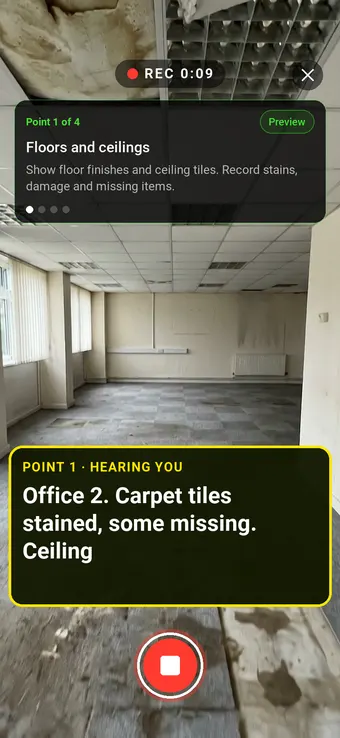
Walk Cam takes the surveyor through each part of the premises in order, films it and writes down the description as they speak, so nothing relies on memory later.
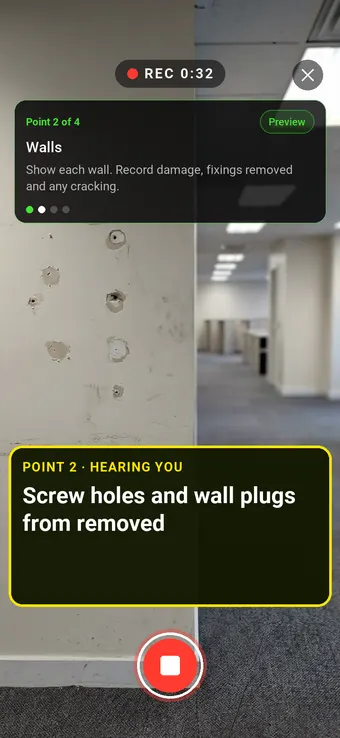
Point 2 of 4
Walls
Walls, with damage, removed fixings and cracking described as you film.

Point 3 of 4
Kitchenette
Units, worktops and sinks, with damage and missing items recorded against the room.
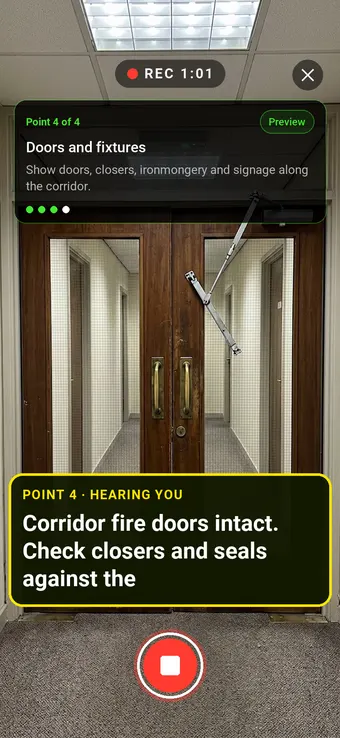
Point 4 of 4
Doors and fixtures
Doors, closers and ironmongery, checked against what the lease requires.
What the report looks like
A schedule you can issue from site.
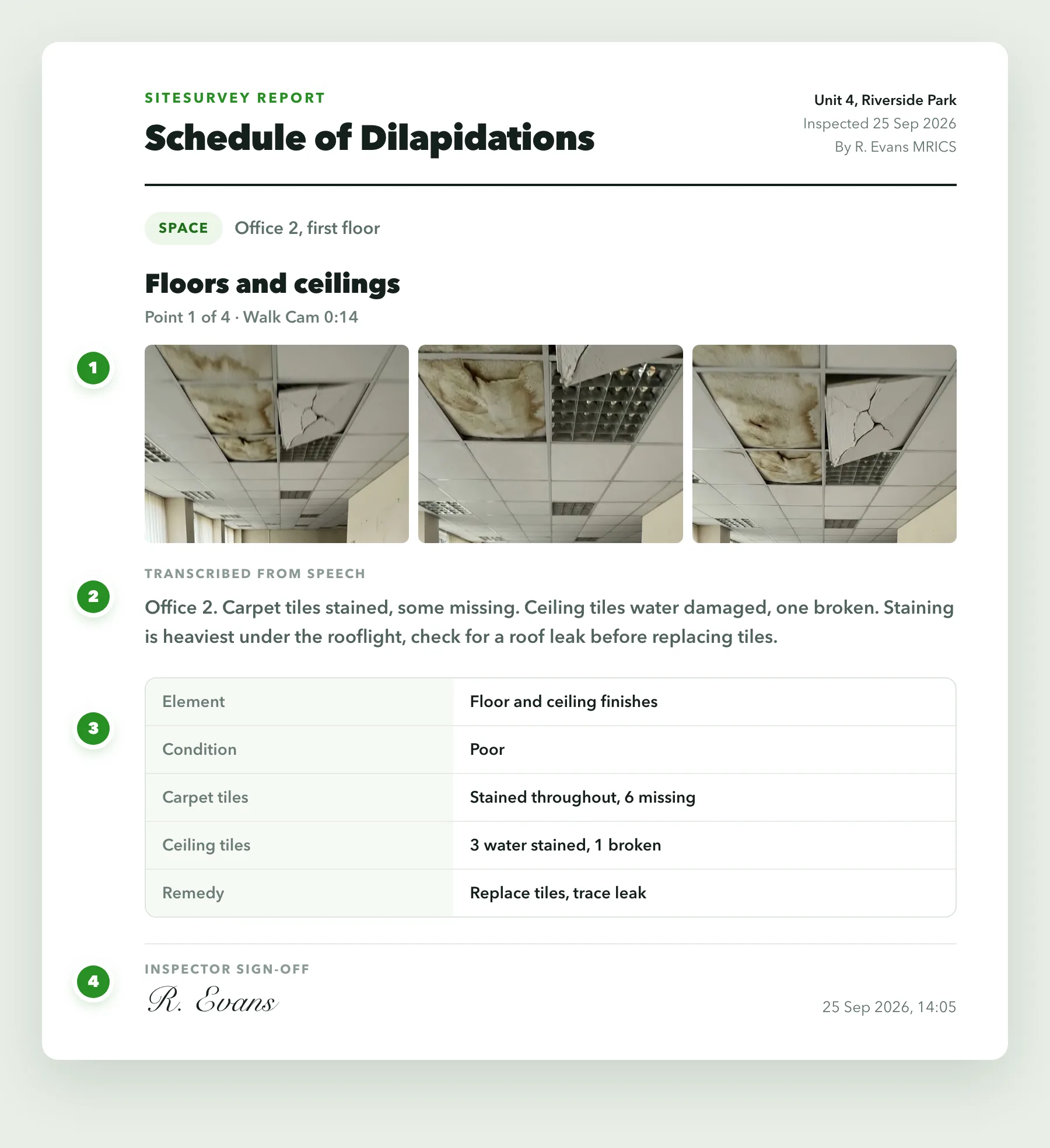
Each item comes out with its photographs, the surveyor's spoken description and the structured entry, in the order you walked the building.
- 1Stills from the videoFrames from the Walk Cam clip sit against each point, so every finding has its pictures without stopping to take them.
- 2Your words, transcribedWhat you said while filming becomes the written note, so the write-up is done before you leave.
- 3The form answersRatings, readings and choices from the form come through as a clean table, laid out the same on every inspection.
- 4Signed and datedThe sign-off shows who carried out the inspection and when. Export it as a PDF or share it as a link.
Built for records that get read by the other side.
A schedule is only as strong as its weakest entry. Structured capture, dated photographs and room-level location make every entry specific enough to rely on.
✓Item by item, room by room
Every entry sits against the room it describes, so the schedule reads in the same order as the building.
✓Measure on the photo
Draw round a crack, a stain or a damaged area and measure it on the image, so the extent is recorded, not described.
✓Dated and attributed
Each photograph and entry carries who captured it and when, which is what a comparison years later depends on.
✓Required photographs
Make the photo field required and no entry can be saved without the evidence behind it.
✓Walk Cam for the whole room
Film a room with a live voice commentary, for a continuous record alongside the item-by-item entries.
✓Works offline
Vacant units, basements and plant rooms often have no signal. Everything captures on the device and syncs later.
Start from a schedule of condition checklist.
Use this list as the starting point for your own schedule of condition or dilapidations form, or describe your format to the AI form builder and let it draft one. Every field is editable, in chat or visually.
✓Floor, room and item reference
✓Element: walls, floor, ceiling, doors, windows
✓Fixtures, fittings and services
✓Condition description and rating
✓Measured extent of any defect
✓Photo of each item, required
✓Remedy and estimated cost, where you price it
✓Surveyor sign-off and date
What is a schedule of condition?+
A schedule of condition is a record of the state of a property at a specific date, usually made at the start of a lease and often attached to it. It describes each room and element, supported by photographs, so that at the end of the lease there is clear evidence of what condition the premises were in when the tenant took them on. It protects both sides: tenants from being asked to put right defects that were already there, and landlords from disputes about what has changed.
What is a dilapidations survey?+
A dilapidations survey records the disrepair and breaches of lease covenants at a commercial property, usually towards the end of a lease. It produces a schedule of dilapidations listing each item, the relevant lease clause, the work needed to remedy it and often its cost. In England and Wales the process around a claim is set out in the Dilapidations Protocol, the pre-action protocol for claims about the physical state of commercial property at the end of a tenancy.
What is the difference between the two?+
A schedule of condition records the condition of the premises at a point in time, typically the start of a lease. A schedule of dilapidations sets out what the tenant has failed to do under the lease, typically at the end. The first is often the evidence used to test the second, which is why the quality of the original photographs and descriptions matters so much.
Can photographs be tied to a specific item and date?+
Yes. Each photograph is captured against the entry and the room it belongs to, and every entry records who captured it and when. You can draw on the photograph and measure directly on it, so the extent of a defect is part of the record rather than a line of description.
Can I use my own schedule format?+
Yes. Forms are fully editable, so you can match the columns and wording your firm or your client uses, including lease clause references, remedies and costs. The AI form builder can draft the form from a description of your format, and you can adjust it field by field.
Does SiteSurvey price the works or value the claim?+
No. SiteSurvey records the survey and produces the schedule. Pricing the works, assessing the diminution in value and advising on liability remain professional judgements for the surveyor, and any figures you produce can be entered as fields on the form.
See it on your next job