Asset registers and asset surveys
Asset register software built by walking the building.
A register is only useful if someone can find the asset again. Scan the label, capture the serial and model, photograph the condition and pin it to the room it actually sits in, then keep it current on the next visit instead of rebuilding it.
£25 per user per month on The Works, Base from £13 · trial from £1, cancel any time
See a sample report ↓Start from the asset register template ↓
38
Assets recorded
24
Test labels seen
4
Actions raised
One floor of a live asset survey
What should an asset register include?
An asset register should record each asset's type, a unique ID or tag, serial and model, exact location (building, floor and room), who is responsible for it, install date, warranty, condition and service or test history. GOV.UK guidance for schools says to record location, responsibility and condition, tag assets and inspect them once a year.
Last updated . Facts checked on 4 October 2026 against GOV.UK (DfE): How to manage your fixed assets.
Asset register fields and why they matter
No law sets the fields of an asset register. GOV.UK guidance for schools on fixed assets asks for location, who is responsible and condition, with assets tagged and inspected once a year. The rest of this list is SiteSurvey's recommended minimum, not a legal requirement.
| Field | Why it matters |
|---|---|
| Asset type and description | Says what the asset is, so it can be grouped, counted and given the right checks. |
| Serial, model or asset tag, scanned | Scanning from the label removes the retyping error, the most common mistake in a register. |
| Location: building, floor and room | Someone can be sent straight to the asset months later. |
| Who is responsible | Someone owns each asset, so a fault or a move has a person to go to. |
| Install date and warranty | Shows the asset's age and whether a fault is a warranty claim. |
| Condition rating with photograph | The photograph backs the rating, so the next surveyor sees what "fair" meant. |
| Last tested or serviced | Shows at a glance what is overdue. |
| Action required | Turns the survey into work someone can plan. |
The same guidance suggests tags with serial numbers and barcodes to make the inventory easier, and an inspection of every asset once a year.
SiteSurvey for asset registers, at a glance
- What it is
- A mobile survey app for iOS and Android, with a web portal, used to build an asset register by walking the building.
- Who it is for
- Facilities management and estates teams, and the surveying and maintenance contractors who work for them.
- What it records
- Asset type, serial, model and tag scanned from the label, the room it sits in, condition, photos and any data points you define.
- Evidence
- Every entry is dated and attributed to the surveyor, and capture works fully offline, syncing when back in signal.
- Price
- £25 per user per month on The Works plan, which includes forms, floor plans and reports. Trial from £1, cancel any time.
- What it does not do
- It does not value or depreciate assets for accounts, and it does not plan or schedule maintenance.
Most asset registers are accurate for about a week.
A register built in a spreadsheet from someone's site notes starts drifting the moment it is finished. Serials get mistyped, locations are described rather than mapped, condition is a word, and nobody updates it because updating it means starting again.
Locations you can't act on
"Second floor plant room" is not enough when the building has three of them.
Serials typed twice
Reading a serial off a label and typing it into a spreadsheet is where most register errors come from.
Condition with no evidence
A register that says "fair" tells the next surveyor nothing a photograph would have told them instantly.
How do you build an asset register by walking the building?
01 · Map the spaces
Add the building's floors and rooms, or walk them and let the floor plan build itself as you go.02 · Capture the asset
Scan the label to pull the serial, model or part code straight in rather than typing it.03 · Record its condition
Photograph it, add the data points you track, and note anything that needs action.04 · Keep it current
Revisit the same record next time instead of starting a new survey from scratch.Walk Cam, point by point
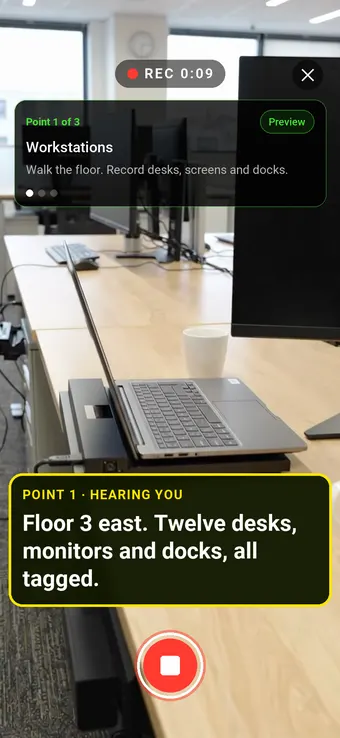
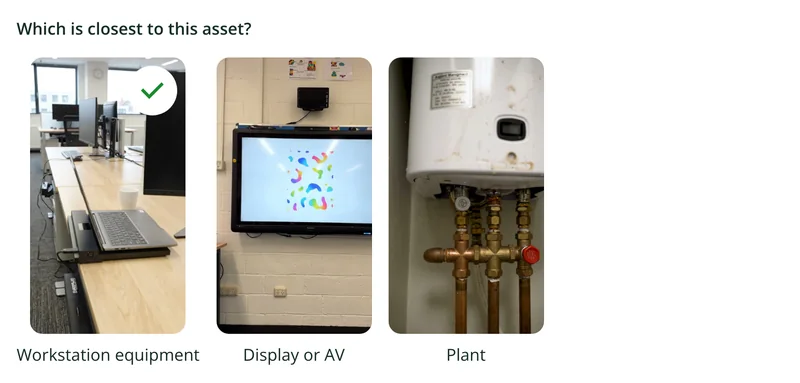
Every kind of asset: IT, AV and plant.
The clip above is the office floor. The same survey then takes the surveyor through the classrooms and the plant cupboard, filming the assets in each area and writing down what they record.
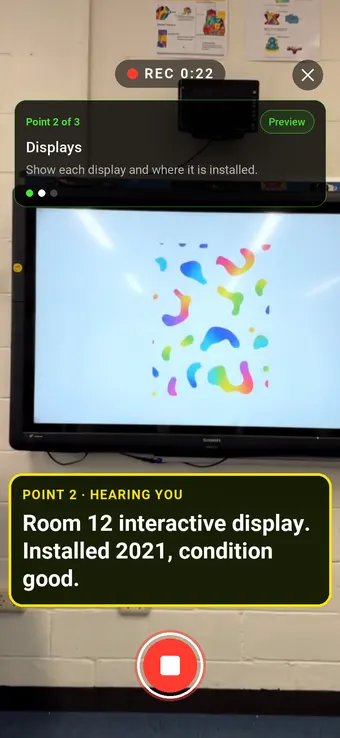
Point 2 of 3
Displays
Displays and AV recorded with install date and condition.
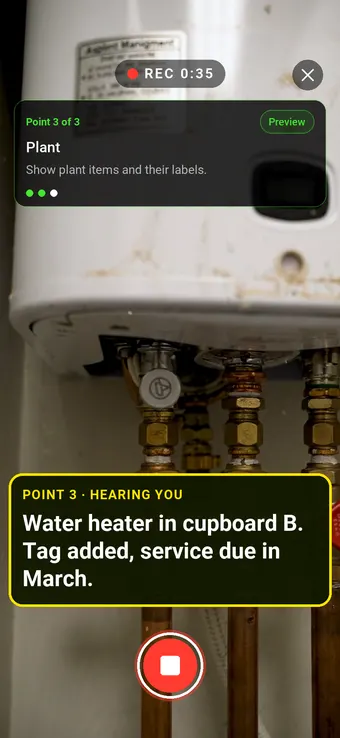
Point 3 of 3
Plant
Plant tagged where it stands, with the next service date recorded.
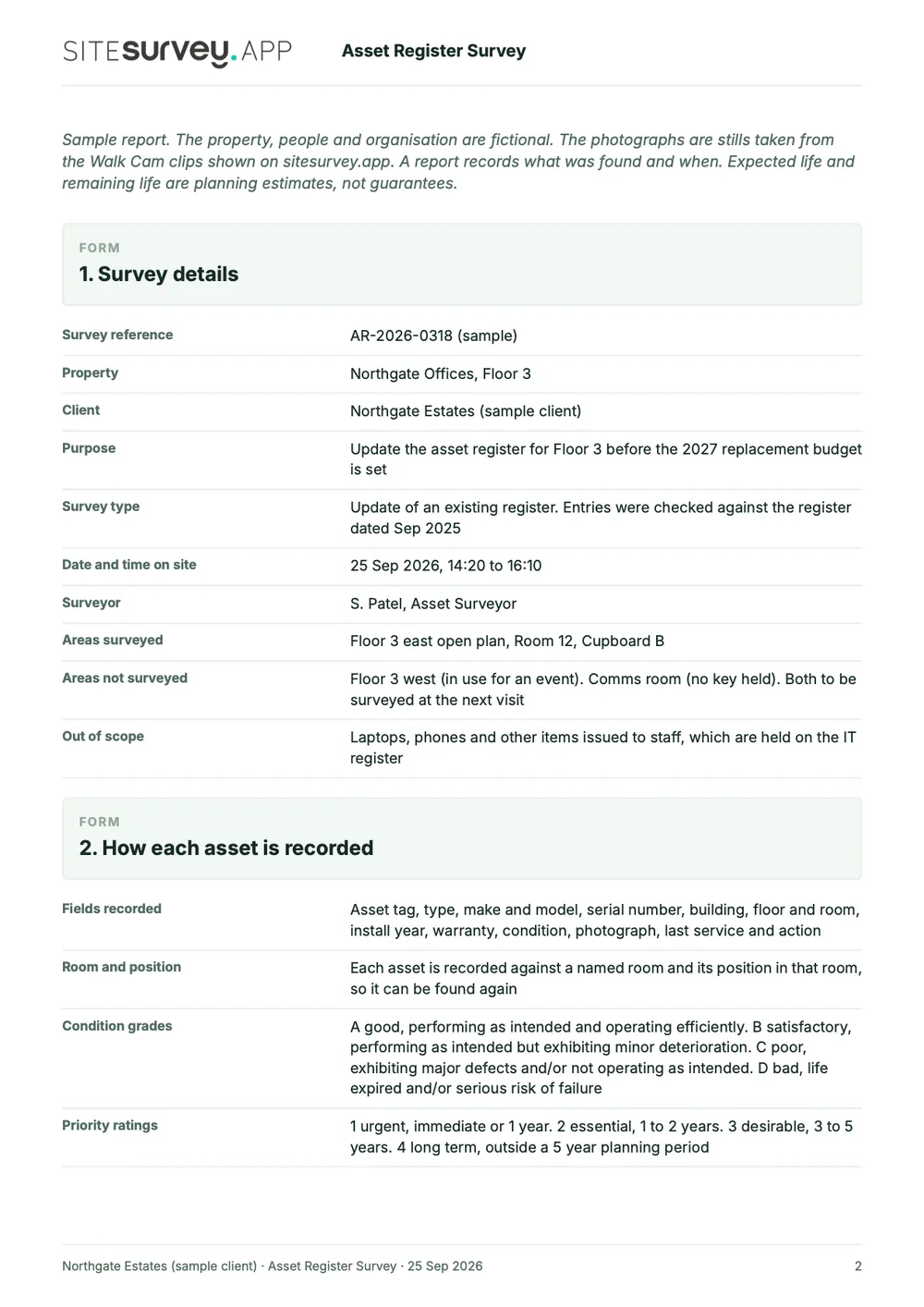
What the report looks like
What an asset register survey report looks like.
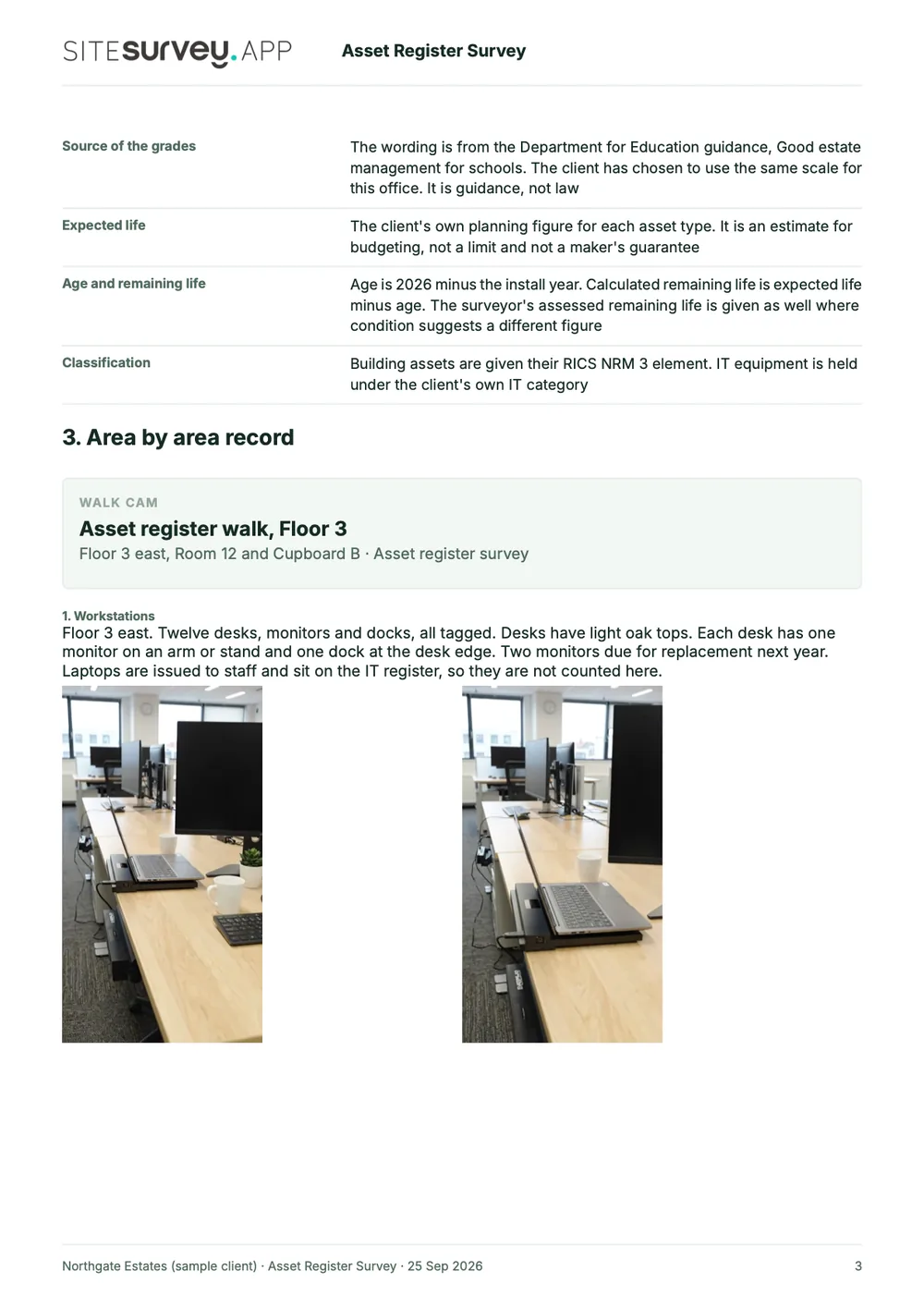
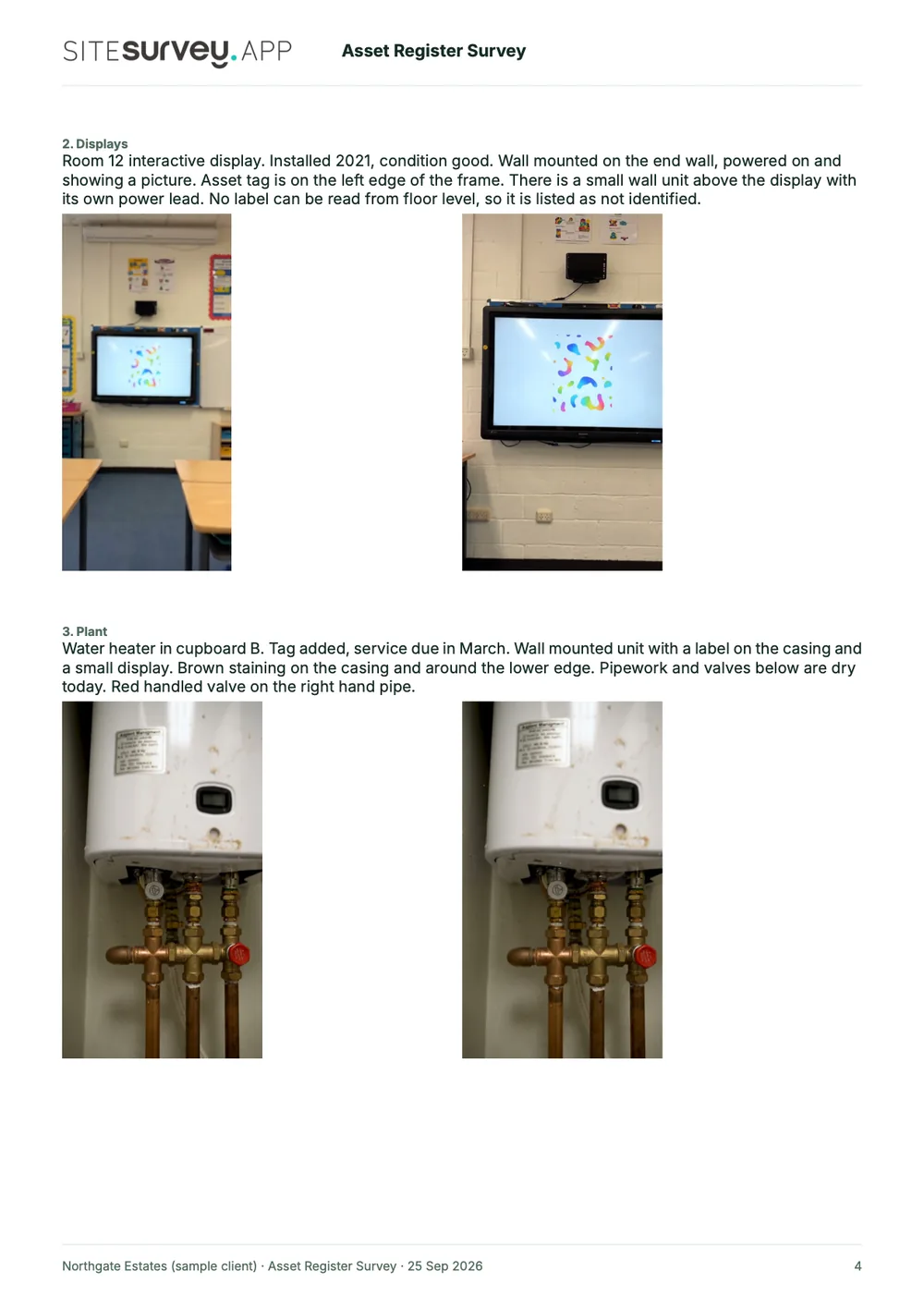
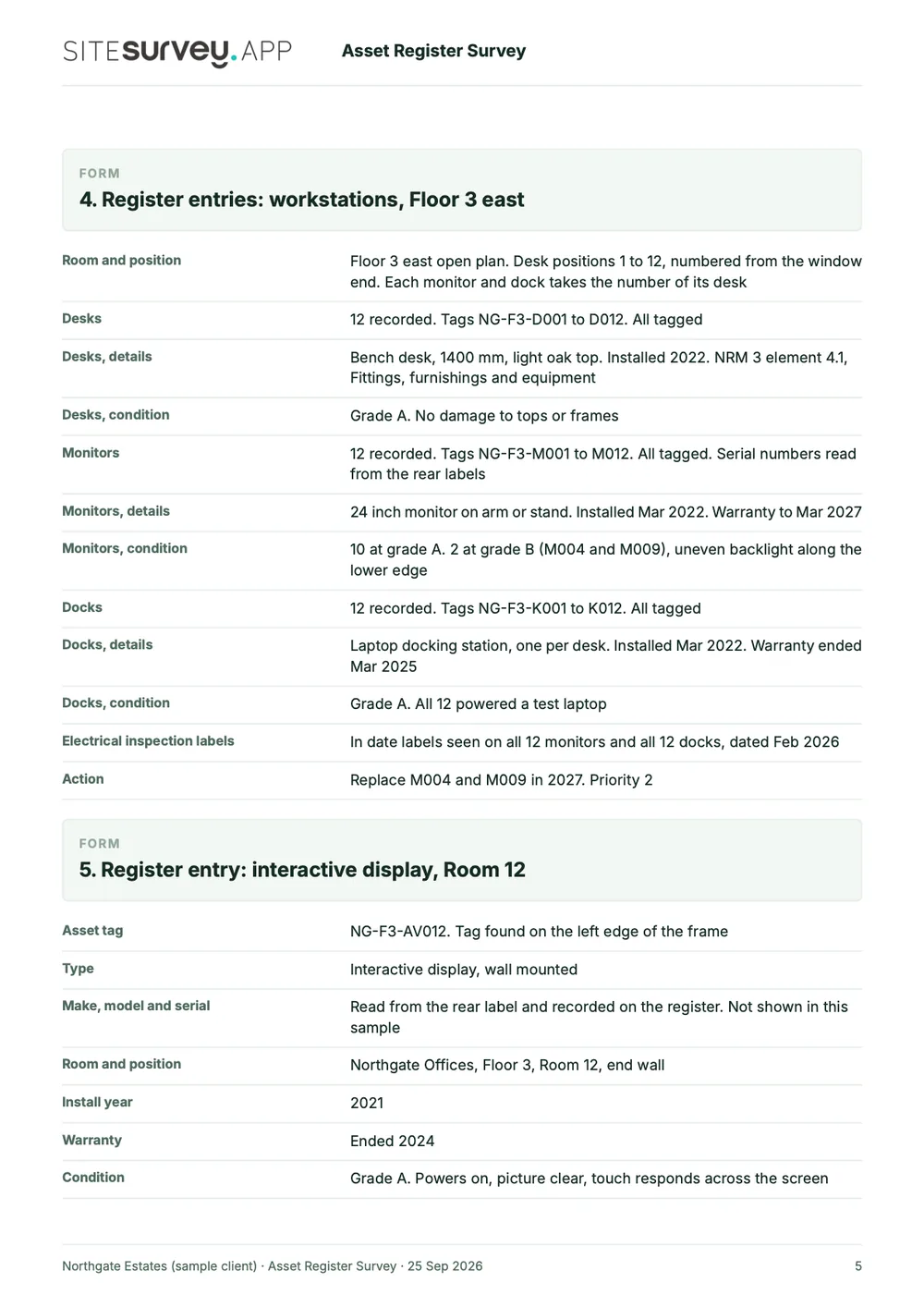
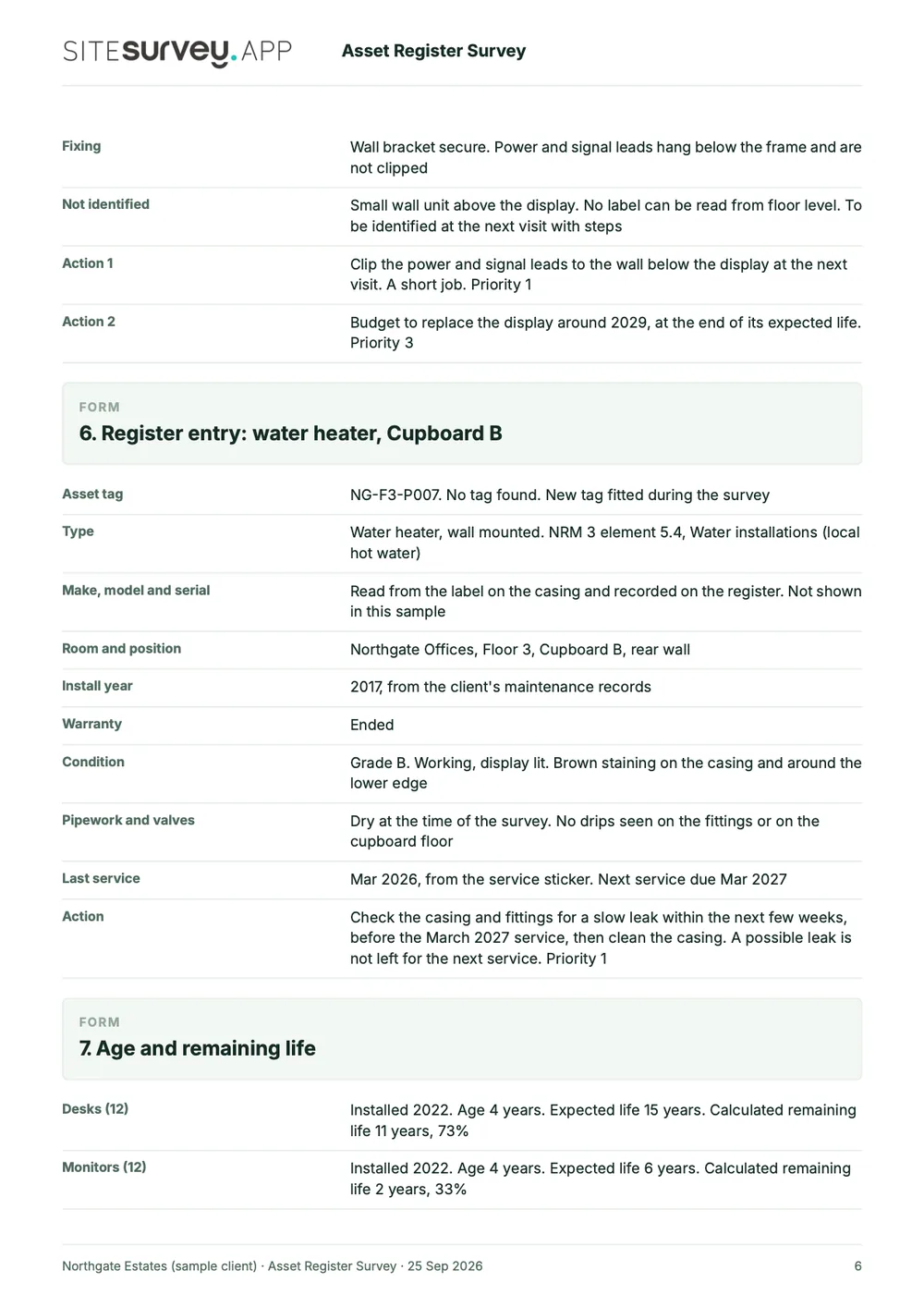
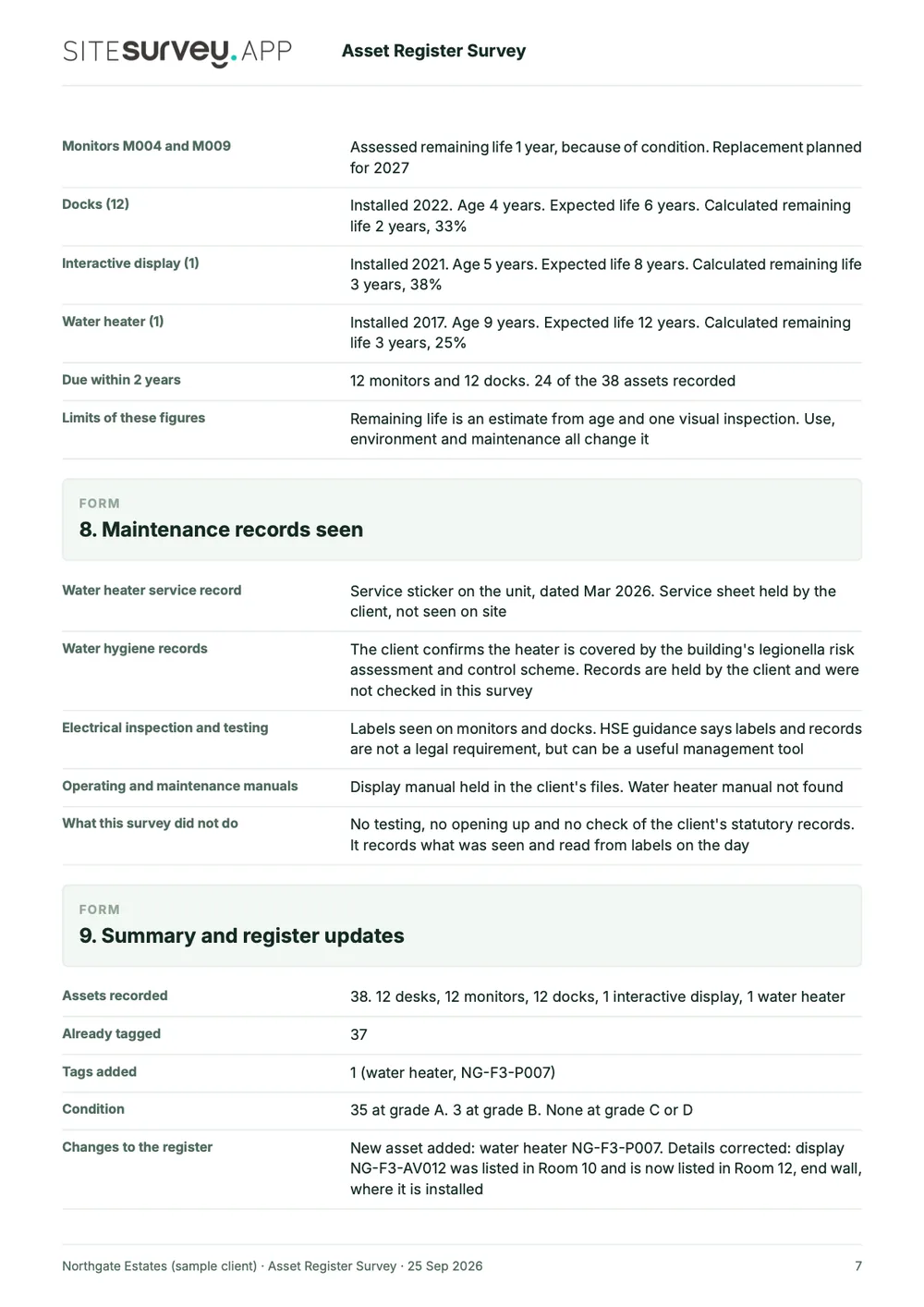
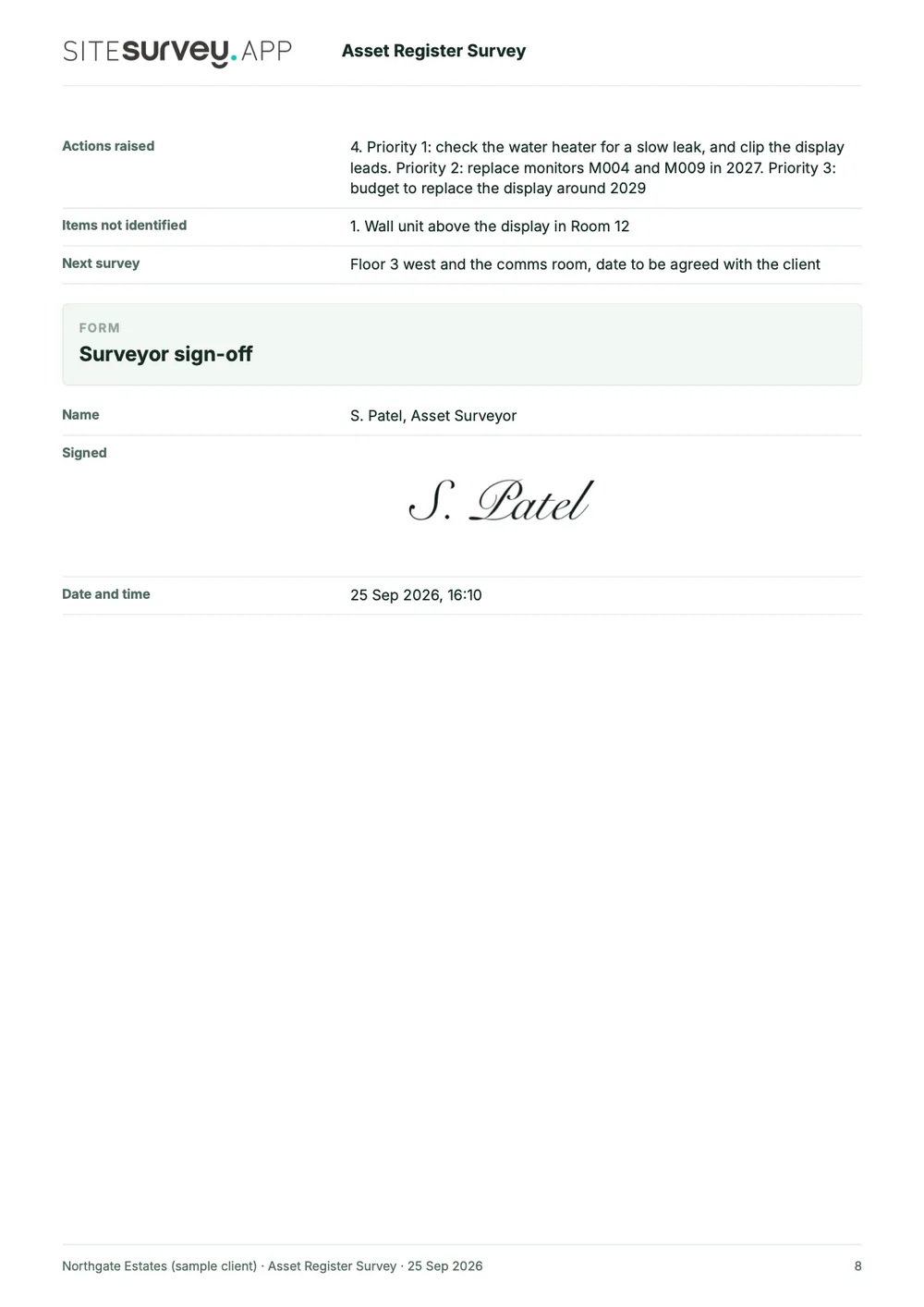
This is a full sample report, made with the SiteSurvey report builder. Scroll through it here or download the PDF. The photographs are stills from the Walk Cam clips on this page.
- 1Scope and methodWhat was surveyed, what was left out, and the condition grades and priorities the register uses.
- 2Area by area, with photosEach Walk Cam point has its stills and the surveyor's spoken notes, written down as they were said.
- 3A record for each assetTag, type, location, install year, warranty, condition grade and action for the workstations, the display and the water heater.
- 4Age and remaining lifeAge, expected life and remaining life for each asset type, with the register changes and a dated sign-off.

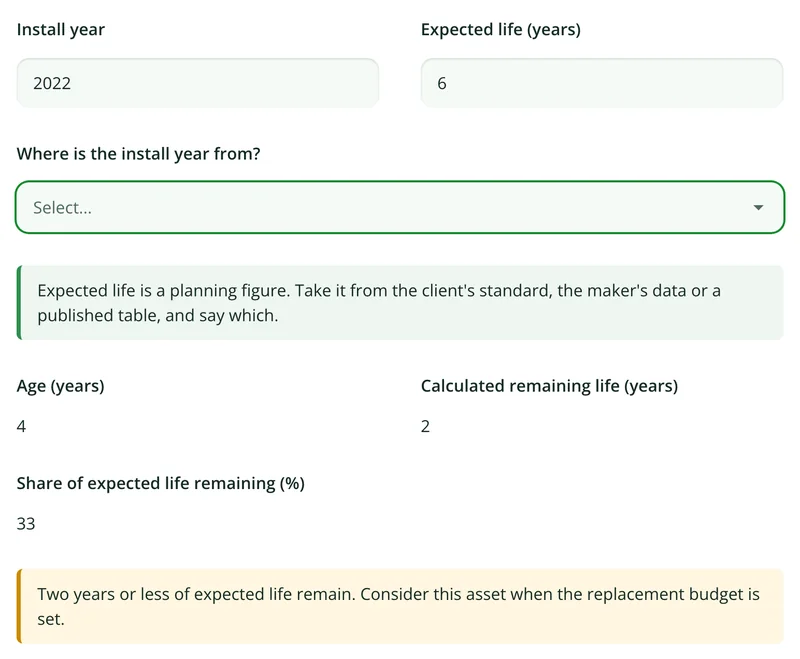
Try the form
The form behind the report. Open it and try it.
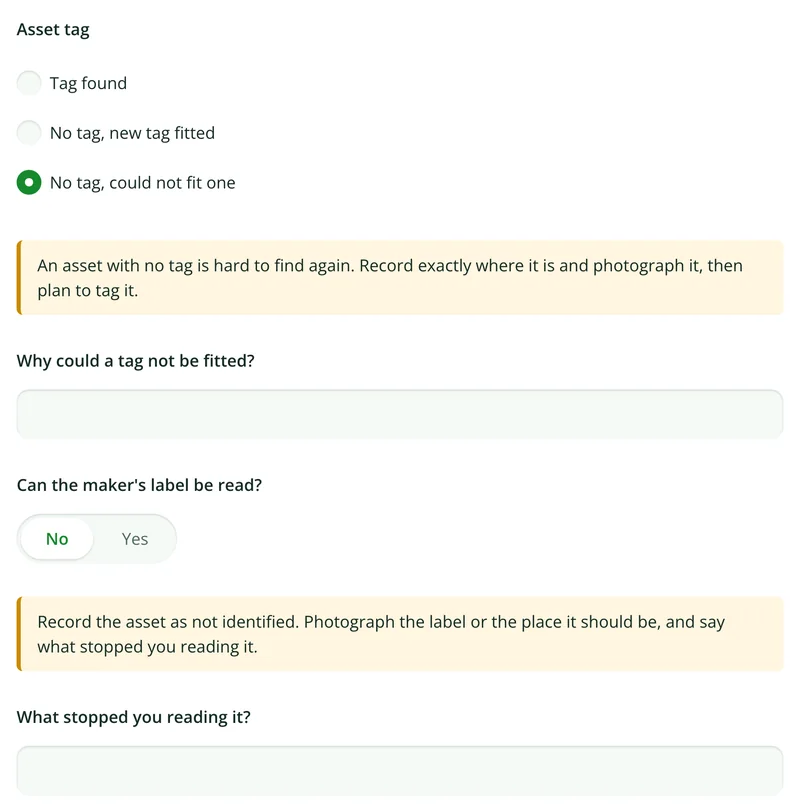
A live SiteSurvey form, shared by link with no login. It asks only what applies, works out age and remaining life, and takes a separate record for each asset. Answers are cleared every night.
Open the live form →See every question in the asset register template →Or see it filled in: the finished record with every answer, and the Walk Cam report with its clips, stills and spoken notes. See the finished record → Watch the Walk Cam report →
More than Walk Cam
Build the form. Share it by link.
Walk Cam films the inspection. The form behind it is yours to build, and anything you capture can be sent to someone outside your team as a link, with no login or app needed.
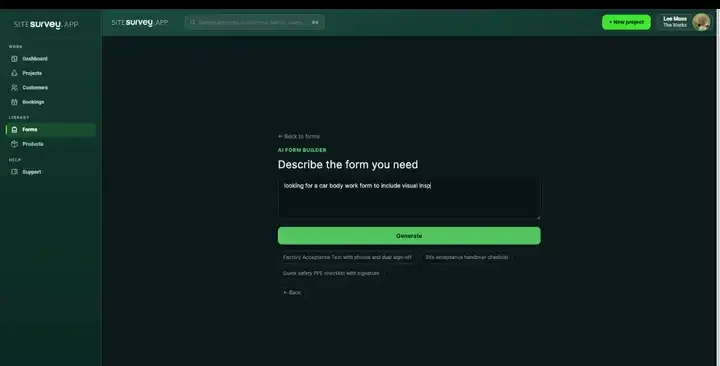
Build your asset register template with AI
Describe the checks you carry out and the AI assistant builds the form: fields, required photos, readings as numbers and follow-up questions that only appear when something fails. Refine it in chat, edit it visually, or start from a template.
How the form builder works →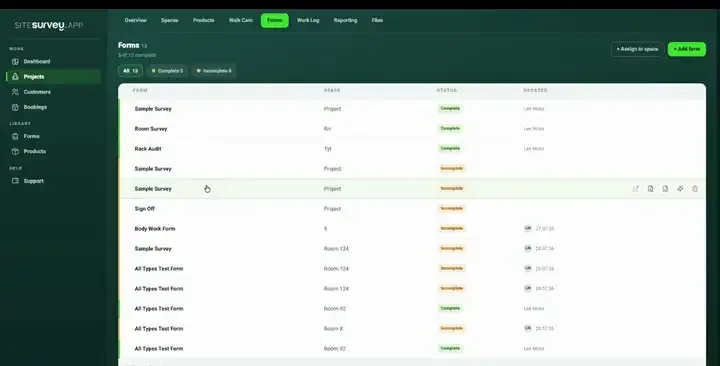
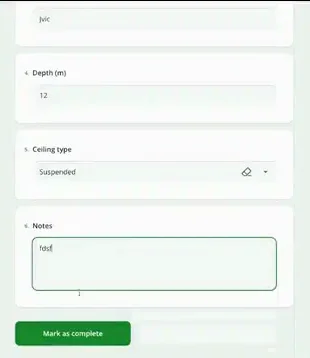
Share by link, no login needed
Make any form shareable and SiteSurvey gives it a unique URL, with an optional password. Customers, tenants or contractors fill it in on their phone’s browser, and their answers land in the same project. Walk Cam recordings and finished reports can be shared the same way, by link or by email.
How Walk Cam sharing works →What should asset register software do?
Keep the register worth having. Assets are first-class records, not rows. Each carries its own data, its evidence and its place in the building, and every later visit adds to the same record.
Label and barcode capture
Scan the serial, model or asset tag from the label and assign it straight to the asset's data points.
Any data point you track
Serial, model, install date, warranty, test result, condition rating: define the fields your register actually needs.
Pinned to the room
Each asset sits in a mapped space, so the next engineer is sent to a room rather than a description.
Photographic condition
Attach images to the asset itself, with annotation and on-image measurement where it helps.
Surveyed offline
Plant rooms and basements have no signal. Capture the whole survey on the device and sync afterwards.
Exports as the register
The captured record becomes the register or the client report, rather than being retyped into one.
Start from the asset register template.
Every field in the table above is already in the ready-made asset register template. Open it, add any data points your register needs, and assign it to the spaces you are surveying.
Try it on your phone
Try it on this phone
Fill in the asset register template on your phone now
See how the asset register template looks on your phone
Scan the code with your phone camera. It opens the real form, no sign-up needed.
Open the live example and fill it in, just as your team would on site. No sign-up needed.
See it on this phoneEvery question is editable. Add this form to your account, then change the wording, add or remove questions and options, and make it fit your own jobs.
What is the best asset register software?
The best asset register software depends on what the register is for. If it feeds fixed asset accounting, with valuation and depreciation, you need finance or CAFM software built for that. If the problem is getting an accurate register in the first place, or keeping it current, look for a mobile app that captures serials from the label rather than by typing, ties each asset to a mapped room, holds photographs, works offline and updates the same record on later visits. SiteSurvey is strong at that on-site capture: it does not value or depreciate assets, and it does not plan maintenance.
What is asset register software?
Asset register software is used to build and maintain a record of the physical assets in a building or estate: what each asset is, where it is, its identifiers such as serial and model, its condition, and its service or test history. The advantage over a spreadsheet is that each asset is a record rather than a row: it can hold photographs, be tied to a specific room, and be updated on later visits instead of being rebuilt from scratch each survey.
Can serial numbers be scanned rather than typed?
Yes. Label capture reads the serial, model or part code from the asset's own label and assigns it to the right data point on the record, which removes the most common source of error in a register: someone reading a long alphanumeric code and typing it into a spreadsheet.
Can we define our own fields?
Yes. Assets hold whatever data points your register needs, such as install date, warranty expiry, test results, condition rating, responsible department, so the register matches how your organisation actually tracks assets rather than a fixed template.
What should an asset register include?
An asset register should include, for each asset, its type and description, a unique asset ID or tag, serial and model, its exact location (building, floor and room), who is responsible for it, install date, warranty, condition and service or test history. A photograph and the date and name of whoever last checked it make the record far easier to trust and act on.
How are assets tied to locations?
Each asset belongs to a space on the floor plan (a specific room, riser or zone within a building and floor) rather than to a free-text description. That is what lets someone be sent directly to the asset months later.
Can an existing register be kept up to date rather than replaced?
Yes. A survey visit adds to the existing asset records rather than creating a parallel set, so condition, test results and photographs accumulate against the same asset over time.
Does asset capture work without a signal?
Yes. Plant rooms, basements and risers are exactly where assets live and signal does not. The whole survey, including scans, photographs and data points, is captured on the device and syncs when connectivity returns.
Is an asset survey the same as an asset register?
No. An asset survey is the visit and the register is its result. The survey walks the building and records each asset, and the register is the list that comes out of it and is kept up to date afterwards. In SiteSurvey the same asset records serve both, so a later survey updates the register rather than producing a new one.
Who is it for?
Facilities management and estates teams, and the surveying and maintenance contractors who build asset registers for them. It suits anyone who needs a register tied to real rooms, with evidence, rather than a spreadsheet compiled from site notes.
How much does it cost?
Pricing is per user, not per asset or site. The Works plan, which includes the custom form builder, floor plans and reports used for asset register surveys, is £25 per user per month. The Base plan starts at £13 per user per month. Every plan starts with a trial from £1, cancel any time.
Go deeper
Guides and tools behind this workflow.
See it on your next job