Capability 01
Custom forms and structured fields
Collect measurements, selections, validated text, dates, signatures and pass/fail results using forms built for the job, so every engineer answers the same questions the same way.
Mobile field data capture
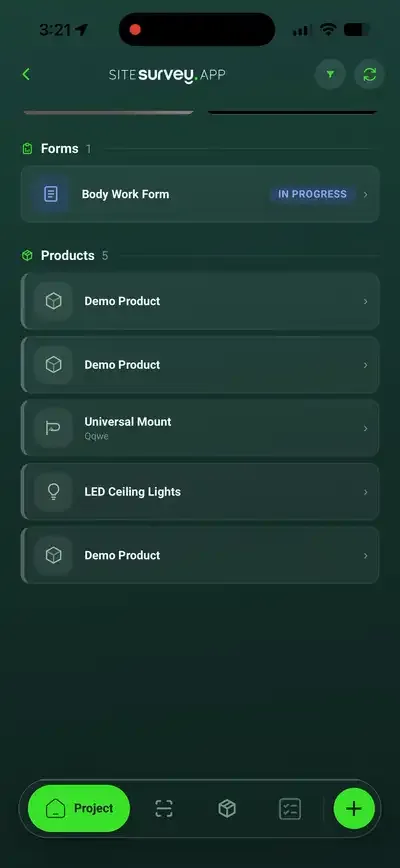
Forms, photographs, voice notes, video, labels and geo-location, captured on mobile and already organised by the project space where the work happened.
From £13 per user per month · trial from £1, cancel any time
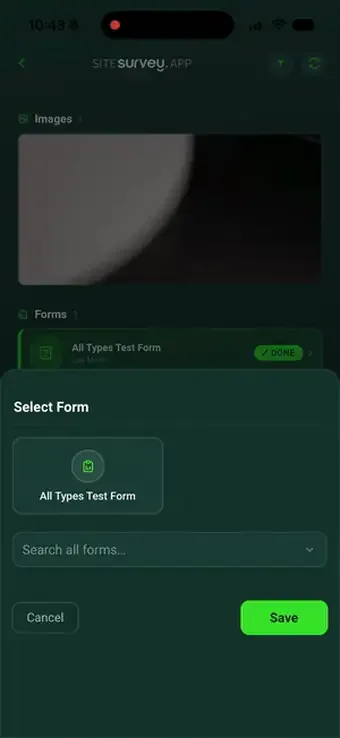
Mobile field data capture is recording site information on a phone or tablet instead of paper: form answers, photographs, transcribed voice notes, video, barcode and label scans, signatures and location. In SiteSurvey each capture is filed against the project space where it happened, works offline and syncs when signal returns.
Last updated 26 September 2026.
Evidence-rich field records
Site work rarely fits into one text box. Give engineers every capture tool they need while retaining a consistent, searchable record for the office team.
Capability 01
Collect measurements, selections, validated text, dates, signatures and pass/fail results using forms built for the job, so every engineer answers the same questions the same way.
Capability 02
Attach multiple images to any field: shoot them there and then, or pick from the device library. Each one stays tied to the form and the space it belongs to.
Capability 03
Record an observation while your hands are busy. The waveform captures on the device and the words are written out as searchable text against the record.
Capability 04
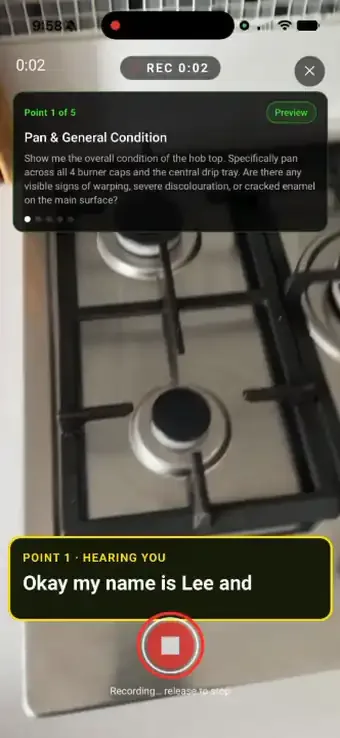
Film an inspection point and talk through it. Live speech-to-text writes the answer as you speak, so the clip arrives with its own written observation attached.
Capability 05
Scan a barcode or vendor label to capture serial, MAC, IP and model numbers without typing them, and stamp the record with where on site it was taken.
Capability 06
Keep capturing in plant rooms, basements and remote locations with no signal. Everything syncs to the project the moment connectivity returns.
Four kinds of evidence
One space, four ways of capturing what is there. Each one files itself against the same project record, and each works with no signal.
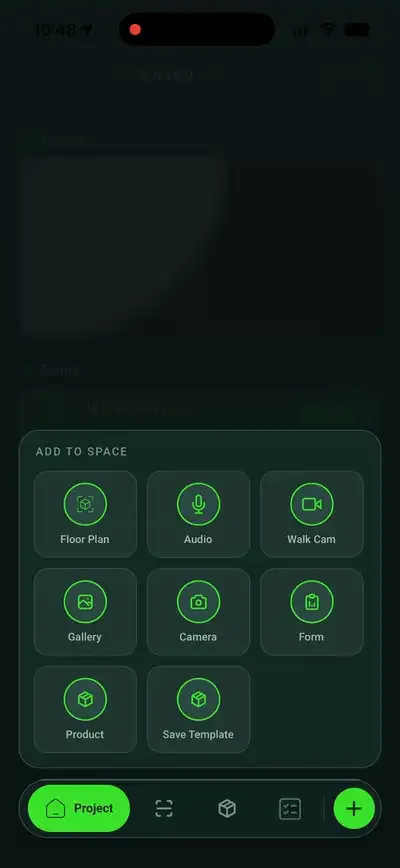
Step 01
Pick the form for the job and work through it: validated text, choices, dates and pass/fail, consistent across the team.
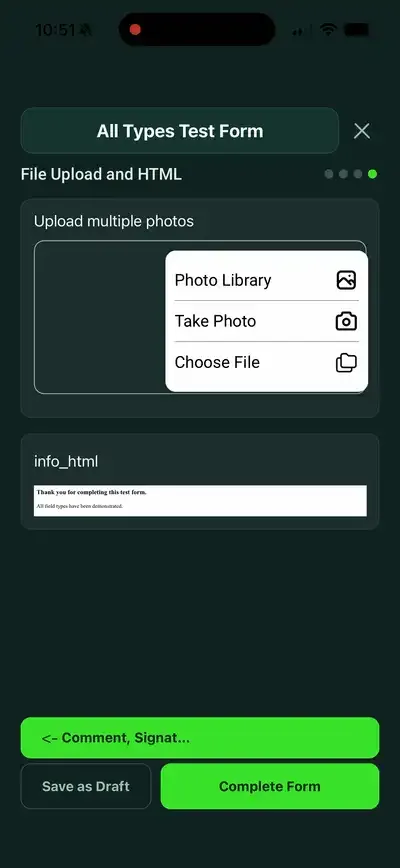
Step 02
Shoot straight into the field or pick from the library. Multiple images per question, each tied to its answer.
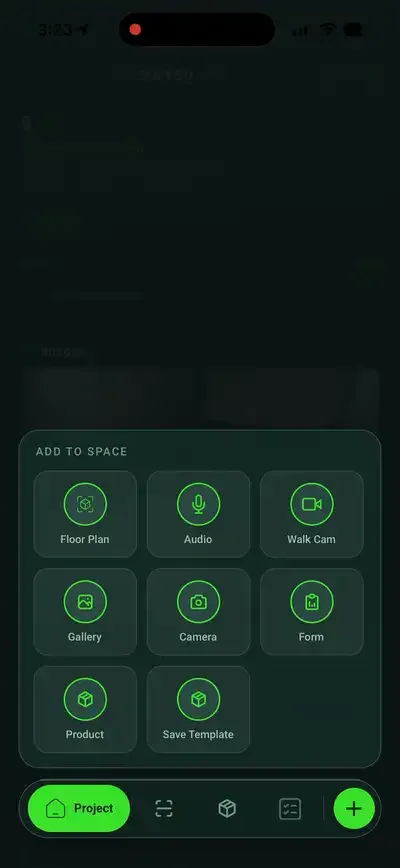
Step 03
Record a spoken note when typing is impractical. It transcribes to searchable text against the record.
Step 04
Record a short clip and talk through it. Live voice-to-text writes the answer while you film.
Office and field, connected
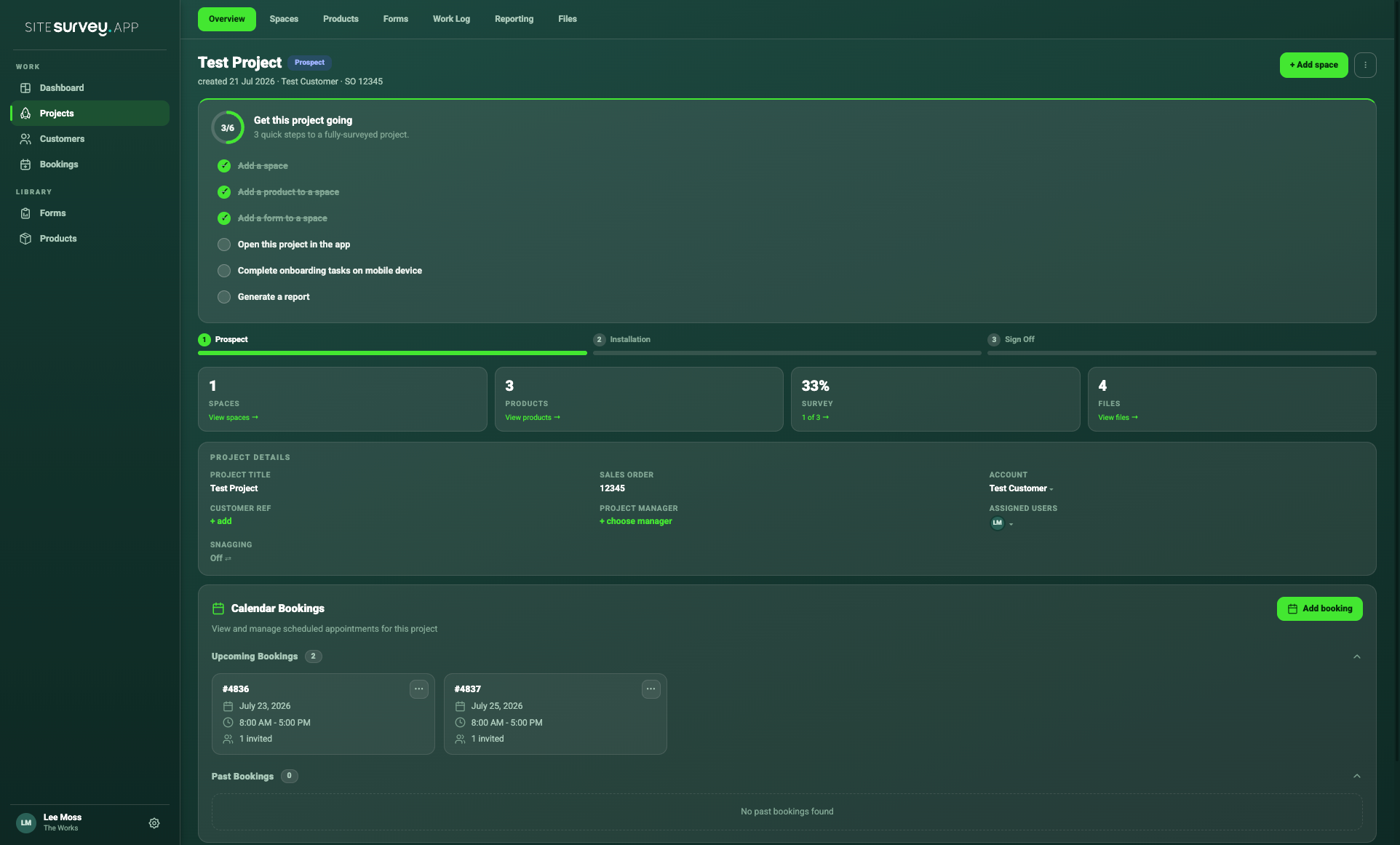
The mobile app keeps field work focused. The web platform brings every submission, image, recording and product detail back into the wider project record.
✓Evidence stays attached to its project space
✓Required fields improve consistency across teams
✓Office users can see progress without chasing updates
Mobile field data capture is recording site information on a phone or tablet instead of on paper: form answers, photographs, voice notes, video, scans and signatures, captured where the work happens. In SiteSurvey each capture is filed against the project space it belongs to and syncs to the office.
The best field data capture app is the one that captures everything your job needs in one place and still works with no signal. Look for your own forms, photos and video tied to each answer, voice notes, label or barcode scanning, offline working and a record the office can use without chasing. If you only need a simple survey form, a general form tool may be enough. SiteSurvey is strong on capture organised by project space, offline. It does not replace a specialist asset or maintenance system.
Measurements, selections, validated text, dates, signatures and pass/fail results on forms, plus photographs, transcribed voice notes, video with live voice-to-text, barcode, QR and vendor label scans, and the location the record was captured at.
Yes. Keep capturing in plant rooms, basements and remote locations with no signal. Everything is held on the device and syncs to the project the moment connectivity returns.
Yes. Scan a barcode or vendor label to capture serial, MAC, IP and model numbers without typing them. Scans work offline and upload when the connection returns.
Yes. Attach multiple images to any field, shot there and then or picked from the device library, and each one stays tied to its answer and the space it belongs to.
Yes. Several team members can work on the same project from their own devices, and everything they capture comes back into the one project record for the office.
Field engineers, surveyors, inspectors and installers across construction, facilities management, social housing, utilities and more: anyone who records site information and needs the office to be able to use it.
Offline data capture, photos, audio notes and annotations are in the Base plan from £13 per user per month. The custom form builder, reports and floor plans are in The Works at £25 per user per month. Every plan starts with a trial from £1, cancel any time.
See it on your next site