Form library
General survey and inspection forms
Site visit reports, general inspections and other forms that fit many kinds of work. See every question, try the live form, then use it in SiteSurvey.
Most used
Start with the most used general forms
All general forms
Search by name or topic. Open any form to see every question and try it live.
11 forms
- General
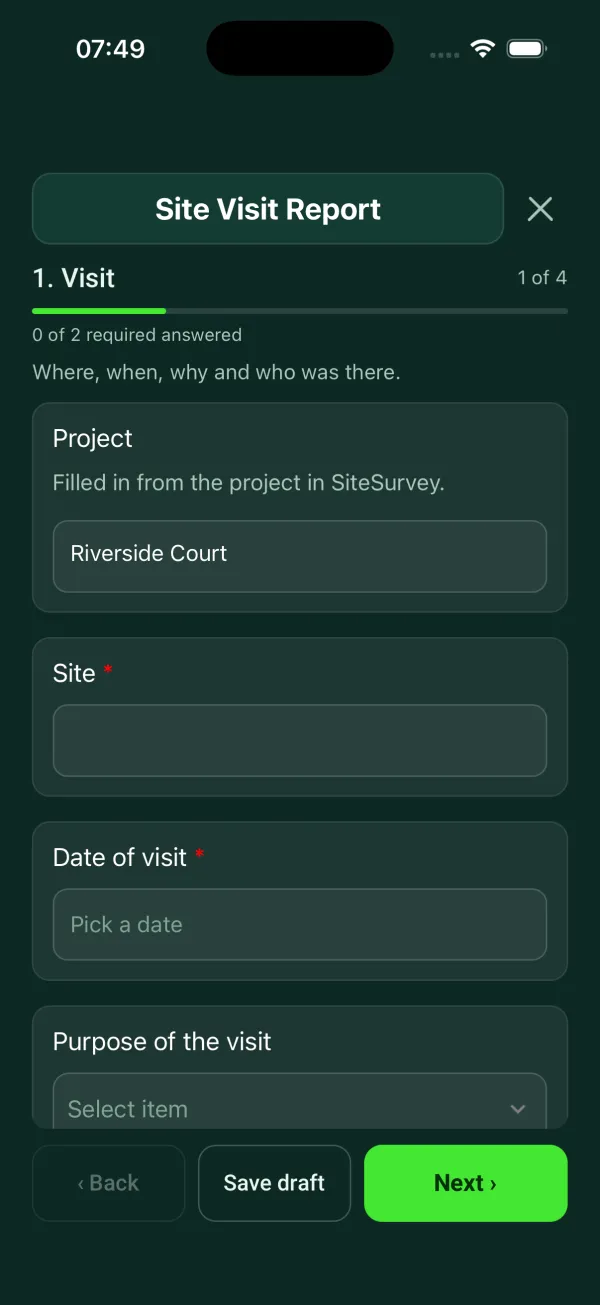
Site visit report template
General purpose visit: purpose, who was there, findings with photos, actions and follow-up.
4 sections29 questionsPhotosSignaturesSee every question → - General
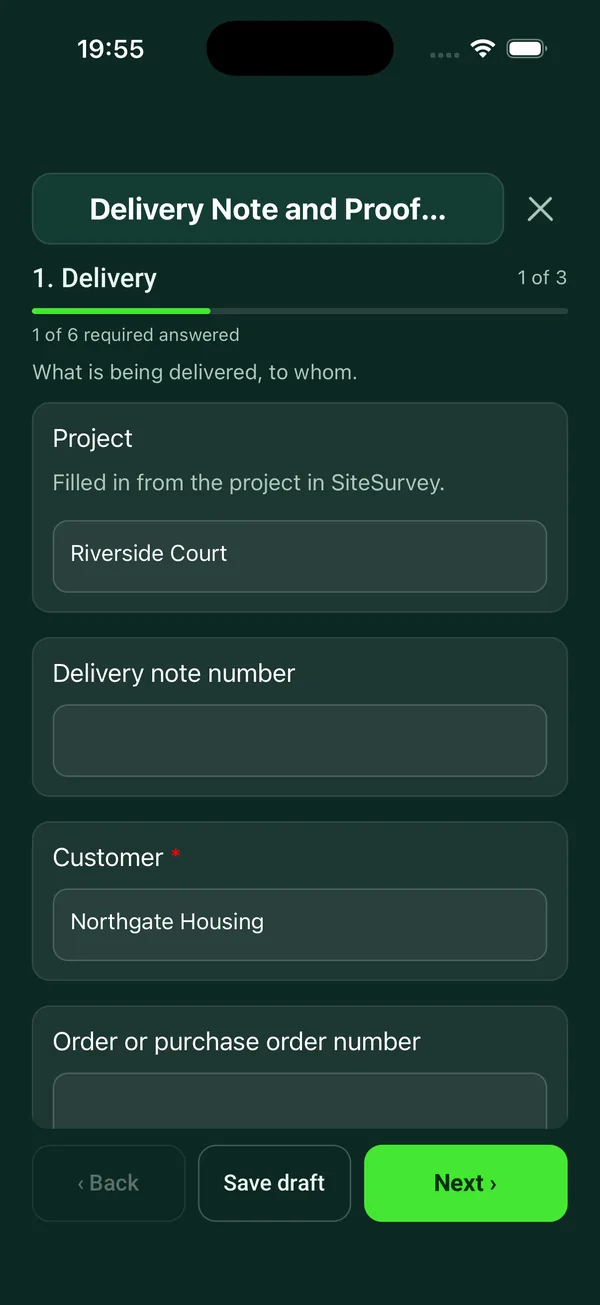
Delivery note template
Delivery record signed on the device: items with quantities and condition, where they were left, photos, exceptions and the name and signature of who received them.
3 sections31 questionsPhotosSignaturesSee every question → - General
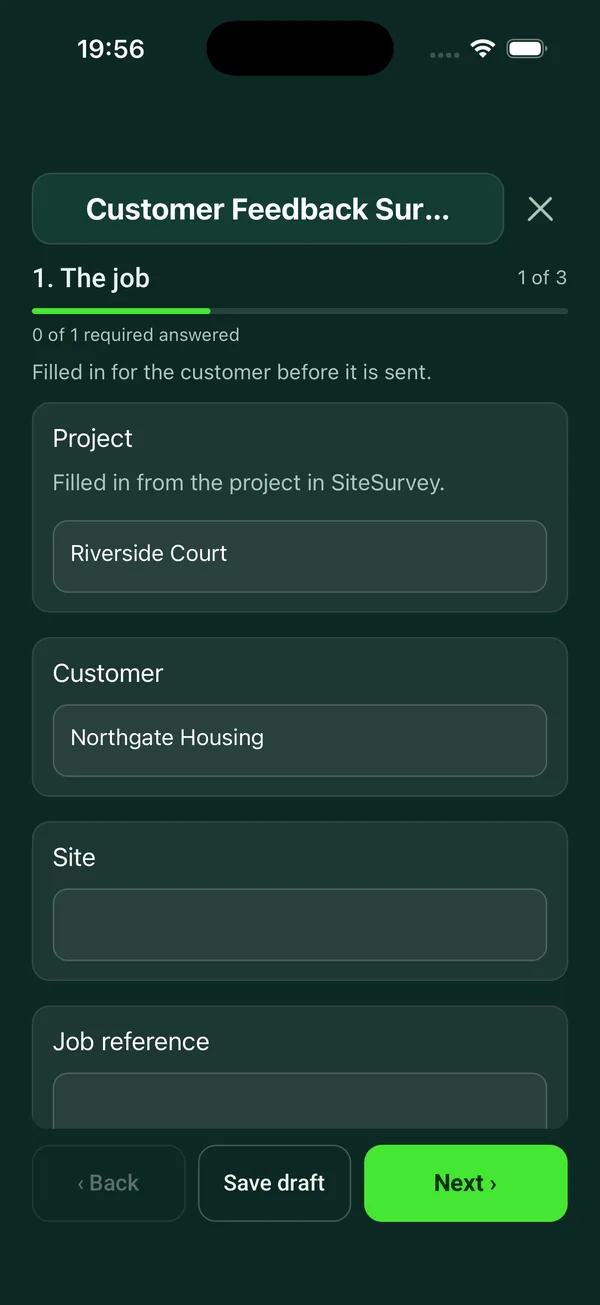
Customer feedback form template
Short satisfaction survey to send after a job: six ratings, a recommend score from 0 to 10, what went well, what could be better and a call-back request.
3 sections23 questionsSee every question → - General
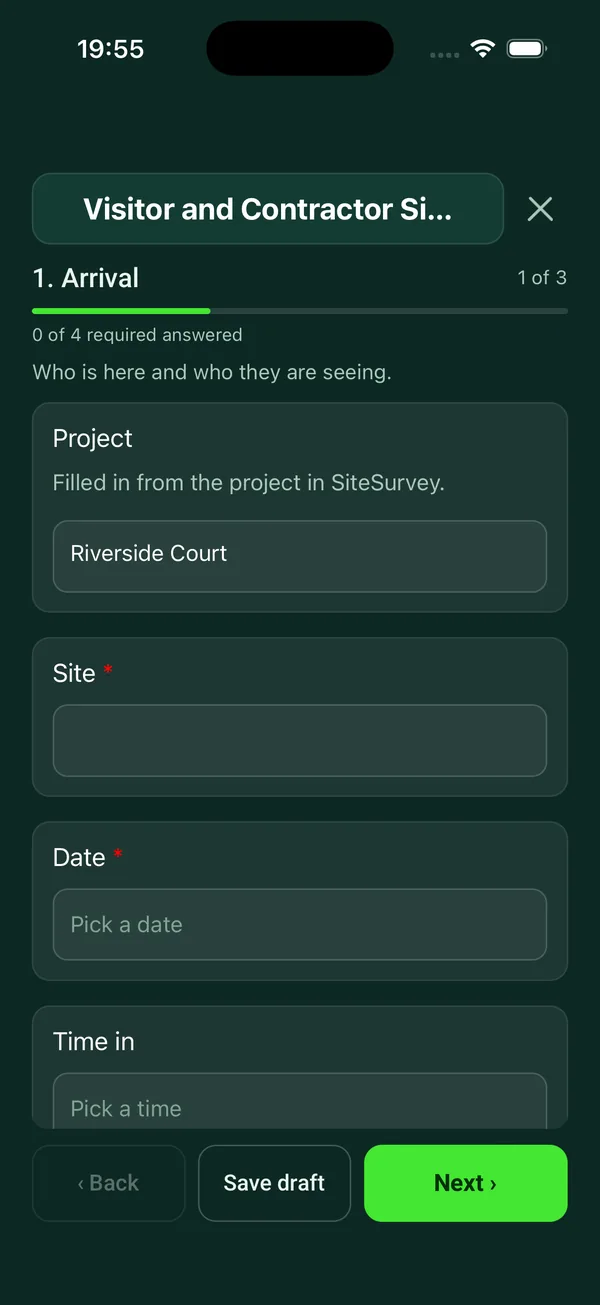
Visitor sign-in sheet
Sign-in record for a visitor, contractor or delivery: who they are and who they are seeing, a short safety briefing, contractor checks, and sign-out.
4 sections26 questionsSignaturesSee every question → - General
Job quote template
A job quote site survey: the customer, what they want, measurements and photos for each item, access and working conditions, priced options with VAT, and the cancellation information for quotes agreed at home.
5 sections48 questionsPhotosSignaturesSee every question → - General
Event setup checklist
Record day-of-event setup readiness, supplier handovers, equipment checks, unresolved issues and the opening decision.
3 sections29 questionsPhotosSignaturesSee every question → - General
Event debrief template
Compare event outcomes with the plan, record operational lessons and assign improvements with owners and due dates.
4 sections37 questionsPhotosSignaturesSee every question → - General
Pre-delivery inspection (PDI) checklist
A pre-delivery inspection (PDI) checklist for vehicles, plant and equipment: identity and hours, recall check, condition and function checks with photos, accessories, keys and manuals, and the customer's handover sign-off.
3 sections50 questionsPhotosSignaturesSee every question → - General
Moving inventory template
A home removals survey and moving inventory: both addresses and access, each room's contents as a space with large and fragile items, volume, packing, dismantling, storage, insurance value and the customer's signature.
3 sections37 questionsPhotosSignaturesSee every question → - General
Container inspection checklist (7-point)
A 7-point container and trailer inspection: container and seal numbers, safety approval plate, undercarriage, doors, sides, front wall, roof and floor, reefer fan housing, cleanliness, accept or reject, photos and sign-off.
3 sections40 questionsPhotosSignaturesSee every question → - General
Delivery damage report
A delivery damage and shortage report: carrier, consignment and delivery note, how the POD was signed, each damaged or missing item with photos and value, packaging, notice to the carrier and the claim.
3 sections26 questionsPhotosSignaturesSee every question →






Guide
What are general business forms used for?
Not every form belongs to a regulated inspection. Most businesses that work on site also need a handful of everyday records: a report after a visit, a quote, a delivery note, a sign-in sheet at reception, a checklist before an event. These are the forms people still keep on clipboards and carbon pads, and they are the ones that go missing when a customer disputes something three months later.
The forms in this category are general purpose. They are not tied to one trade, so a facilities team, an AV installer, a removals firm and an events company can all use the same site visit report or delivery note and change the questions to suit. Each form page shows every question, and you can try the form live before you use it on a job.
If you are looking for safety paperwork rather than everyday business records, the health and safety forms cover risk assessments and incident reports, and quality and compliance covers audits and non-conformance.
How to write a site visit report that gets acted on
A site visit report is only useful if the person reading it in the office can see what you saw. The common failure is a page of notes that made sense on the day but leaves out the address, who was there, or which room a problem was in. A good site visit report is structured so that the basics are always captured before the free text starts.
Take photos as you go rather than at the end, and annotate them: an arrow on the cracked tile or the cable run is worth a paragraph of description. If the visit leads to work, turn the findings straight into a job quote while the details are fresh.
- Who, where and when
- Site address, contact on site, date and time of arrival, and who attended from your side.
- Purpose
- Why you were there: survey, snagging, progress check, fault call or pre-quote visit.
- Findings
- One finding per item, each with a photo, a location and a priority, not one long paragraph.
- Actions
- What happens next, who owns it and by when. Unowned actions are the reason most visit reports get ignored.
- Sign-off
- A signature from the person on site confirms they saw the same thing you did.
What a job quote should include
A quote is the start of a contract, so it needs to say clearly what is included, what is not, the price (and whether VAT is on top), how long the price is valid for, and your payment terms. Listing exclusions and assumptions (access, parking, making good, out-of-hours working) saves arguments later.
If you quote a consumer at their home and they accept there, or you sell to them at a distance, the Consumer Contracts Regulations 2013 usually give them the right to cancel. For a service contract the cancellation period ends 14 days after the contract is made, so your quote and acceptance paperwork should explain that right and record whether the customer asked you to start work sooner.
Sources: regulation 29 of the Consumer Contracts Regulations 2013 (right to cancel) and regulation 30 of the Consumer Contracts Regulations 2013 (cancellation period).
Delivery notes, damage reports and proof of condition
When goods change hands, the paperwork decides who bears the loss if something is broken. For sales to consumers, the Consumer Rights Act 2015 says goods stay at the trader's risk until they come into the physical possession of the consumer (or someone they nominate), so a signed delivery note with photos taken at the door is your evidence of what arrived and in what state.
Between businesses, the Sale of Goods Act 1979 gives the buyer a reasonable opportunity to examine goods before they are treated as accepted, and treats them as accepted if they keep the goods for a reasonable time without saying they reject them. That is why a delivery damage report should be completed the same day, with photos of the packaging as well as the product.
The same logic applies to vehicles and household moves. A pre-delivery inspection (PDI) checklist records the condition of a vehicle or machine before the customer takes it, and a moving inventory lists every item and its condition before it goes on the van, so a damage claim can be checked against what was written at the start.
Sources: section 29 of the Consumer Rights Act 2015 (passing of risk), section 34 of the Sale of Goods Act 1979 (buyer's right of examining the goods) and section 35 of the Sale of Goods Act 1979 (acceptance).
How to inspect a shipping container
Freight containers in international use carry a safety approval plate under the International Convention for Safe Containers (CSC), and they must be examined under an approved scheme. HSE explains that under a periodic examination scheme the first examination must be within five years of manufacture and then at intervals of no more than 30 months; under a continuous scheme the interval between examinations must also not exceed 30 months. Check the plate before you load or accept a container.
The container inspection checklist follows the familiar 7-point approach: front wall, left side, right side, floor, ceiling or roof, inside and outside of the doors (including locking bars and seal), and the outside and undercarriage. Photograph the seal number and any damage, holes or signs of tampering before the doors are closed.
Source: HSE: freight containers (safety approval plates and examination schemes).
Visitor sign-in sheets and the personal data they hold
A visitor sign-in sheet does two jobs: it tells you who is on site if you need to evacuate, and it records who visited and when. Your fire evacuation plan should cover how people leave and where they meet, and a current list of visitors is what lets the fire warden account for everyone at the assembly point.
A sign-in sheet is also personal data. UK GDPR says you should collect only what you need and keep it no longer than necessary, so ask for name, company, who they are visiting and times in and out, not home addresses or phone numbers you never use. A paper book on the front desk also lets every visitor read the names above theirs; a digital form does not.
The same care applies to a customer feedback form: tell customers what you will do with their answers, and keep the questions short enough that they actually finish it.
Sources: GOV.UK: fire safety in the workplace, fire safety and evacuation plans and UK GDPR article 5: principles relating to processing of personal data.
Running an event from setup to debrief
HSE's event safety guidance is built around planning the event, managing it on the day and reviewing it once it is over. The event setup checklist covers the day: power, staging, AV, signage, barriers, first aid point, fire exits clear and a final walk-round before doors open. Pair it with an event risk assessment done in advance.
The event debrief template is the review step that most teams skip. Fill it in within a day or two while people remember what went wrong at load-in or which supplier was late, and record actions with an owner so the next event starts from it. Because each completed form becomes a branded PDF report, you can send the debrief straight to the client.
Source: HSE: event safety.
Facts checked by the SiteSurvey team, 27 October 2026.
General forms FAQs
What is the difference between a delivery note and a delivery damage report?
A delivery note records what was delivered and who signed for it. A delivery damage report is filled in when something arrives broken or short, with photos and a description, so you can claim against the carrier or supplier.
How long should we keep visitor sign-in records?
UK GDPR does not set a fixed period; it says you should keep personal data no longer than you need it for the purpose you collected it. Decide a period (many sites choose a few months), write it down, and delete older records on that schedule.
Does a customer have to sign a site visit report?
There is no legal requirement, but a signature from the person on site is strong evidence that they saw the same findings. It is worth capturing whenever the report will lead to a quote, a variation or a dispute.
What are the 7 points of a container inspection?
The front wall, left side, right side, floor, ceiling or roof, the inside and outside of the doors (with locking bars and seal), and the outside and undercarriage. Check the CSC safety approval plate as well.
Source: HSE: freight containers.
What is a PDI checklist?
A pre-delivery inspection checklist is completed before a vehicle or machine is handed to the customer. It records fluid levels, tyres, lights, damage, fitted options and paperwork, so both sides agree on its condition at handover.
Can we change these forms to match our own paperwork?
Yes. Any library form can be edited in the SiteSurvey form builder, so you can rename questions, add your own fields or remove ones you do not need. Completed forms come out as a PDF report with your branding.
Other categories
Put these forms in your team's hands
Works on iPhone, iPad and Android, offline on site, with every completed form turned into a branded PDF report.
Start your trial →