Form library · AV and IT
Display installation checklist
A per screen check for installers fitting displays and TVs. Record the location, size, mount and wall type, confirm the fixings, height, level, power and signal, run a picture test on every input and photograph the finished screen and its connections. Every question is listed below, and you can fill the live form in on this page.
Ready to use from the form library, and editable. Trial from £1, cancel any time.
What should a display installation checklist include?
A display installation checklist should record each screen's location, size, make and model, the mount, and the wall or ceiling it is fixed to. It should confirm the fixings suit that surface and the combined weight of screen and mount, then check the height to the centre of the screen, that it is level, power and signal, a picture test on every input, and photos.
Last updated . Facts checked on 30 September 2026.
Try the display installation form live
Answer a few questions and watch it adapt. Your answers are not saved, and any photos you add are deleted within the hour.
This is the real form as your team would use it: questions appear as you answer, scores work themselves out and you can add photos and signatures. No sign-up needed.
Fill it in on a phone or tablet
Your team completes the display installation check on site in the SiteSurvey app on iPhone, iPad and Android phones and tablets. The project name and address fill in for them, it works without signal, and it syncs when the device is back online with photos kept against the question they answer.
Customers and subcontractors do not need the app: send them a link and they can fill it in from any browser.
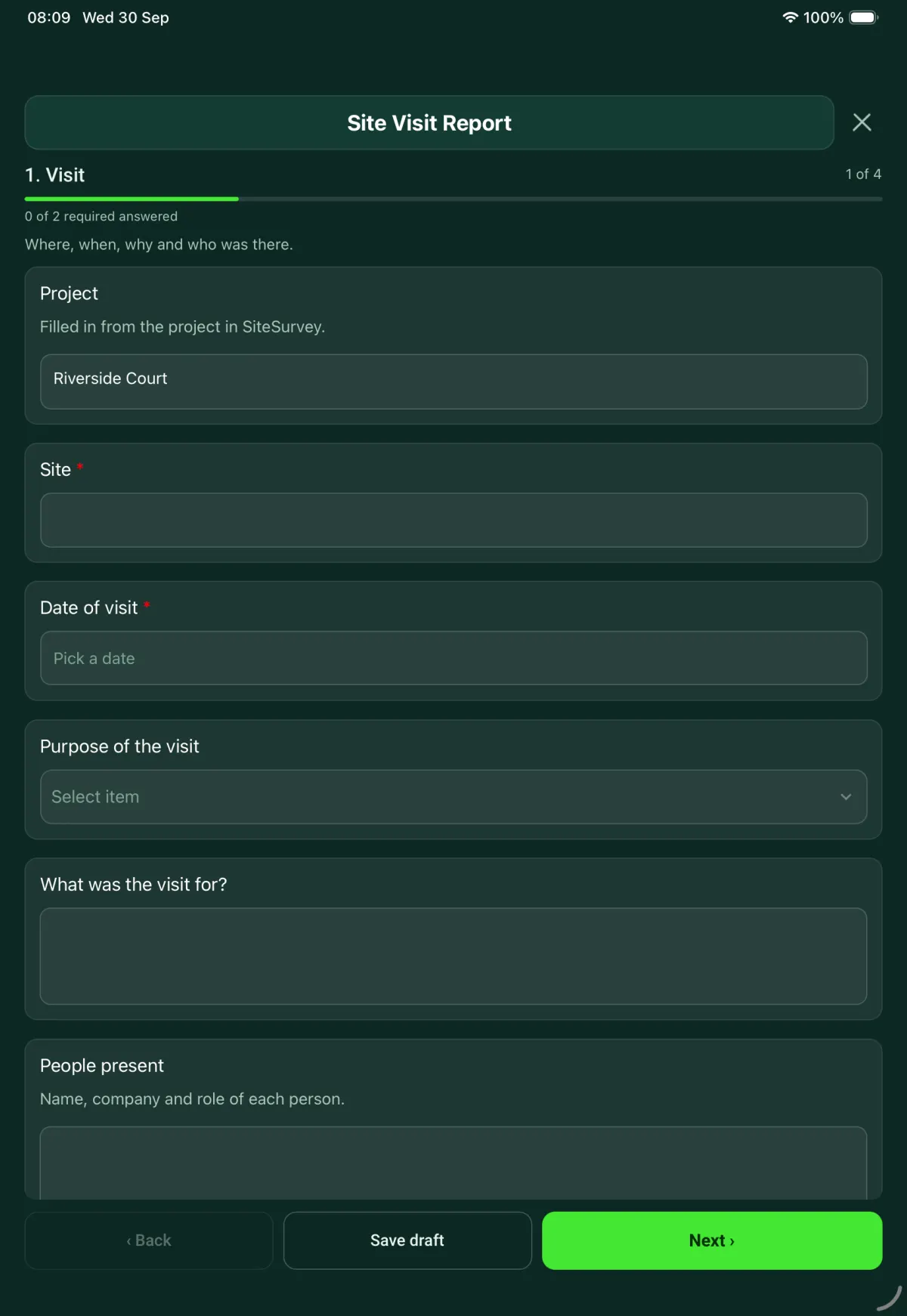
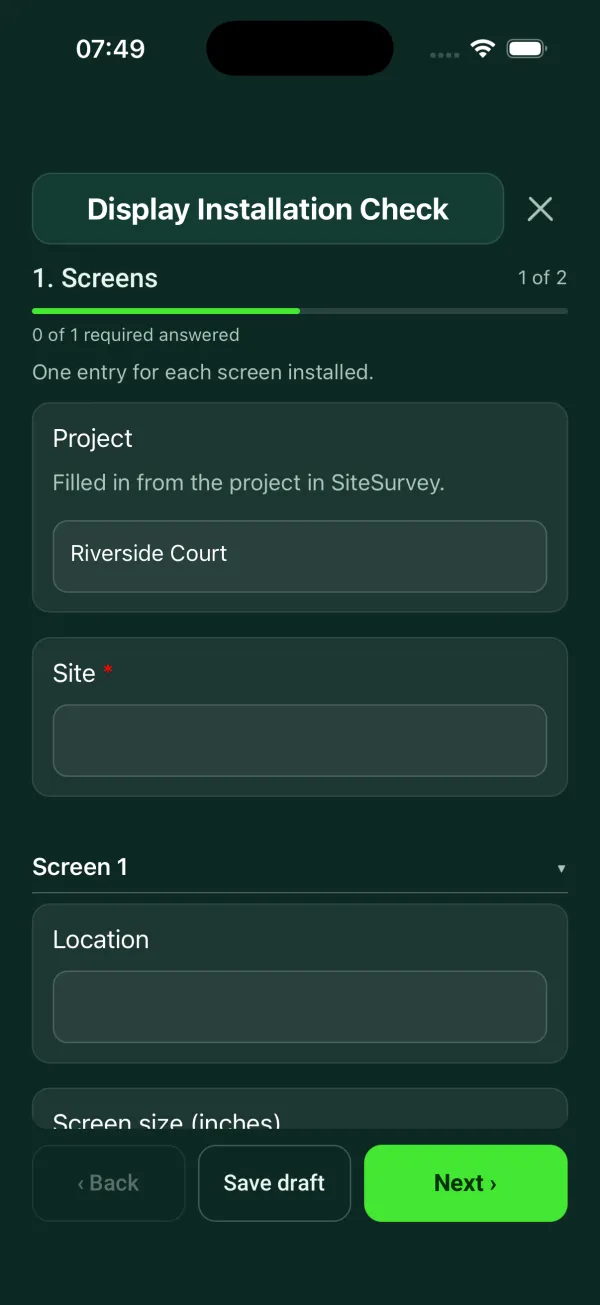
Every question in the display installation template
Per screen: mounting, height, fixings, power and signal, final picture test and photos. 2 sections and 21 questions. Follow-up questions and guidance appear only when an answer calls for them, so the person on site never sees the ones that do not apply.
Details you only enter once
Add this form to a project in SiteSurvey and it fills in what the project already knows, so nobody on site retypes it and every form on the job uses the same names. Anything filled in can still be changed.
- Project: the project name
- Site: the site, when the form is opened for a space or a product
Screens
One entry for each screen installed.
- ProjectShort answerFills in from the project name
- Site*Short answerFills in from the site, when the form is opened for a space or a product
- ScreensRepeat for each screen. Each one asks:
- LocationShort answer
- Screen size (inches)Number
- Make and modelShort answer
- Mount typeChoose one
- Fixed wall mount
- Tilting wall mount
- Articulating arm
- Recessed or in-wall
- Ceiling mount
- Floor stand
- Trolley
- Other (describe)
- Wall typeChoose one
- Masonry
- Concrete
- Timber stud
- Metal stud
- Plasterboard on dabs
- Other (describe)
Shown only when the answers above make it relevant - Are the fixings suitable for the wall or ceiling and the weight of the screen and mount?Yes or No
- WarningDo not leave the screen on this mount. Refit it with fixings rated for the surface and the combined weight of the screen and mount.Shown when “Are the fixings suitable for the wall or ceiling and the weight of the screen and mount?” is No
- Height to the centre of the screen from the finished floor (mm)Number
- Is the screen level?Yes or No
- Are power and signal presented at the screen?Yes or No
- What is missing?Short answerShown when “Are power and signal presented at the screen?” is No
- Picture test passed on every input?Yes or No
- Describe the faultNotesShown when “Picture test passed on every input?” is No
- Photo of the faultPhotosShown when “Picture test passed on every input?” is No
- Photos of the installed screenPhotos
- Photos of the back box and connectionsPhotos
- Screens failing the picture testWorked out by the form
Installer sign-off
- CheckAt least one screen failed the picture test. Record the fault and the next step before you sign.Shown only when the answers above make it relevant
- NameShort answer
- DateDate
- Installer signatureSignature
Display installation template questions
What if the fixings are not suitable?
Do not leave the screen on that mount. The form tells the installer to refit it with fixings rated for the surface and the combined weight of the screen and mount. For wall and recessed mounts it asks for the wall type, from masonry and concrete to timber stud, metal stud and plasterboard on dabs.
How is the screen height recorded?
As the height to the centre of the screen from the finished floor, in millimetres. The form does not set a target height, so measure against the height agreed for the job.
What happens if a screen fails the picture test?
The form opens a description of the fault and a photo of it. It counts the screens that failed the picture test, and at sign-off it reminds the installer to record the fault and the next step before signing.
Can one checklist cover several screens?
Yes. Add one entry for each screen installed, each with its own mount, checks and photos of the installed screen, the back box and the connections. The installer signs once at the end.
Can I use it as a TV installation checklist?
Yes. The mount types run from fixed, tilting and articulating wall mounts to recessed mounts, ceiling mounts, floor stands and trolleys, so it suits TVs and commercial displays. The form is in the SiteSurvey form library and can be edited if you need extra checks.
Related
Related templates
Templates that go with the display installation form
Room survey for AV installs: dimensions, photos, power and data, ceiling and structure, equipment positions, access.
Containment and cable routes, comms room and cabinet, power and cooling, existing and required outlets by area.
Commissioning and handover for AV and network installs: tests, equipment and photos, snags, documents and training.
Cabinet by cabinet audit: equipment by U position, power, cooling, labelling, cable management.
Use this display installation form with your team
Add it from the form library in one click, change any question, and every completed form becomes a branded PDF report.
Start your trial →