How do I measure a tree's height from a photo?+
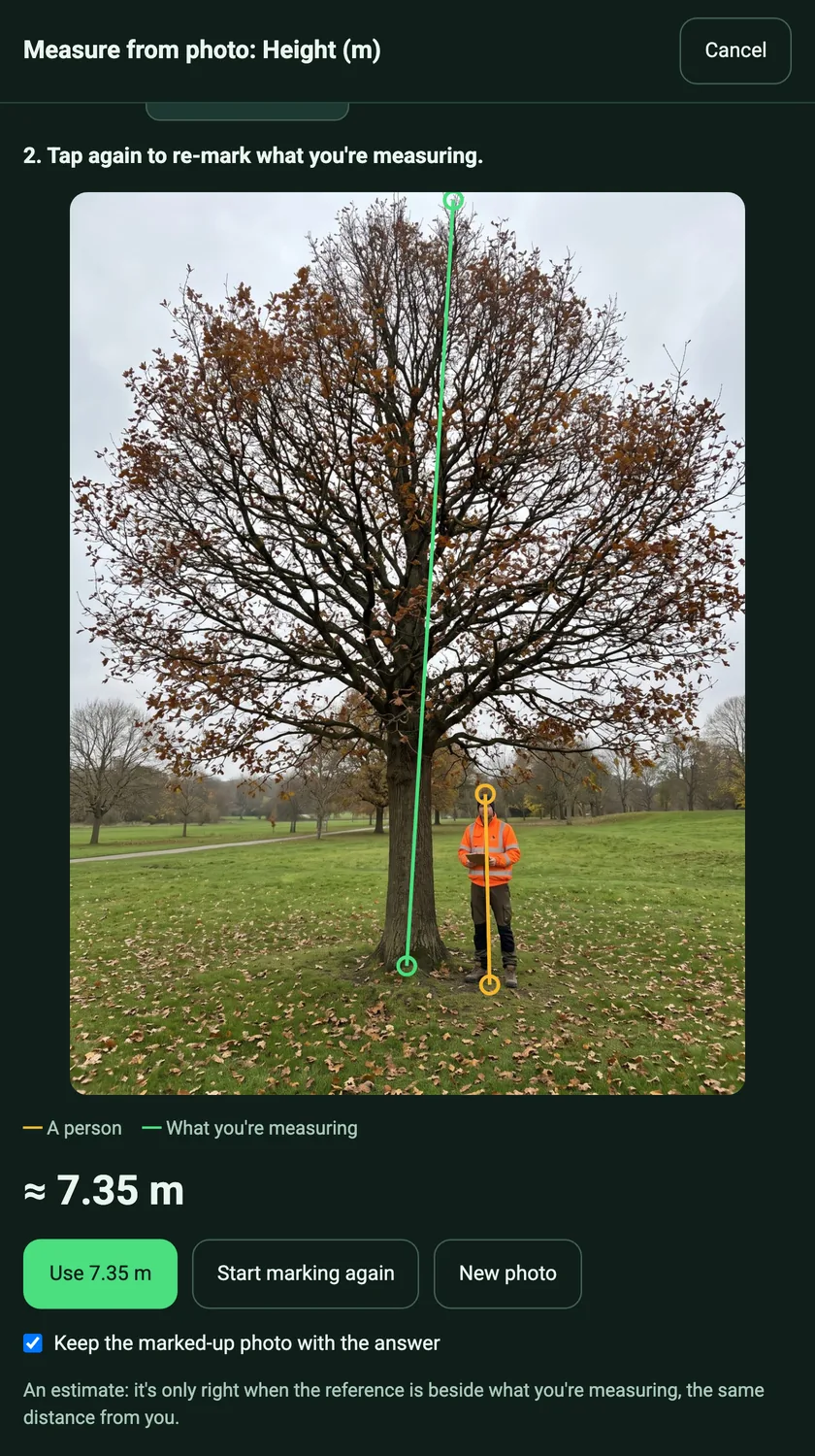
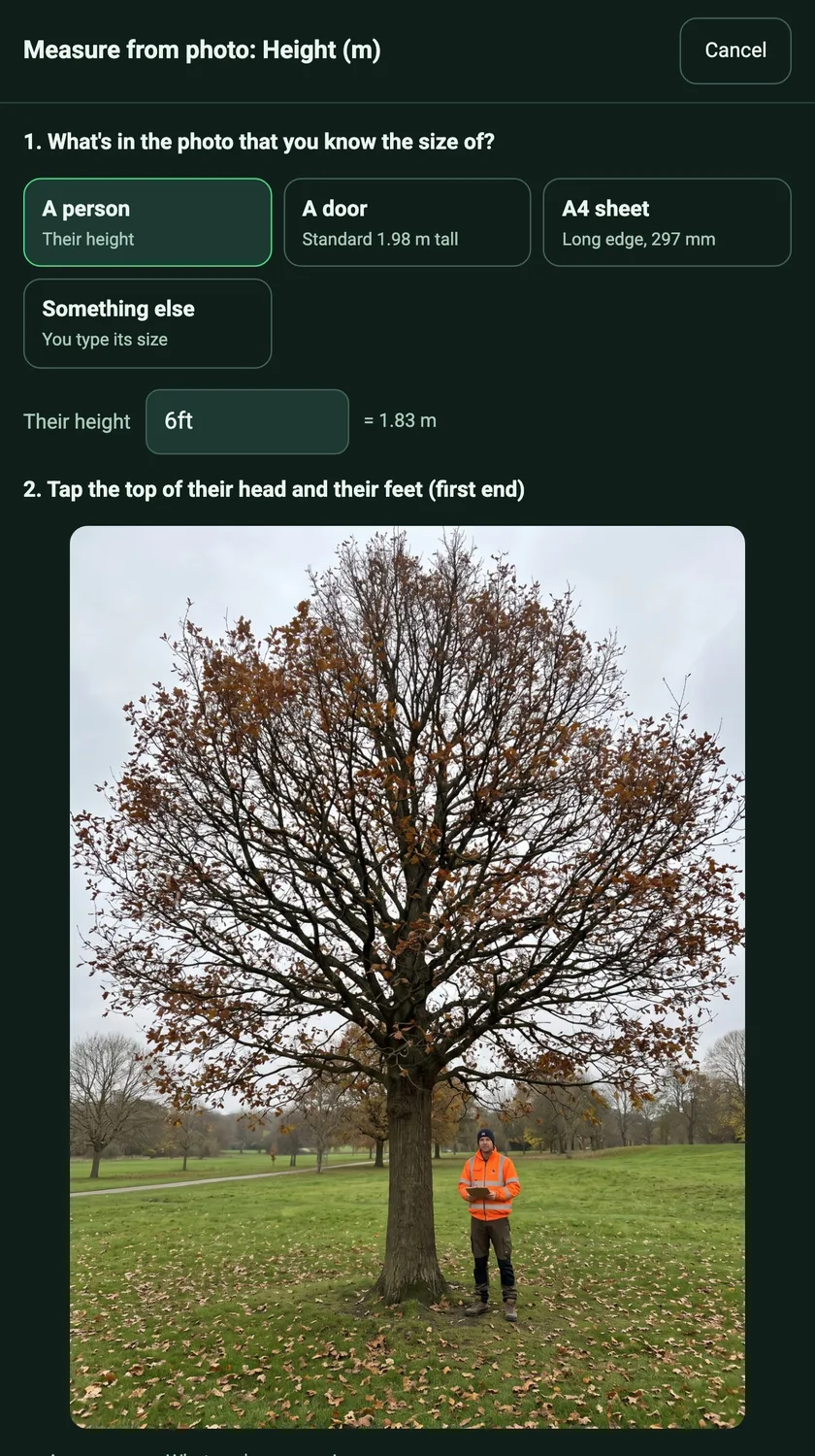
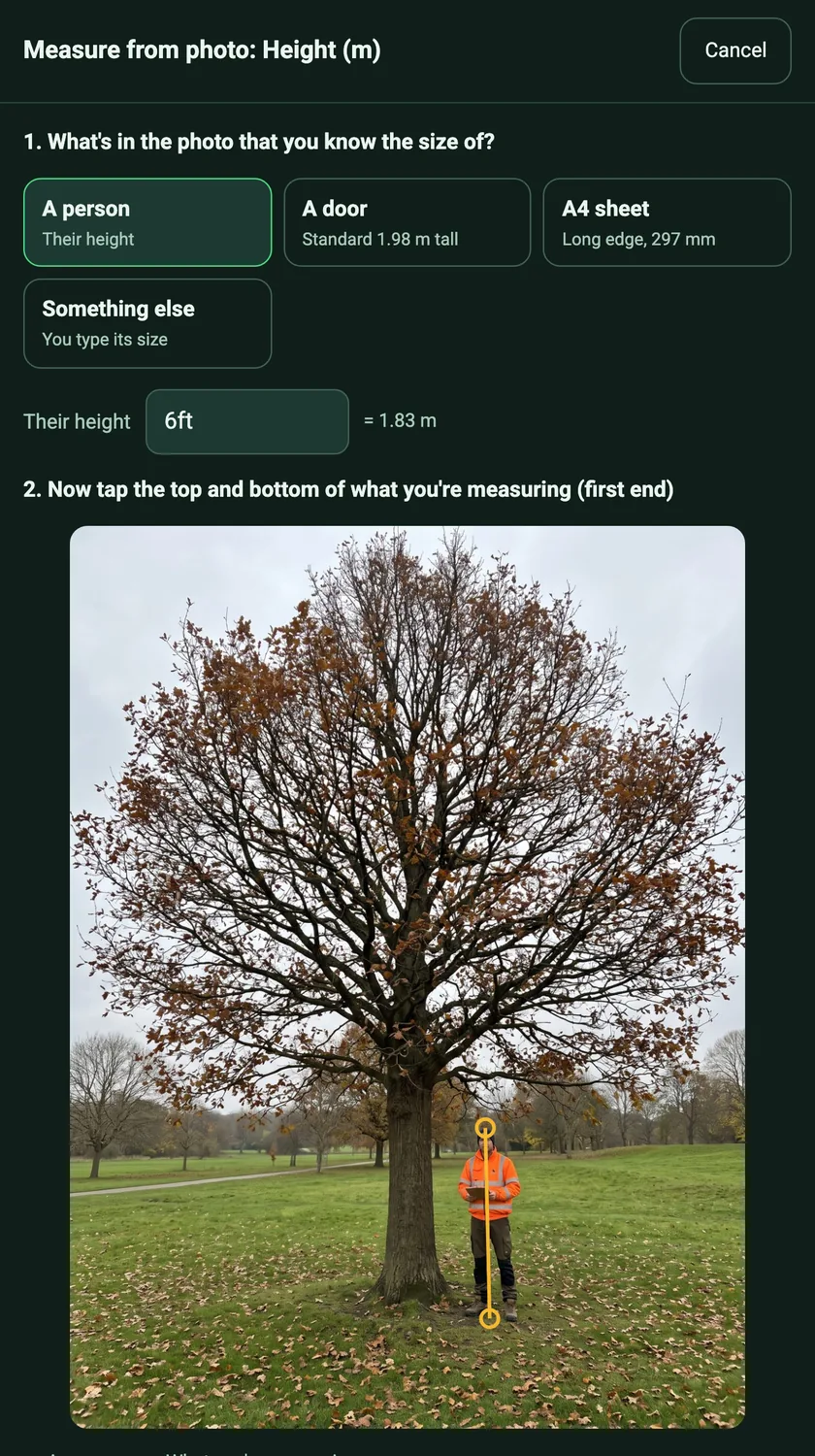
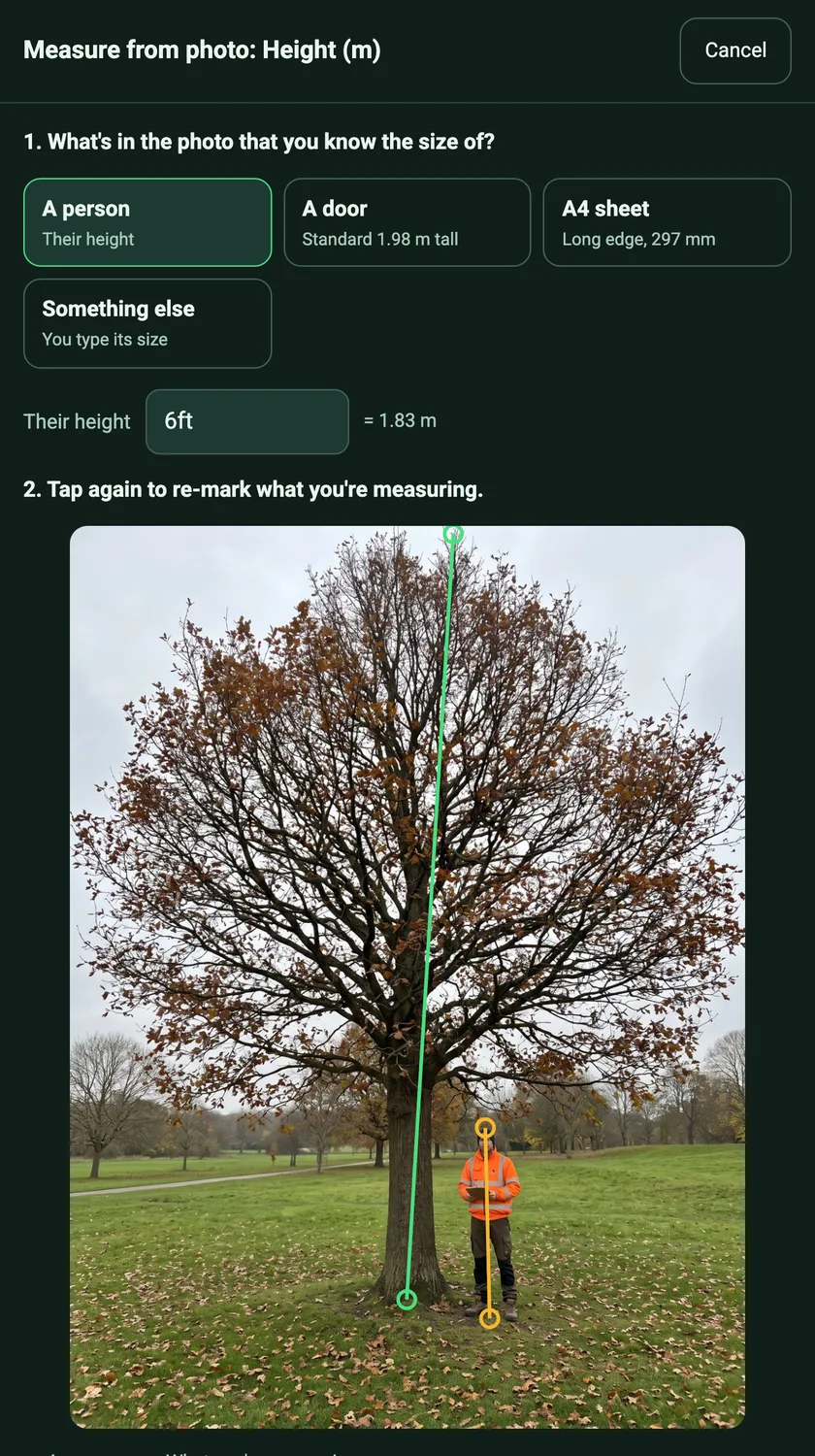
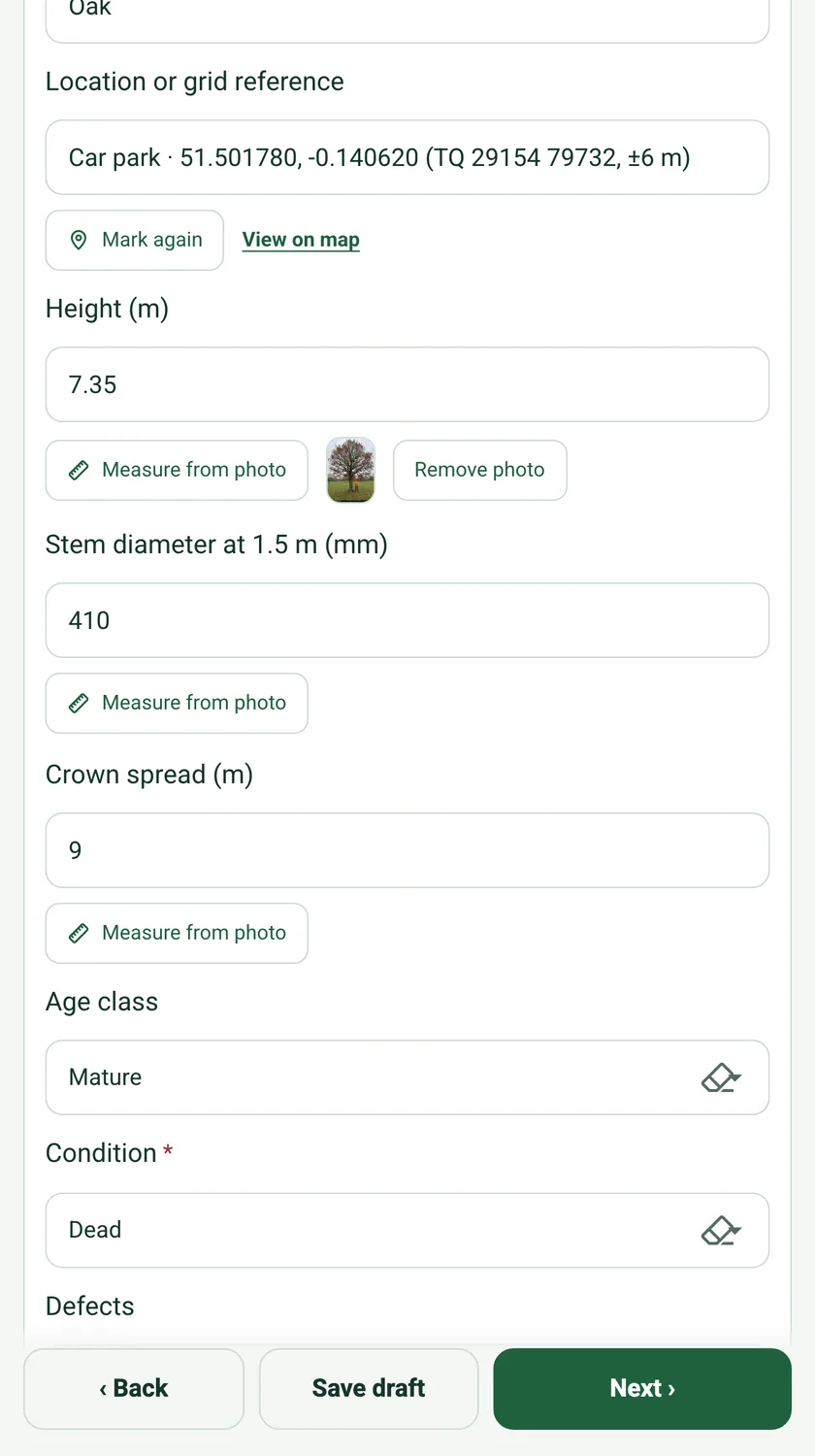
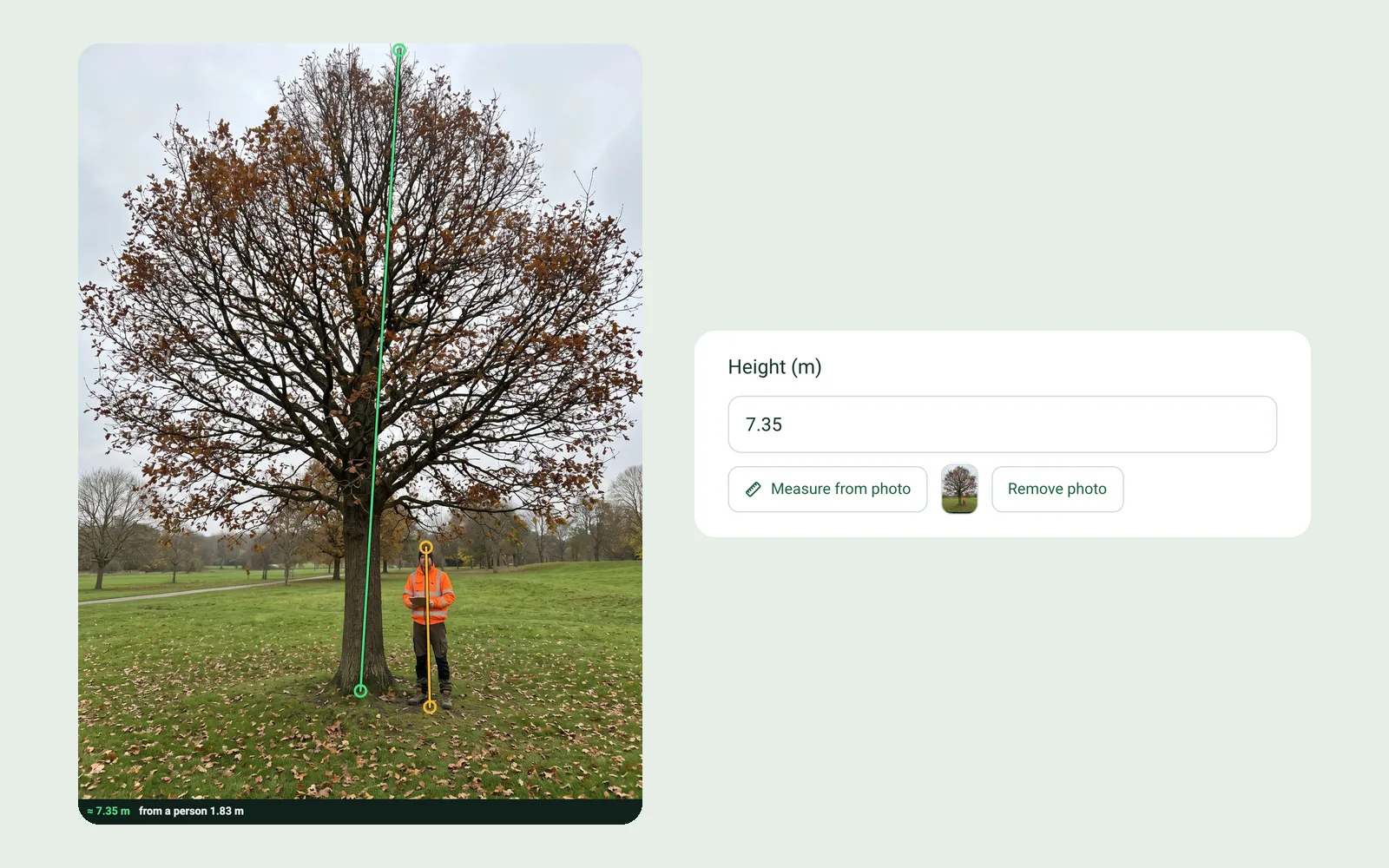
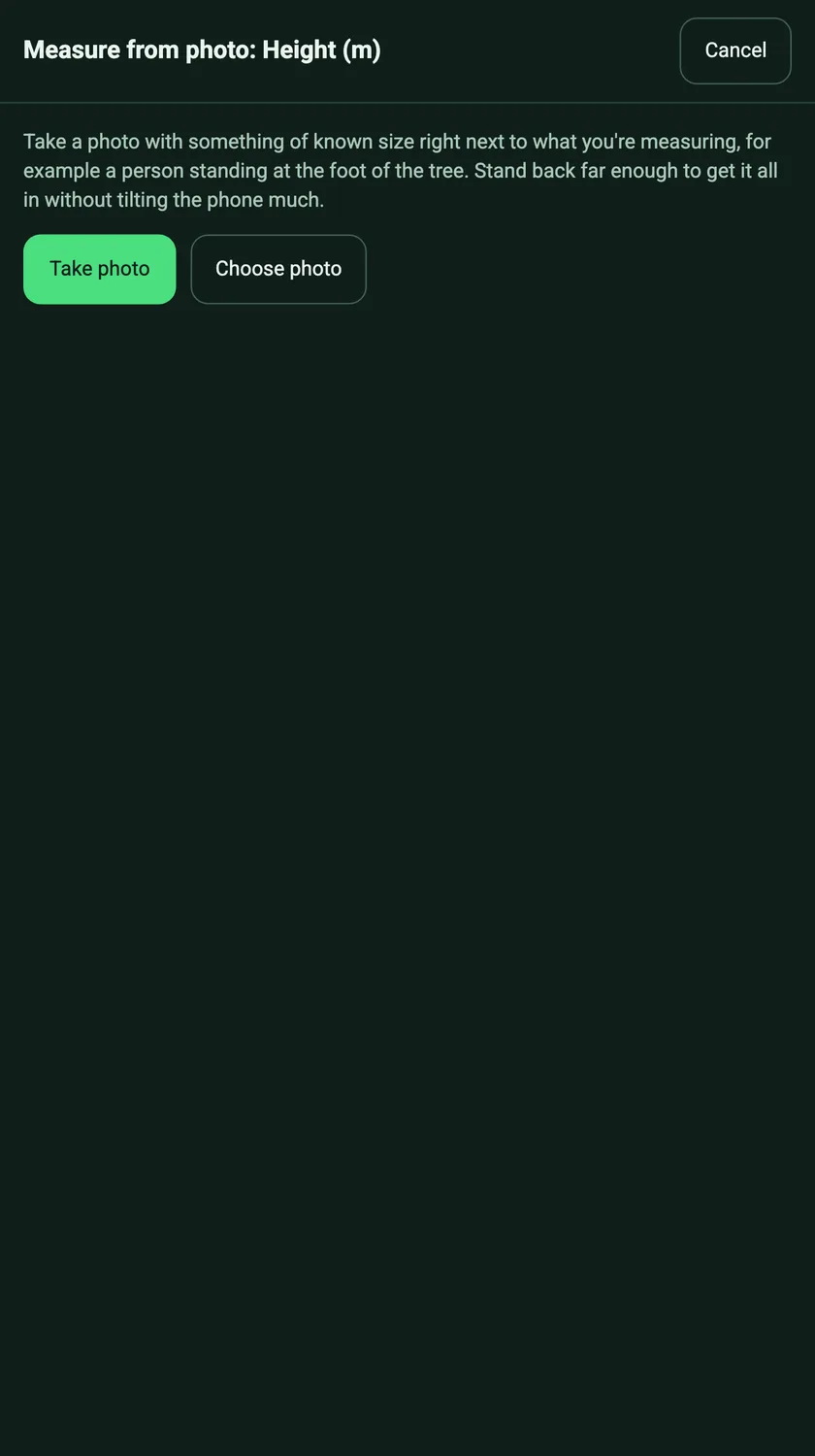
Ask someone to stand right beside the trunk and take one photo with the whole tree in it, holding the phone fairly level. On the form, tap Measure from photo under the height question, choose A person and type their height (6ft is filled in for you), tap the top of their head and their feet, then the top and the base of the tree. The height appears in the field's unit. Tap Use to fill in the answer.
How accurate is it?+
It is an estimate, and SiteSurvey says so on screen. It is only right when the reference stands beside what you are measuring, at the same distance from the camera. A person standing in front of the tree, a steep upward angle or a top hidden by the crown all make the answer less reliable. Where a decision depends on an exact figure, measure with a clinometer or laser and type it in.
What can I use as the reference?+
A person (you type their height, 6ft is the default), a standard door (1.98 m tall), an A4 sheet (the 297 mm long edge), or something else of known size that you type in, such as a 1.2 m survey pole. Sizes can be typed in metres, centimetres, millimetres or feet and inches.
Which form questions get Measure from photo?+
Number questions that name a length and give a unit in brackets get it automatically, for example Height (m), Crown spread (m), Width (mm) or Clearance (ft). That covers tree height, crown spread, sign width and window height on library forms without any editing. In the form builder, a toggle on the question turns it on or off for any number question.
What happens to the photo?+
With Keep the marked-up photo ticked, which is the default, SiteSurvey saves a copy of the photo with both lines drawn on it and a caption such as ≈ 7.35 m from a person 1.83 m. It is kept with the answer, uploaded to the project's Files, shown as a thumbnail under the field, and printed after the measurement in the report you build. Remove photo takes it off again.
Which units does it fill in?+
Whatever the question asks for. A question titled Height (m) gets metres, Stem diameter (mm) gets millimetres, and Clearance (ft) gets feet. The reference size can be typed in any unit.
Does it work in the mobile app?+
Measure from photo works on SiteSurvey web forms today, which open in any phone or tablet browser, including forms shared by link. The phone app version is on its way.
Is it only for trees?+
No. It works for any height, width or length you can photograph next to something of known size: a sign beside a door, a window next to an A4 sheet taped to the wall, a fence next to a person, a hedge, a canopy or a gate. Trees are the most common use.