How do I record GPS coordinates on an inspection form?+
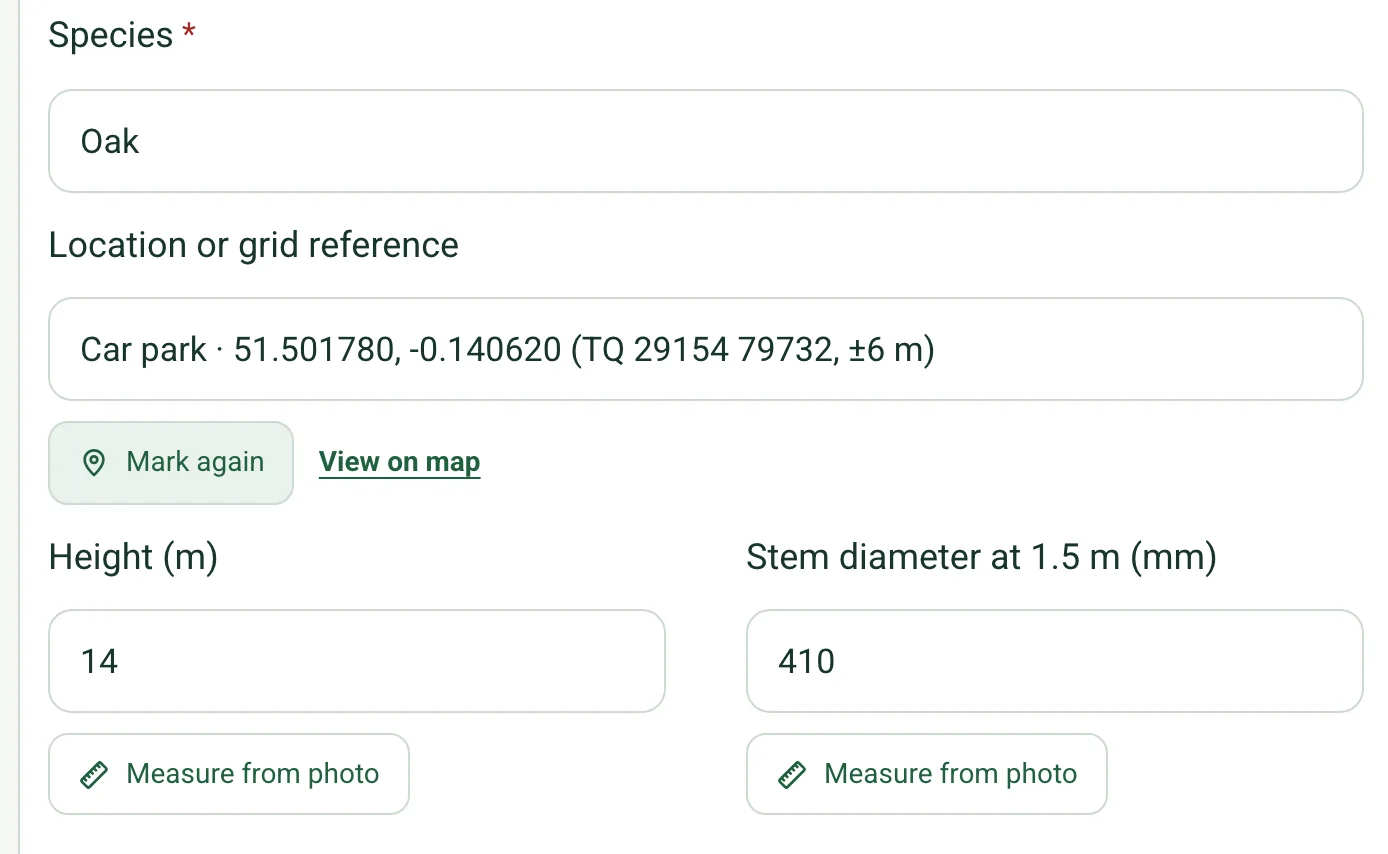
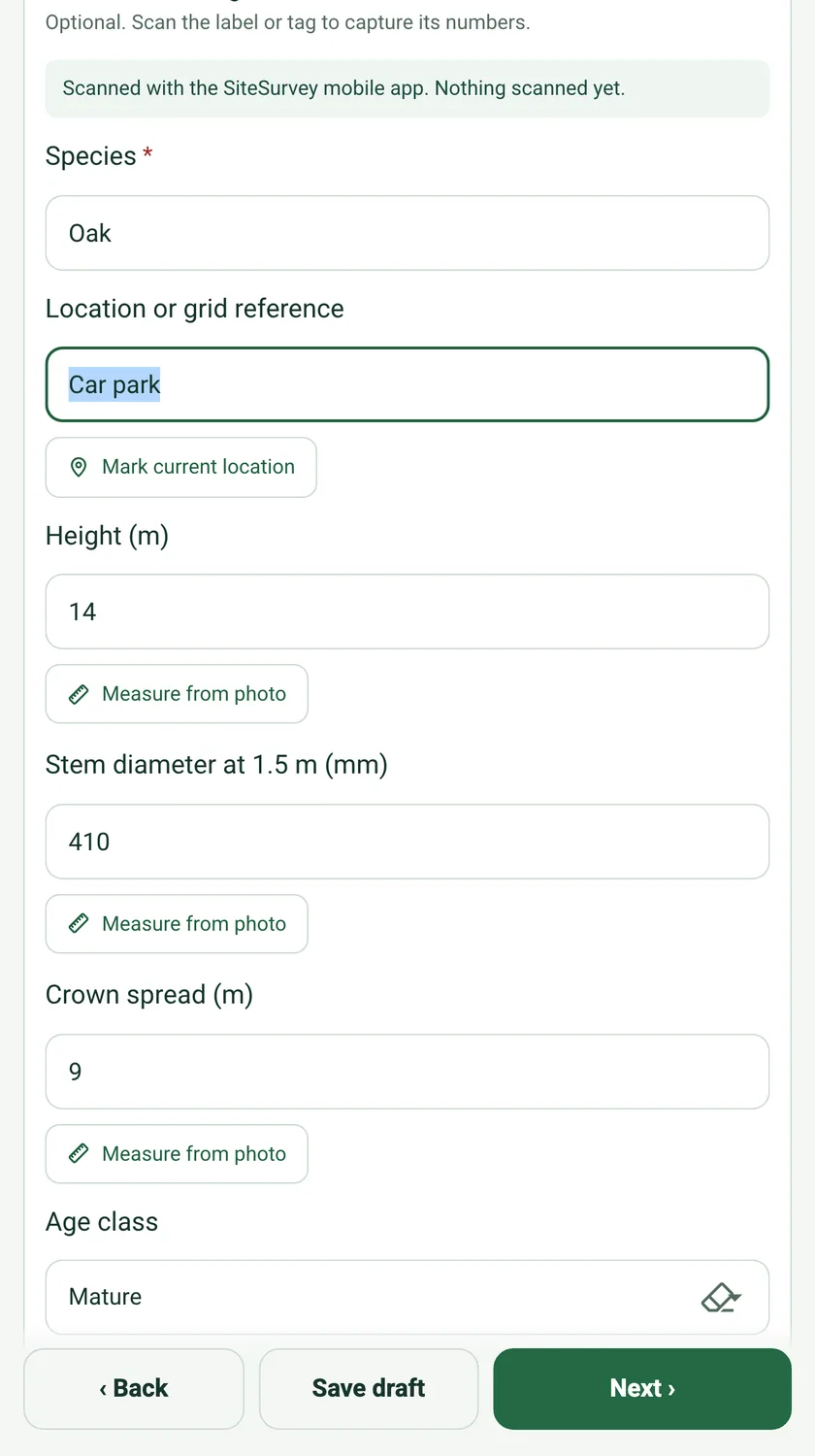
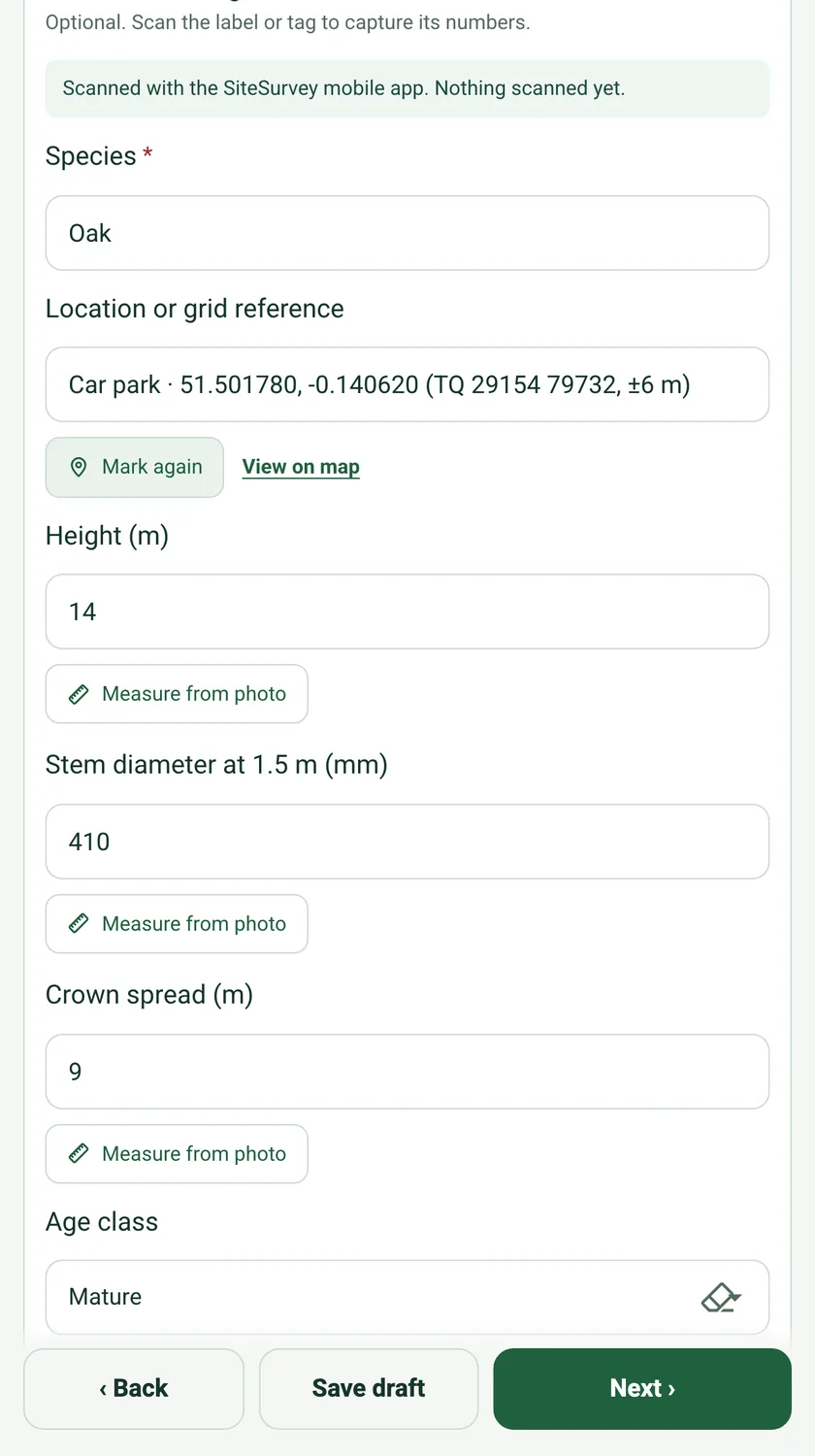
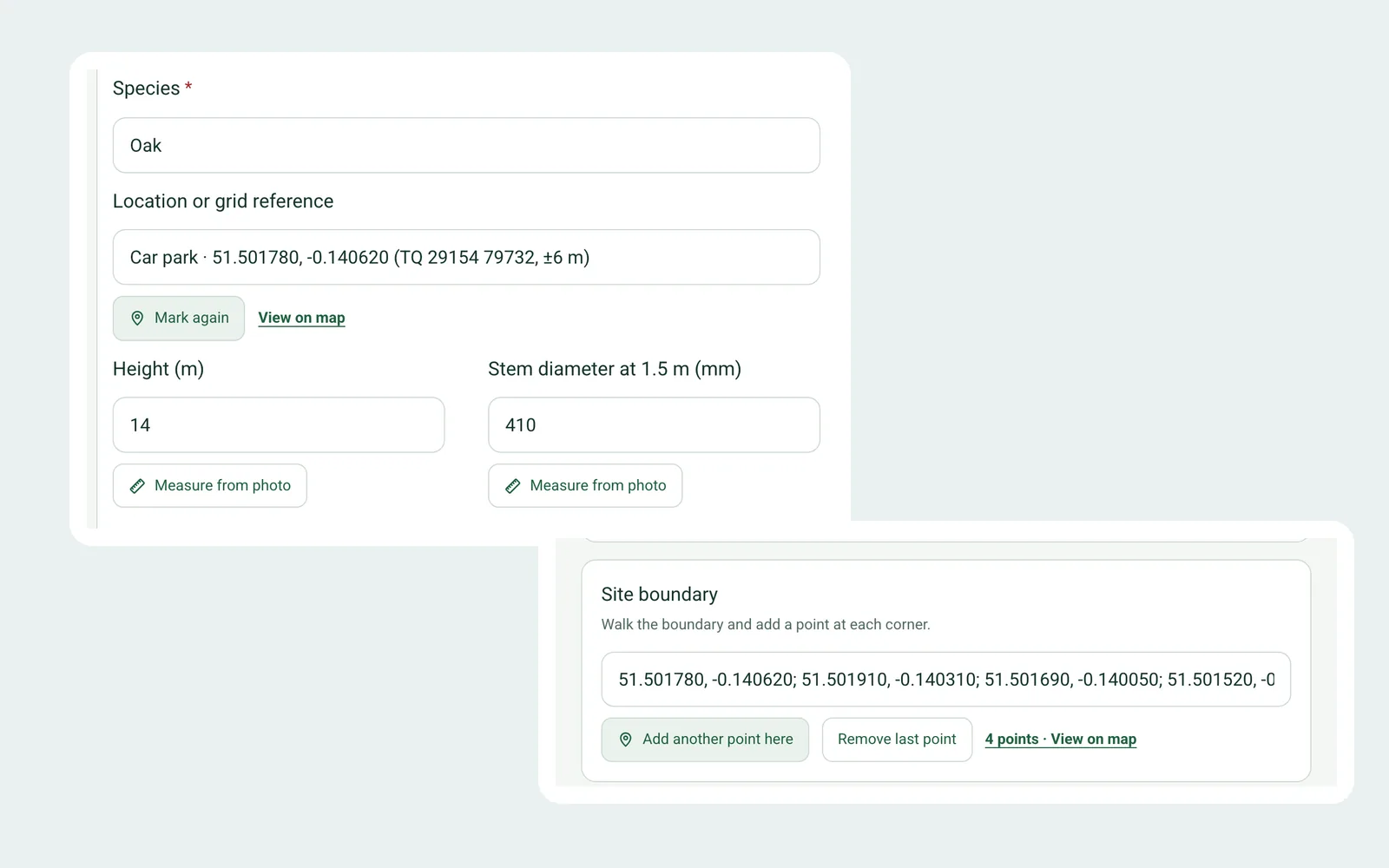
Give the question the GPS location format in the form builder, or title it with grid reference, coordinates or GPS. On site, tap Mark current location under the question. SiteSurvey fills in the latitude and longitude, the OS grid reference for positions in Great Britain, and the accuracy of the fix, for example 51.501780, -0.140620 (TQ 29154 79732, ±6 m).
Does it give an OS grid reference?+
Yes, for positions in Great Britain. The grid reference is worked out from the GPS position on the device and added after the coordinates as a two-letter square and a 10-figure reference, such as TQ 29154 79732. Outside Great Britain you get latitude, longitude and accuracy.
Can I record a boundary or a route?+
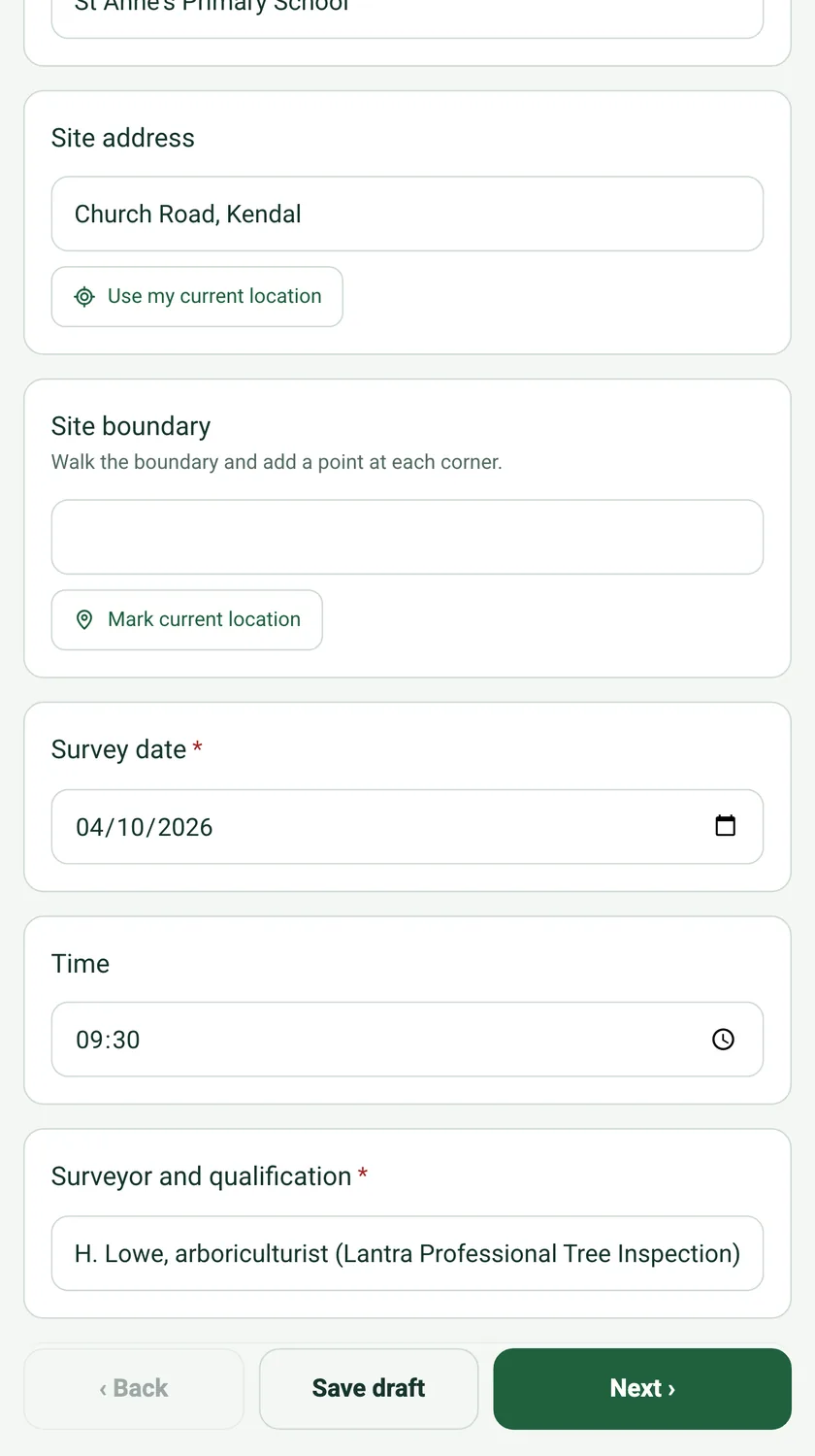
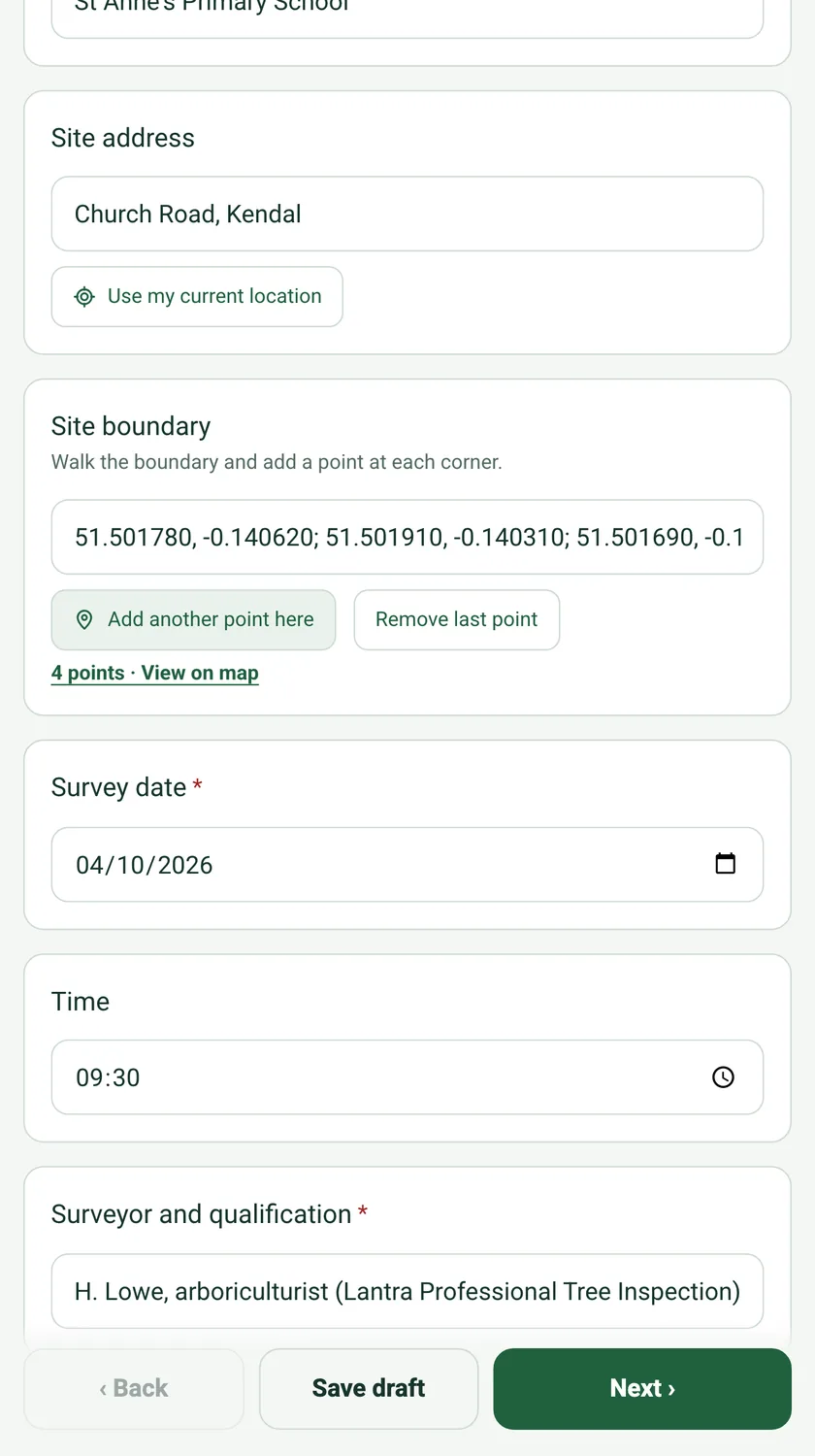
Yes. Choose GPS points (boundary or route) as the question's format. Each tap of Add another point here adds the current position, so you can walk a boundary and mark each corner, or follow a route. Remove last point takes off a mistake, and the link under the field shows how many points there are and opens them on a map.
Can I still type a description?+
Yes. Type a note such as Car park or By the playground gate first, then tap Mark current location. The note is kept and the position is added after it. Tap Mark again later and only the position is replaced.
Which questions get the button automatically?+
Text questions whose title or name mentions a grid reference, coordinates, GPS, or latitude and longitude, such as Location or grid reference on the tree condition survey. Existing forms pick it up without any editing. In the form builder, the Format picker has GPS location and GPS points (boundary or route) for any other text question.
What if the GPS fix is poor?+
SiteSurvey records the accuracy with every mark. If the fix is weaker than ±50 m it says so and suggests marking again outdoors. If location is switched off for the page, it explains how to allow it, and you can type the position instead.
Does it work offline or in the mobile app?+
GPS location works on SiteSurvey web forms today, which open in any phone or tablet browser, including forms shared by link. The phone app version, which also works with no signal, is on its way.
What does the answer look like in the report?+
It is ordinary text, so it reads the same everywhere: in the form, in exports and in the report. A single point reads like Car park · 51.501780, -0.140620 (TQ 29154 79732, ±6 m). A boundary is a list of latitude and longitude pairs separated by semicolons.