Form library · Construction and handover
Defect report template
A one-page defect report form for logging a single issue fast: where it is, the category, what is wrong, photos, priority, who it is assigned to and a target date. It also asks whether anyone is at risk and what was done to make it safe. Every question is listed below, and you can fill the live form in on this page.
Ready to use from the form library, and editable. Trial from £1, cancel any time.
What should a defect report include?
A defect report should say exactly where the issue is, what kind of issue it is and what is wrong, with a photo. It should give a priority, say whether anyone is at risk and what was done to make it safe, and name who the defect is assigned to with a target date. Keep to one issue per report so each one can be tracked and closed.
Last updated . Facts checked on 30 September 2026.
Try the defect report form live
Answer a few questions and watch it adapt. Your answers are not saved, and any photos you add are deleted within the hour.
This is the real form as your team would use it: questions appear as you answer, scores work themselves out and you can add photos and signatures. No sign-up needed.
Fill it in on a phone or tablet
Your team completes the quick issue or defect on site in the SiteSurvey app on iPhone, iPad and Android phones and tablets. The project name and address fill in for them, it works without signal, and it syncs when the device is back online with photos kept against the question they answer.
Customers and subcontractors do not need the app: send them a link and they can fill it in from any browser.
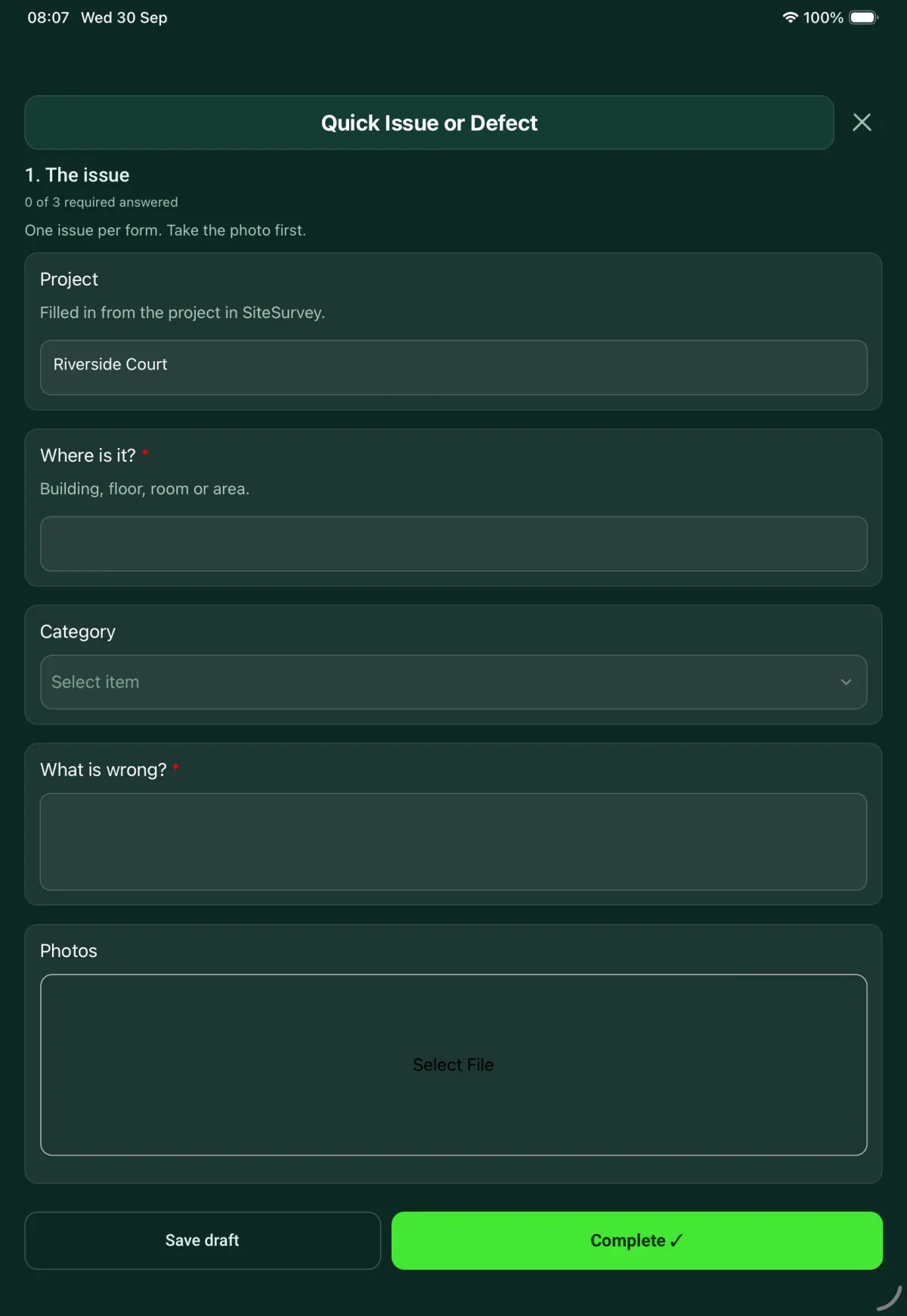
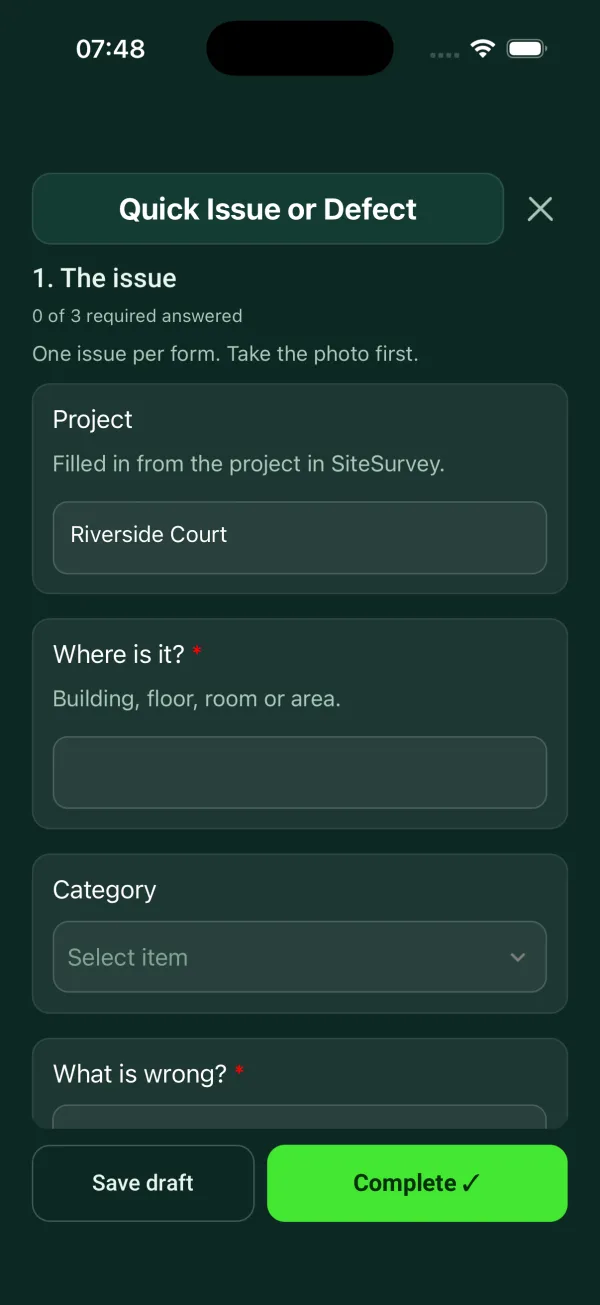
Every question in the defect report template
One issue, fast: where, what, photo, priority, who owns it. 1 sections and 10 questions. Follow-up questions and guidance appear only when an answer calls for them, so the person on site never sees the ones that do not apply.
Details you only enter once
Add this form to a project in SiteSurvey and it fills in what the project already knows, so nobody on site retypes it and every form on the job uses the same names. Anything filled in can still be changed.
- Project: the project name
The issue
One issue per form. Take the photo first.
- ProjectShort answerFills in from the project name
- Where is it?*Short answer
- CategoryChoose one
- Building fabric
- Decoration and finishes
- Doors and windows
- Plumbing and drainage
- Electrical
- Heating and ventilation
- Damp or leak
- Fire safety
- Health and safety
- AV or IT
- Cleaning and waste
- Other (describe)
- What is wrong?*Notes
- PhotosPhotos
- Priority*Choose one
- Low
- Medium
- High
- Urgent
- Is anyone at risk?Yes or No
- WarningMake the area safe or keep people away, then tell the person responsible for the site now. Do not wait for this report.Shown when “Is anyone at risk?” is Yes
- What was done to make it safe?NotesShown when “Is anyone at risk?” is Yes
- Assigned toShort answer
- Target dateDate
Defect report template questions
Can I use this as a maintenance request form?
Yes. The questions are the same: where the problem is, what is wrong, a photo, how urgent it is and who will deal with it. Use one form for each issue.
What categories of defect does it cover?
Building fabric, decoration and finishes, doors and windows, plumbing and drainage, electrical, heating and ventilation, damp or leak, fire safety, health and safety, AV or IT, and cleaning and waste. The form is editable, so you can change the list to match your sites.
What happens if someone is at risk?
Answering yes shows a reminder to make the area safe or keep people away, and to tell the person responsible for the site straight away rather than waiting for the report. The form then asks what was done to make it safe.
How is priority set?
The reporter picks low, medium, high or urgent. The form does not define the levels, so agree what each one means, and the target date that goes with it, with your team.
Can I report a defect from my phone?
Yes. In the SiteSurvey app you take the photo first, then answer the rest of the questions, and it works offline. The report goes out as a PDF or a share link.
Related
Related templates
Templates that go with the defect report form
Snag by snag record with room, element, photo and priority, checks with no snag, totals and re-inspection.
Planned maintenance visit: records seen, asset by asset tasks, water temperatures, work done and next visit.
Customer acceptance at handover: work completed, outstanding items, customer name and signature.
Site visit report: weather, labour, progress against programme, area by area record, tests, queries and instructions.
Use this defect report form with your team
Add it from the form library in one click, change any question, and every completed form becomes a branded PDF report.
Start your trial →