Project assignments help people find the correct work and keep responsibility clear across the office and field teams.
- 01
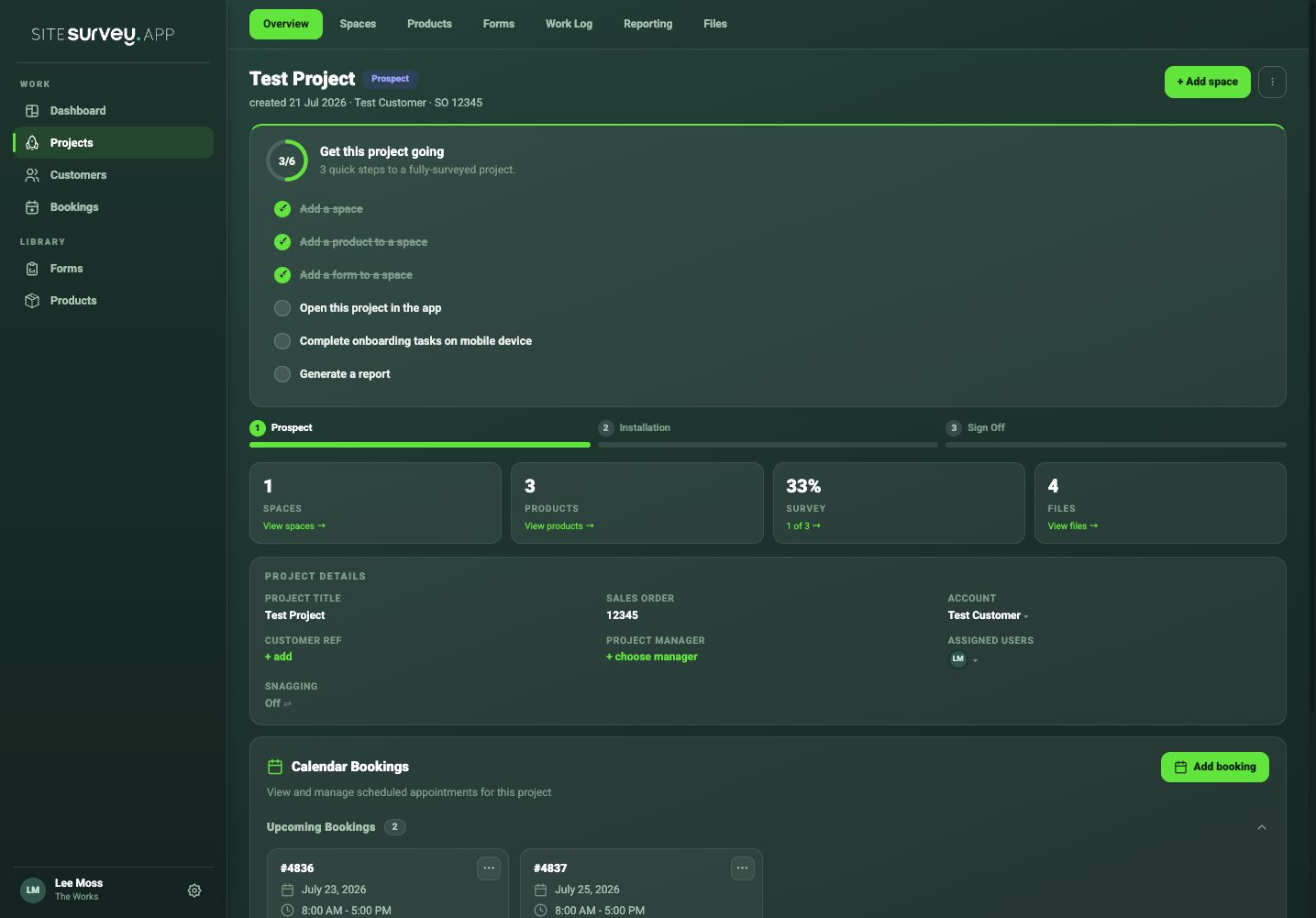
Open the project
Choose the project and open its overview or details.
- 02
Choose the project manager
Assign the person responsible for coordinating and reviewing the project.
- 03
Add assigned users
Select the team members who need to access or complete the work.
- 04
Check bookings and forms
Make sure the same people are invited to relevant site visits and can see the required forms.
- 05
Review access
Ask the user to open the project before the visit and remove assignments when they are no longer needed.
Was this guide helpful?
Your feedback helps us improve support content.