- 01
Open Bookings
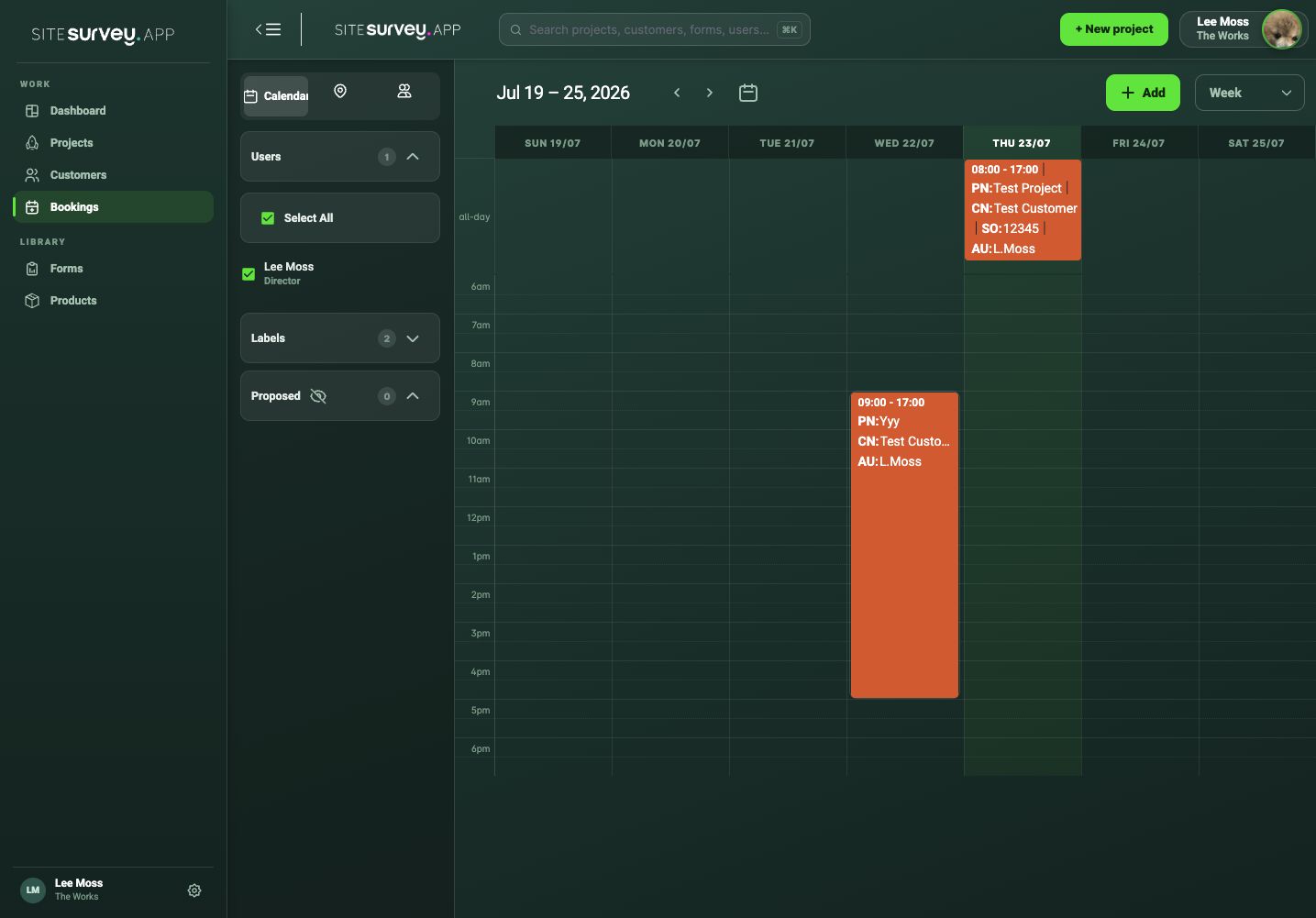
Choose Bookings from the web portal and select the calendar view that contains the required date.
- 02
Select Add
Select Add at the top of the calendar. Choose the date and start time, then enter the expected end time for the visit.
- 03
Connect the project
Select the customer and project so everyone can open the correct site record from the booking.
- 04
Add the location and invitees
Confirm the site address and choose every team member who needs the booking in their calendar. Add a label if you use them; the Annual Leave label blocks the person’s time.
- 05
If someone is already booked
SiteSurvey checks the invitees against their other SiteSurvey bookings. A booking that double-books someone is not saved, and you are told they are already booked. Pick another time, or ask a manager, who can override the clash and book anyway.
- 06
Save and review
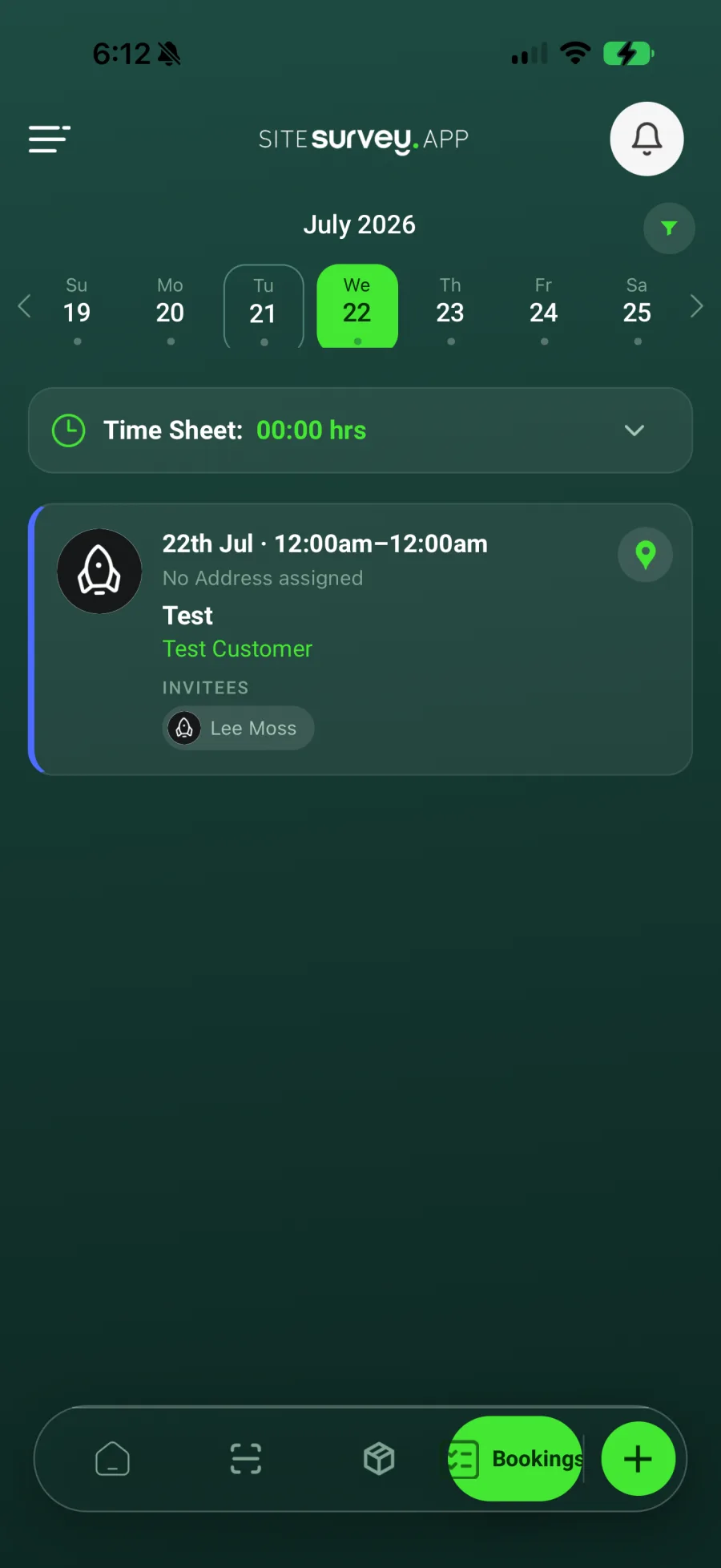
Save the booking, then check it appears on the correct day and against each invited team member. Field users can review the same visit from Bookings in the mobile app.
Good to know
- ✓Use the project site address so mobile users can open directions from the booking.
- ✓Allow enough time for arrival, induction and synchronisation before field work starts.
- ✓To find a gap first, open the team view: it shows who is free, nearly full or overbooked, and + Book a free slot on a person’s panel starts a booking for them.
- ✓Bookings appear in a person’s Google or Outlook calendar if they have connected it.
Was this guide helpful?
Your feedback helps us improve support content.