- 01
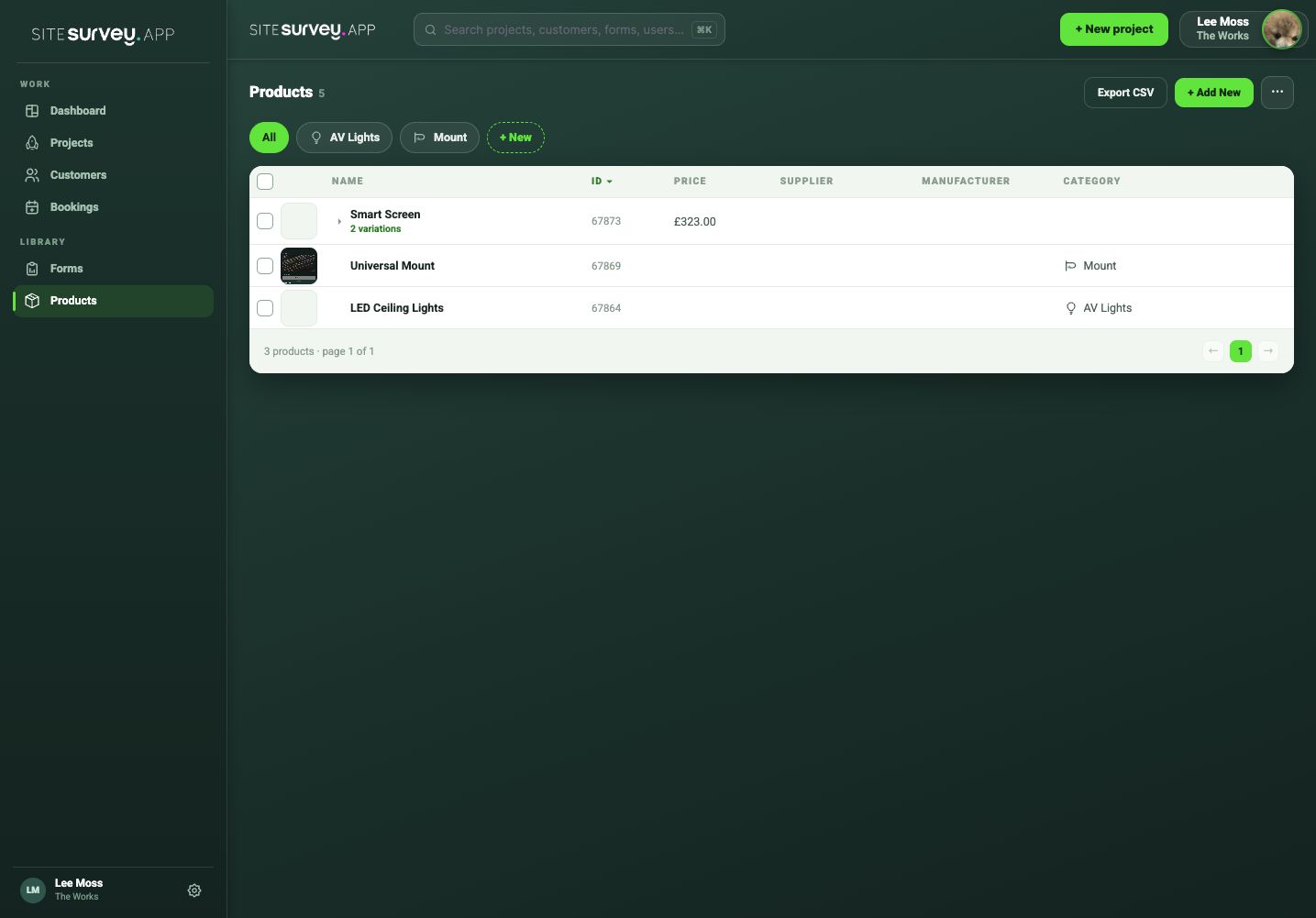
Open Products
Choose Products in the web portal to view the shared library.
- 02
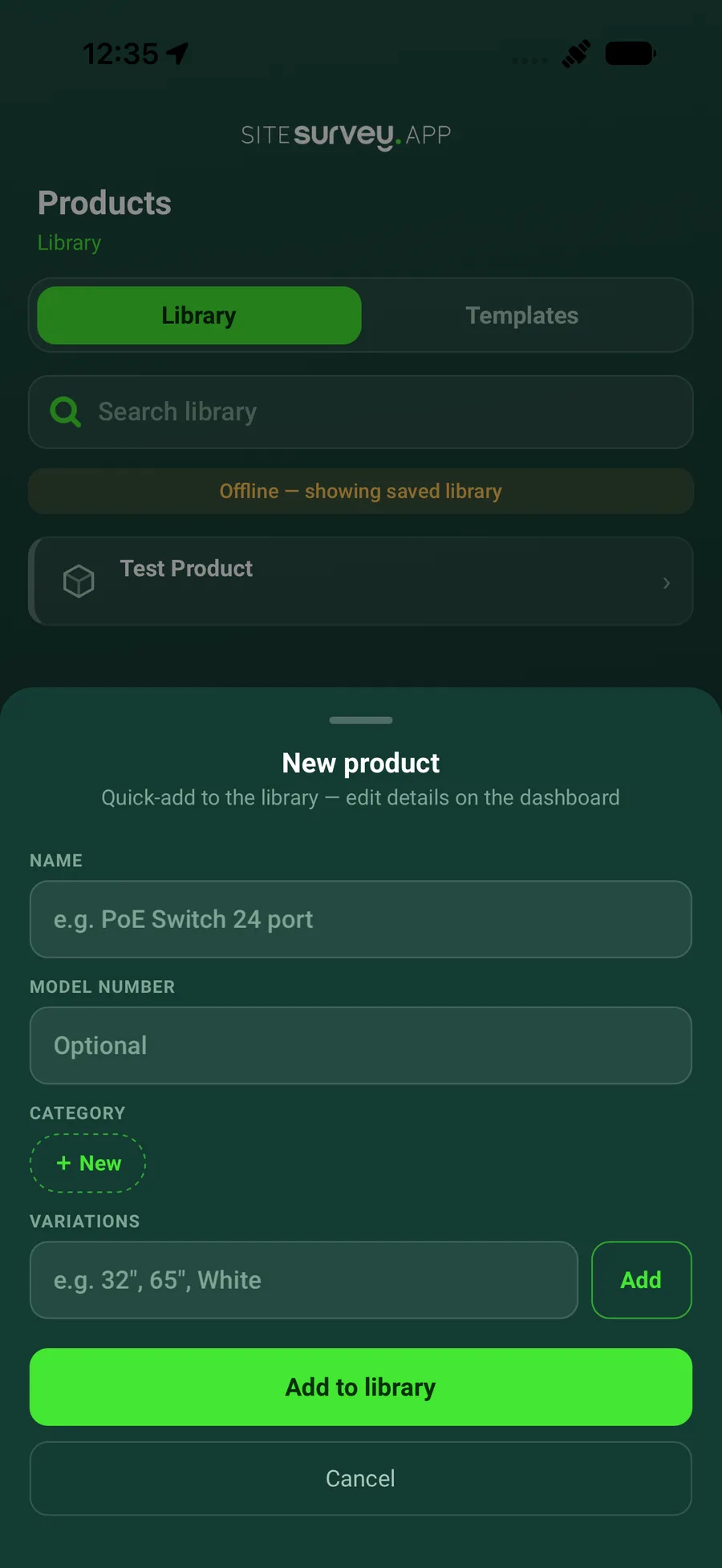
Add a product
Create a clear product name and include the manufacturer, model or category information your team needs. If a manufacturer or supplier isn't on the list yet, choose + Add new manufacturer or + Add new supplier at the bottom of the dropdown in the web portal and add it without leaving the product.
- 03
Define standard data points
Ask a workspace administrator to add reusable product fields in Settings > Projects. These can include IP address, MAC address, serial number or any other data point your team needs to collect consistently.
- 04
Add prices, variations and files
Enter the buy and sell price and the part code. Add variations, such as screen sizes, as their own products with their own price. Use the Files tab for images and data sheets, and the Data tab to add data points to this product and mark them required.
- 05
Save it to the library
Review the product and save it so it can be selected across projects.
- 06
Maintain the approved record
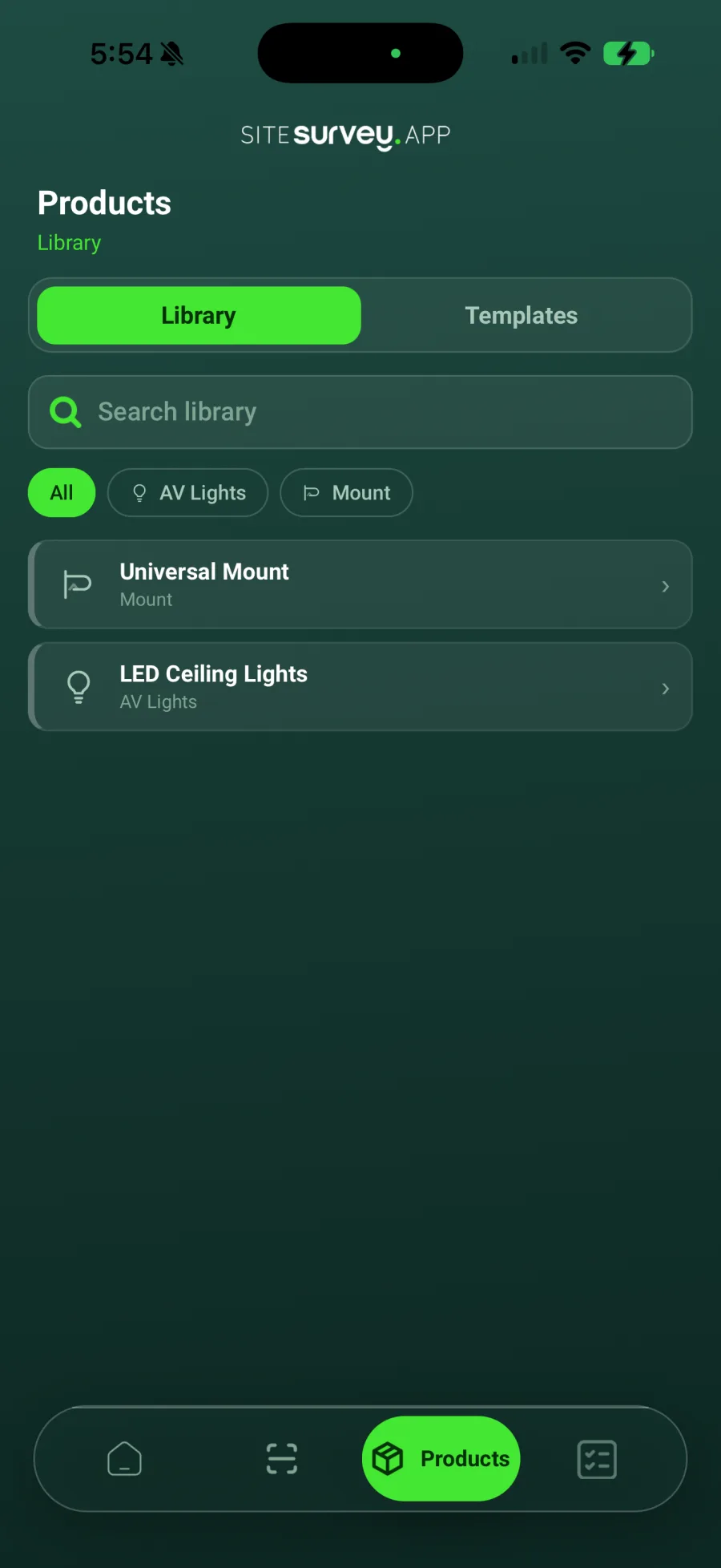
Update the library item when the standard product information changes. The approved library is also available to field users in the mobile app.
Good to know
- ✓Use consistent manufacturer and model naming.
- ✓Keep site-specific serial numbers and network details on the installed product record, not the reusable library item.
- ✓To load a list in one go, use Download Template from the library, fill it in and use Import CSV. Export CSV downloads the library.
Was this guide helpful?
Your feedback helps us improve support content.