Offline working is most reliable when assigned work is synced before arrival and the app is given time to upload when connectivity returns.
- 01
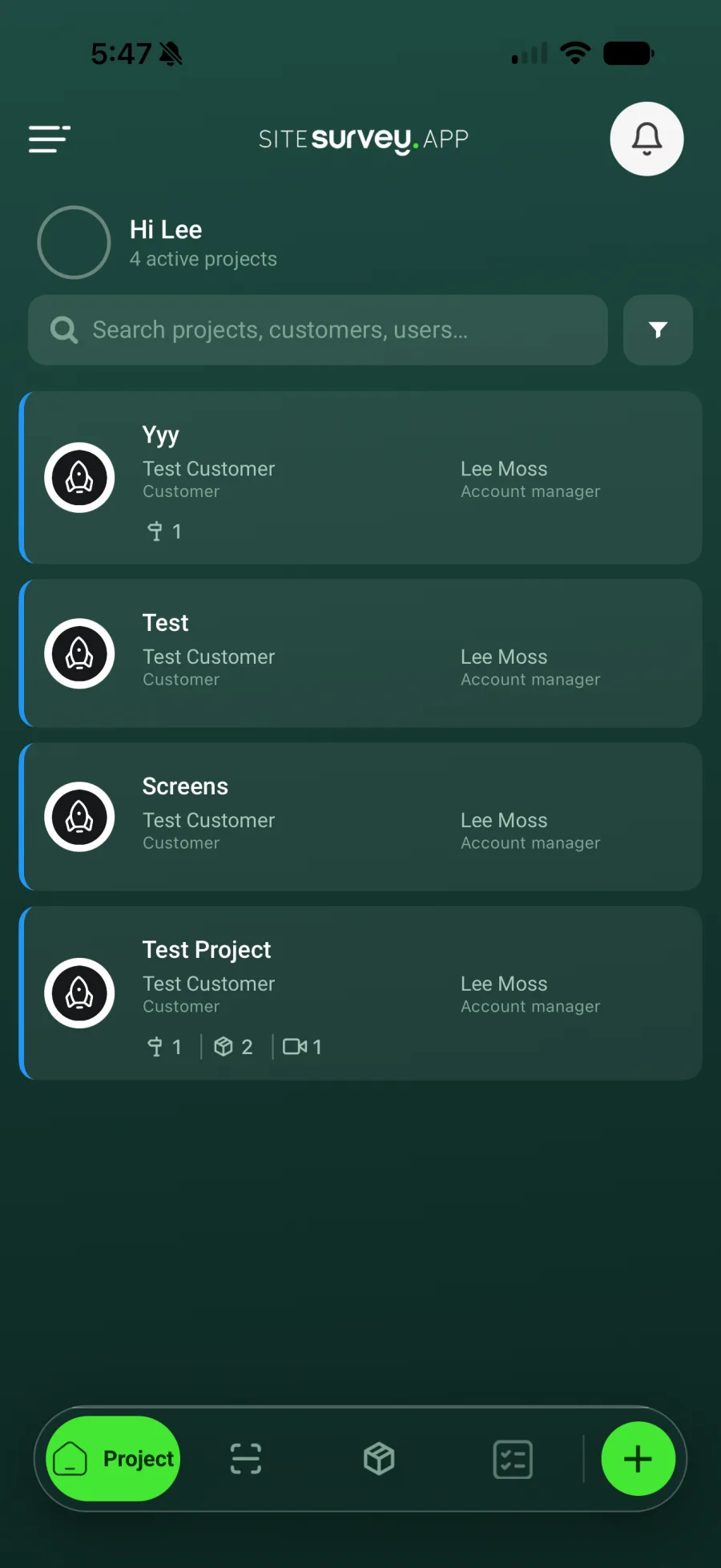
Prepare online
Open the app with a reliable connection and verify the required projects and forms are present.
- 02
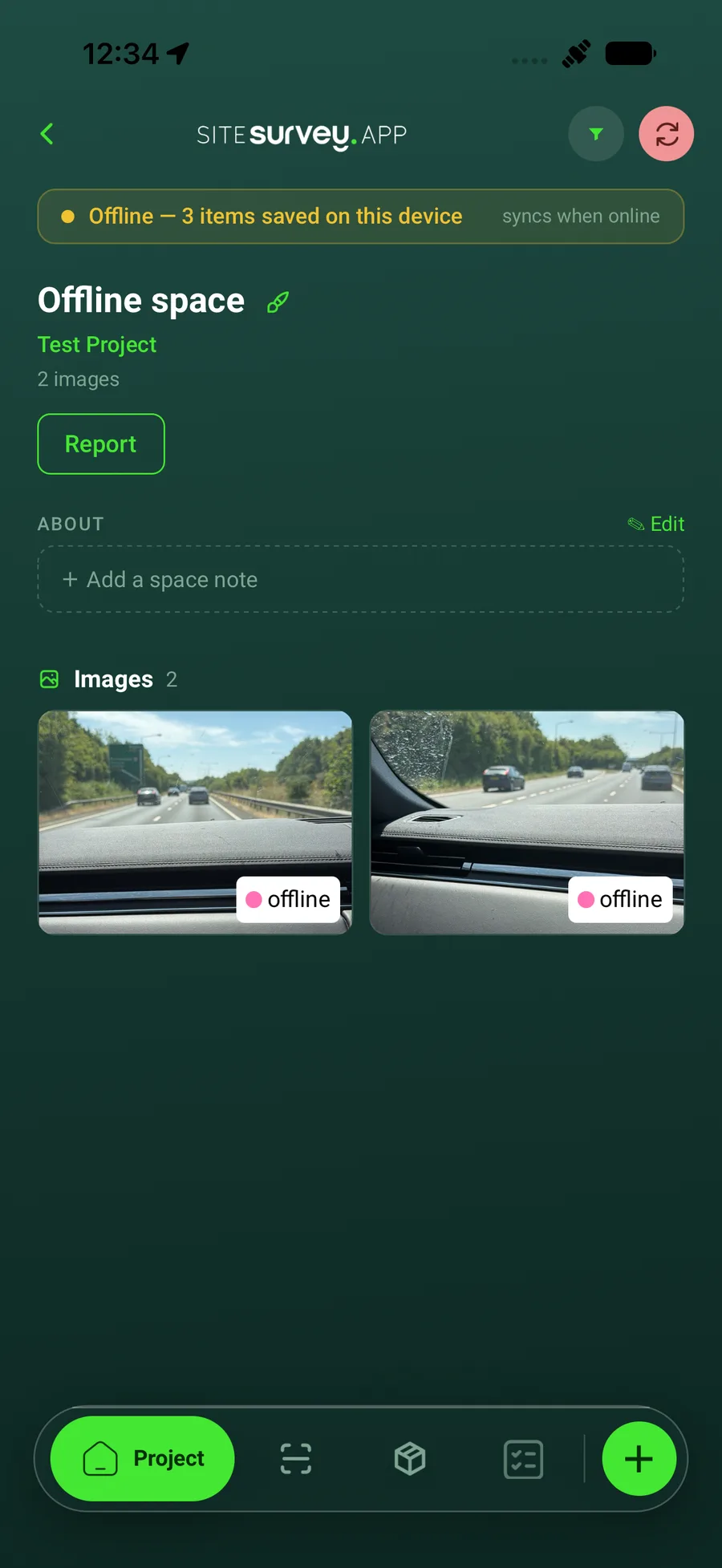
Capture on site

Continue adding form responses, photographs, notes and product details while offline.
- 03
Keep local work on the device
Do not sign out, clear app data or uninstall SiteSurvey while records are waiting to upload.
- 04
Reconnect
Open SiteSurvey when the device has Wi-Fi or mobile data again.
- 05
Confirm the upload
Allow syncing to finish. The banner on the project shows Syncing and clears when every item has uploaded. Then check the latest records are visible in the web portal.
Good to know
- ✓For long site visits, reconnect periodically when practical.
- ✓If a record appears delayed, keep the app open on a stable connection before retrying.
Was this guide helpful?
Your feedback helps us improve support content.