Assigned work should be downloaded before entering a low-signal site. Field capture can then continue and upload when the device reconnects.
- 01
Sync before travelling
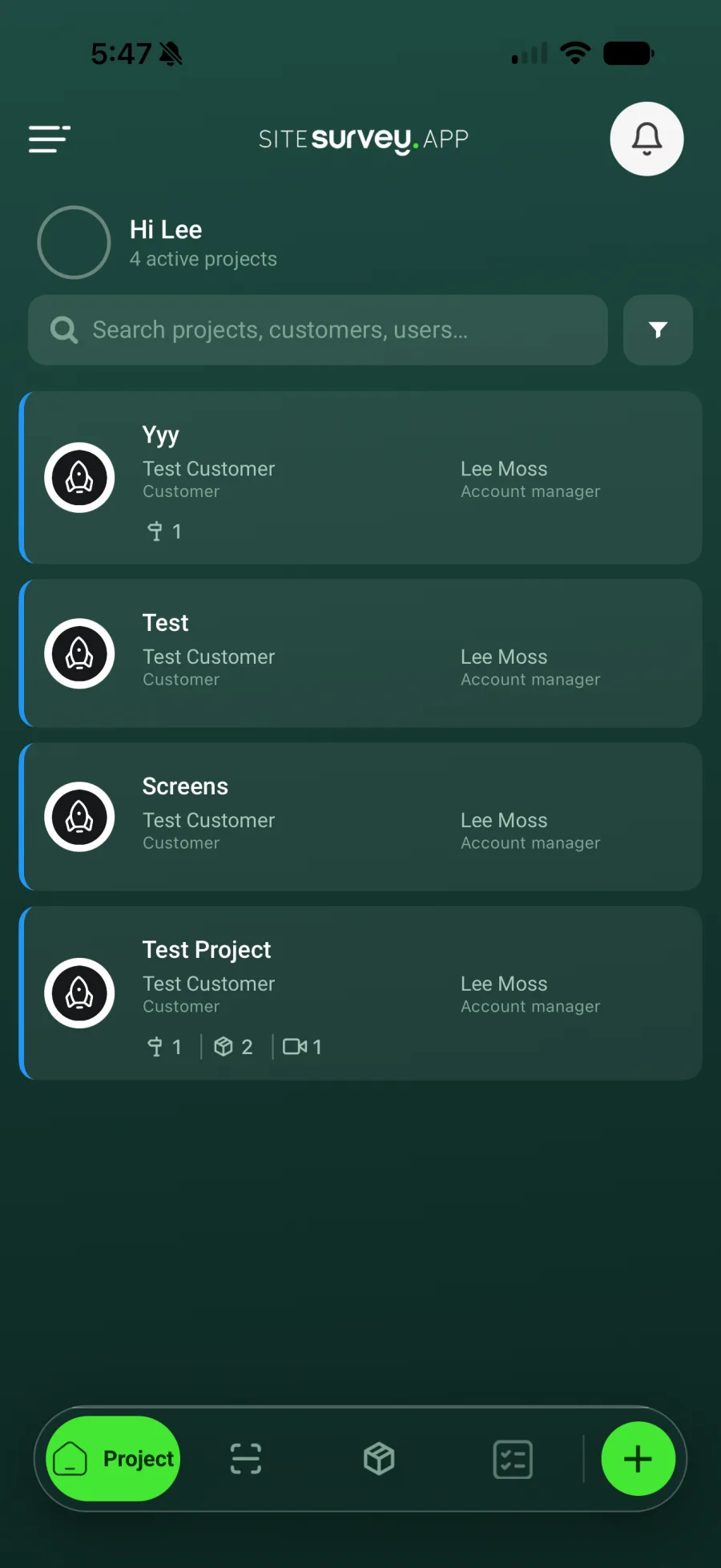
Open SiteSurvey while connected and confirm the project, spaces and assigned forms are visible on the device.
- 02
Open the assigned project
On site, choose the project and navigate to the correct space or product.
- 03

Complete the form normally
Enter responses and add the required photographs, notes and evidence even when the device has no connection.
- 04
Save the work
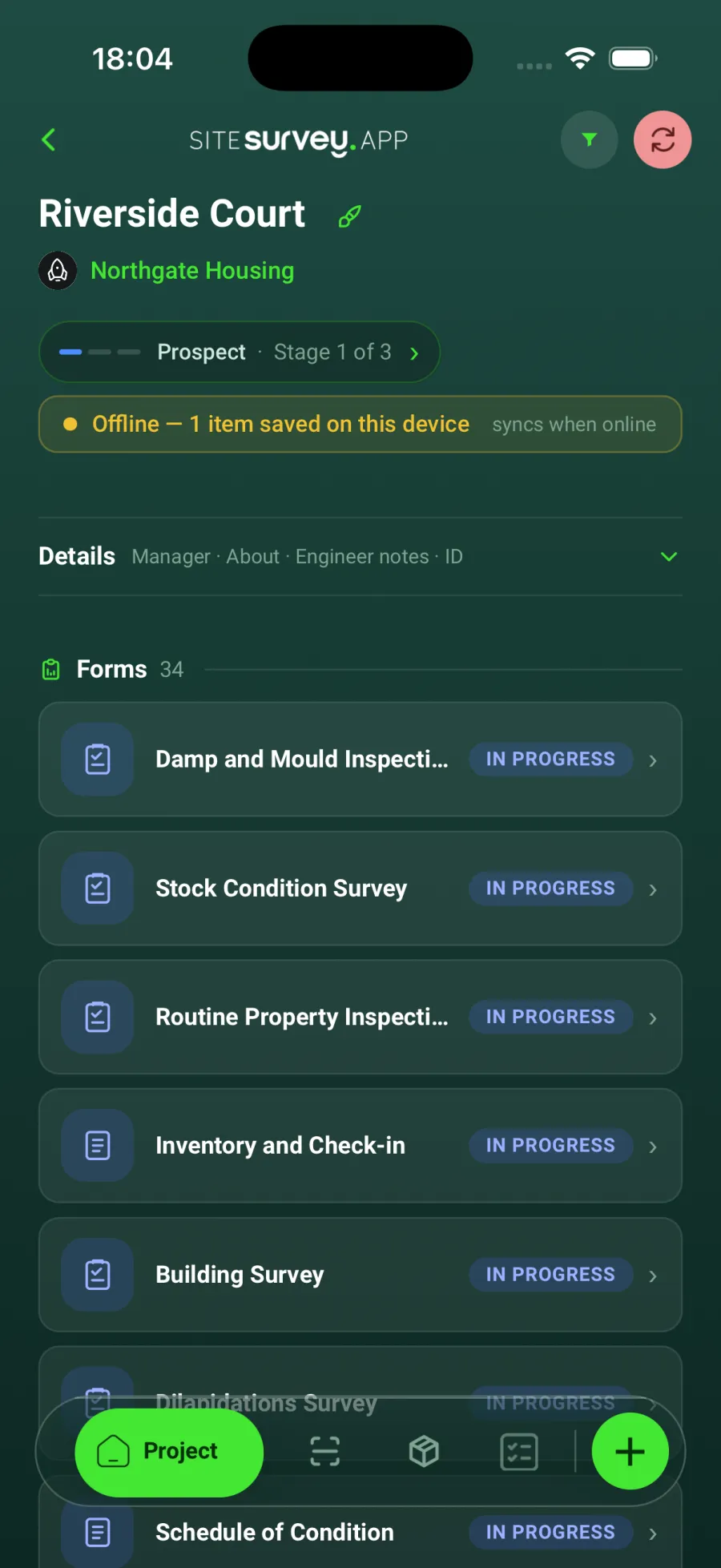
Tap Save draft or Complete as usual. The project shows a yellow banner with the number of items saved on the device, so you can see what is waiting to upload. Keep the app installed with its local data intact.
- 05
Reconnect and allow syncing
When Wi-Fi or mobile data returns, open the app. The banner changes to Syncing and disappears once everything has uploaded. Wait for that before signing out.
Good to know
- ✓Do not uninstall the app while it contains work waiting to sync.
- ✓Check sync has completed before clearing the device or ending access for a user.
Was this guide helpful?
Your feedback helps us improve support content.