- 01
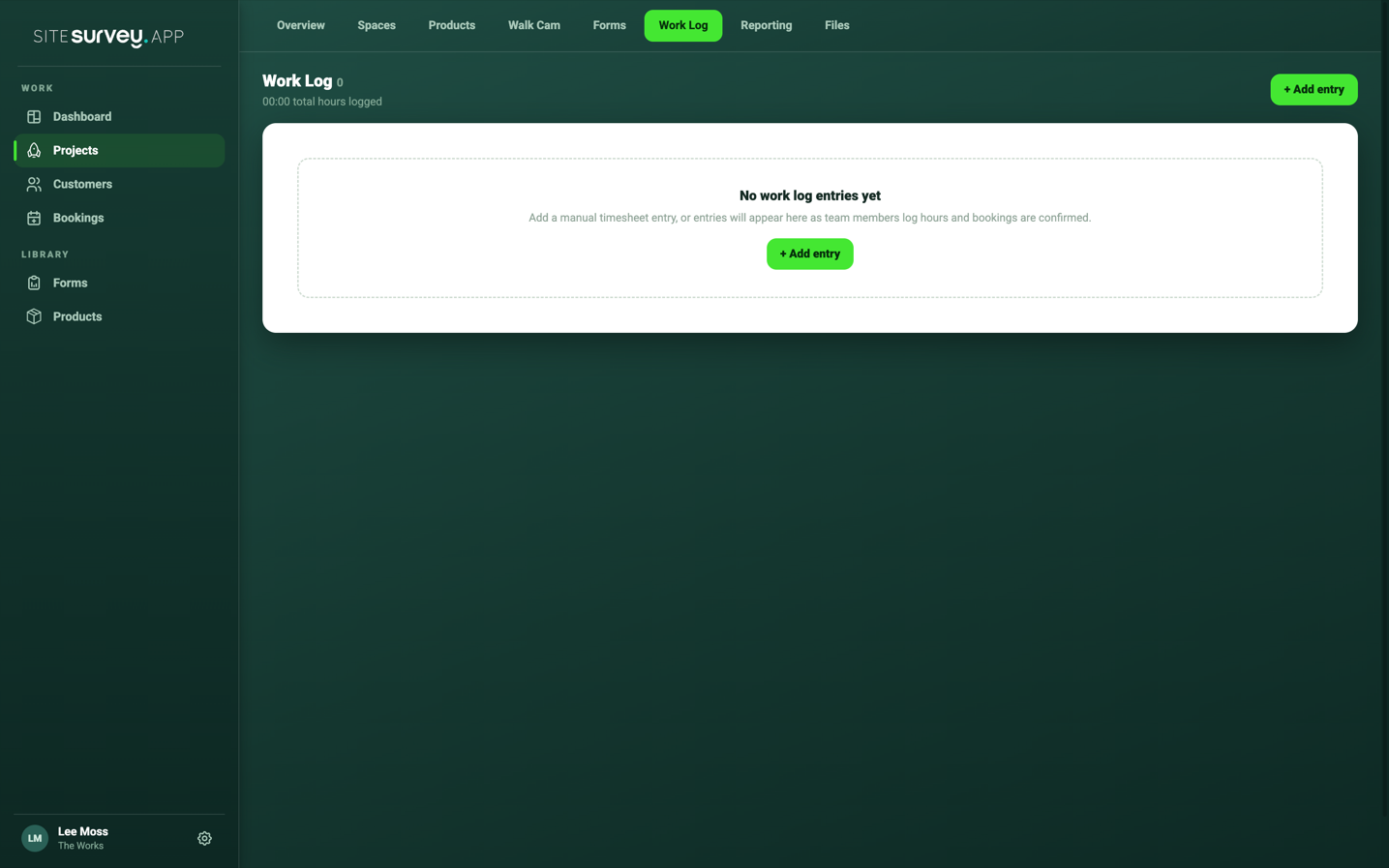
Open the Work Log tab
Open the project and select Work Log in the project navigation. The header shows the total hours logged across the project.
- 02
Review the entries
Each row shows the date, the team member and their role, the time recorded and the title or description of the work. The newest entries appear first.
- 03
Understand the entry types
Manual entries are timesheet hours logged by a person. Calendar entries are created automatically from confirmed bookings, one entry per person per day of the booking.
- 04
Filter the list
Use the All, Manual and Calendar chips above the list to narrow the view. The counts on each chip show how many entries of that type exist.
- 05
Add or edit a manual entry
Select + Add entry to log hours with a date, time, title and description. Select any Manual row to edit it. Calendar entries come from the booking itself and cannot be edited here.
Good to know
- ✓Edit the booking rather than the Work Log when a calendar entry has the wrong hours.
- ✓Check the total hours figure before raising an invoice for time worked on the project.
Was this guide helpful?
Your feedback helps us improve support content.