Different rooms can require different questions. Assign forms to the relevant spaces so field users only see what they need to complete there.
- 01
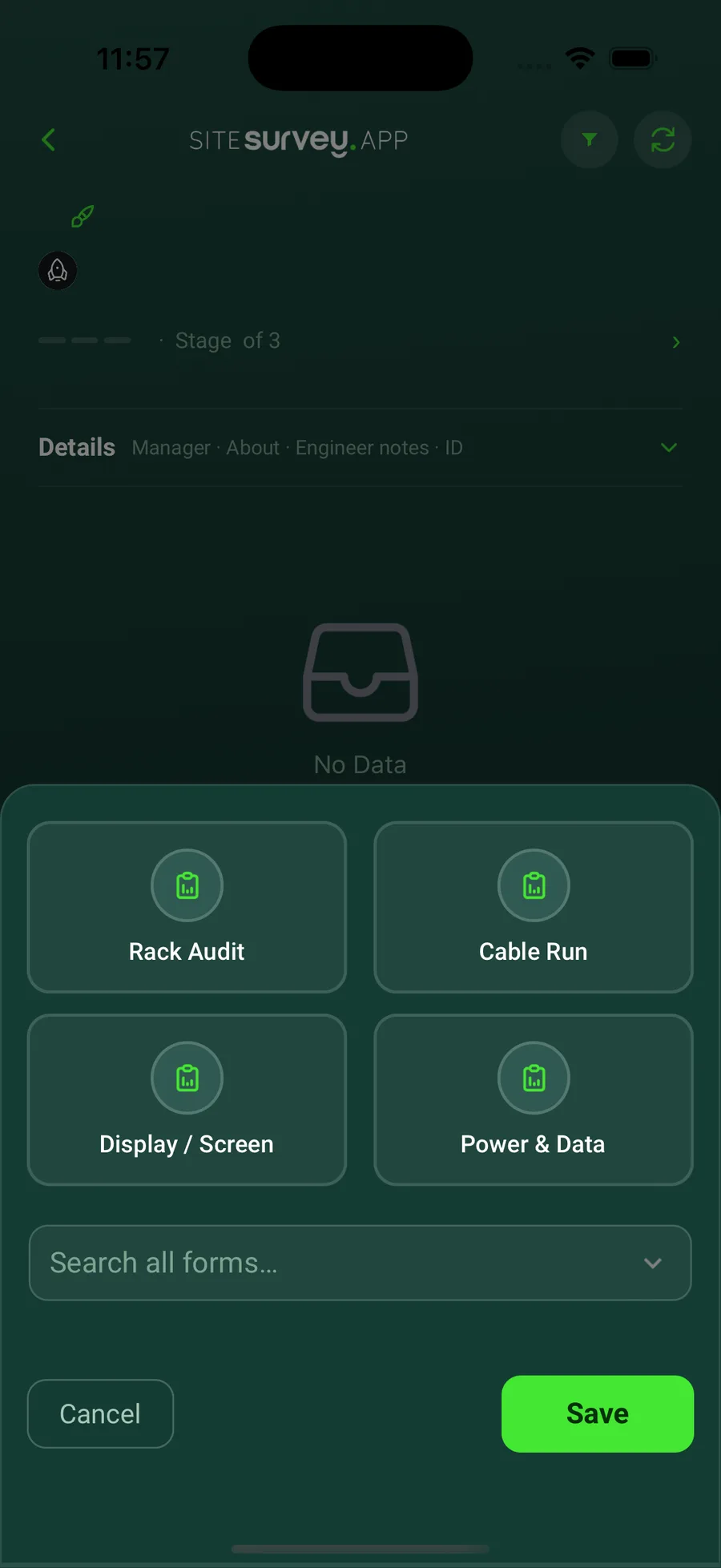
Create or select the form
Use an existing form from the library or create the form needed for the space.
- 02
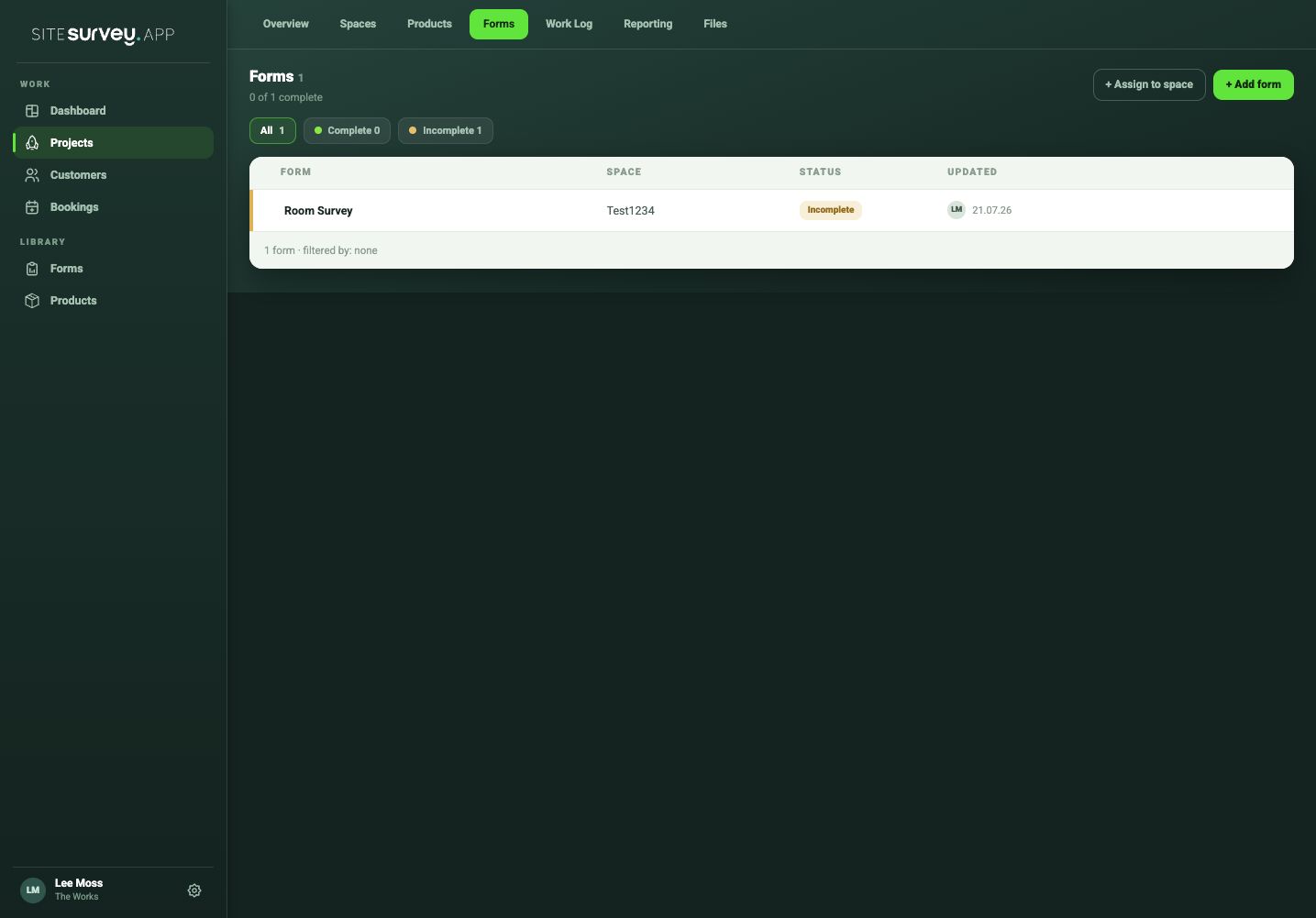
Open the project forms
Choose the project and open Forms to review forms already assigned to project spaces.
- 03
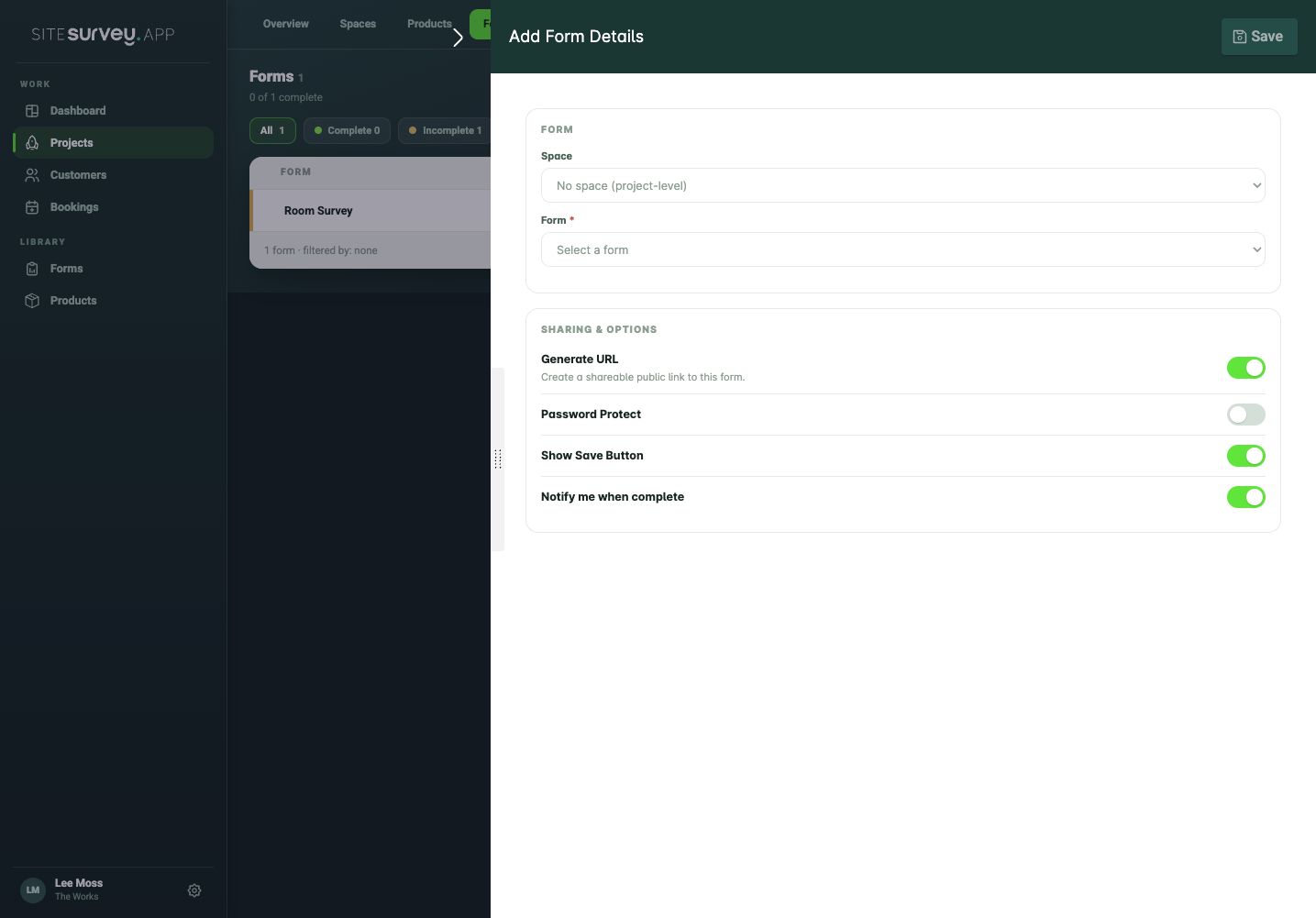
Add the form
Choose the option to add a form and select the correct reusable form from the library.
- 04
Check the assignment
Confirm the form appears within the correct space and is available to the assigned field team.
- 05
Repeat only where required
Assign different forms to other spaces when their survey or commissioning requirements differ.
Good to know
- ✓Name forms by purpose rather than by a single project so they remain reusable.
- ✓Use a product-level form when the questions relate to an individual device rather than the whole room.
Was this guide helpful?
Your feedback helps us improve support content.