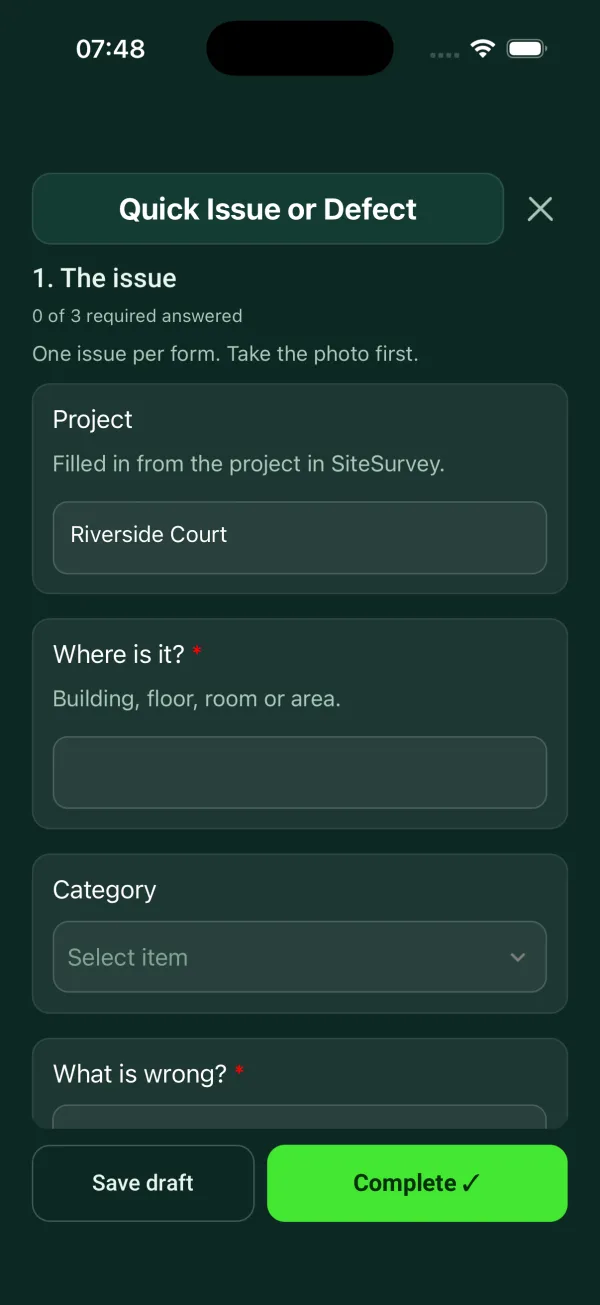
A one-page defect report form for logging a single issue fast: where it is, with a GPS pin for defects outside or on a large site such as a play area, estate or car park, the category, what is wrong, photos, and the height of the defect measured from a photo. A quick likelihood and severity score suggests the priority. It asks whether anyone is at risk and what was done to make it safe, then records the status, the date fixed and photos after the fix, and works out the days to fix against the target. Every question is listed below, and you can fill the live form in on this page.
✎Every question is editable. Add this form to your account, then change the wording, add or remove questions and options, and make it fit your own jobs.
A defect report should say exactly where the issue is, what kind of issue it is and what is wrong, with a photo. It should give a priority, say whether anyone is at risk and what was done to make it safe, and name who the defect is assigned to with a target date. Keep to one issue per report, so each one has its own record from report to fix.
Report the defect on a phone where you stand: pin its exact position, photograph it, measure how high it is, and score how likely and how bad the harm could be. When it is fixed, the form works out the days it took against the target.
Pin the exact position
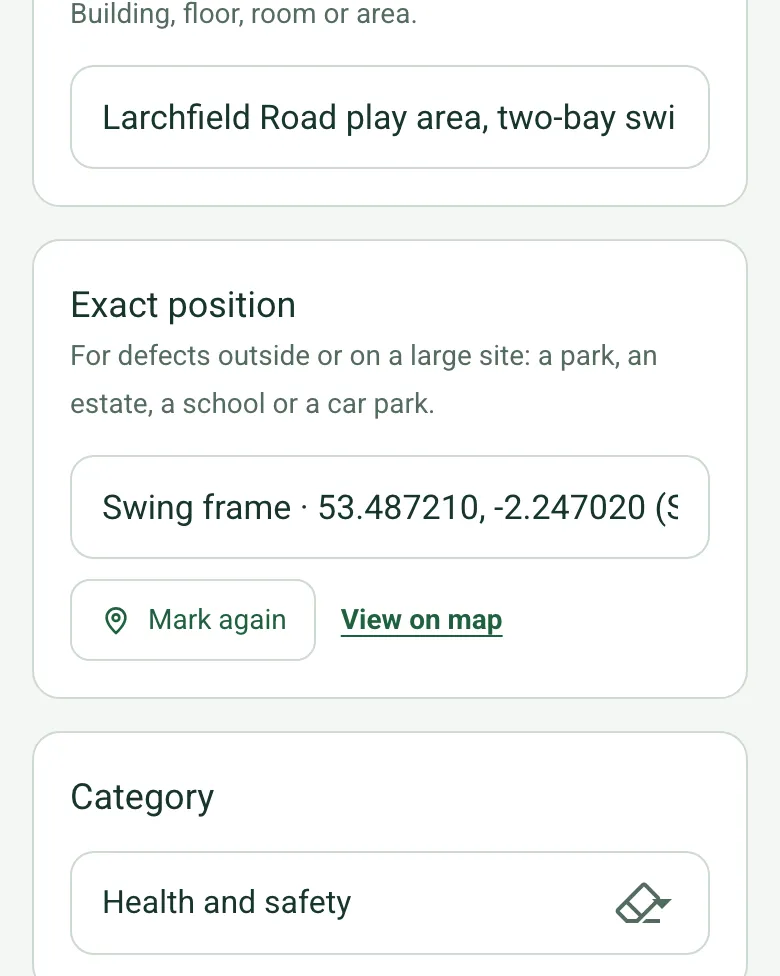
On a park, an estate, a school or a car park, mark the defect's position, so the repair team goes straight to it. Mark current location works on web forms in any phone browser today, and the app version is on its way.
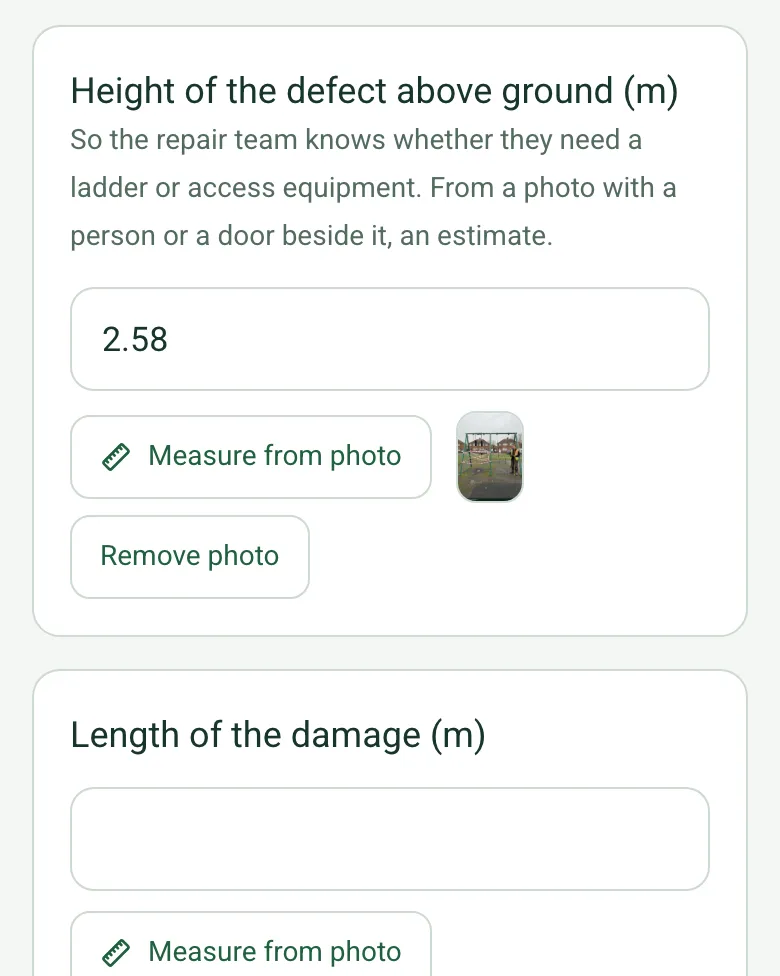
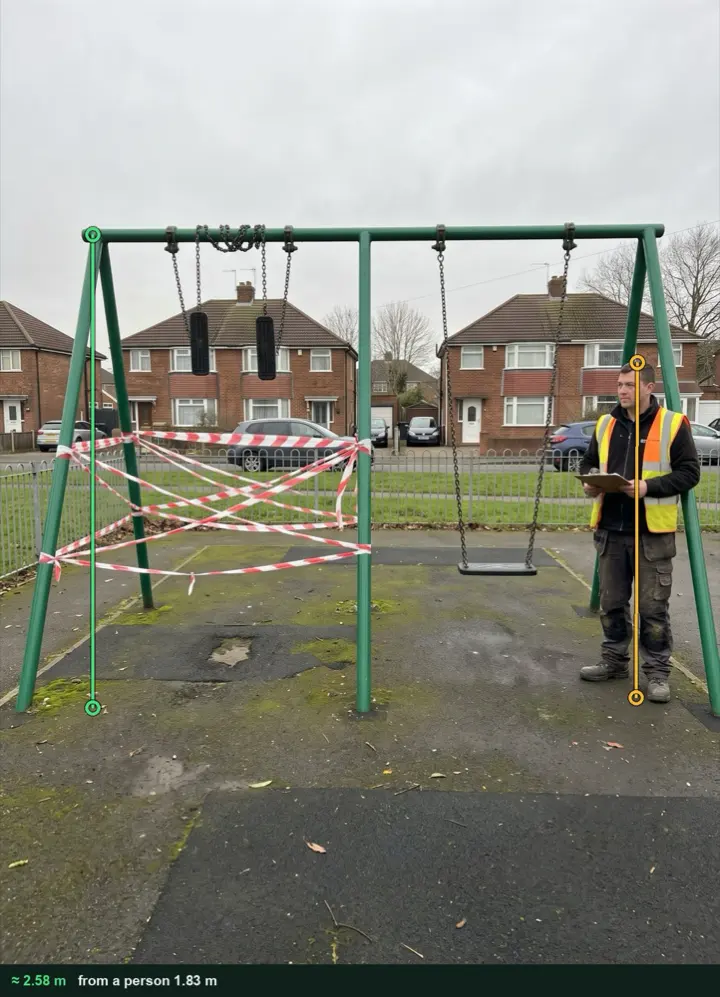
Photograph the defect with a person or a door beside it and measure its height, so the repair team knows whether to bring a ladder or access equipment. It works on web forms in any phone browser today, and the app version is on its way.
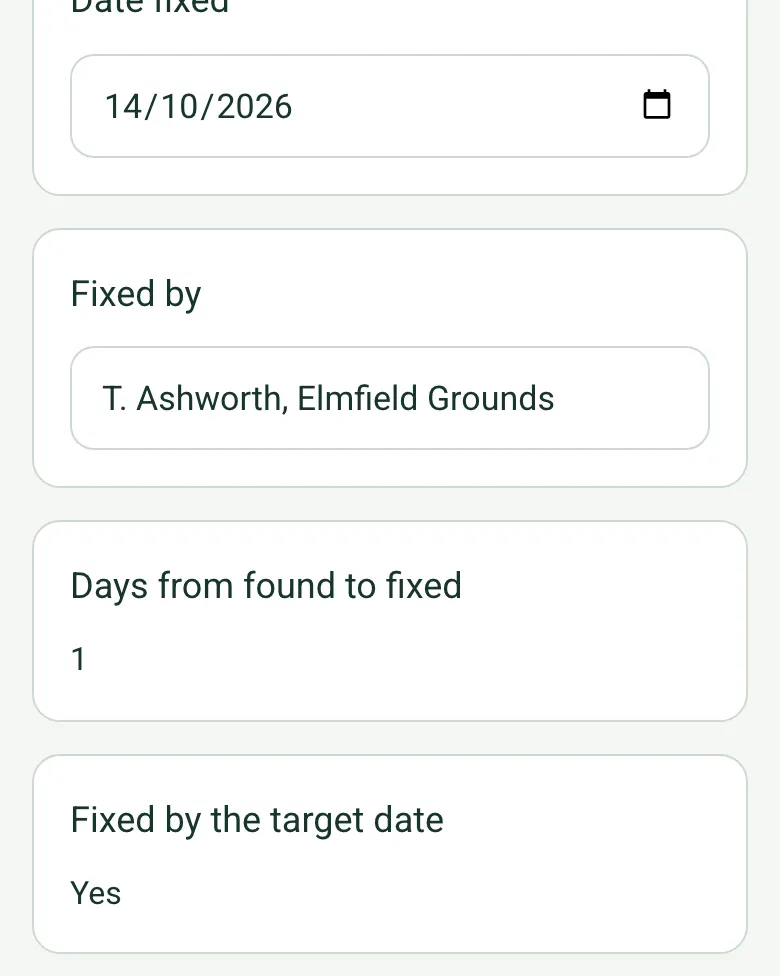
From the date found, the target date and the date fixed, the form works out the days allowed, the days it took and whether it was fixed in time, with photos after the fix.
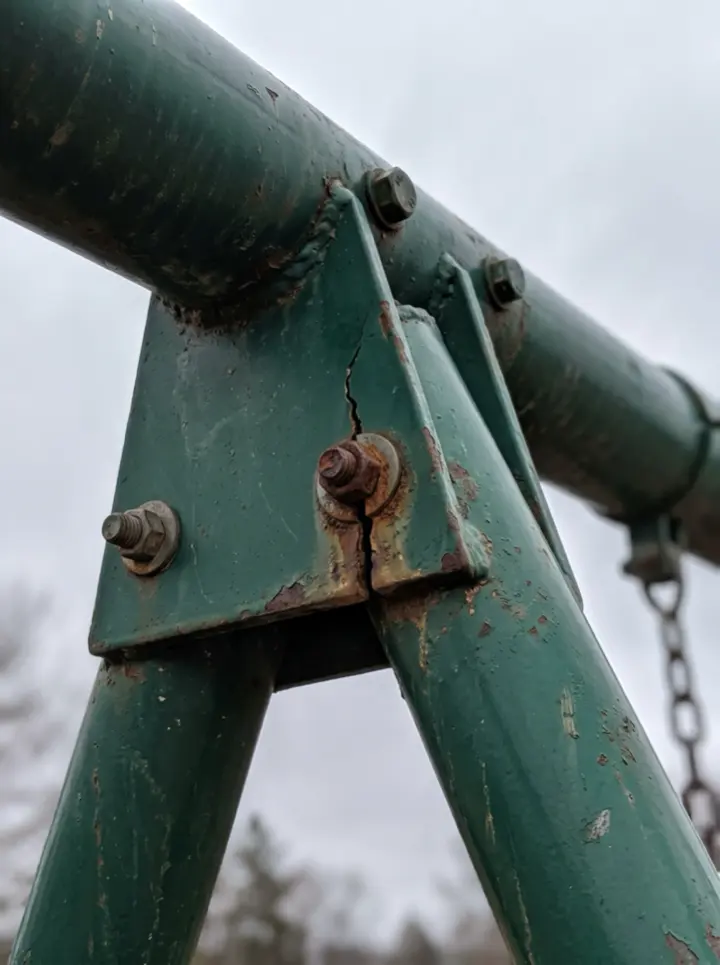
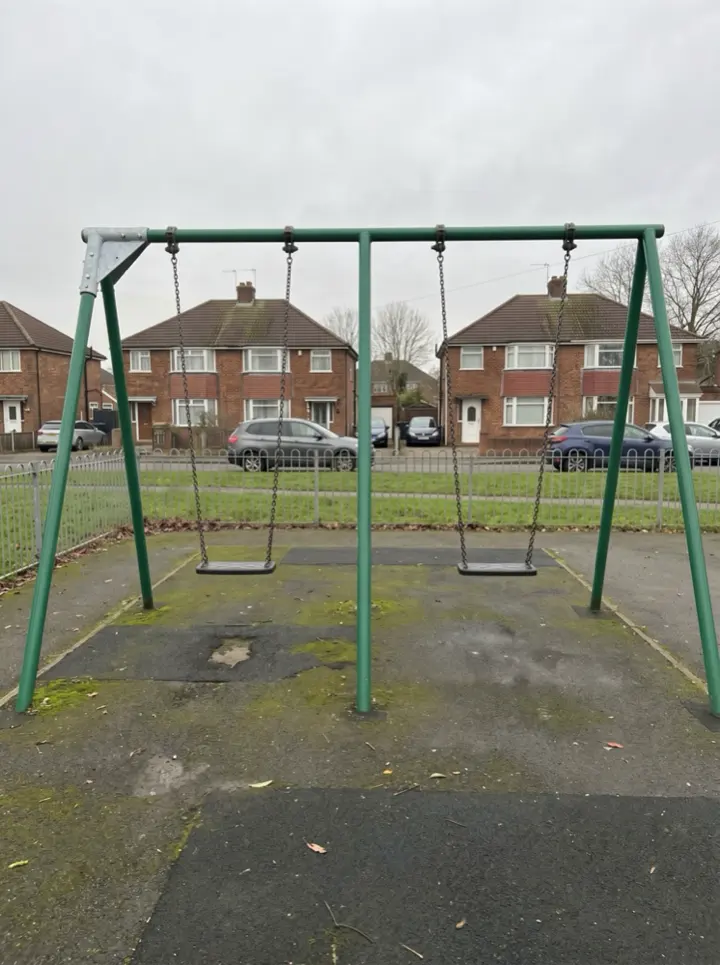
A cracked top beam bracket on a swing frame in a fictional estate play area: the bay taped off on the day, the position pinned, the height measured at about 2.58 m, and the bracket replaced the next day. Open it as a filled-in form, or switch to a blank copy and try it yourself.
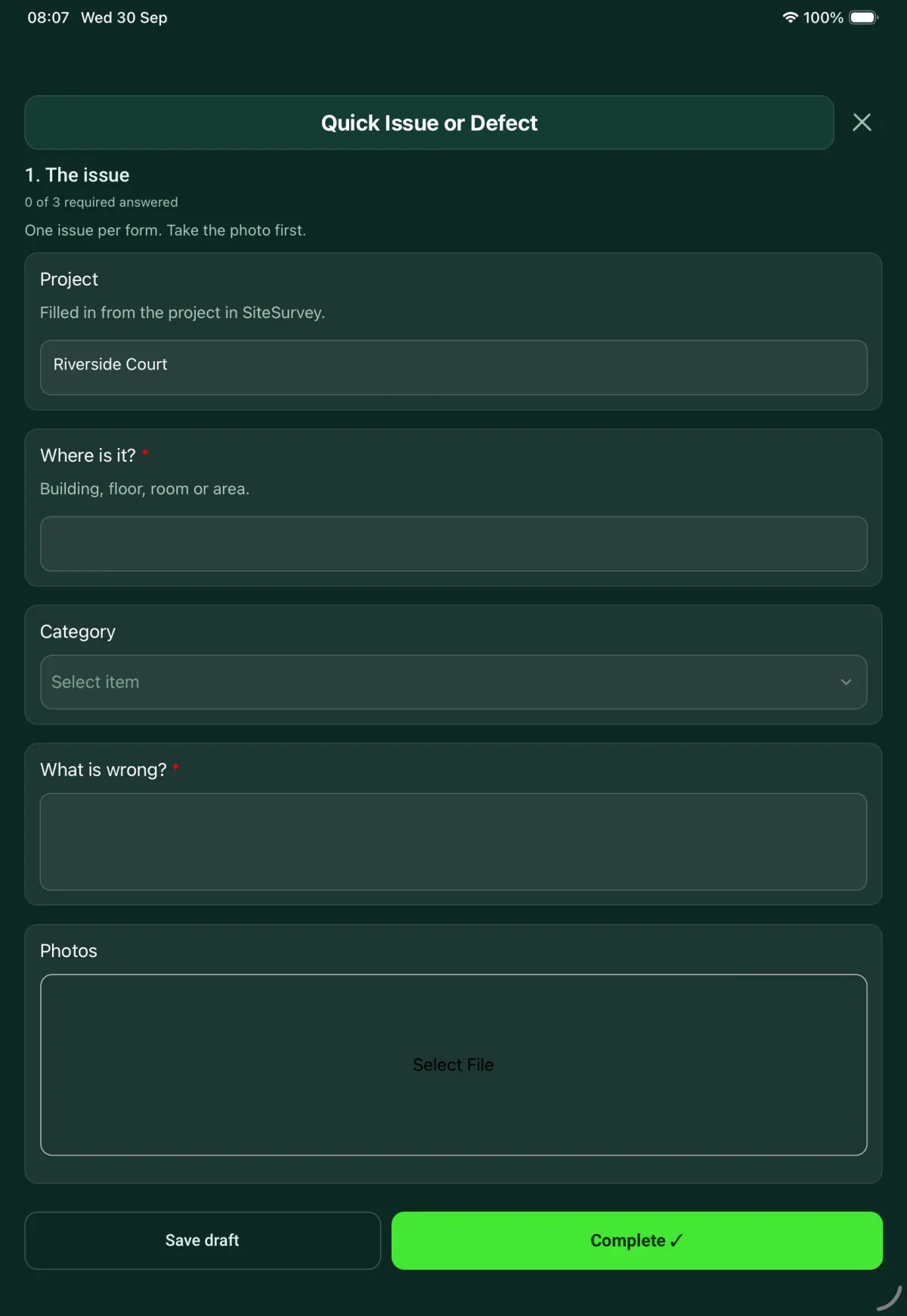
This is the real form as your team would use it: questions appear as you answer, scores work themselves out and you can add photos and signatures. No sign-up needed. Or open a completed example to see every answer, photo and score filled in.
Paper or a spreadsheet works for the odd job. When your team does this every week, SiteSurvey keeps every visit in one place and turns each one into a report you can send.
Everyone fills in the same form on their phone, with photos attached to the answer they belong to.
Each visit becomes a branded PDF report for the client, with no retyping.
Every site, visit and report is kept together in one account, not scattered across email and shared drives.
Your team completes the quick issue or defect on site in the SiteSurvey app on iPhone, iPad and Android phones and tablets. The project name and address fill in for them, it works without signal, and it syncs when the device is back online with photos kept against the question they answer.
Customers and subcontractors do not need the app: send them a link and they can fill it in from any browser.
One issue, fast: where, what, photo, priority, who owns it. 1 sections and 29 questions. Follow-up questions and guidance appear only when an answer calls for them, so the person on site never sees the ones that do not apply.
✎
Make it your own: every question is editable
This is a starting point, not a fixed form. Once it is in your SiteSurvey account you can reword any question, add or remove questions, sections and answer options, and add your own logo, so it fits the way your team works and the jobs you do.
Details you only enter once
Add this form to a project in SiteSurvey and it fills in what the project already knows, so nobody on site retypes it and every form on the job uses the same names. Anything filled in can still be changed.
Project: the project name
Site: the site, when the form is opened for a space or a product
Site address: the site address, from the space or the project
1
The issue
One issue per form. Take the photo first.
ProjectShort answer
Filled in from the project in SiteSurvey.
Fills in from the project name
SiteShort answer
Fills in from the site, when the form is opened for a space or a product
Site addressShort answer
Fills in from the site address, from the space or the project
Date found*Date
Reported byShort answer
Where is it?*Short answer
Building, floor, room or area.
Exact positionShort answer
For defects outside or on a large site: a park, an estate, a school or a car park.
CategoryChoose one
Building fabric
Decoration and finishes
Doors and windows
Plumbing and drainage
Electrical
Heating and ventilation
Damp or leak
Fire safety
Health and safety
AV or IT
Cleaning and waste
Other (describe)
What is wrong?*Notes
PhotosPhotos
Height of the defect above ground (m)Number
So the repair team knows whether they need a ladder or access equipment. From a photo with a person or a door beside it, an estimate.
Length of the damage (m)Number
How likely is it that someone is hurt or more damage is done?Choose one
Unlikely
Possible
Likely
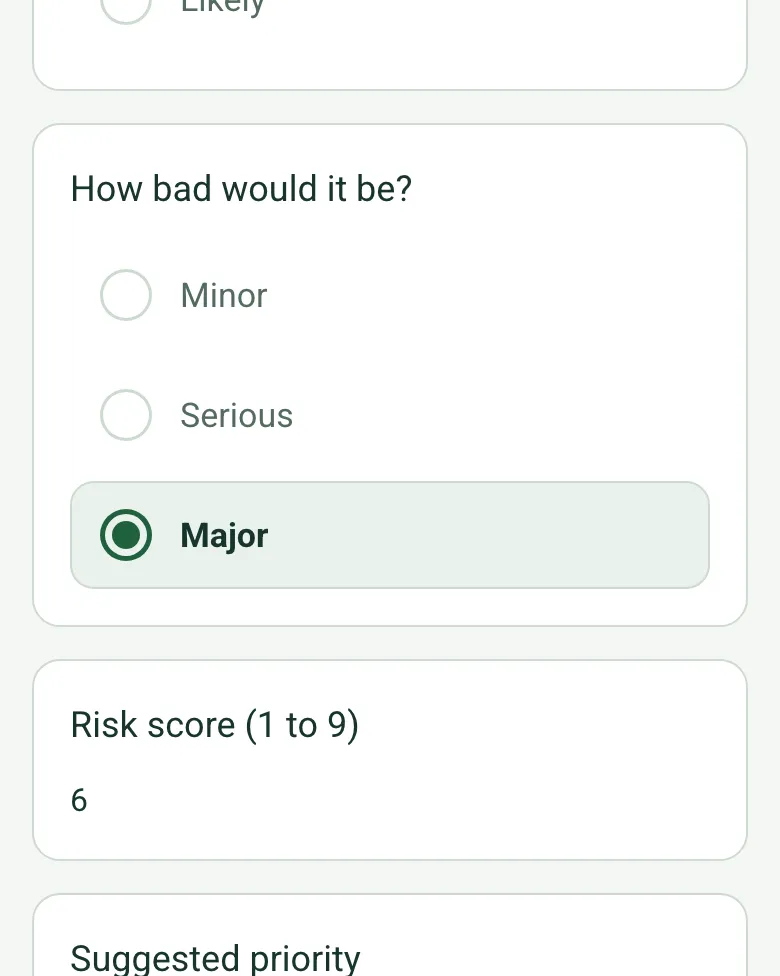
How bad would it be?Choose one
Minor
Serious
Major
Risk score (1 to 9)Worked out by the form
Shown when “How likely is it that someone is hurt or more damage is done?” is answered and “How bad would it be?” is answered
Suggested priorityWorked out by the form
Shown when “How likely is it that someone is hurt or more damage is done?” is answered and “How bad would it be?” is answered
Priority*Choose one
Your call. The risk score above is a guide, not a rule.
Low
Medium
High
Urgent
Is anyone at risk?Yes or No
WarningMake the area safe or keep people away, then tell the person responsible for the site now. Do not wait for this report.
Shown when “Is anyone at risk?” is Yes
What was done to make it safe?Notes
Shown when “Is anyone at risk?” is Yes
Who was told, and when?Short answer
Shown when “Is anyone at risk?” is Yes
Assigned toShort answer
Target dateDate
Days allowed to fixWorked out by the form
Shown when “Date found” is answered and “Target date” is answered
StatusChoose one
Open
In progress
Fixed
Closed
Date fixedDate
Shown only when the answers above make it relevant
Fixed byShort answer
Shown only when the answers above make it relevant
Days from found to fixedWorked out by the form
Shown when “Date found” is answered and “Date fixed” is answered
Fixed by the target dateWorked out by the form
Shown when “Date found” is answered and “Date fixed” is answered and “Target date” is answered
Photos after the fixPhotos
Shown only when the answers above make it relevant
See it filled in
A completed defect report report, made by SiteSurvey from a fictional site visit: every answer, the photos, the guidance that applied and the sign-off, ready to send as a PDF.
Yes. The questions are the same: where the problem is, what is wrong, a photo, how urgent it is and who will deal with it. Use one form for each issue.
What categories of defect does it cover?
Building fabric, decoration and finishes, doors and windows, plumbing and drainage, electrical, heating and ventilation, damp or leak, fire safety, health and safety, AV or IT, and cleaning and waste. The form is editable, so you can change the list to match your sites.
What happens if someone is at risk?
Answering yes shows a reminder to make the area safe or keep people away, and to tell the person responsible for the site straight away rather than waiting for the report. The form then asks what was done to make it safe.
How is priority set?
The reporter picks low, medium, high or urgent. To help, two quick questions (how likely is harm or more damage, and how bad would it be) give a risk score from 1 to 9 and a suggested priority. The score is a guide, not a rule, so agree what each level means, and the target date that goes with it, with your team.
Can I use it to report a playground or park defect?
Yes, for a single defect found between inspections, such as a cracked swing bracket or a broken fence panel. Pin the exact position by GPS, measure the height of the defect from a photo with a person beside it (web forms today, the app version is coming), record what was done to make it safe and the date fixed. For the routine and annual inspections of an equipped play area, use the playground inspection checklist.
Is there a legal duty to put defects right?
For workplaces, regulation 5 of the Workplace (Health, Safety and Welfare) Regulations 1992 says the workplace, and the equipment, devices and systems it covers, must be maintained in an efficient state, in efficient working order and in good repair. Regulation 5 of the Provision and Use of Work Equipment Regulations 1998 says the same of work equipment. A defect report is a record of what was found and what was done about it.
Can I report a defect from my phone?
Yes. In the SiteSurvey app you take the photo first, then answer the rest of the questions, and it works offline. The status is open, in progress, fixed or closed, and a fix adds the date, who fixed it and photos after. The report goes out as a PDF or a share link.