Repeat for each asset. Each one asks:
Which is closest to this asset?Choose one
What is it?Short answer
For example desk, monitor, dock, interactive display, water heater.
How many, if identicalNumber
Leave blank for a single asset.
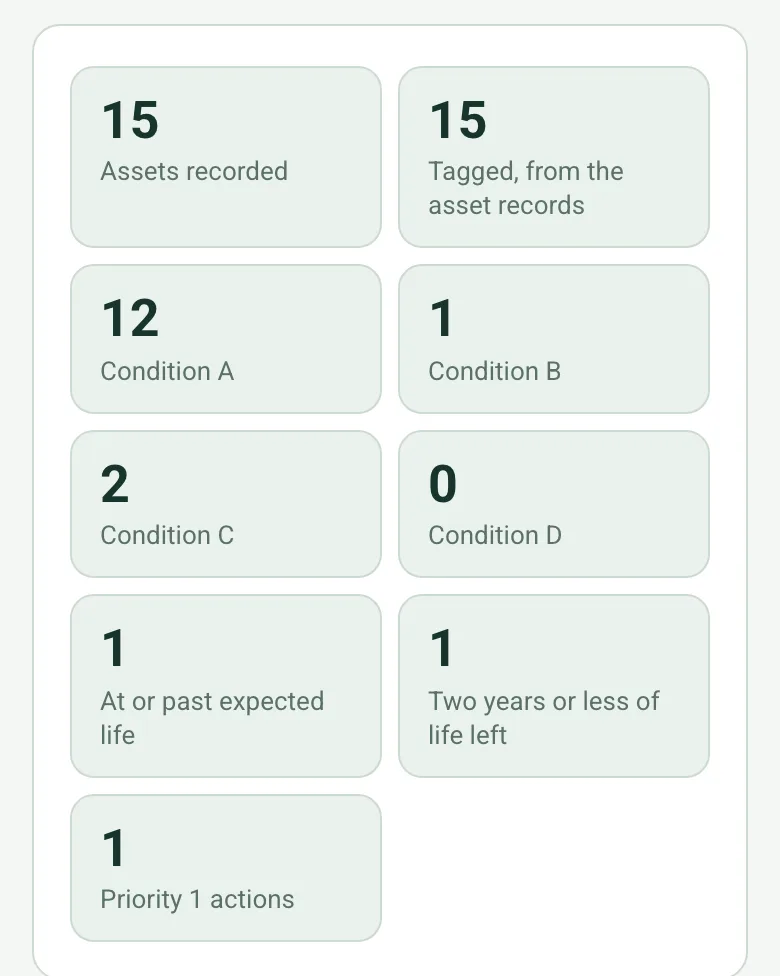
Count for the totalsWorked out by the form
Position in the roomShort answer
For example B14, front wall
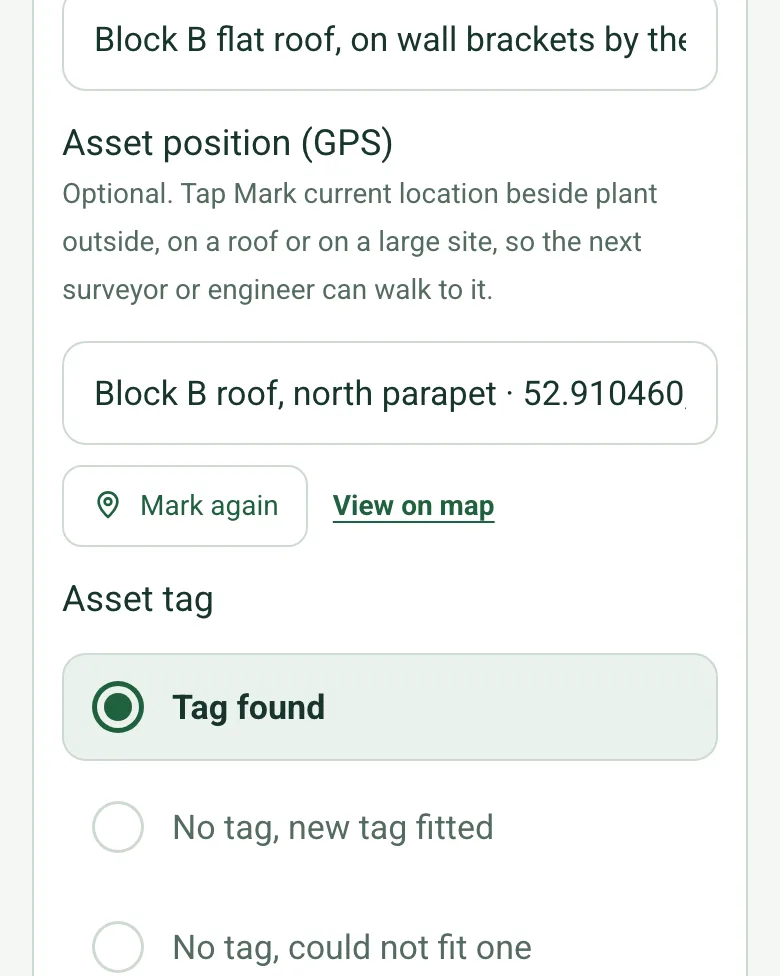
Asset position (GPS)Short answer
Optional. Tap Mark current location beside plant outside, on a roof or on a large site, so the next surveyor or engineer can walk to it.
Asset tagChoose one
Tag number or rangeShort answer
Shown only when the answers above make it relevant
- CheckAn asset with no tag is hard to find again. Record exactly where it is and photograph it, then plan to tag it.
Shown when “Asset tag” is “No tag, could not fit one”
Why could a tag not be fitted?Short answer
Shown when “Asset tag” is “No tag, could not fit one”
Can the maker's label be read?Yes or No
Make and modelShort answer
Shown when “Can the maker's label be read?” is Yes
Serial numberShort answer
Shown when “Can the maker's label be read?” is Yes
- CheckRecord the asset as not identified. Photograph the label or the place it should be, and say what stopped you reading it.
Shown when “Can the maker's label be read?” is No
What stopped you reading it?Short answer
Shown when “Can the maker's label be read?” is No
Install yearNumber
Expected life (years)Number
Where is the install year from?Choose one
- CheckAn estimated install year makes the age and remaining life estimates too. Say so in the notes.
Shown when “Where is the install year from?” is “Estimated by the surveyor”
- GuidanceExpected life is a planning figure. Take it from the client's standard, the maker's data or a published table, and say which.
Shown when “Expected life (years)” is answered
Age (years)Worked out by the form
Shown only when the answers above make it relevant
Calculated remaining life (years)Worked out by the form
Shown only when the answers above make it relevant
Share of expected life remaining (%)Worked out by the form
Shown only when the answers above make it relevant
- CheckTwo years or less of expected life remain. Consider this asset when the replacement budget is set.
Shown only when the answers above make it relevant
- WarningThis asset is at or past its expected life. That is a planning figure, not a failure. Check its condition before deciding to replace it.
Shown only when the answers above make it relevant
ConditionChoose one
What deterioration or defect can you see?Notes
Shown only when the answers above make it relevant
Photos of the defectPhotos
Shown only when the answers above make it relevant
- WarningGrade D. Life expired or at serious risk of failure. Tell the client on the day, do not wait for the report.
Shown when “Condition” is “D”
Your assessed remaining life (years)Number
Give your own figure if condition suggests the calculated one is wrong.
Shown only when the answers above make it relevant
Is it in warranty?Yes or No
Warranty end dateDate
Shown when “Is it in warranty?” is Yes
Is any action needed?Yes or No
What needs doing?Notes
Shown when “Is any action needed?” is Yes
PriorityChoose one
Shown when “Is any action needed?” is Yes
Who will do it?Short answer
Shown when “Is any action needed?” is Yes
Due dateDate
Shown when “Is any action needed?” is Yes
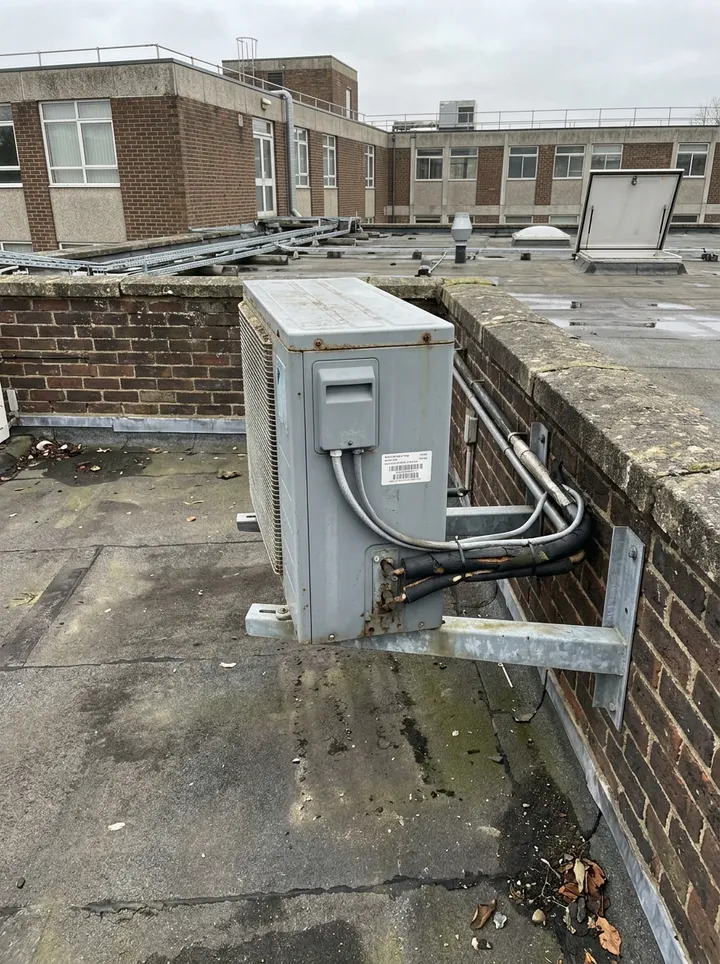
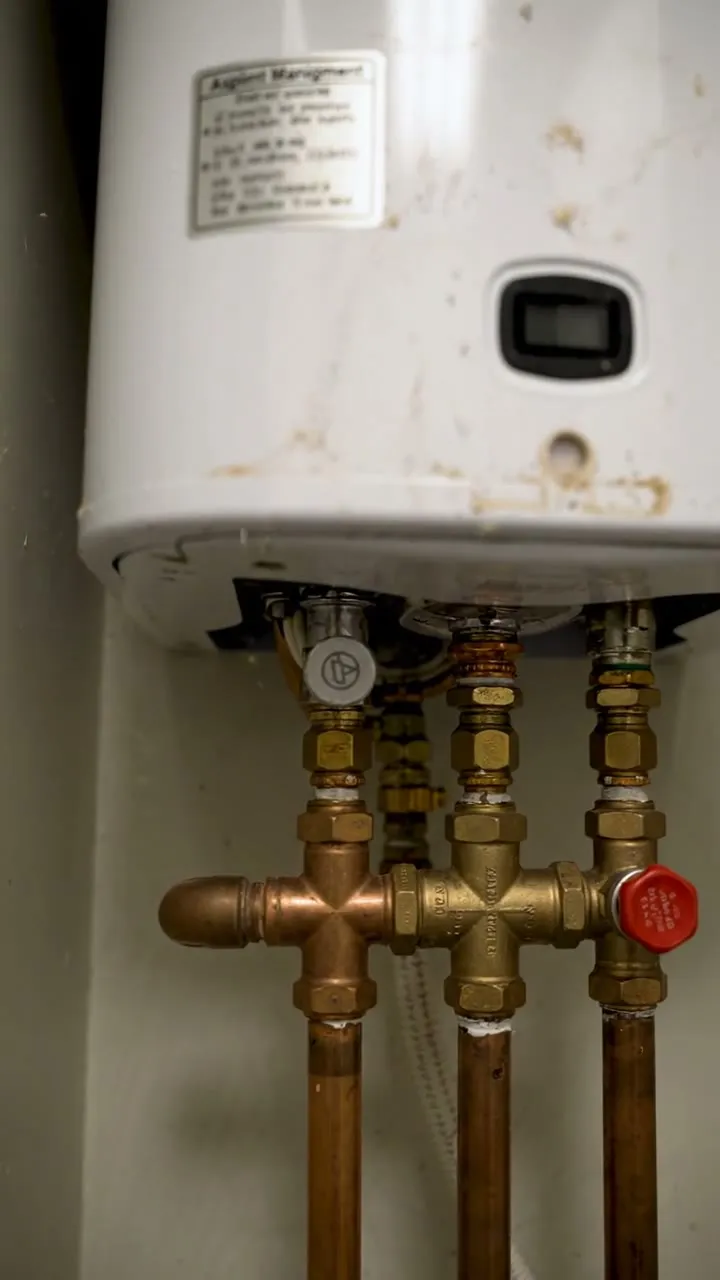
Photos of the asset and its labelPhotos
NotesNotes