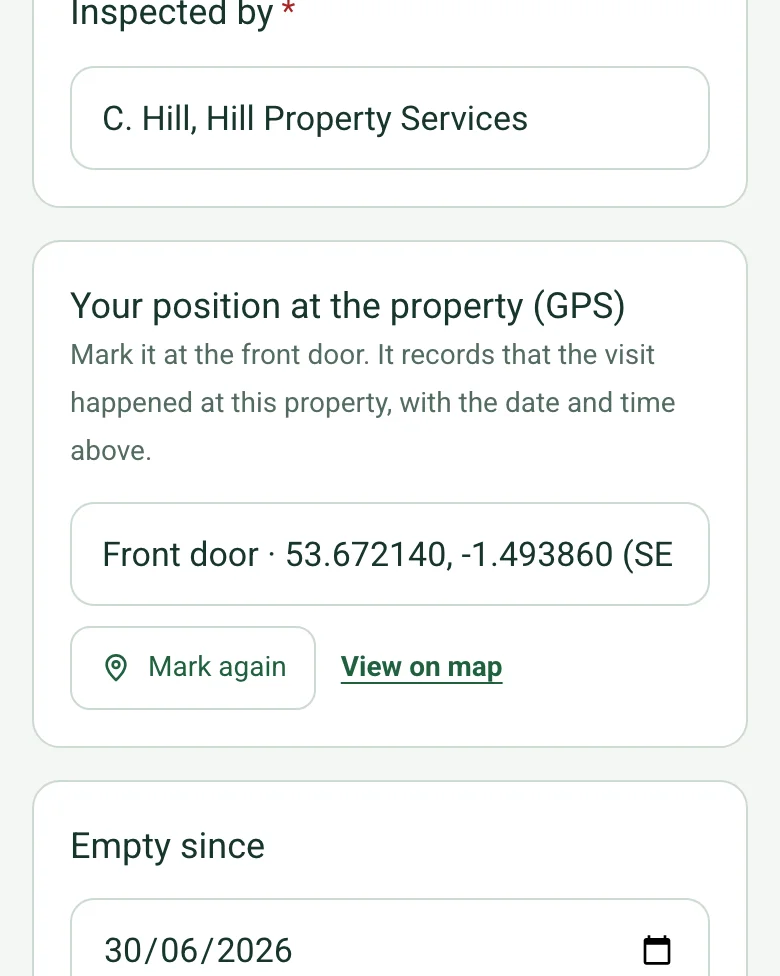
Record where the visit happened
Mark current location at the front door. With the date and time on the form, it records that the inspection was made at this property, which helps if the insurer asks.
How GPS location works →Form library · Housing and property
A regular inspection of an empty property, built around insurers' unoccupancy conditions. Record when it became empty and the form shows the days empty, then the insurer, policy number and the inspection interval the policy requires; the form warns when the last inspection was too long ago. Check doors, windows, signs of entry, roof and gutters, rubbish and the garden, then inside: whether the water is drained or the heating on, leaks, damp, pests and alarms, post removed and meter readings, with photos. Every question is listed below, and you can fill the live form in on this page.
Ready to use from the form library, and every question is yours to edit. Trial from £1, cancel any time.
Try it on your phone
Try it on this phone
Fill in the unoccupied property inspection on your phone now
See how the unoccupied property inspection looks on your phone
Scan the code with your phone camera. It opens the real form, no sign-up needed.
Open the live example and fill it in, just as your team would on site. No sign-up needed.
See it on this phoneEvery question is editable. Add this form to your account, then change the wording, add or remove questions and options, and make it fit your own jobs.
It depends on the insurance policy. The Financial Ombudsman Service says most home insurance policies stop covering things like theft, malicious damage and escape of water once a home has been unoccupied for a set period, usually 30 or 60 days. Some policies keep cover if conditions are met: one policy in an Ombudsman decision needed weekly inspections and, from October to March, the water drained or the heating kept on. Check the policy wording and keep dated records.
Last updated . Facts checked by the SiteSurvey team on 17 October 2026 against Financial Ombudsman Service: unoccupied properties and Financial Ombudsman Service decision DRN-4749038 (unoccupancy conditions on a home policy).
Each visit to the empty building takes a few minutes on a phone: mark your position at the front door, check the outside and the inside, photograph anything wrong and raise an action. The form works out the days since the last visit and counts the defects.
Mark current location at the front door. With the date and time on the form, it records that the inspection was made at this property, which helps if the insurer asks.
How GPS location works →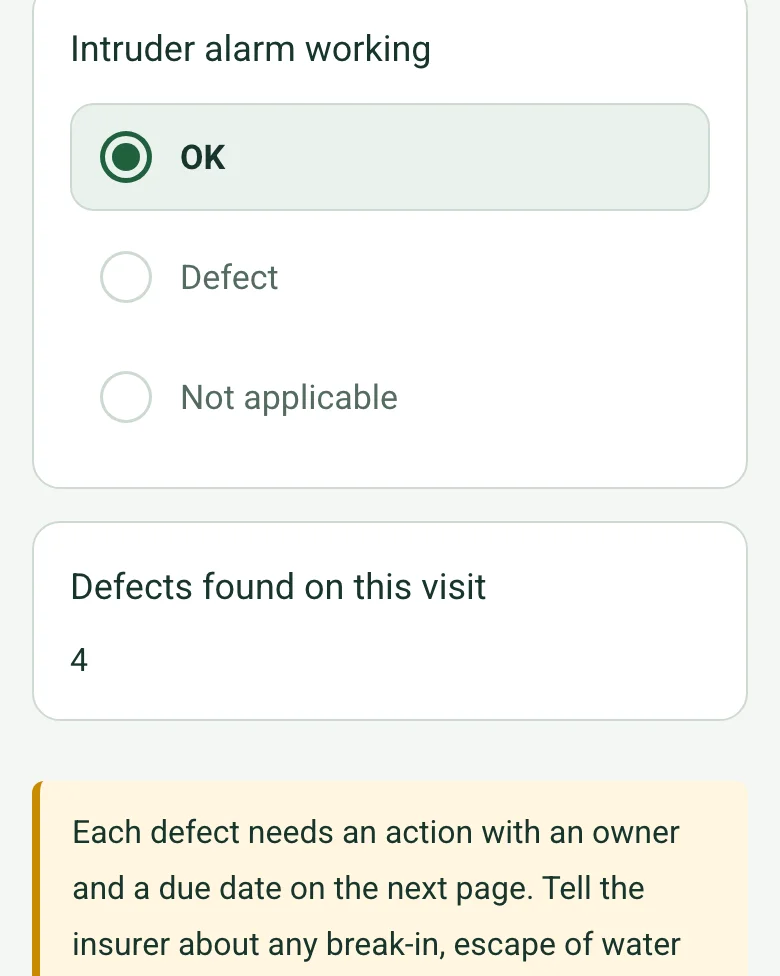
Each check marked Defect adds to the count, a reminder asks for an action with an owner and a due date, and the form works out the days empty and the days since the last inspection against the policy interval.
How calculated fields work →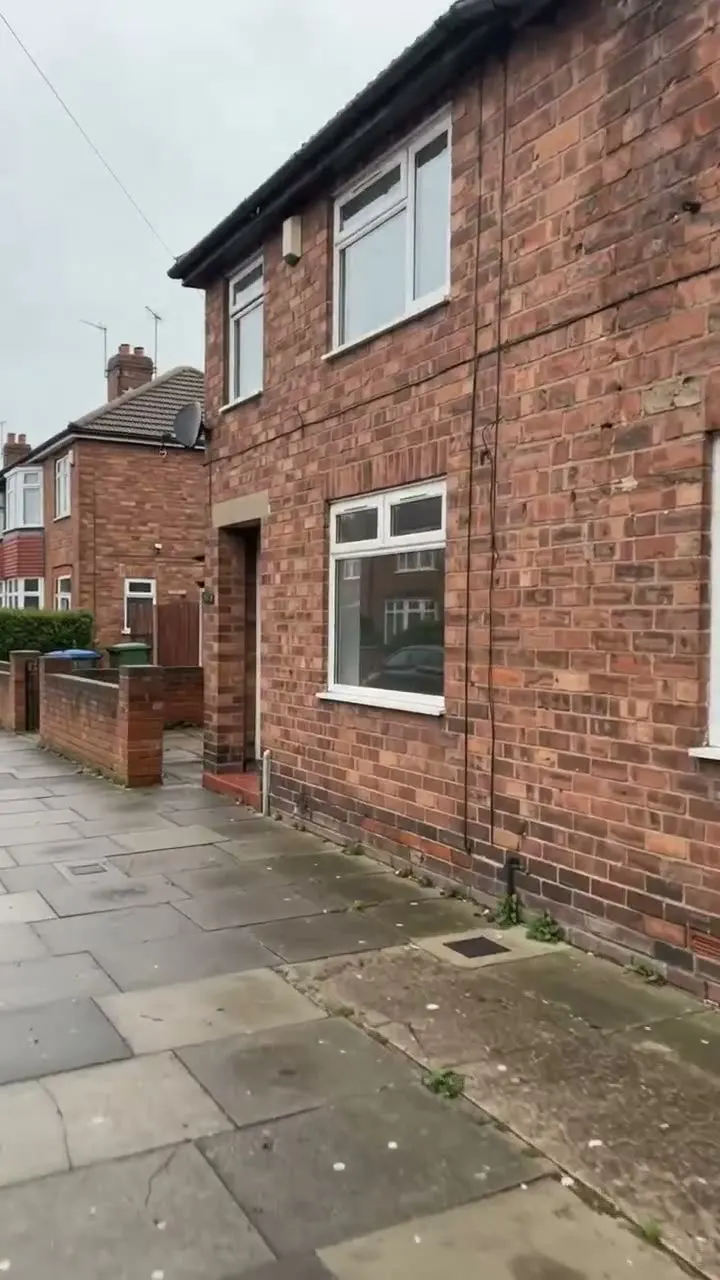
Photograph the front, the entrance, each floor, the meters and each defect, so every visit has its own dated set of photos in the report.
The form has a Walk Cam field. Record the elevations, the entrance and the grounds on each visit and say what you see; the words become the written answer.
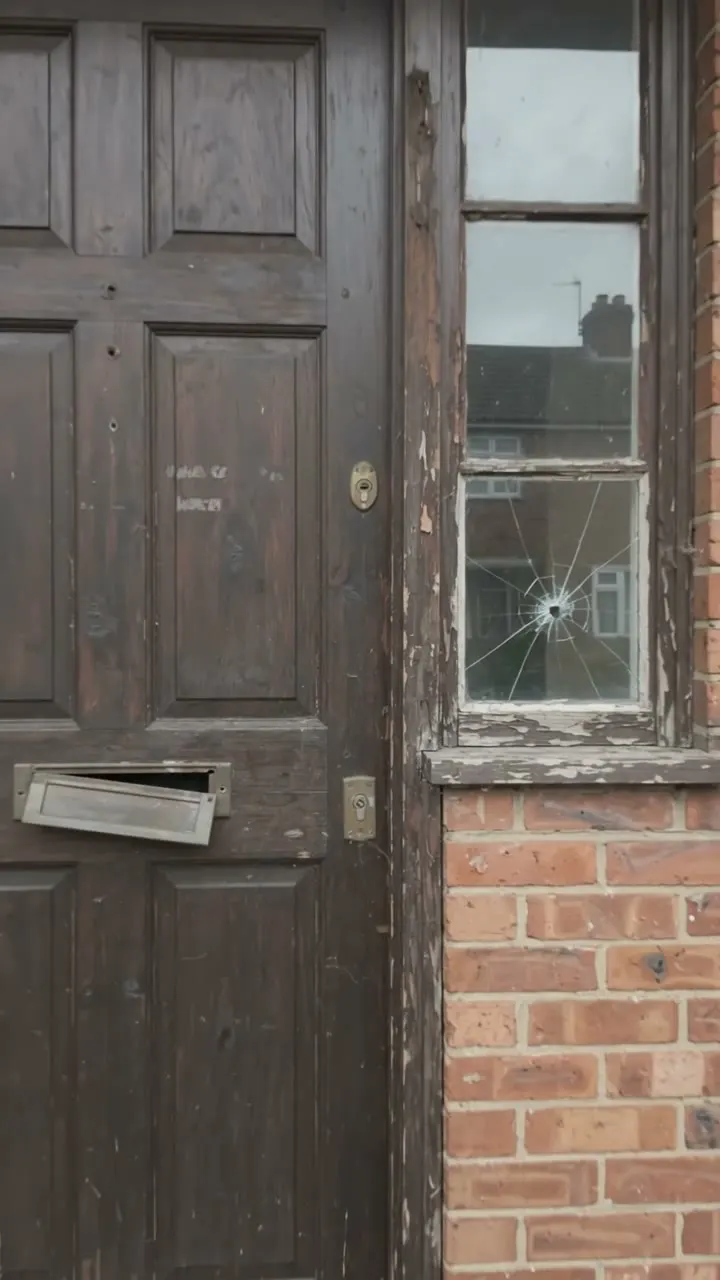
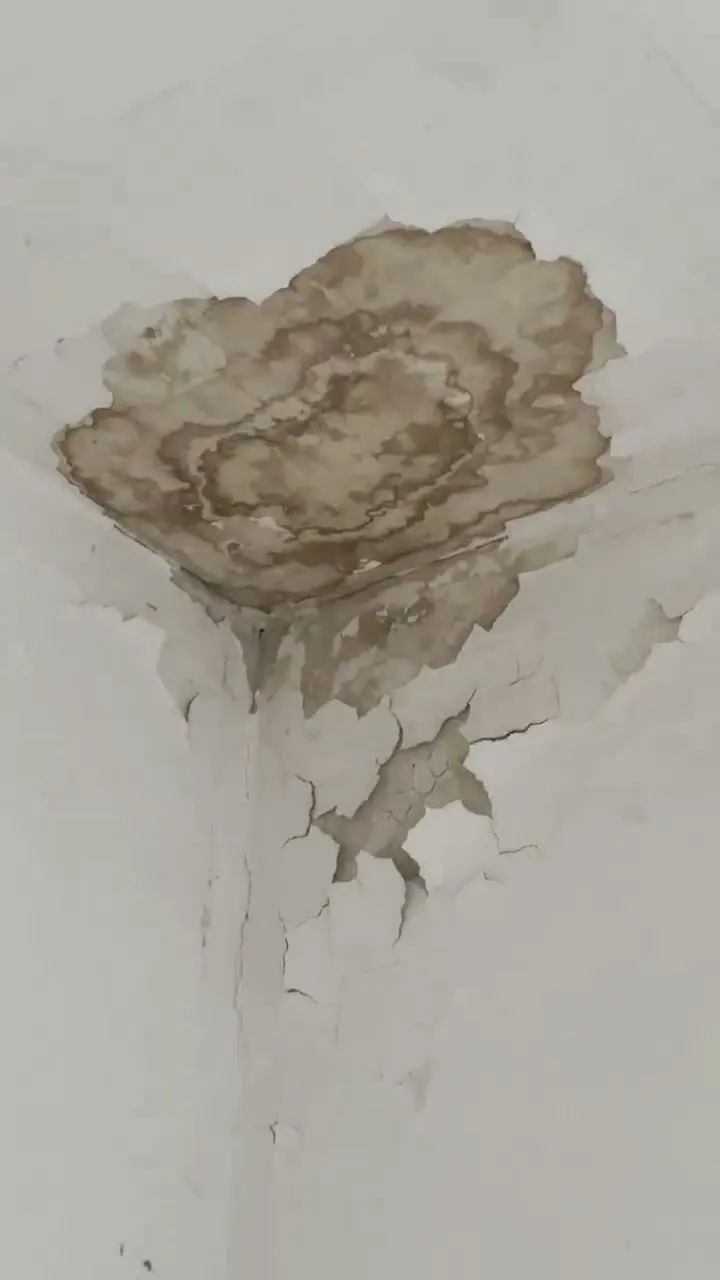
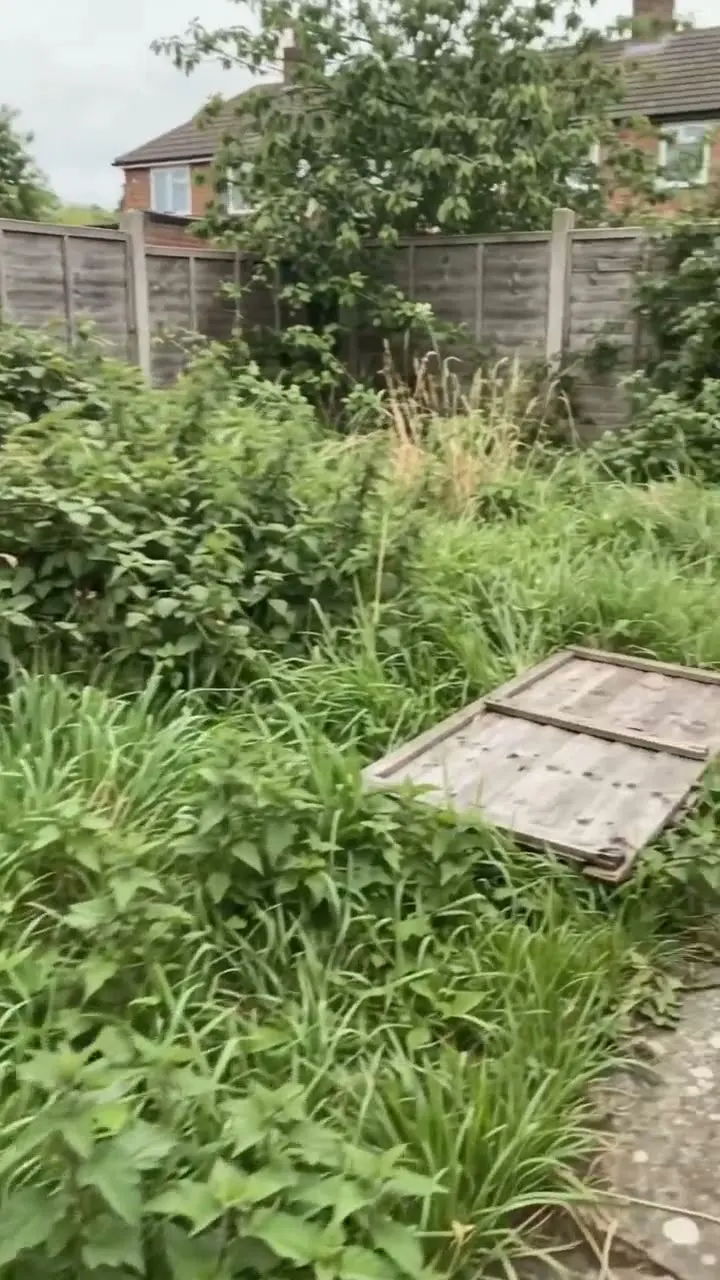
How Walk Cam works →A weekly visit to a fictional empty office in Wakefield: a cracked side light by the front door, fly-tipped sacks by the bins, a fence panel down and a new damp stain on a ceiling, with four actions still open.
Answer a few questions and watch it adapt. Your answers are not saved, and any photos you add are deleted within the hour.
Open the completed example to see fictional readings, notes, photos and calculations. Choose Blank form to try entering your own answers.
Want to see one filled in? See a completed unoccupied property inspection report (PDF), made by SiteSurvey from a fictional site visit.
Walk Cam route · four guided clips
Show what changed between visits. Follow the same route, film accessible rooms and the outside, and give the property manager a precise location for each concern.
Identify the property, visit date and last known condition. Record the same accessible route on each visit and escalate concerns through the owner's process. Note every area you could not enter safely.
Show the front elevation and accessible sides from a safe position. Locate visible damage, staining or loose materials without entering an unsafe area.
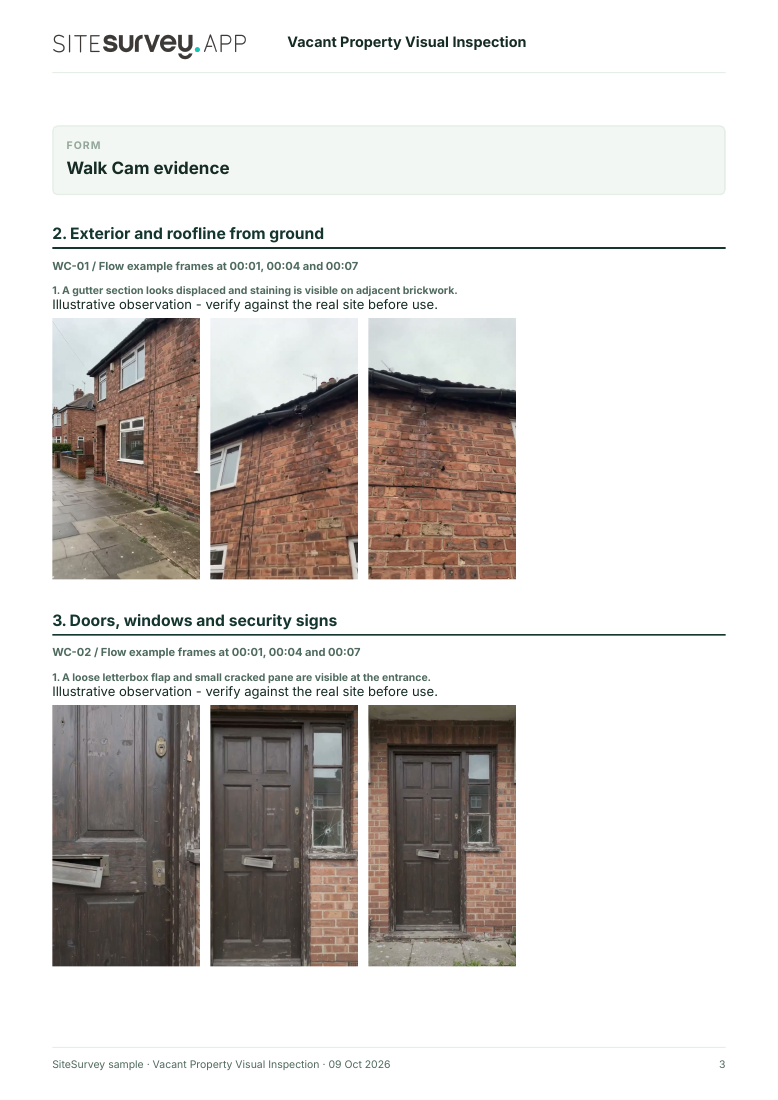
A gutter section looks displaced and staining is visible on adjacent brickwork.
Film accessible entrances, frames and glazing. Describe visible damage and signs of interference; do not claim that locks or alarms were tested.
A loose letterbox flap and small cracked pane are visible at the entrance.
Follow the agreed internal route only where access is safe. Record room identity, visible marks and any changed condition. Do not diagnose the cause of damp from video.
A brown mark and peeling paint are visible near an upstairs ceiling corner.
Show accessible paths, vegetation and boundary features. Locate overgrowth or damage that needs attention and note any area you cannot see.
Vegetation is overgrown and parts of the rear boundary are obscured from view.
A fictional six-page example with the four points, twelve stills from the clips, observations, follow-up actions and the limits of a visual record.
View the visual evidence (PDF) ↗ · Download the full sample report
This is a record of accessible visible condition at the visit. It does not test locks, services, moisture sources, structural safety or compliance with an insurance policy. Example footage was generated in Google Flow and the observations are scripted; no real site is shown. Walk Cam works inside any form in the app. How Walk Cam works · All visual inspections
For teams
A printable template works for the odd job. When your team does this every week, SiteSurvey keeps every visit in one place and turns each one into a report you can send.
A vacant and unoccupied property inspection for insurers' conditions: days empty, inspection interval, security, signs of entry, roof and gutters, water drained or heating on, leaks and damp, post, meter readings and photos. 4 sections and 65 questions. Follow-up questions and guidance appear only when an answer calls for them, so the person on site never sees the ones that do not apply.
This is a starting point, not a fixed form. Once it is in your SiteSurvey account you can reword any question, add or remove questions, sections and answer options, and add your own logo, so it fits the way your team works and the jobs you do.
Add this form to a project in SiteSurvey and it fills in what the project already knows, so nobody on site retypes it and every form on the job uses the same names. Anything filled in can still be changed.
Mark it at the front door. It records that the visit happened at this property, with the date and time above.
Optional. Film the four guided points on the SiteSurvey app; each clip keeps its spoken note.
The inspection date plus the interval in the policy.
A completed unoccupied property inspection report, made by SiteSurvey from a fictional site visit: every answer, the photos, the guidance that applied and the sign-off, ready to send as a PDF.
Yes. Choose the interval in the policy and enter the last inspection date. The form warns when it has been longer than the interval.
Some policies ask for the water system to be turned off at the mains and drained, or the heating kept on at a minimum temperature, to prevent burst pipes. The form records which was done and the indoor temperature.
Remove post and check for rubbish or fly-tipping at each visit. The Financial Ombudsman Service says it is unlikely to support a claim where a property was so neglected that it could attract unwelcome attention.
A void property inspection assesses the home for re-letting. This checklist is the repeated security and condition check while it stays empty.
Yes. Each inspection has dated photos, so changes over time are clear for insurers and owners. In the Ombudsman decision above, the insurer was found reasonable to decline the claim because the evidence did not show the heating condition had been met.
Landlords, letting agents, housing associations, property guardians, executors and commercial property managers.
Related templates
A void property inspection: keys, meter readings, gas and electrical safety dates, smoke and CO alarms, damp and mould, room-by-room condition and the works list to bring the home up to the lettable standard.
A meter reading record with photos: reason, each gas, electricity, water or heat meter with serial scan, reference numbers, readings and smart status, who was told, and signatures.
Periodic tenancy inspection: tenant's account, alarms and safety records, room by room condition, repairs with priorities.
Add it from the form library in one click, change any question, and every completed form becomes a branded PDF report.
Start your trial →