Sharing No login needed
Send the customer a link.Not another login.
A form for them to fill in, an inspection to play, a file to download, a visit reminder with site questions, or a label to scan. Each opens in a browser, with nothing to install.
NoteThere is no customer login or portal. Everything here is a link.
How do customers see work in SiteSurvey?
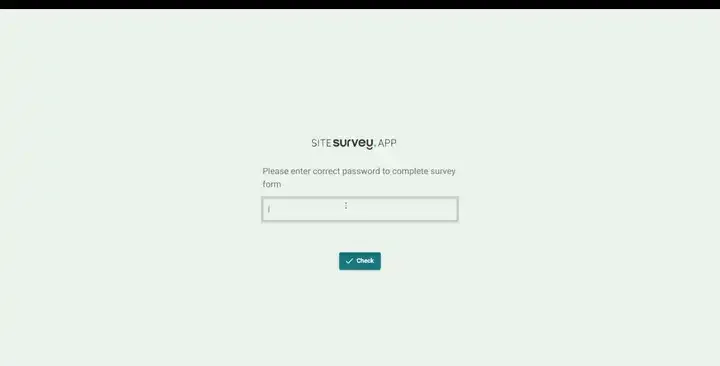
Through links rather than a login. You can send a form link they fill in in a browser, a Walk Cam inspection they play point by point, a project file to download, a booking reminder whose link asks your site questions, or a QR label that lets anyone report a fault or record a move. Form and Walk Cam links can be password protected. Reports are downloaded as PDF or Word and sent. There is no customer portal.
Last updated 26 October 2026.
01 · What they get
Pick what to share. See their screen.
Each link opens on the customer's phone or computer. Try password protection on a form or a walk.
A form they fill in
Add the form to the project, switch on Generate URL, and send the link. Their answers are saved to the form on the project.
Example content. No login or app needed on their side. Nothing is sent.
02 · Five ways
What you can send, and how.
| Share | They can | You set it up | Plan |
|---|---|---|---|
| Form link | Fill in questions, choices, photos, signatures and ratings; save and come back if you allow it. | Add the form to the project and switch on Generate URL. Optional password; notify me when complete. | The Works |
| Walk Cam | Play the inspection point by point with video, transcript and stills. | Share from the phone once synced, or from the walk's Info tab. Optional password and intro note. | Both |
| File | Download a project file. | Share on the file in the project's Files tab: copy the link or send it by email. | Both |
| Booking reminder | See the visit details and answer your site questions, such as parking and access. | Inform Customer tab on a project booking: now, the day before or the hour before. | The Works |
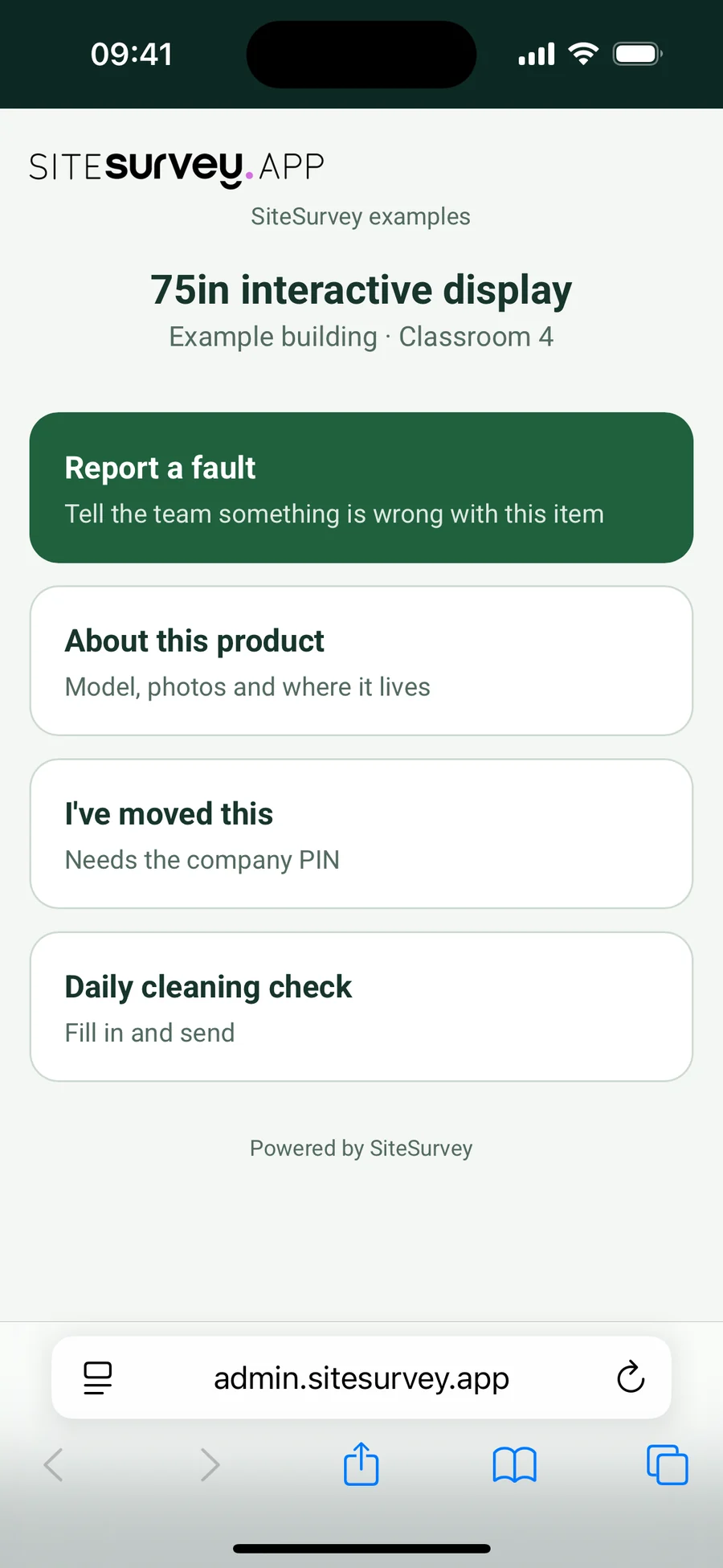
| QR label | Report a fault, see product information, record a move with a PIN, or fill in one of your forms. | Print labels from the project's Products tab; choose the actions in Settings, QR Codes. | The Works |
03 · Reports
The report goes as a document.
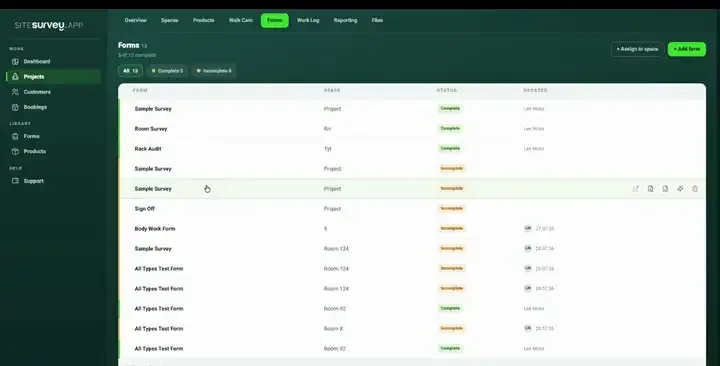
Download the project report as PDF or Word and send it the way you already do. A copy is saved to the project's Files tab, so you can also share it as a file link. There is no live public report page.
04 · What it isn't
Links, not a customer portal.
It is
- Links that open in a browser
- Optional passwords on forms and walks
- Answers and fault reports saved to the project
Good for
- Pre-visit questionnaires and sign-off forms
- Showing a client a walk-through
- Handing over documents
- Faults reported from site after handover
It isn't
- A customer login or portal
- Progress updates sent to the customer
- Messaging or comments with the customer
- A white-label site on your own domain
Sharing with customers, at a glance
- How
- Links that open in a browser, with no login or app.
- Forms
- Customers fill in a form from its link; answers save to the project. Optional password.
- Walk Cam
- A public player page with every point, video, transcript and stills. Optional password and intro note.
- Files and reports
- Project files by link or email; reports as PDF or Word.
- Bookings
- Reminder emails with a link for the site contact to answer your site questions.
- QR labels
- Anyone can scan to report a fault, see product info, record a move with a PIN or fill in a form.
- Not included
- A customer login or portal, progress notifications, messaging, white-label domains.
Is there a customer portal or customer login?
Not today. Customers do not get their own SiteSurvey login. Instead you send them links: a form to fill in, a Walk Cam inspection to play, a file to download, a booking reminder with site questions, or a QR label to scan. None of them needs an account or the app.
Can a customer fill in a form without the app?
Yes. Add the form to the project, switch on Generate URL and send the link. They complete it in a browser, including photos, signatures and ratings, and their answers are saved to the form on the project. You can add a password, let them save and come back, and be notified when it is complete. Walk Cam and label scanning stay in the app.
Can I share a Walk Cam inspection with a client?
Yes. Once the walk has synced, Share copies a link or sends it by email. The client plays it point by point, with video, transcript and stills, in a browser. Set a password and an intro note on the walk's Info tab.
How do I send a customer the report?
Download the project report as PDF or Word and send it. There is no public link to a report.
Can customers tell us about the site before the visit?
Yes. On a project booking, the Inform Customer tab sends the customer's site contact a confirmation now, the day before or the hour before. Its link asks your site questions; their answers are added to the booking notes and emailed to whoever made the booking.
Which plan do I need?
Walk Cam links and file links work on both plans. Form links, booking reminders and product QR labels need The Works, £25 per user per month billed annually, because forms, bookings and products are part of it. Trial from £1.
On your next job