Capability 01
Team availability
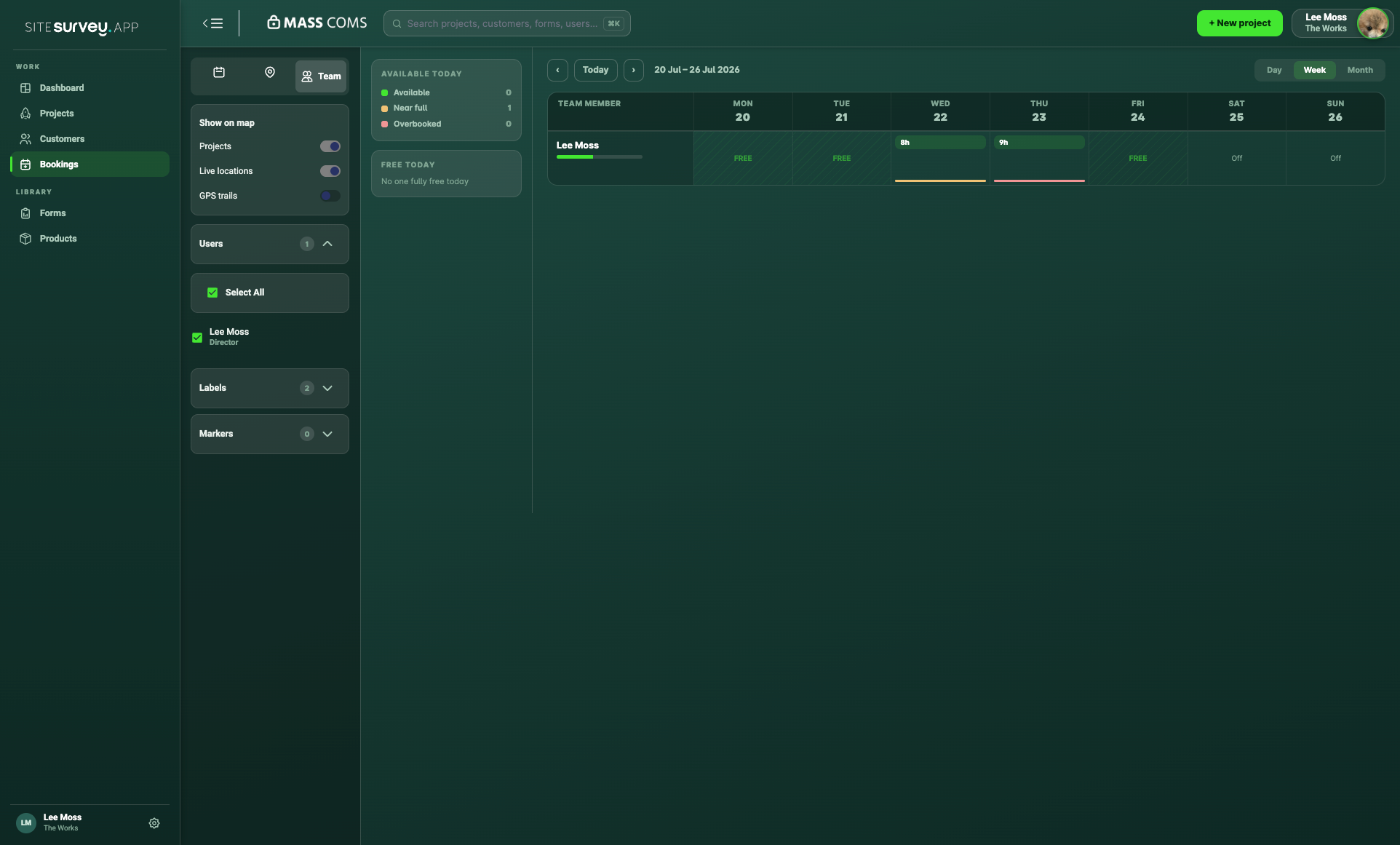
View working patterns and scheduled time together so coordinators can make better booking decisions.
Field teams and bookings
Schedule site visits, understand team availability and keep every booking connected to the customer, project and work being delivered.
From £25 per user per month · trial from £1, cancel any time
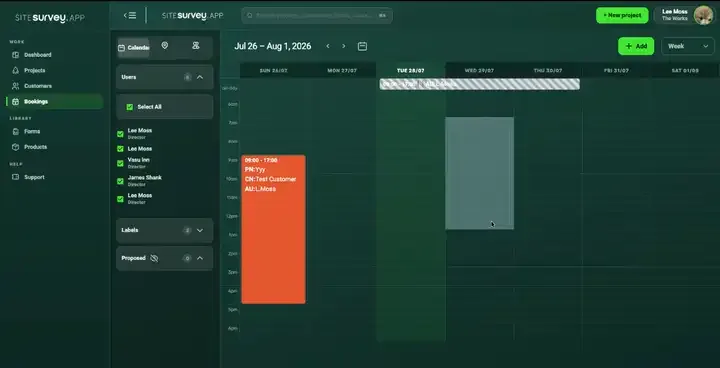
Coordinators book site visits from the project, choosing the site, date, time and attendees, and check team availability in day, week or month views. Field users see their visits on mobile with the project details, and can opt in to share their location so coordinators see the team beside project locations on the bookings map.
Last updated 26 September 2026.
Field scheduling with project context
A booking is more useful when it already knows the customer, project, location and people involved. SiteSurvey keeps the schedule connected to the site record.
Capability 01
View working patterns and scheduled time together so coordinators can make better booking decisions.
Capability 02
Schedule the visit from the correct project and keep invitees, dates, times and customer context attached.
Capability 03
Field users see the day ahead, project information and assigned visits from the same mobile experience.
Capability 04
View project locations and, where enabled, live field location information alongside the schedule.
Office and field, connected
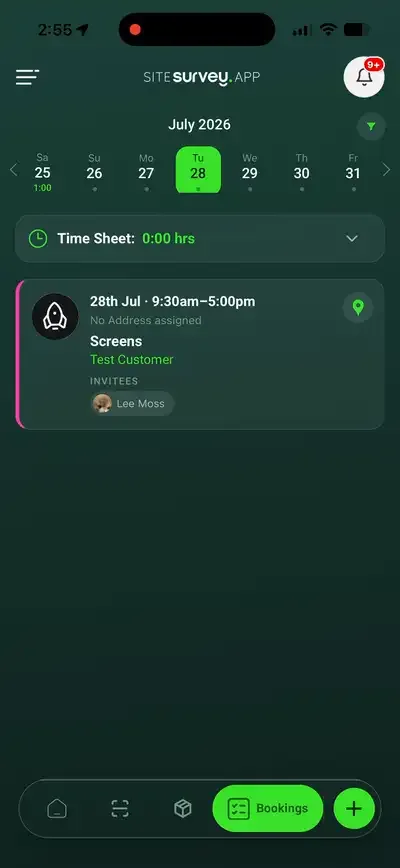
Bookings appear in a clear mobile schedule with the project and customer information required for the visit.
✓Keep visits connected to the correct project
✓Make availability and workload easier to understand
✓Give every invitee the same booking information
Live team locations
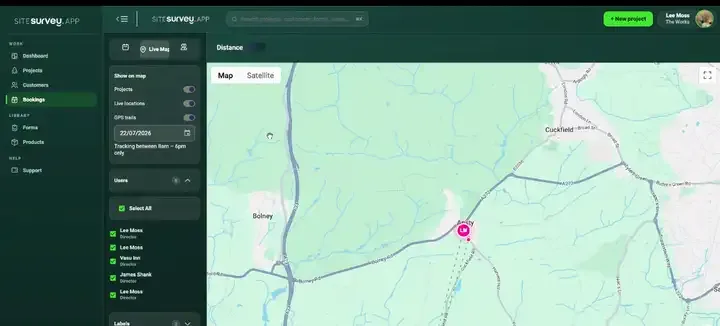
Field users opt in to location sharing on mobile, and coordinators see live team positions alongside project locations on the bookings map, from a regional overview right down to street level.
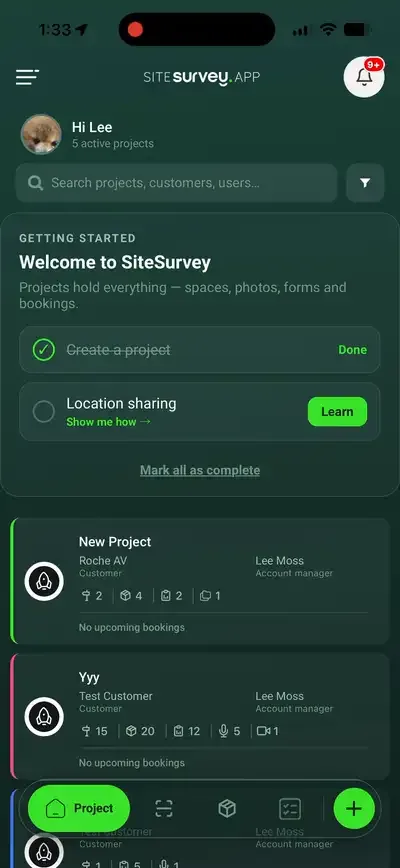
✓Location sharing is opt-in from the mobile app's settings
✓Live positions appear beside project pins on the bookings map
✓Arrival notifications flag when an engineer reaches the site
See it on your next site