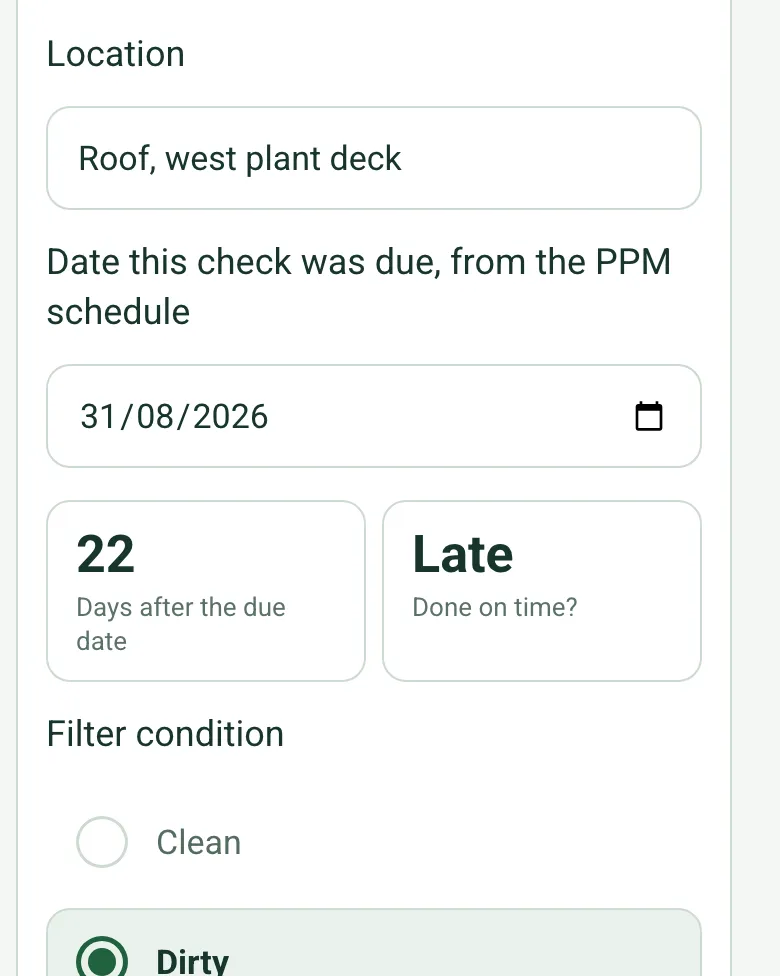
Late checks shown
Enter the date the check was due from the PPM schedule. The form works out how many days after it you got there and marks it late beyond the grace the contract allows.
How calculated fields work →Form library · Facilities and maintenance
A planned preventative maintenance checklist for a plant room round: boilers, pumps, air handling units and emergency lights. Enter the date each check was due and the form shows what was done late, then works out the summary for you: assets passed, tasks done, and defects raised, closed and by priority. Try the form below, see every question or open a completed example.
Ready to use from the form library, and every question is yours to edit. Trial from £1, cancel any time.
Try it on your phone
Try it on this phone
Fill in the PPM on your phone now
See how the PPM looks on your phone
Scan the code with your phone camera. It opens the real form, no sign-up needed.
Open the live example and fill it in, just as your team would on site. No sign-up needed.
See it on this phoneEvery question is editable. Add this form to your account, then change the wording, add or remove questions and options, and make it fit your own jobs.
A PPM checklist should record the site, the type of visit and the task list worked to, then each asset checked with its reference, location, readings, tasks completed, result and any defect with a priority and target date. It should also note the records seen on site, work done, parts used, any plant left off and when the next check is due.
Last updated . Facts checked by the SiteSurvey team on 5 October 2026 against SFG20, what is SFG20, HSE HSG274, Legionnaires' disease: technical guidance (Part 2, hot and cold water systems), regulation 5 of the Provision and Use of Work Equipment Regulations 1998 and regulation 3 of the Gas Safety (Installation and Use) Regulations 1998.
Work through the round asset by asset on a phone. Enter the date each check was due and the form shows whether it was done on time, then works out the summary for you: assets passed, tasks done, defects raised and closed, and defects by priority. No more adding up at the end of the visit.
Enter the date the check was due from the PPM schedule. The form works out how many days after it you got there and marks it late beyond the grace the contract allows.
How calculated fields work →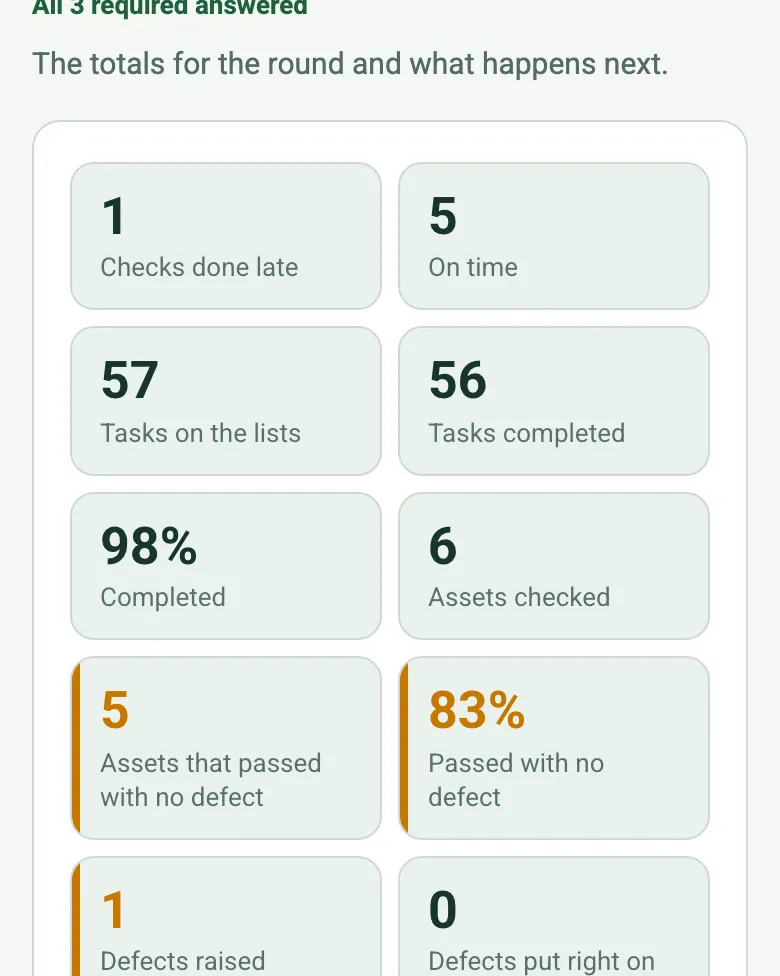
Assets checked, passed, defects raised and put right now come from the asset records, with the task totals and the late checks. The client summary starts from real numbers.
How calculated fields work →Record the round as you go and say what you see. Each note is written down for you and kept with the visit.
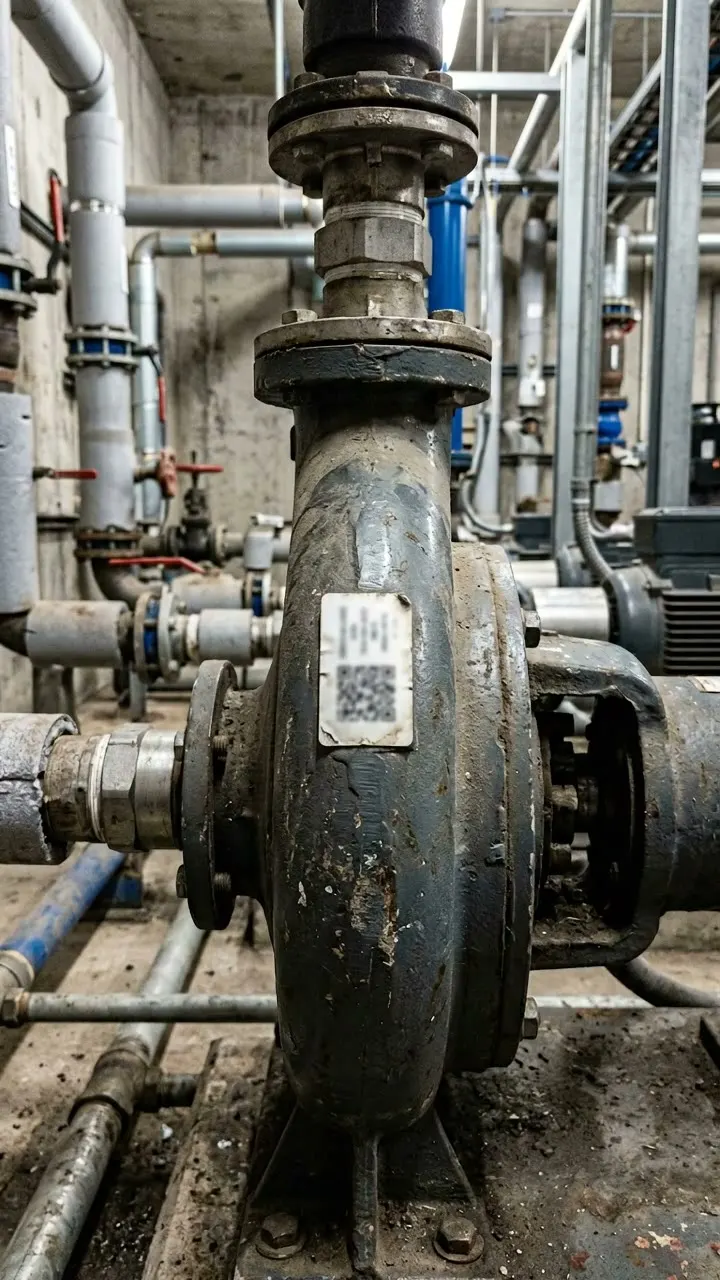
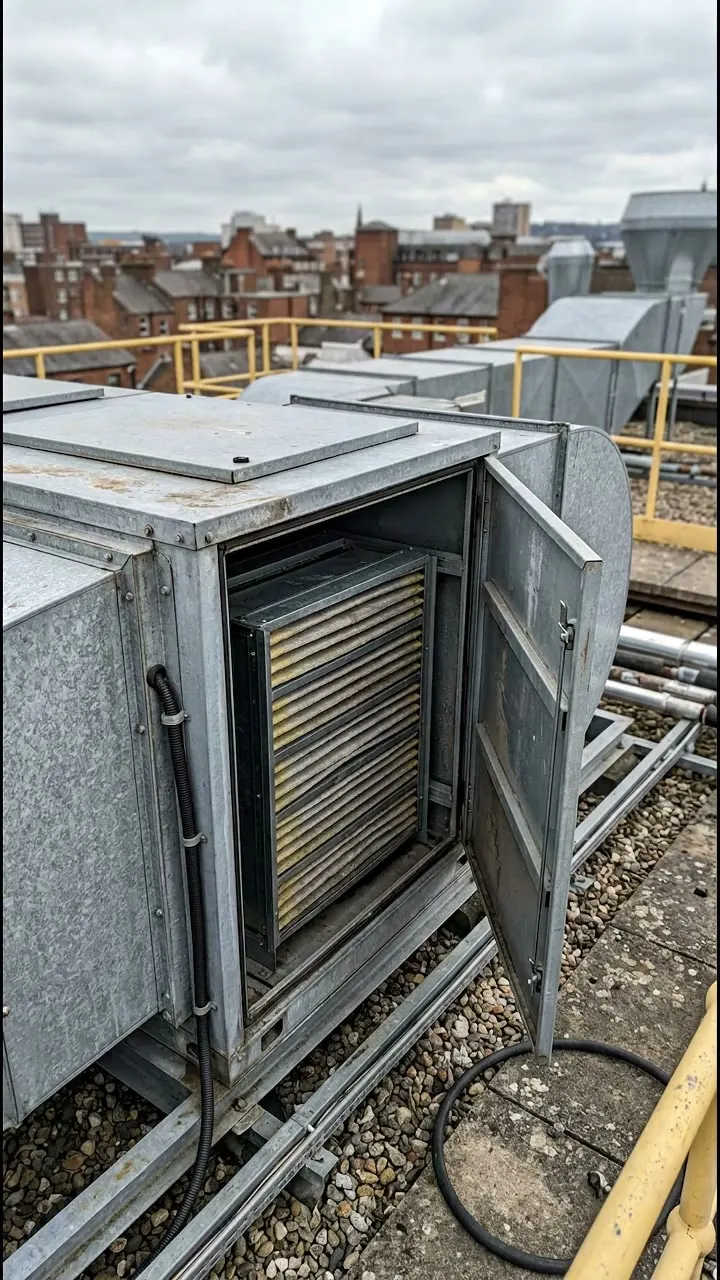
How Walk Cam works →A quarterly round at a fictional office: three boilers, a pump with a stiff valve booked for repair, an AHU whose filter check was 22 days late after a cancelled visit, and an emergency light. Open it as a filled-in form, or switch to a blank copy and try it yourself.
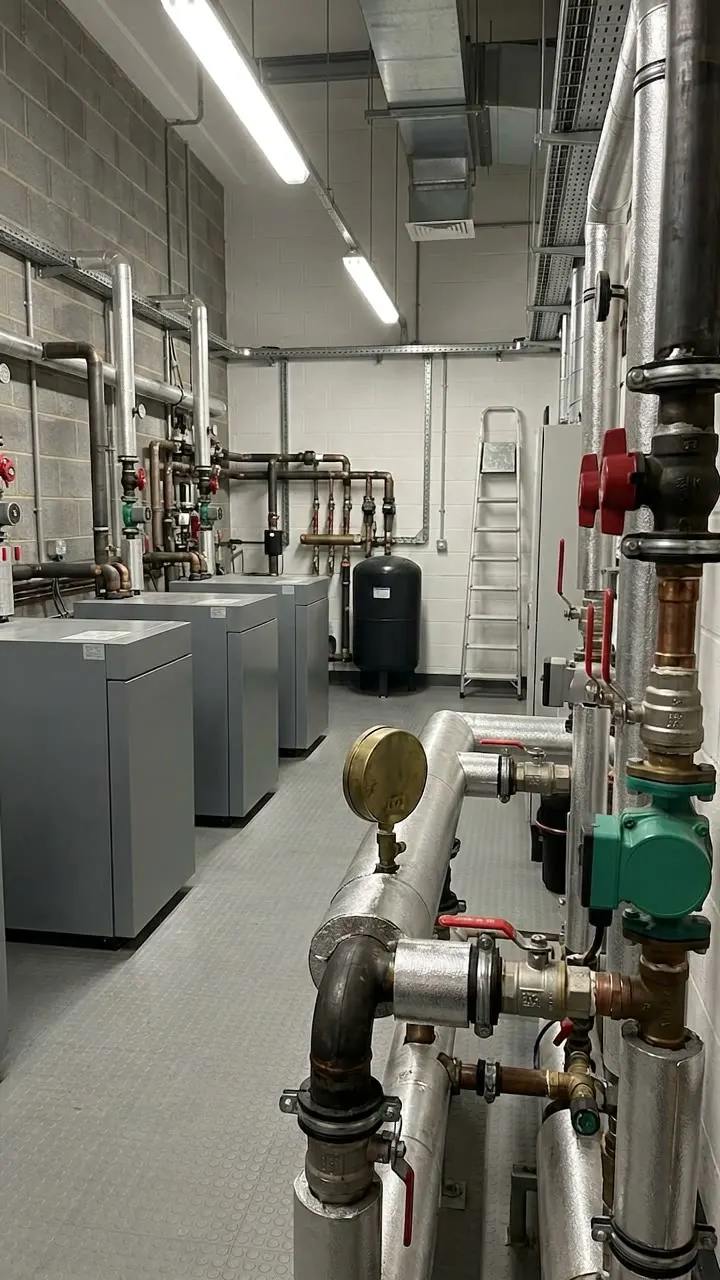
Answer a few questions and watch it adapt. Your answers are not saved, and any photos you add are deleted within the hour.
This is the real form as your team would use it: questions appear as you answer, scores work themselves out and you can add photos and signatures. No sign-up needed. Or open a completed example to see every answer, photo and score filled in.
Want to see one filled in? See a completed PPM report (PDF), made by SiteSurvey from a fictional site visit.
Your team completes the ppm visit on site in the SiteSurvey app on iPhone, iPad and Android phones and tablets. The project name and address fill in for them, it works without signal, and it syncs when the device is back online with photos kept against the question they answer.
Customers and subcontractors do not need the app: send them a link and they can fill it in from any browser.
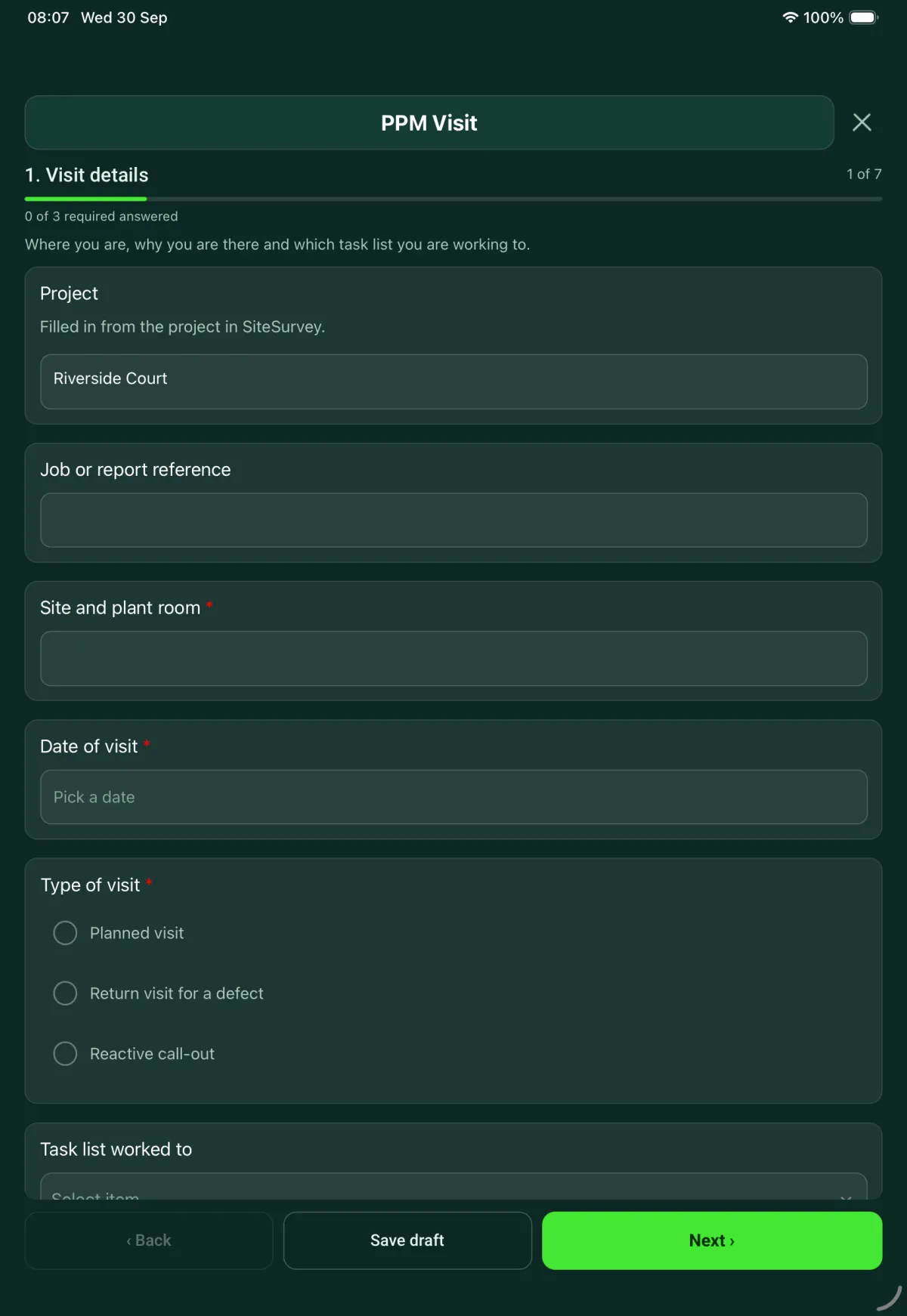
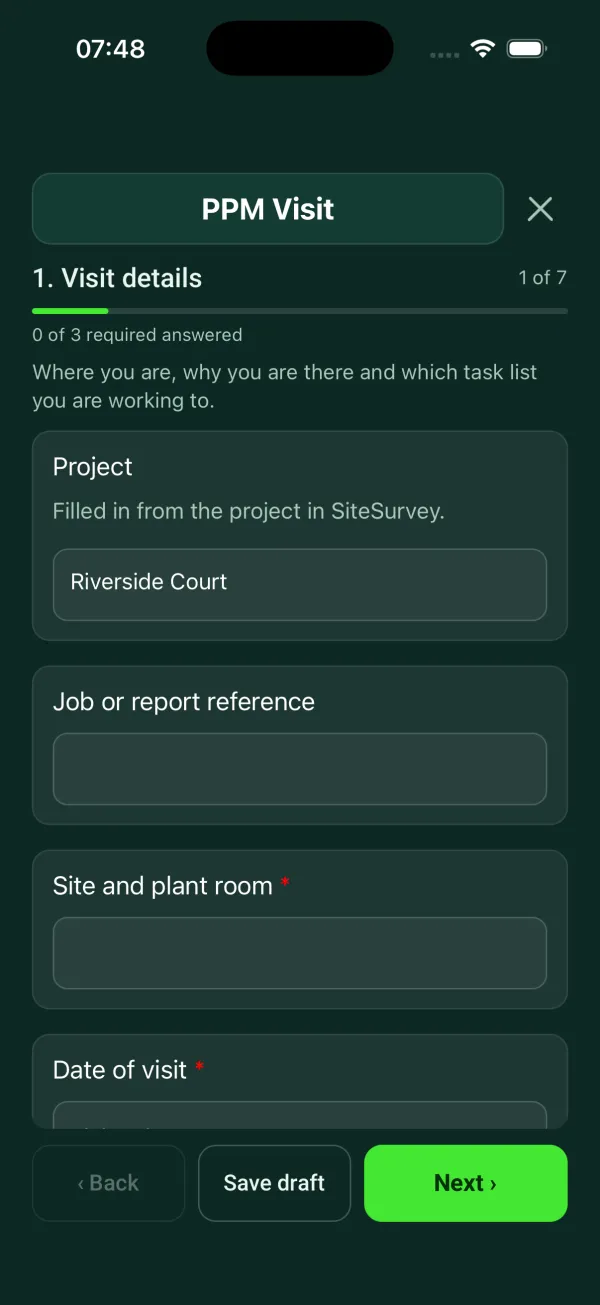
Planned maintenance visit: records seen, asset by asset tasks, water temperatures, work done and next visit. 7 sections and 121 questions. Follow-up questions and guidance appear only when an answer calls for them, so the person on site never sees the ones that do not apply.
This is a starting point, not a fixed form. Once it is in your SiteSurvey account you can reword any question, add or remove questions, sections and answer options, and add your own logo, so it fits the way your team works and the jobs you do.
Add this form to a project in SiteSurvey and it fills in what the project already knows, so nobody on site retypes it and every form on the job uses the same names. Anything filled in can still be changed.
Where you are, why you are there and which task list you are working to.
Filled in from the project in SiteSurvey.
A check done more than this many days after its due date counts as late.
Optional. Film a guided walk-through on the SiteSurvey app.
Record what you saw on the day. This is not an audit of the client's duties.
One entry for each asset. Pick the type and the checks for that type appear.
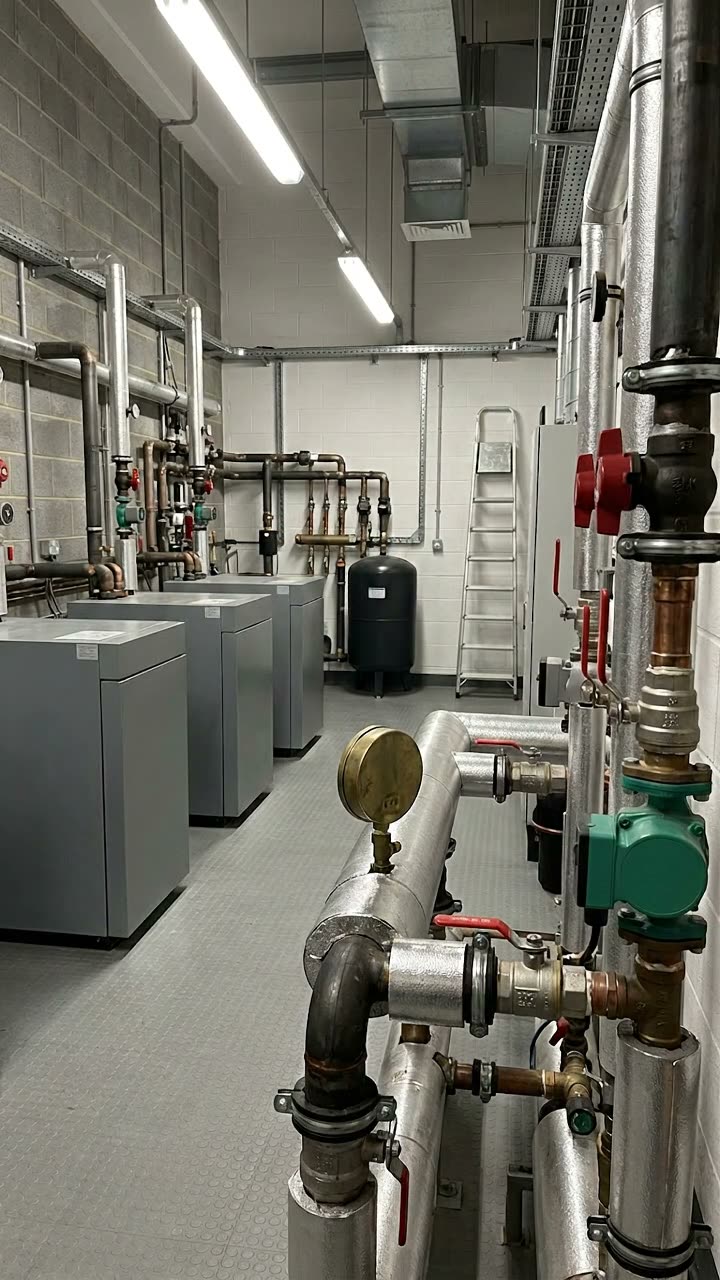
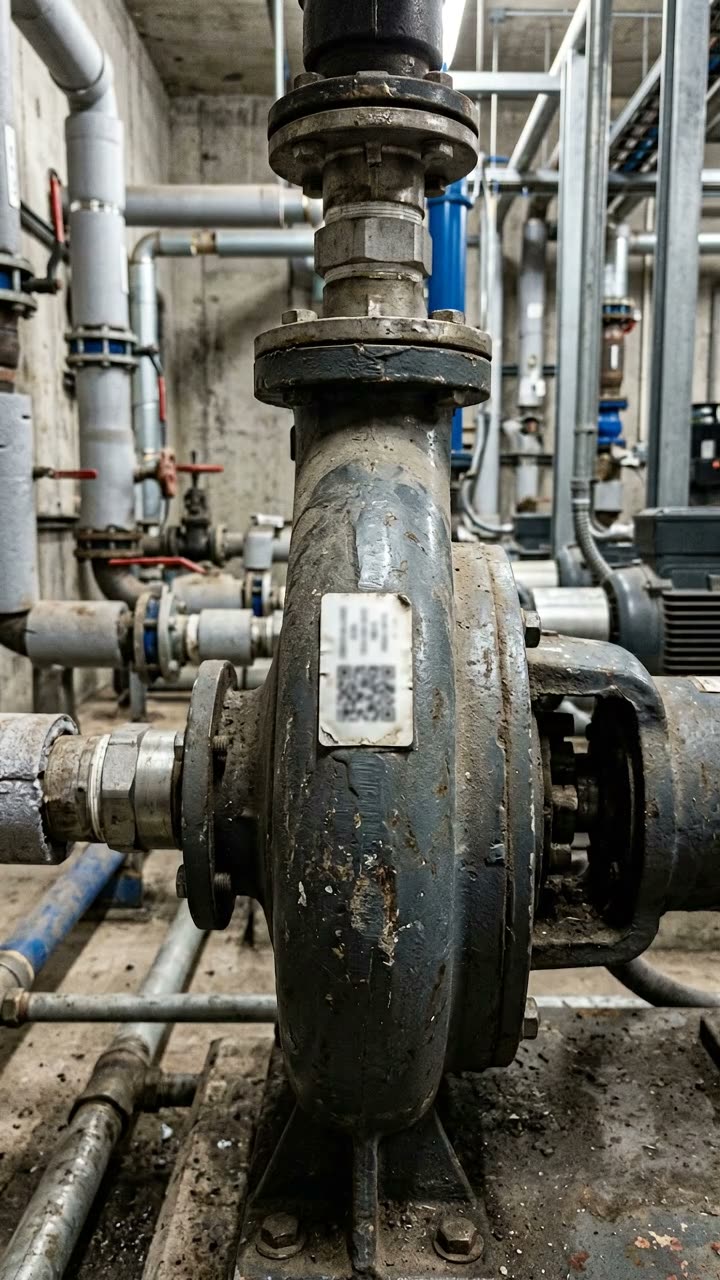
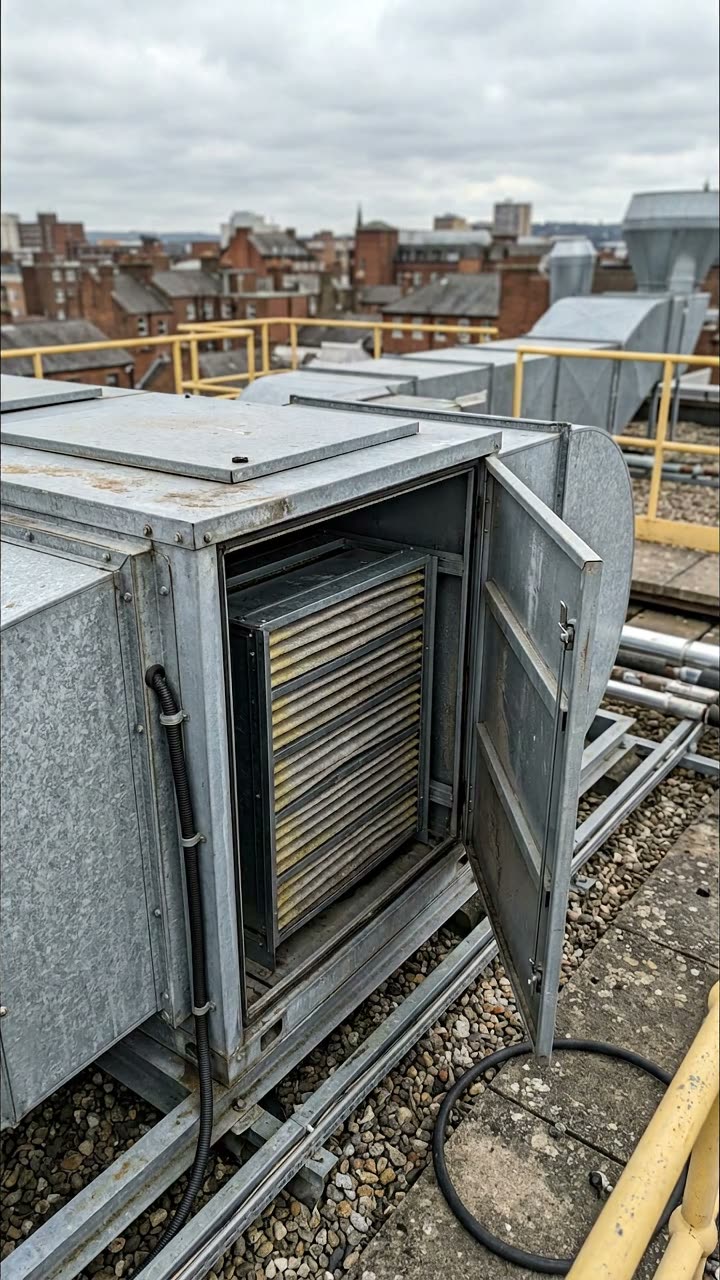
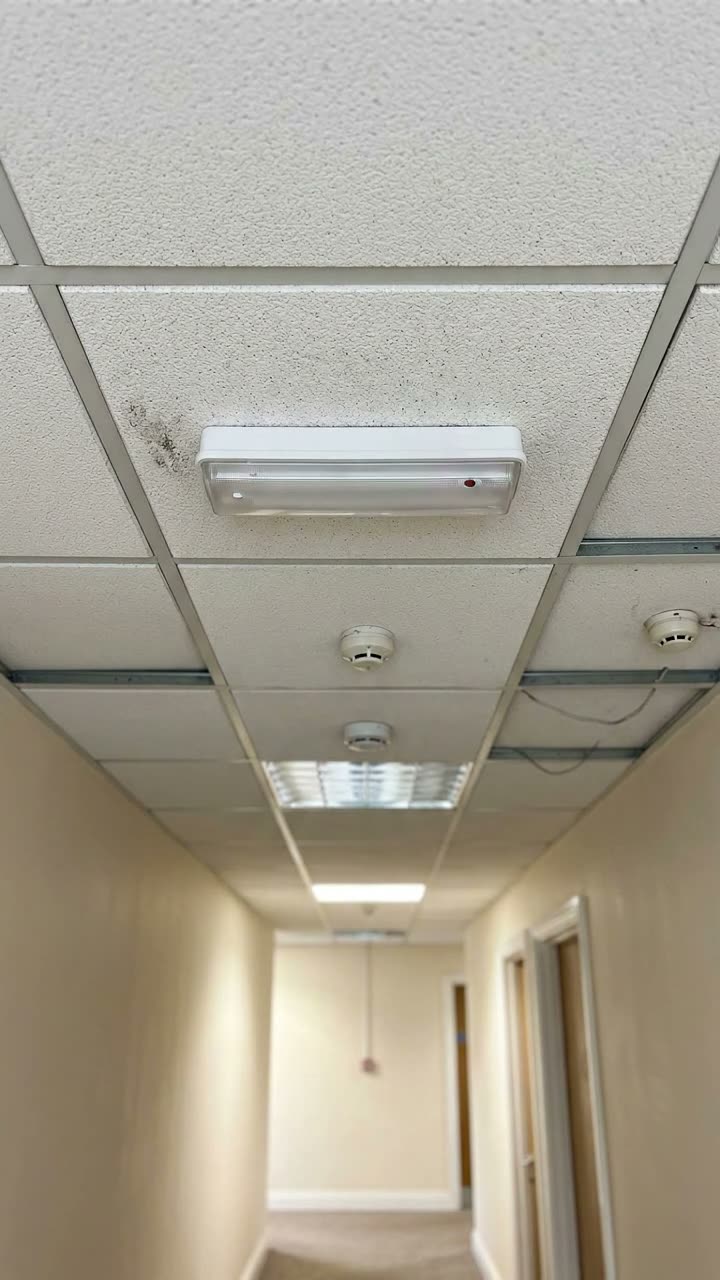
For example Basement plant room or Roof
One asset per entry so each has its own history.
Fill this in if water temperature checks are part of the visit.
What you did on the visit, beyond the checks.
The totals for the round and what happens next.
What was done, what was found, and any assets not checked.
A completed PPM report, made by SiteSurvey from a fictional site visit: every answer, the photos, the guidance that applied and the sign-off, ready to send as a PDF.
No. It records the schedule reference from your own SFG20 licence and the number of tasks completed for each asset. SFG20 marks statutory tasks red and industry best practice tasks amber, so work from your licensed schedule. The form can also be worked to the manufacturer's instructions or the client's own specification.
Boiler plant, pumps and valves, air handling units and emergency light fittings. Picking the asset type shows the checks for that type. The form flags a system pressure outside the normal range on the asset record, a filter pressure drop at or above the change point, and an emergency light that does not light on test.
HSE guidance on legionella is to store hot water at 60 °C or more, to reach 50 °C at the outlets within 1 minute (55 °C in healthcare premises) and to keep cold water below 20 °C. The form flags any reading outside those figures. This is guidance, and the site's own risk assessment and written scheme set what is checked and how often.
Where machinery has a maintenance log, regulation 5 of the Provision and Use of Work Equipment Regulations 1998 requires it to be kept up to date, so add the visit to it. The form also asks whether the water hygiene and emergency lighting log books were seen.
No. The record shows what was checked, what was found and when. Examination of a pressure system under its written scheme is carried out by a competent person and is separate from the maintenance visit, and gas work must be done by someone competent through a business on the Gas Safe Register.
The form records the next check due for each asset and the next planned visit for the round. SiteSurvey does not generate a recurring PPM calendar, so the dates are there for whoever plans the visits.
Related templates
Transfer the current condition of assets and unfinished maintenance from the outgoing shift to the incoming team.
A gas boiler service record with appliance identity, engineer scope, manufacturer checks, measured results, defects, remedial work and customer handover.
Service visit record for air conditioning, heat pumps, ventilation and air handling units. Unit by unit checks, refrigerant and F gas leak checks, parts used and sign-off.
Job sheet for a reactive or planned job: safety before starting, work done, parts used, tests, outcome and customer sign-off.
Add it from the form library in one click, change any question, and every completed form becomes a branded PDF report.
Start your trial →