Form library · Quality and compliance
Gemba walk checklist
A structured walk of a work area for managers and improvement teams. Pick an area and a theme, compare what happens with the standard, note the wastes you see, record what the people doing the work told you, and leave with a short list of observations and actions. Every question is listed below, and you can fill the live form in on this page.
Ready to use from the form library, and every question is yours to edit. Trial from £1, cancel any time.
Try it on your phone
Try it on this phone
Fill in the gemba walk on your phone now
See how the gemba walk looks on your phone
Scan the code with your phone camera. It opens the real form, no sign-up needed.
Open the live example and fill it in, just as your team would on site. No sign-up needed.
See it on this phoneEvery question is editable. Add this form to your account, then change the wording, add or remove questions and options, and make it fit your own jobs.
What should a gemba walk checklist include?
A gemba walk checklist should name the area and the theme of the walk, then record whether the standard for the work is visible and followed, what waste was seen, any safety concerns, and what the people doing the work said. It should end with observations, including good practice, and actions with an owner and a date, fed back to the team before leaving.
Last updated . Facts checked by the SiteSurvey team on 5 October 2026 against Improvement Cymru Academy (Public Health Wales) toolkit guide: gemba and NHS England improvement hub: five whys.
Try the gemba walk form live
Answer a few questions and watch it adapt. Your answers are not saved, and any photos you add are deleted within the hour.
This is the real form as your team would use it: questions appear as you answer, scores work themselves out and you can add photos and signatures. No sign-up needed.
Want to see one filled in? See a completed gemba walk report (PDF), made by SiteSurvey from a fictional site visit.
Fill it in on a phone or tablet
Your team completes the gemba walk checklist on site in the SiteSurvey app on iPhone, iPad and Android phones and tablets. The project name and address fill in for them, it works without signal, and it syncs when the device is back online with photos kept against the question they answer.
Customers and subcontractors do not need the app: send them a link and they can fill it in from any browser.
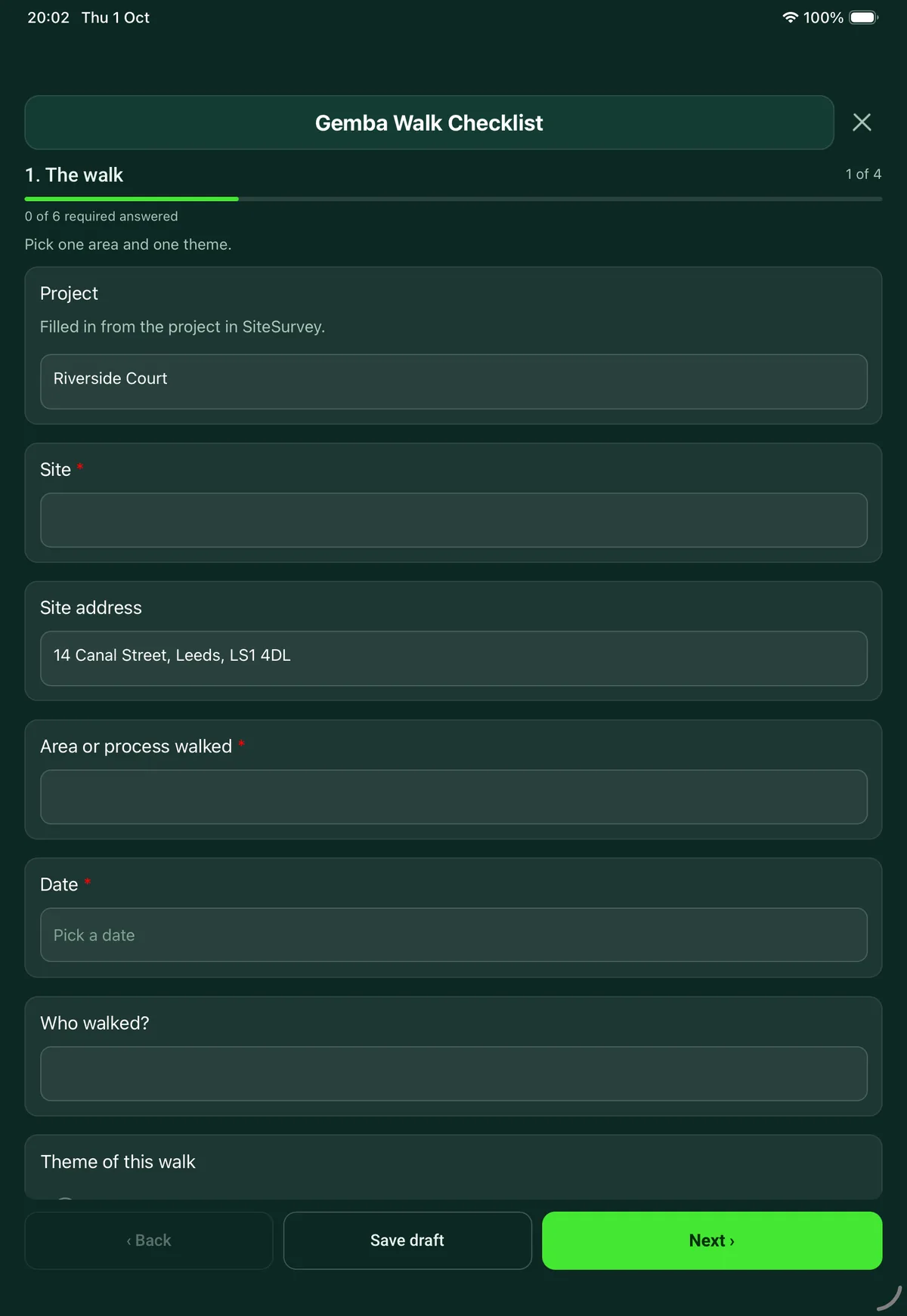
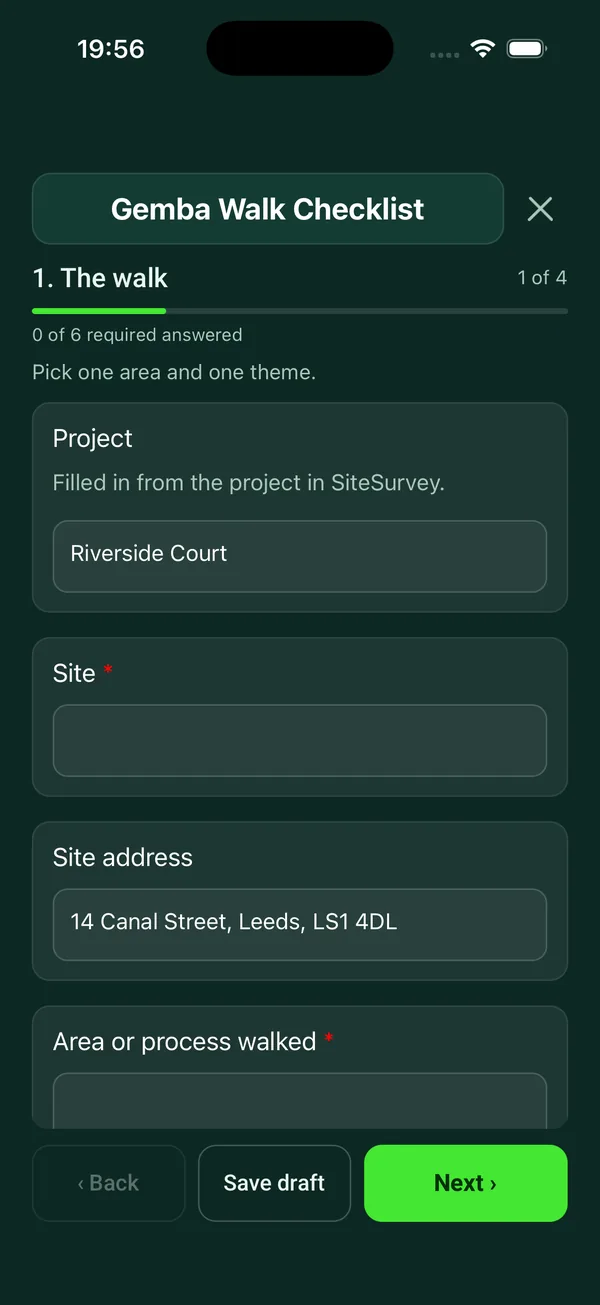
Every question in the gemba walk template
Structured walk of a work area: what you saw against the standard, the eight wastes, conversations with the people doing the work, observations and actions. 4 sections and 31 questions. Follow-up questions and guidance appear only when an answer calls for them, so the person on site never sees the ones that do not apply.
Make it your own: every question is editable
This is a starting point, not a fixed form. Once it is in your SiteSurvey account you can reword any question, add or remove questions, sections and answer options, and add your own logo, so it fits the way your team works and the jobs you do.
Details you only enter once
Add this form to a project in SiteSurvey and it fills in what the project already knows, so nobody on site retypes it and every form on the job uses the same names. Anything filled in can still be changed.
- Project: the project name
- Site: the site, when the form is opened for a space or a product
- Site address: the site address, from the space or the project
The walk
Pick one area and one theme.
- ProjectShort answer
Filled in from the project in SiteSurvey.
Fills in from the project name - Site*Short answerFills in from the site, when the form is opened for a space or a product
- Site addressShort answerFills in from the site address, from the space or the project
- Area or process walked*Short answer
- Date*Date
- Who walked?Short answer
- Were the actions from the last walk of this area done?Choose one
- All done
- Some done
- None done
- First walk of this area
- Theme of this walkChoose one
- Safety
- Quality
- Flow and waste
- Workplace organisation (5S)
- Standards and people
- GuidanceGo to where the work is done, watch it, and ask the people doing it. Ask why, not who. Do not correct people on the spot or turn the walk into an inspection.
What you saw
Compare what happens with what is meant to happen.
- Is the standard for the work visible at the workplace?Choose one
- Yes
- Partly
- No
- Is the work done to that standard?Choose one
- Yes
- Mostly
- No
- No standard to compare
- Boards, targets and status displaysChoose one
- Up to date
- Out of date
- None
- Waste seenTick all that apply
- Transport: moving things further than needed
- Inventory: more stock or work in progress than needed
- Motion: people reaching, walking or searching
- Waiting
- Overproduction: making more or earlier than needed
- Over-processing: doing more than the customer needs
- Defects and rework
- Skills not used
- SafetyChoose one
- Nothing of concern
- Unsafe condition seen
- Unsafe act seen
- What, and what was done about it?NotesShown only when the answers above make it relevant
- Workplace organisationRating 1 to 5 (Poor to Very good)
- PhotosPhotos
Conversations
One entry for each person you spoke to.
- ConversationsRepeat for each conversation. Each one asks:
- Their role*Short answer
- What did you ask?Short answer
- What did they say?Notes
- Any idea or problem they raisedShort answer
Observations and actions
Good practice as well as problems.
- ObservationsRepeat for each observation. Each one asks:
- Type*Choose one
- Good practice
- Problem
- Idea
- What did you see?*Notes
- ActionShort answer
- WhoShort answer
- By whenDate
- PhotosPhotos
- ObservationsWorked out by the form
- ProblemsWorked out by the form
- Have you fed back to the team before leaving the area?Yes or No
- Next walk of this areaDate
- SignatureSignature
See it filled in
A completed gemba walk report, made by SiteSurvey from a fictional site visit: every answer, the photos, the guidance that applied and the sign-off, ready to send as a PDF.
Gemba walk FAQs
What are the eight wastes on the checklist?
Transport, inventory, motion, waiting, overproduction, over-processing, defects and rework, and skills not used. Each has a plain description on the form, such as people reaching, walking or searching for motion.
Is a gemba walk an audit?
No. The form's own advice is to go to where the work is done, watch it and ask the people doing it: ask why, not who, and do not correct people on the spot or turn the walk into an inspection. Public Health Wales' improvement guide says the same: focus on the process, not the people. For a scored audit, use the internal audit checklist in the same library, which includes 5S.
What should I do with a problem found on the walk?
Record it as a problem with what you saw and a photo, and leave the analysis until after the walk rather than offering a fix on the spot. To find the cause, ask why repeatedly with the people involved: the library's non-conformance report has a 5 whys section for that.
How are conversations recorded?
One entry for each person you spoke to: their role, what you asked, what they said and any idea or problem they raised. Roles are recorded, not names, to keep the walk about the process.
What happens to the observations?
Each is marked good practice, problem or idea, with what you saw, an action, an owner, a date and photos. The form counts the observations and the problems, asks whether you fed back to the team before leaving, and records the date of the next walk.
Can it be done on a phone on the shop floor?
Yes. In the SiteSurvey app it works offline and syncs when the device is back online, and the record goes out as a PDF or a share link.
Related
Related templates
Templates that go with the gemba walk form
Internal audit of a quality, health and safety or environmental management system, a 5S area or a procedure, with findings, corrective actions and sign-off.
Record a non-conformance, contain it, find the root cause with 5 whys, set corrective actions with owners and dates, then verify and close.
Workplace audit with walkways, first aid, fire equipment and records, findings and corrective actions, closing meeting.
Use this gemba walk form with your team
Add it from the form library in one click, change any question, and every completed form becomes a branded PDF report.
Start your trial →