- 01
Open the Expenses view
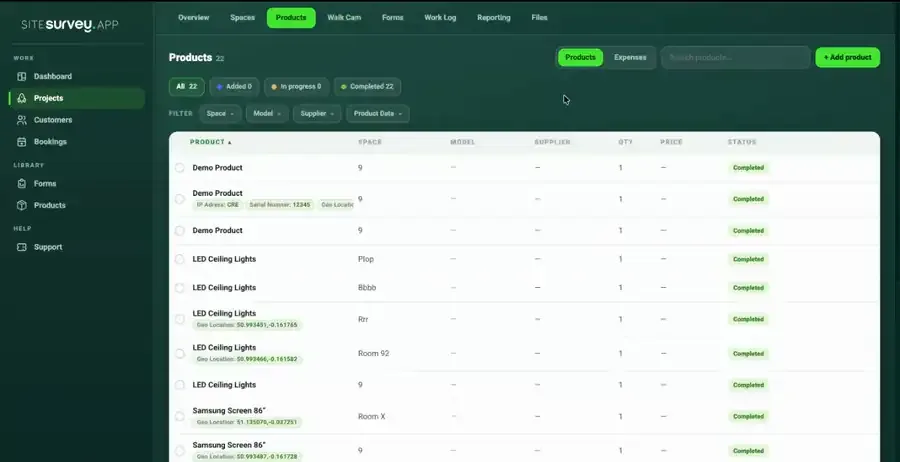
In the web portal, open the project and go to the Products tab, then switch from Products to Expenses to see every expense filed against the job.
- 02
Open an expense
Select an expense to review it—the receipt photograph and the extracted line items sit side by side, with the supplier, category and space it was filed against.
- 03
Check the maths
SiteSurvey compares the extracted lines with the total on the receipt. If they do not add up, the difference is flagged on the expense, so a misread price is caught before the cost is recharged or invoiced.
- 04
Track the project total
Expenses roll into a running project total built from real receipts, so spend on the job is visible while it is still running rather than after the invoice has gone out.
- 05
Export the expenses
Select Export and choose CSV or Excel. Every expense is exported with its category, space, supplier, reference, date and amount, and each receipt line gets its own row, ready to invoice against, recharge or hand to the accountant.
Good to know
- ✓A mismatch flag means the lines and the receipt total disagree—open the receipt image and check for a misread or missing row before approving the cost.
- ✓The receipt image stays linked to the expense and lives in the project's Files tab, so the evidence is always with the figure for audits and client recharges.
Was this guide helpful?
Your feedback helps us improve support content.