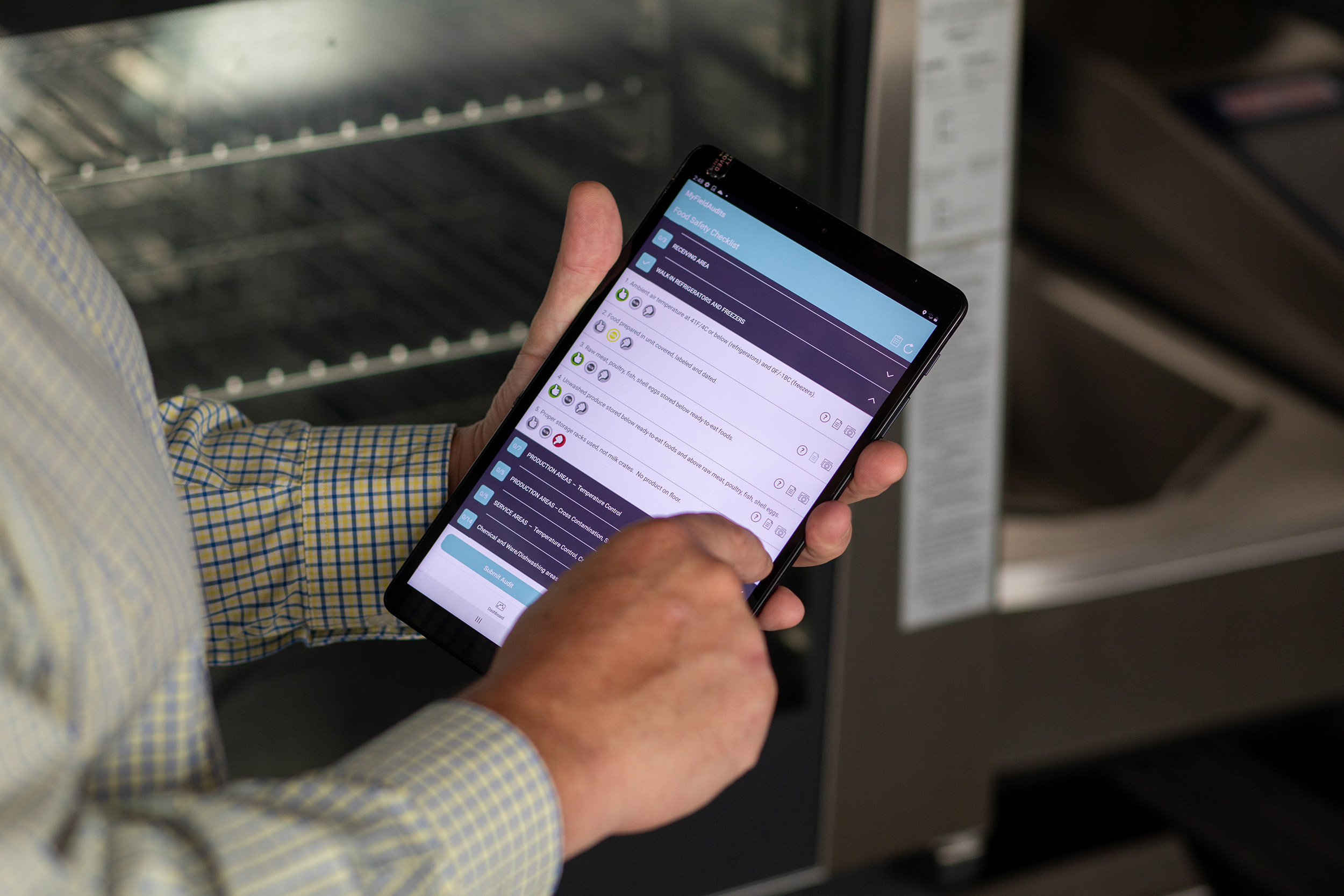
A 2023 report from McKinsey & Company found that poor communication accounts for up to 28% of project delays in engineering and construction.
When field engineers, office teams, and contractors operate in silos, information gets lost and costly mistakes follow.
Digital collaboration software solves this by creating a single source of truth — one live platform where conversations, updates, files, and data exist together.
According to Gartner, organisations using collaborative work management platforms see a 25% increase in productivity through better communication and shared visibility.
How SiteSurvey Simplifies Team Collaboration
1. Real-Time Communication
Live Updates. Zero Confusion.
Every update — whether it's a completed form, a snag fix, or a workflow change — appears instantly across all devices.
Field engineers capture data and upload photos or AR visuals, while project managers see the results in real time.
In-app notifications for new tasks or comments
Real-time status changes across all projects
Two-way communication between the field and the office
Activity feed showing who did what, when
Research from Harvard Business Review shows that clear, contextual collaboration tools reduce project rework by up to 35%.
2. Unified Project Conversations
One Platform. One History.
Every project has a central discussion thread that stores comments, files, and updates in chronological order.
No more searching through inboxes or messaging apps — all communication is automatically linked to the correct project, site, or task.
Central message threads for every project
Attach images, PDFs, or forms directly in-line
Tag team members for instant visibility
Automatic audit trail for accountability
As Forbes Technology Council notes, AI-assisted collaboration systems "enhance transparency and reduce duplication across dispersed teams."
3. Cloud-Based File Sharing
Secure Access for Everyone Who Needs It
Easily upload, view, and share all project files, including drawings, reports, AR visuals, and checklists, directly through SiteSurvey. Every version is tracked, ensuring that everyone is always working from the most current document.
Cloud-hosted file management
Access control for internal teams and contractors
Version tracking and file history
Share secure links with external stakeholders
According to IDC research, centralizing file storage in the cloud can reduce data retrieval time by 43% and greatly decrease miscommunication between teams.
4. Role-Based Access & Permissions
Control Who Sees What
Protect sensitive information while keeping collaboration effortless. Assign visibility levels to engineers, contractors, and clients so each user sees only the data relevant to them.
Define access by role or company
Manage internal and external user groups
Simplify contractor onboarding
Maintain compliance and data integrity
Accenture's 2024 Digital Workforce Study highlights that structured access control "enables digital collaboration at scale without compromising data security."
5. Connected Mobile & Desktop Experience
Collaborate Anywhere, Anytime
Whether your team is on-site or at a desk, communication flows uninterrupted. The SiteSurvey mobile app syncs instantly with the web platform, allowing both field and office teams to chat, share updates, and access project data offline or online.
Mobile and desktop sync in real time
Offline collaboration for remote sites
Updates filed against the project and space they belong to
Instant upload once connectivity returns
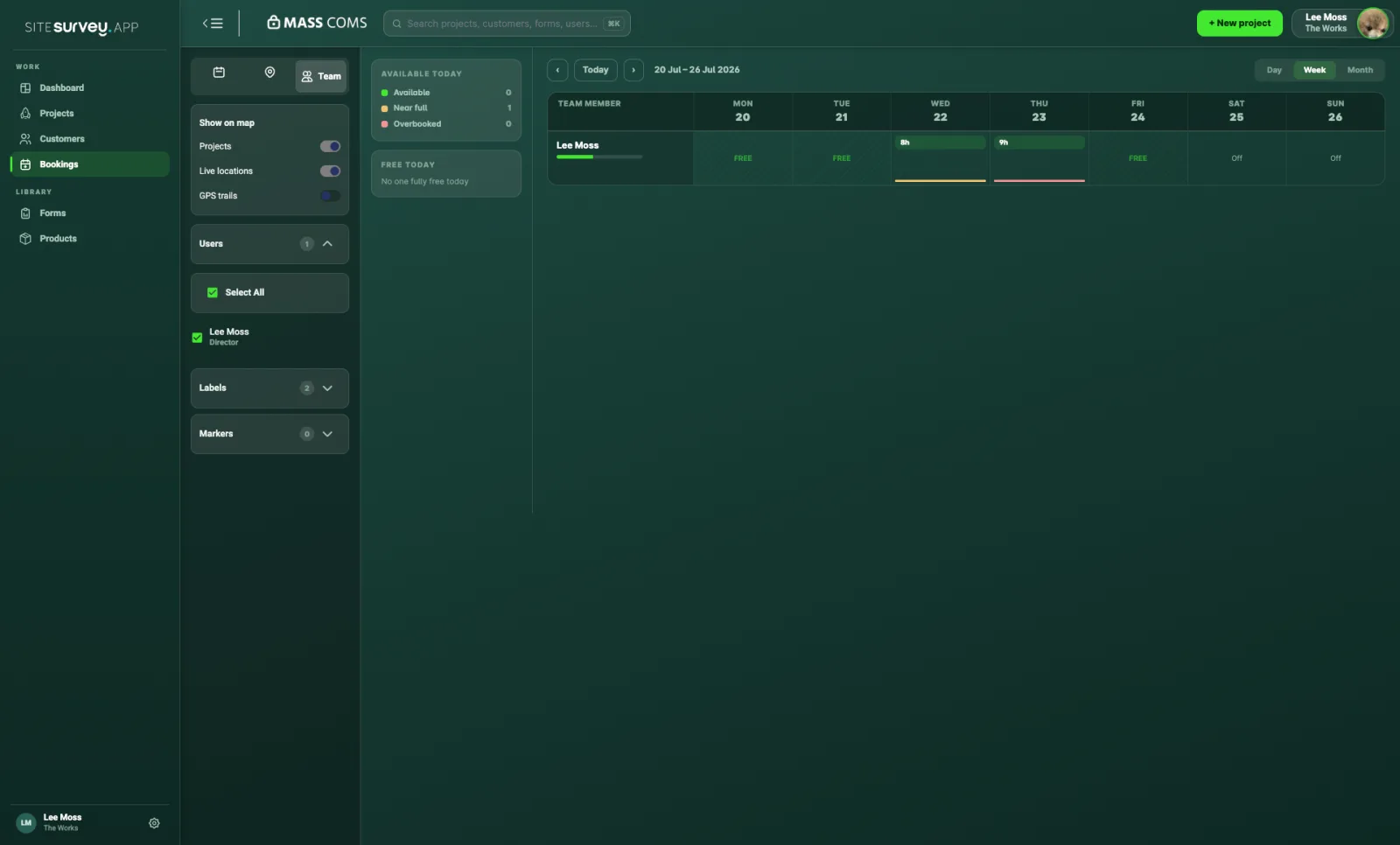 Coordinating team bookings and schedules across site and office
Why SiteSurvey's Collaboration Tools Stand Out
Real-Time Communication: Eliminates delays between field and office updates.
Unified Project Threads: Keeps all conversations tied to the right project.
Secure Cloud Sharing: Ensures everyone works from the latest file.
Role-Based Access: Simplifies permissions and compliance.
Mobile + Web Integration: Enables collaboration from anywhere.
Ready to Connect Your Teams?
Stop chasing updates and start collaborating in real time.
With SiteSurvey's Team Collaboration & Communication tools, field and office teams stay aligned, accountable, and informed — no matter where they are.